ADVERTISEMENT
ADVERTISEMENT
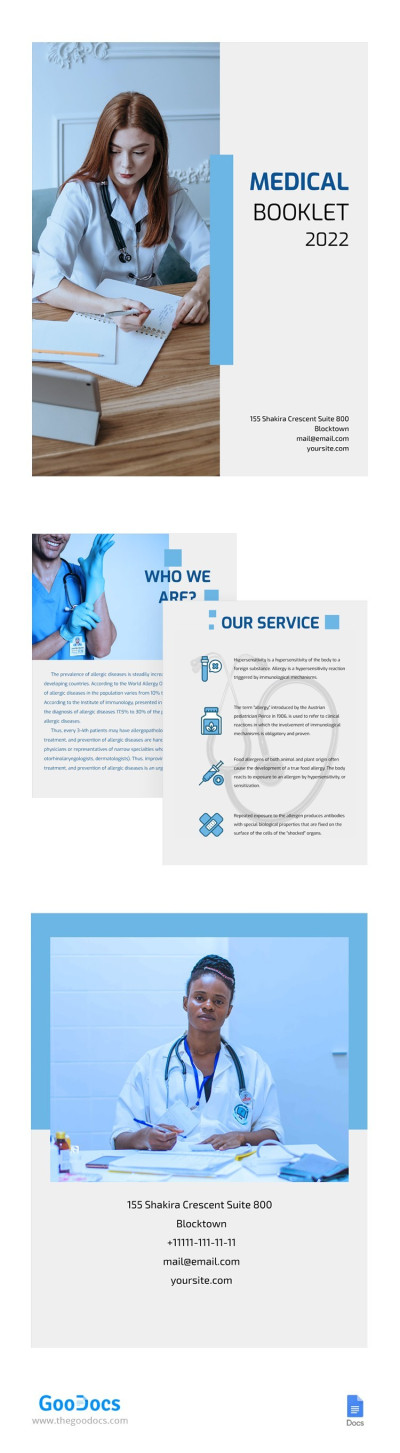
Blue Medical Booklet Template
Use this free template with Google Docs and Microsoft Word
4.47 (2 reviews)
•
Last updated
Updated
October 31, 2026
•
Created by
Logan Scott
ADVERTISEMENT
Template Specification
Format
Google Docs
Created
November 17, 2021
Last Updated
October 31, 2026
Community
Added to collections by 10 Users
Usage Stats
2 downloads this month
About this template
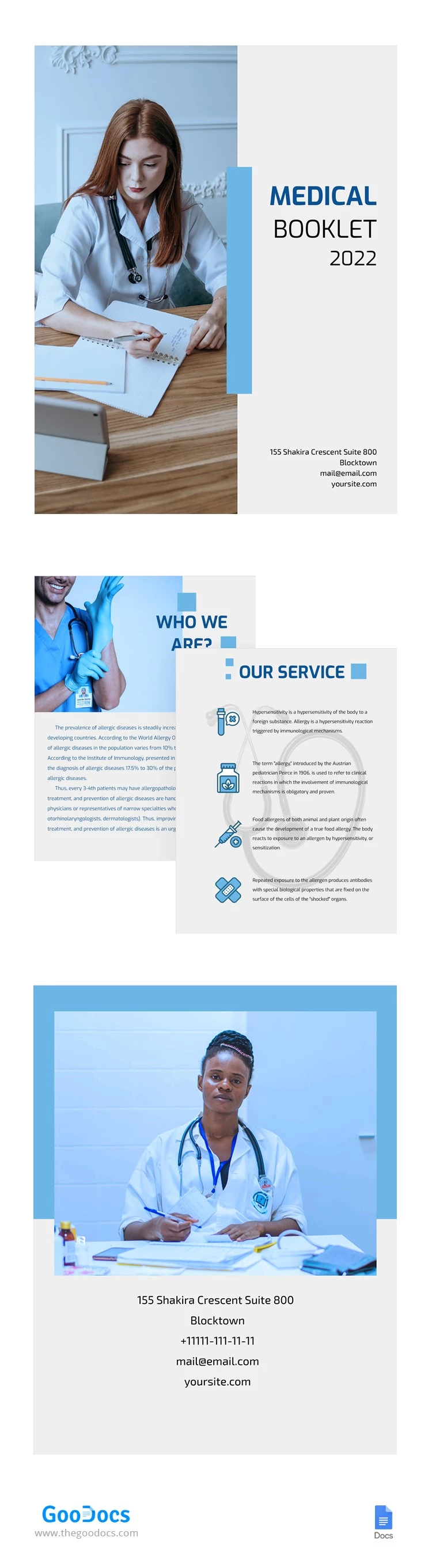
This medical booklet will help you to tell people about the services provided by your organization. Write about the main benefits of the company and share its most significant achievements. You can also insert photos of your employees to make the booklet more personal and special. Show everyone how much you care about the health of your clients.
ADVERTISEMENT
Free Template
Download Free Template
Choose your platform and start editing right away
PLATFORM
PAPER SIZE
US Letter
No account required • Attribution required
WHAT’S INCLUDED
Professional design layout with sections
Dedicated space for staff photos
Comprehensive service description area
Customizable contact information fields
Booklet Tips
Use high-quality images for better impact.
Highlight unique services prominently in text.
Keep contact details updated regularly.
Review content for accuracy before printing.
FAQ
Is the template compatible with Google Docs?
Yes, it works seamlessly with Google Docs and Microsoft Word.
Is the template easy to customize?
Absolutely, you can easily modify text and images.
Is this template free to download?
Yes, it's free to use and download.
Can I add my organization's logo?
Yes, you can insert your logo in the design.
How do I ensure the best print quality?
Use high-resolution images and print in color for best results.
ADVERTISEMENT
How to Use and Edit This Template

Get Your Document
Click the "Edit Template" button to create your own editable copy in Google Docs or download for Microsoft Word

Customize Everything
Easily change colors, fonts, and layouts to match your unique style or brand identity

Add Your Content
Fill in your data, upload images, and replace the placeholder text with your own information

Print, Export, or Share
Print, export as PDF, or share instantly