Get unlimited access to 5000+ Templates for Google Docs, Slides and Sheets
Unlimited Access

Coloring Book Cover Template

Use this free template with Google Slides and Microsoft PowerPoint
4.25 (1 reviews)
Last updated Updated June 30, 2026
Created by Zhanna Pitsina
Type Nonfiction, Cute, Portrait, A4 / US Letter
ADVERTISEMENT

Template Specification

Format Google Slides
Created July 26, 2024
Last Updated June 30, 2026
Community Added to collections by 10 Users
Usage Stats 1 downloads this month

Key Features of This Template

Suitable For Publisher , Self Publish

About this template

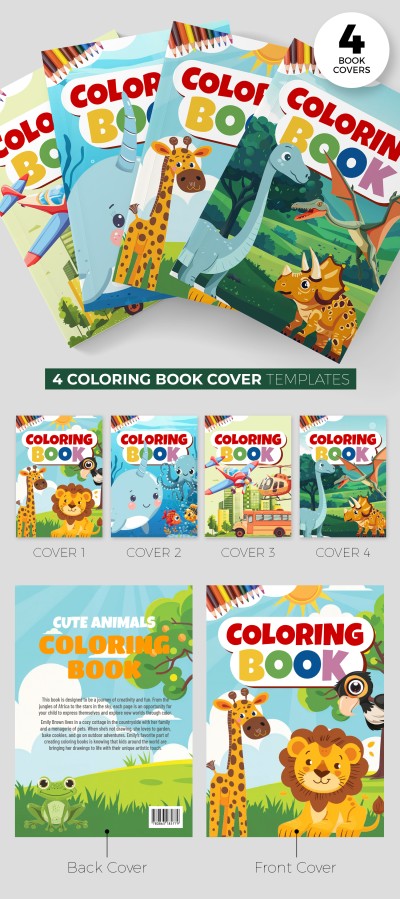
Check out the Coloring Book Cover Template with colorful animals! Take advantage of this free coloring book cover template in Google Slides and PowerPoint, download it, and start editing!

100% Editable and Printable Book Cover

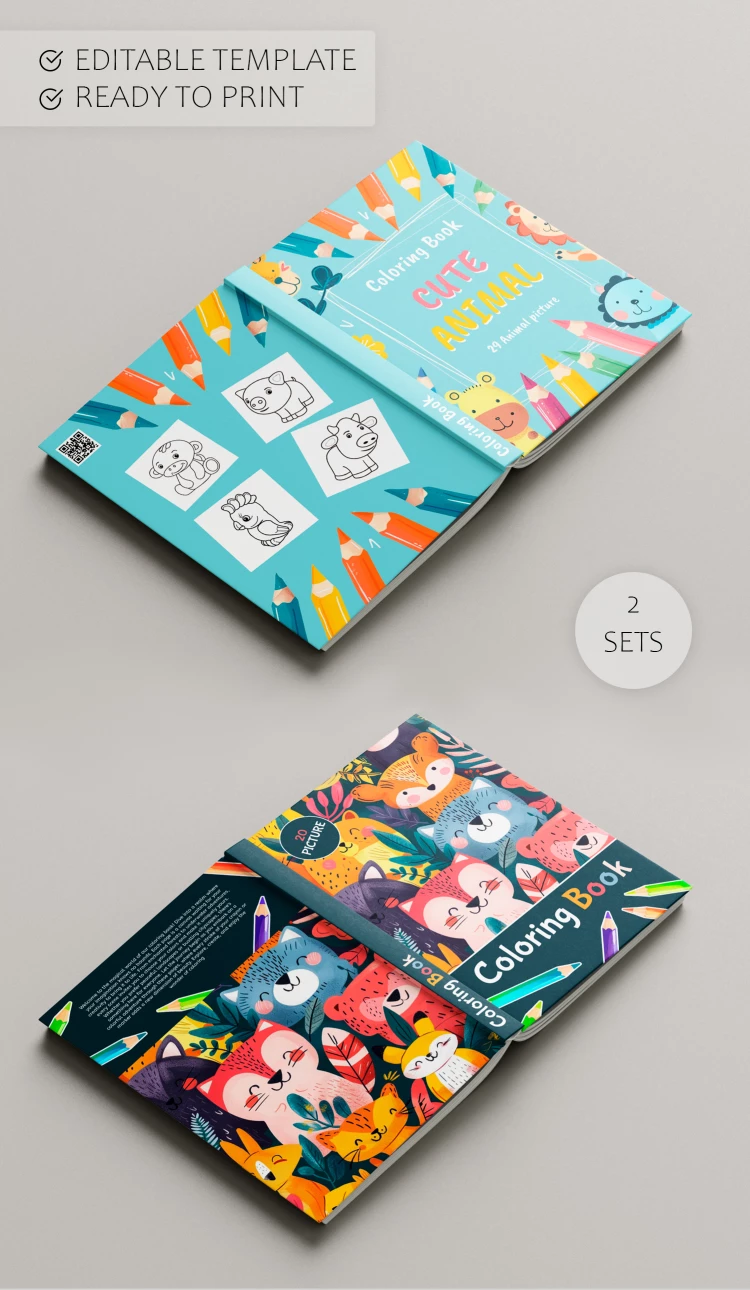
You can customize our cute book cover template easily using the previously mentioned formats. We offer a bright, multicolor cover for the children's coloring book. You can add, change, and remove the elements built into the template.

Everything You Need is Already Inside

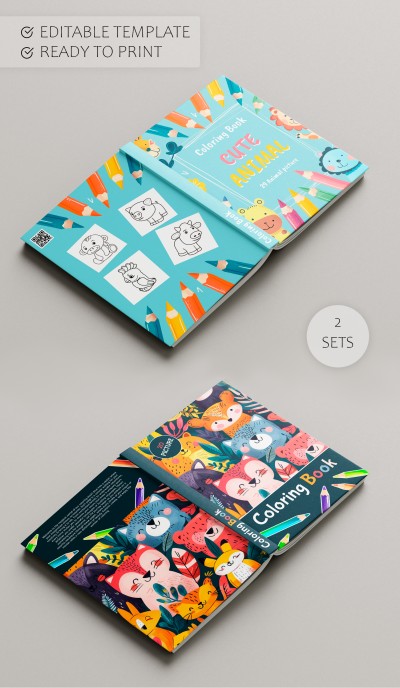
Two design options for the front and back covers and spine are included!

The first design features illustrations of animals and colored pencils. The second option includes a brighter and lighter background, a large place for the book title in the middle, and several animal illustrations on the sides. On the back side, you will find four animal coloring blanks!

Find the best book templates for any genre on our website!

ADVERTISEMENT
Free Template

Download Free Template

Choose your platform and start editing right away
PLATFORM

Google Slides

Opens in browser
PAPER SIZE
A4
Google Slides – A4
No account required • Attribution required

WHAT’S INCLUDED

Editable animal illustrations and pencils
Two cover design options
Customizable title and text areas
Printable high-quality template

Book Tips

1
Personalize the title for your specific theme book.
2
Adjust colors to match your brand identity.
3
Use high-quality paper for best print results.
4
Preview your design before finalizing edits.

FAQ

Can I use this in PowerPoint? Yes, it's compatible with both PowerPoint and Google Slides.
How easy is it to edit? Very user-friendly, suitable for all skill levels.
Is this template free? Yes, it's completely free to download and use.
Can I customize the cover layout? Absolutely, modify any element to fit your needs.
Is this suitable for children’s books only? Primarily yes, but it's adaptable for other uses.
ADVERTISEMENT

How to Use and Edit This Template

Get Your Document

1

Get Your Document

Click the "Edit Template" button to create your own editable copy in Google Slides or download for Microsoft PowerPoint
Customize Everything
2

Customize Everything

Easily change colors, fonts, and layouts to match your unique style or brand identity
Add Your Content
3

Add Your Content

Fill in your data, upload images, and replace the placeholder text with your own information
Print, Export, or Share
4

Print, Export, or Share

Print, export as PDF, or share instantly

Related Templates

Recently Viewed