ADVERTISEMENT
ADVERTISEMENT
Best Architecture Book Template
Use this free template with Google Slides and Microsoft PowerPoint
4.17 (2 reviews)
•
Last updated
Updated
September 12, 2026
•
Created by
James Rodriguez
•
Type
Nonfiction, Aesthetic, Portrait, A4 / US Letter
ADVERTISEMENT
Template Specification
Format
Google Slides
Orientation
Portrait Book Templates
Created
January 24, 2022
Last Updated
September 12, 2026
Community
Added to collections by 6 Users
Usage Stats
0 downloads this month
Key Features of This Template
Book Category
Nonfiction Book Templates
Style
Aesthetic Book Templates
About this template
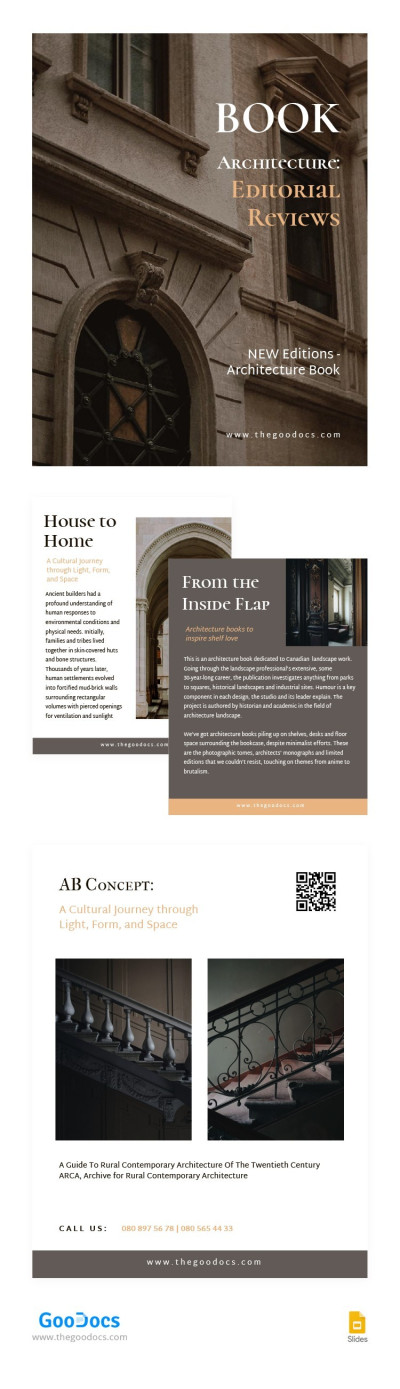
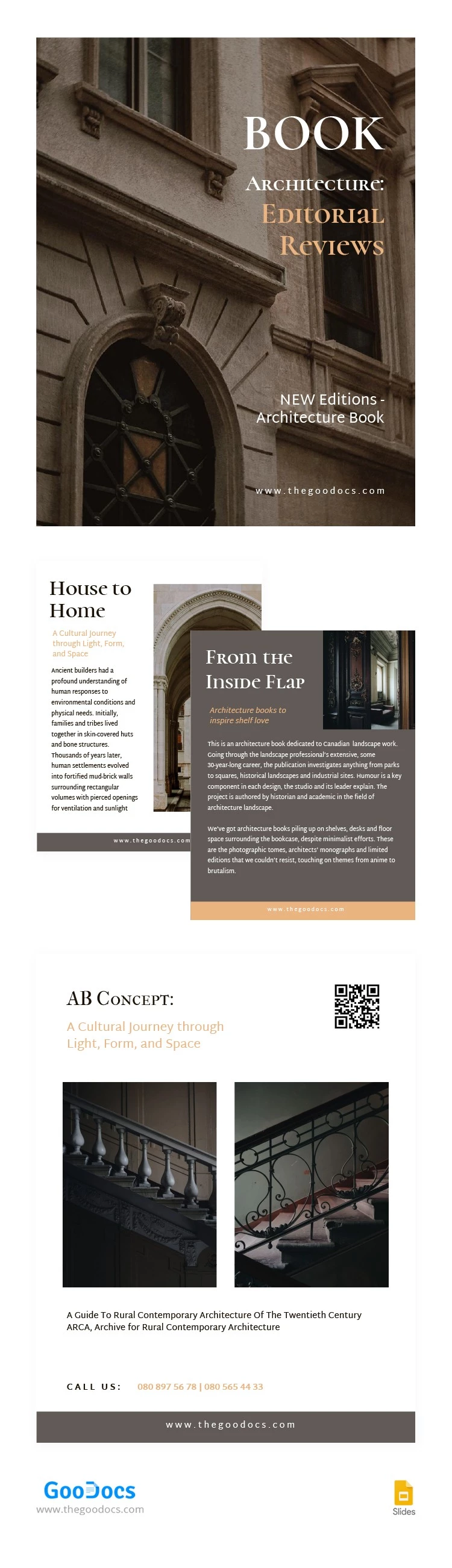
Writing a book about architecture must be complicated. You need to show all the beauty of different buildings on simple paper pages. With our template, the whole book-creating process will be significantly easier. Just insert your images and text content, proofread it and it's ready to be published. try it and you will like it.
ADVERTISEMENT
Free Template
Download Free Template
Choose your platform and start editing right away
PLATFORM
PAPER SIZE
A4
No account required • Attribution required
WHAT’S INCLUDED
Editable sections for text and images
Customizable layout and design elements
Multiple pages for organized content display
Integrated call-to-action and contact section
Book Tips
Adjust colors to match your book theme
Use high-quality images for better aesthetics
Include captivating quotes to engage readers
Proofread all content before publishing
FAQ
Is this template compatible with PowerPoint?
Yes, it can be used with Google Slides and PowerPoint.
Can I customize the fonts?
Absolutely, all fonts are fully customizable to suit your style.
Is this template free to download?
Yes, this template is completely free to download and use.
How easy is it to edit this template?
It's very user-friendly with drag-and-drop editing features.
Are there any design limitations?
No, you can fully customize the design aspects of the template.
ADVERTISEMENT
How to Use and Edit This Template

Get Your Document
Click the "Edit Template" button to create your own editable copy in Google Slides or download for Microsoft PowerPoint

Customize Everything
Easily change colors, fonts, and layouts to match your unique style or brand identity

Add Your Content
Fill in your data, upload images, and replace the placeholder text with your own information

Print, Export, or Share
Print, export as PDF, or share instantly