
Free Training Planner Templates
Find unique training planner templates available for free on our website. Choose modern, cute, weekly, and monthly training planners for any of your needs. Opt for editable and printable options available in various formats, including Word, Google Docs, Excel, and Google Sheets.
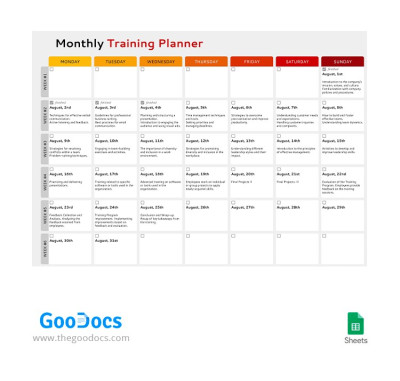
Monthly Training Planner
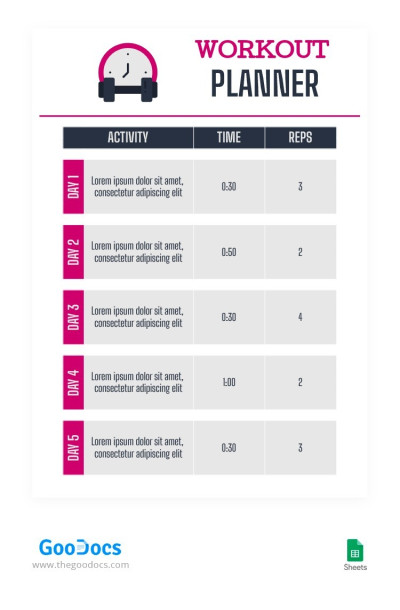
Simple Modern Workout Planner
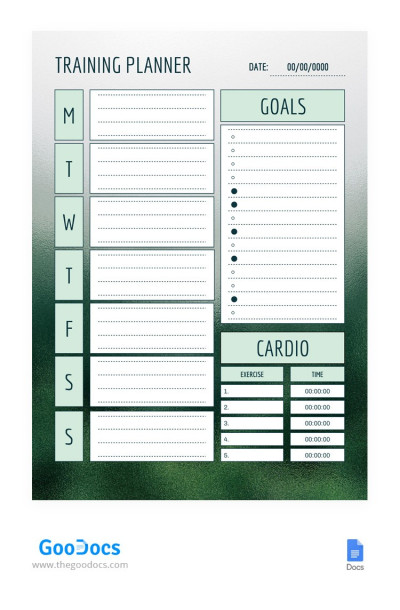
Weekly Training Planner
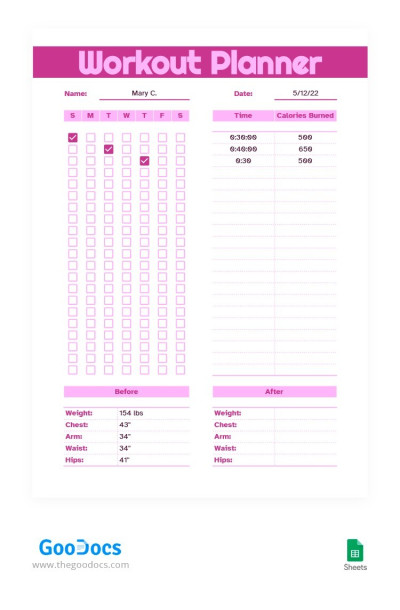
Rose-Coloured Workout Planner
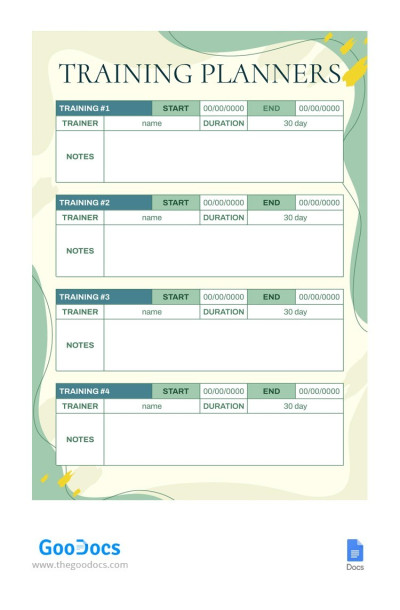
Light Green Modern Training Planner
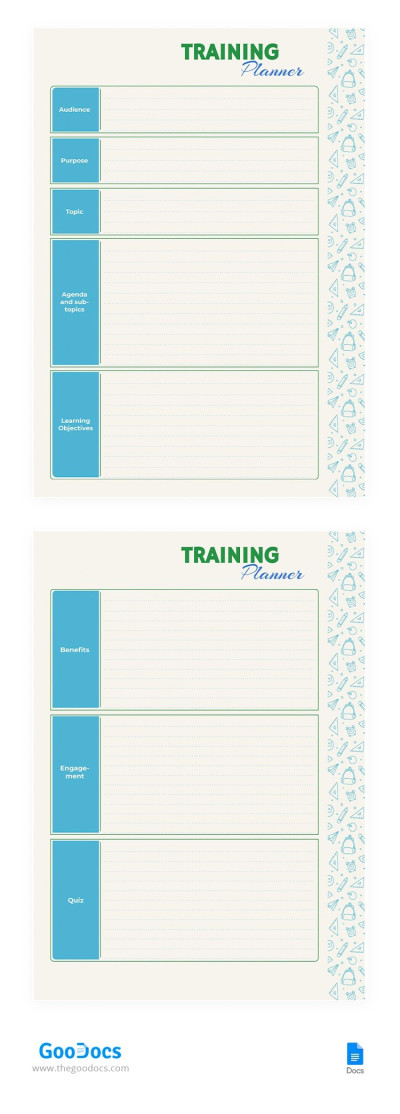
Beige Training Planner
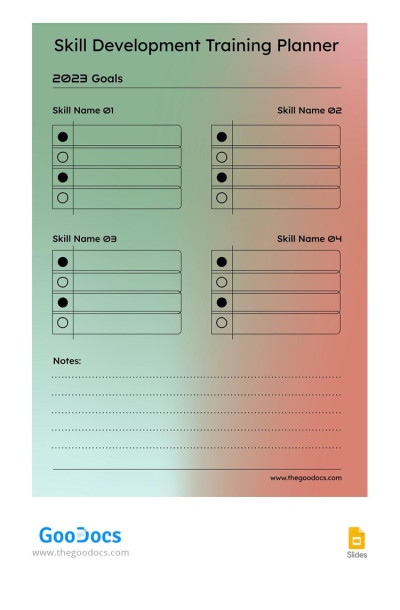
Skill Development Training Planner For 2023
Please try different filters or clear all to start over.
Creating training programs and managing the internship process for employees can be a stressful task. But we offer training plan templates that will help you eliminate all the pressure. Our editable and printable planner templates already include pre-made sections and examples of how to fill them out. All that is left is to use them for free or with a premium subscription.
Find the best training schedule templates on this page:
- We offer training planners for various tasks. Do you want to organize employee training, conduct onboarding, or skill development? Are you looking for a workout planner? On this page, you will find both templates for specific tasks and options with universal layouts that are suitable for any occasion.
- Start your work using a ready-made structure and design. Our training schedules and trackers offer a ready-to-use layout. You can find weekly and monthly planners with placeholders for training assignments and programs, performance tracking, and other essential sections.
- Select from training sheet templates or find examples in other formats. You can customize and fill out any template in editors from Google (Docs and Sheets) or Microsoft (Word and Excel). Use free fonts and any built-in customization tools.
Find training plan templates for any requirements on this page. We also suggest checking out the planner sheets category to find more options in Google Sheets and Excel formats.
Training Planners Templates FAQ
Creating a training schedule in Excel from scratch can be challenging even for people who are aware of this platform and its capabilities.
The easiest and most effective way to create a convenient training plan and schedule is to use ready-made templates from TheGoodocs:
- Select a template on this page. All options are compatible with the Excel spreadsheet program.
- Visit the template's page by clicking on the preview or name. This way, you can review a larger preview and explore the design and structure in detail.
- Download the template to your device. You can use a smartphone, tablet, laptop, or PC. Just click the "Download for Excel" button and in a few seconds the training planner is at your disposal.
- Use placeholders to include attendees and status. Our training planner templates feature a convenient structure with placeholders for attendees, training topics, performance indicators, etc.
- Adjust pre-made color coding. Highlight completed topics, each employee's success, and other details in any color.
- Use the template to regularly update the status of your employees' training. Consistency is key, so after each training session, you can indicate essential details and track progress.
Using our training planners in Excel, you can save time on creating a structure and design from scratch. Organize stress-free training schedules with TheGoodocs.
First, you should outline the training plan. Consider the duration of the training, facilities, and additional investments, involved employees, and other essential details. After you outline the key training plan, you can use our Google Sheets training plan template to organize these details and monitor progress.
Using ready-made templates is a much simpler and more effective solution than creating such a spreadsheet from scratch. You can download a suitable template on this page. All options are compatible with Google Sheets, so select the one that meets the design and structure requirements. After that, you can fill in the training details (status, responsible persons, budget, employee performance) in pre-made placeholders.
For convenience, you can use color coding, ready-made drop-down lists, and even formulas. You can fill out the template online. Google Sheets is great for joint filling and coordinating your actions with your team. Pick the Google Sheet training plan template here and use it for free; don't waste time on preparation.

