
Study Schedule Templates
With a study schedule template, you can plan and organize your assignments, projects, and homework in no time. We offer editable, printable, and downloadable blanks, which are straightforward to work with. You don’t need special skills to use our study schedule Excel, Google Sheets, Word, or Google Docs templates. Just find a simple or aesthetic design, get a copy or download it, and start filling it out and customizing it with a convenient editor.
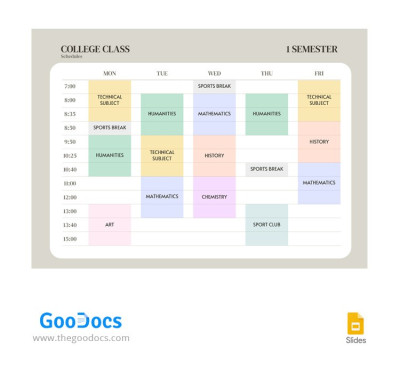
Minimalist College Class Schedules
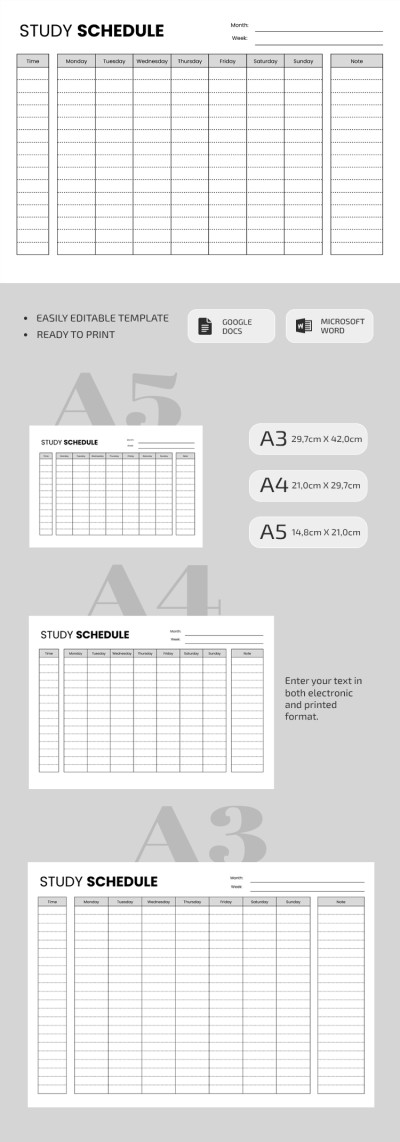
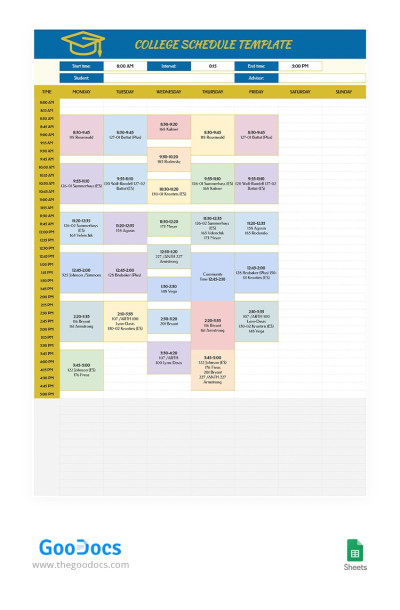
Smart College Schedule
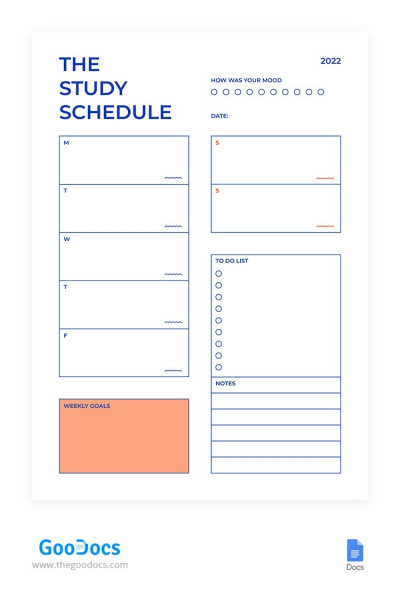
Simple Study Schedule
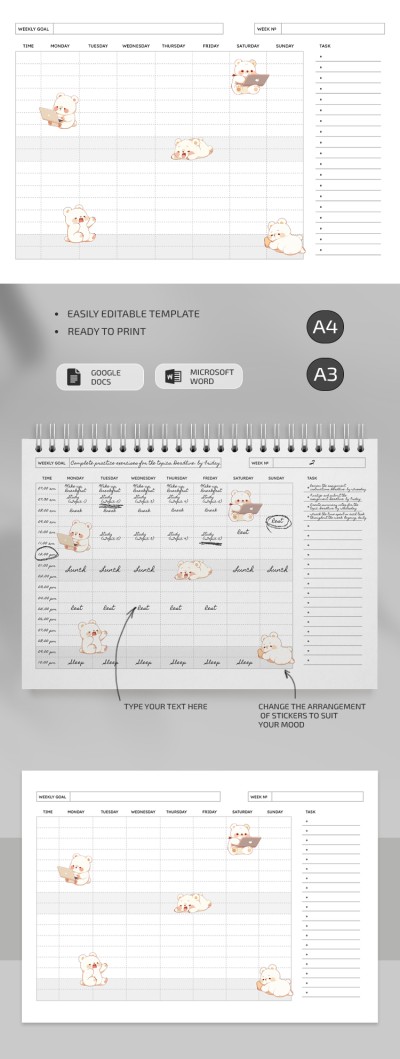
Cute Study Schedule
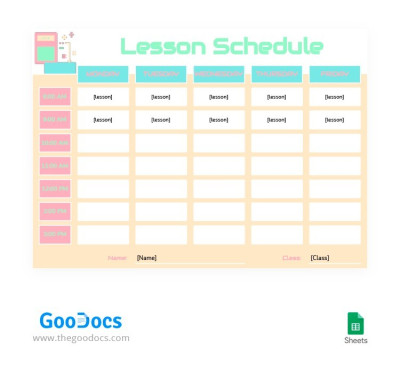
Pastel Colors Lesson Schedule
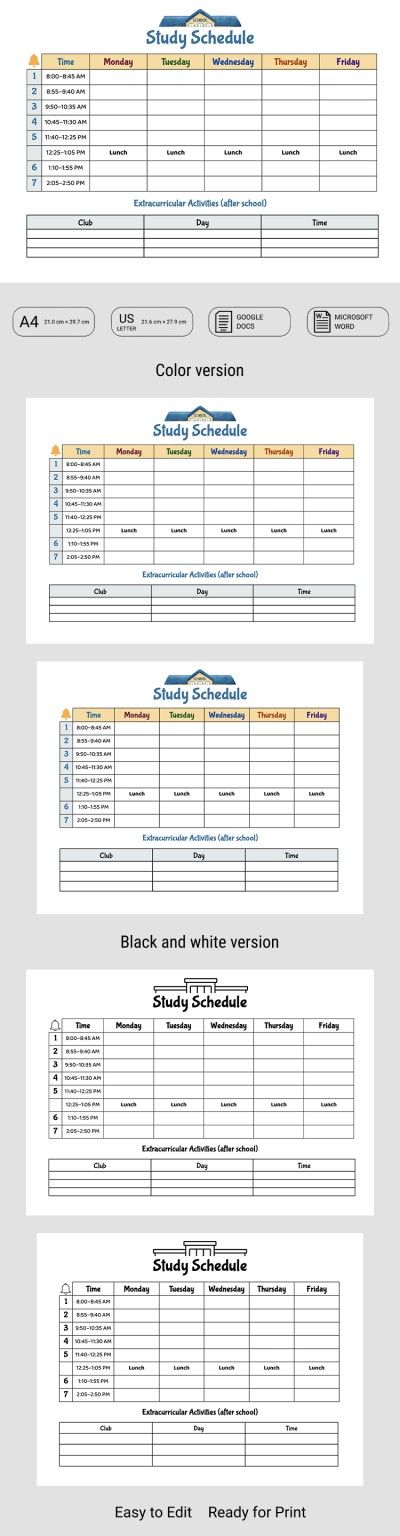
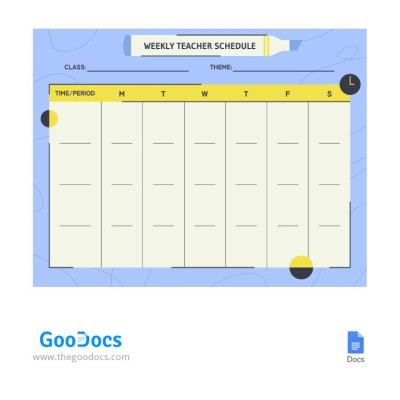
Yellow-Blue Weekly Teacher Schedule

Hourly Study Schedule
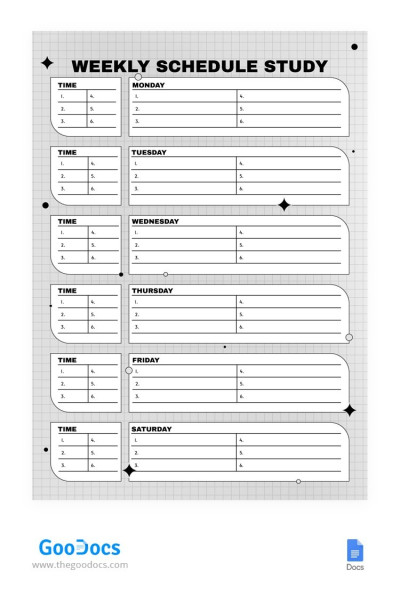
Black & White Weekly Study Schedule
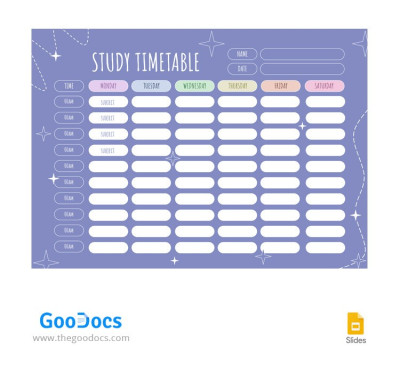
Delicate Purple Study Schedules
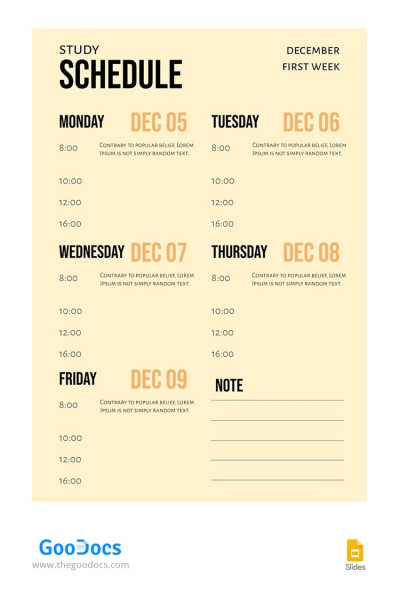
Simple Yellowish Study Schedule
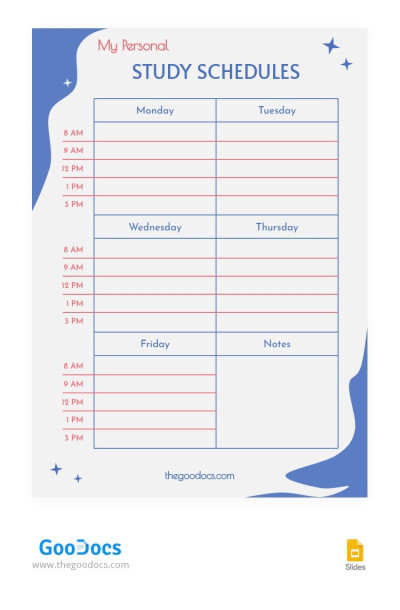
Purple Study Schedules
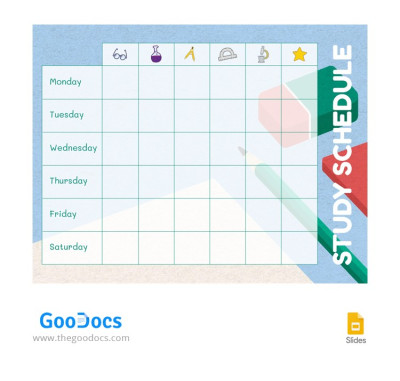
Study Schedule
Please try different filters or clear all to start over.
Plan your studies with TheGoodocs and our ready-to-use study schedule templates. They help you organize homework time, create a subject-specific schedule, and track your progress and deadlines. Parents, students, and learners of all educational levels will appreciate the benefits of these templates!
Learn more about the features of these options:
- You can use them on any device. All study schedule templates are compatible with PCs, laptops, and mobile phones. Need to quickly check the next lesson or take homework notes? Do it in just a couple of clicks.
- Templates are available in convenient formats. You can easily find a study schedule example in Google Docs, Sheets, Word, or Excel formats. Different editors offer their own conveniences. In spreadsheets, you can create a smart schedule with automatic deadline highlighting and date functions, while documents are more suitable for printing.
- You have complete freedom of use. Easily edit the style, add new units, subjects, and schedules. All this is available without leaving your chosen editor. You can also keep the original design and simply enter your schedule in just a few minutes to start enjoying all the benefits of the template.
If you need a convenient and practical template, our study schedules will be indispensable. Make taking study notes even easier with our college study guide template.
Study Schedules Templates FAQ
You can skip the process of creating a study schedule template in Google Sheets and start filling it out right away.
To do this, simply:
- Choose a ready-to-use template. Our spreadsheets include sections for different subjects, dates and days of the week, hourly schedules, notes, goals, and to-do lists.
- Make a copy in your Google Drive. Click on the template preview or title to go to its page. There, find the "Edit in Google Sheets" button. A copy will be created automatically after clicking the button. The selected template will open in a new window.
- Fill out all the sections or just the required blocks in digital format.
Now your study schedule template in Google Sheets is ready, and you can open it on any device signed in to your Google account. Take advantage of the built-in platform features we've added, including automatic highlighting, formulas, dates, checkboxes, and more.
Creating a fully responsive and editable study schedule template in Google Docs is a breeze with our pre-made templates. Now you just need to choose one of the ready-made options available on this page. Review the preview, read the description, and select an example based on your design or structure preferences. There are dozens of Google Docs schedules with weekly layouts, placeholders for subjects, hourly schedules, and notes.
Then, you can immediately make a copy of the template and fill it out. Our editable and printable options for Google Docs are easy to use and customize. You don't need any additional tools or platforms for personalization. Try it for free.

