
Restaurant Schedule Templates
We offer dozens of free restaurant schedule templates for different tasks. Find free blanks that can help to schedule appointments, working shifts, opening hours, and kitchen cleaning. There are ready-made, editable, printable, and downloadable examples available in four formats, including Google Docs, Word, Google Sheets, and Google Slides. By the way, you can find 20-day, weekly, or 4-week restaurant schedules. Get your copy today or download it to start editing – no special skills are needed.
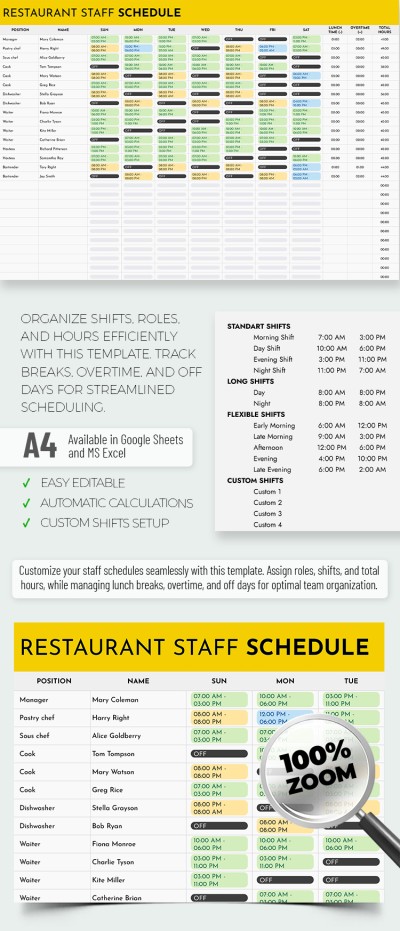
Simple Restaurant Staff Schedule
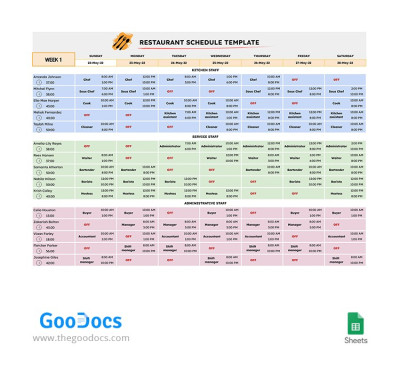
4 Weeks Restaurant Schedule
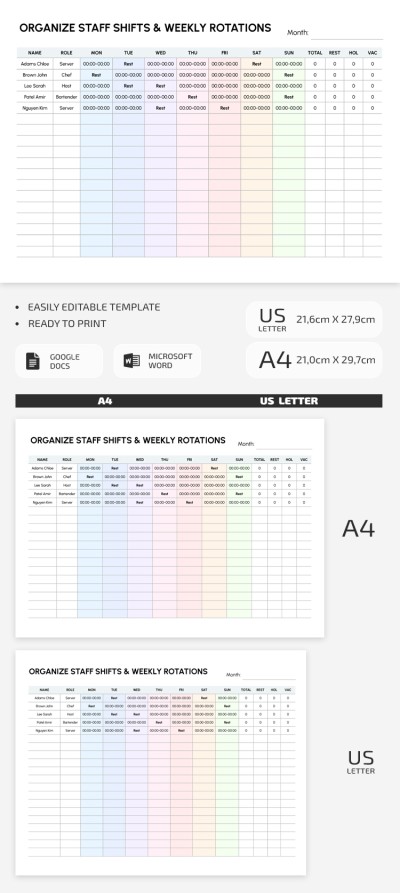
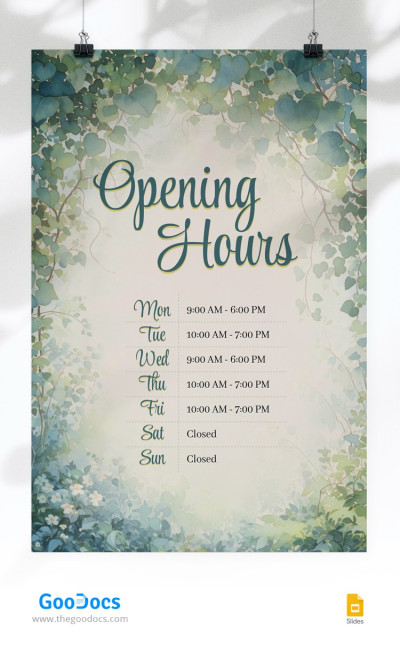
Opening Hours Schedule
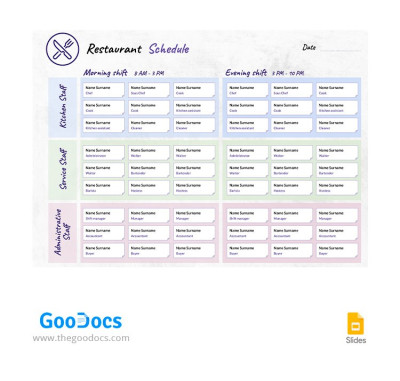
Flat Restaurant Schedule
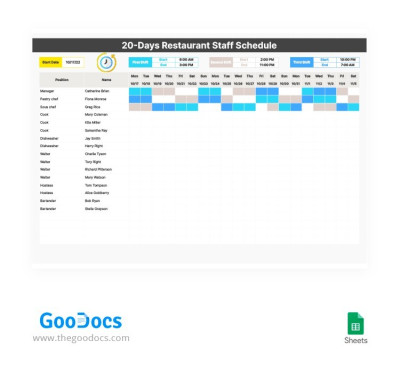
20-Days Restaurant Staff Schedule
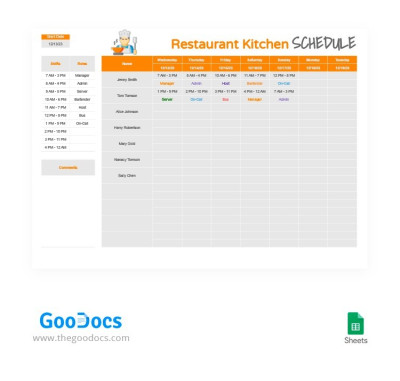
Orange Restaurant Kitchen Schedule
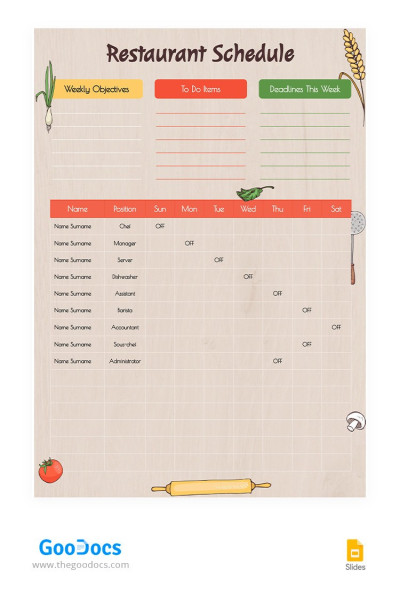
Colorful Restaurant Schedule
Please try different filters or clear all to start over.
Find a restaurant schedule template on this page and use it for free. We offer a variety of template options, from opening hours schedules to staff schedules for your restaurant. You can choose from specialized or universal options to customize them to your needs.
Use modern restaurant schedule templates in convenient formats:
- Find options in Google Sheets, Excel, Docs, and Word. Spreadsheet templates are more suitable for managing staff or kitchen schedules. To create a sign or simple schedule, you can use Google Slides, Docs, and PowerPoint templates.
- You can easily edit, customize, and fill them out. Each document on this page offers a fully editable layout and content. You can enter staff names and use ready-made color coding to create a schedule that fits your restaurant.
- Use the digital format or create a printed version. Most templates are ready to print in A4, Landscape, and US Letter formats. You can print them at any stage. All settings are included in the files.
Choose a simple, 4-week, 20-day, or basic restaurant staff schedule template on this page and use it for free or with a premium subscription. Explore useful weekly schedule templates from TheGoodocs.
Restaurant Schedules Templates FAQ
Creating a restaurant schedule can be challenging. However, you can simplify this process with restaurant schedule templates from TheGoodocs.
The most straightforward way is to create a permanent staff schedule. To do this, you can use a restaurant schedule template and enter the work shifts of all employees for 20 days or a month (4 weeks).
To create such a schedule with our template, keep the following in mind:
- All kitchen and service staff should start their shifts at different times, even if one employee is better suited to evening shifts and another to morning shifts. This helps workers learn how to handle peak hours. Varying work times also improves morale.
- The first thing you should plan is the busiest days (Friday, Saturday, Sunday). Don't start planning your restaurant's workweek from Monday, since the peak days are later in the week. It's better to distribute busy shifts among your most experienced staff right away.
- Don't use split shifts. Nobody likes split and back-to-back shifts, and that's a fact. Avoid them at all costs if you want your staff to work effectively and without excessive stress.
- Allow for changes. Situations vary, so if one employee can agree to swap shifts with another, that's only for the best. However, you must be aware of all schedule changes.
So, with these tips and our restaurant schedule templates you can create an effective restaurant schedule yourself. We offer ready-made spreadsheets in Google Sheets and Excel that all your employees can access. Each schedule can be color-coded and even printed. Try our solution yourself.

