
Recipe Templates for Google Sheets and Excel
Explore our great collection of Google Sheets and Excel recipe templates! With our spreadsheets and blanks, you can easily turn your recipe into an understandable and beautifully designed step-by-step guide. Our editable and printable samples can be customized online or after downloading. Start using them with a few clicks to save your time.
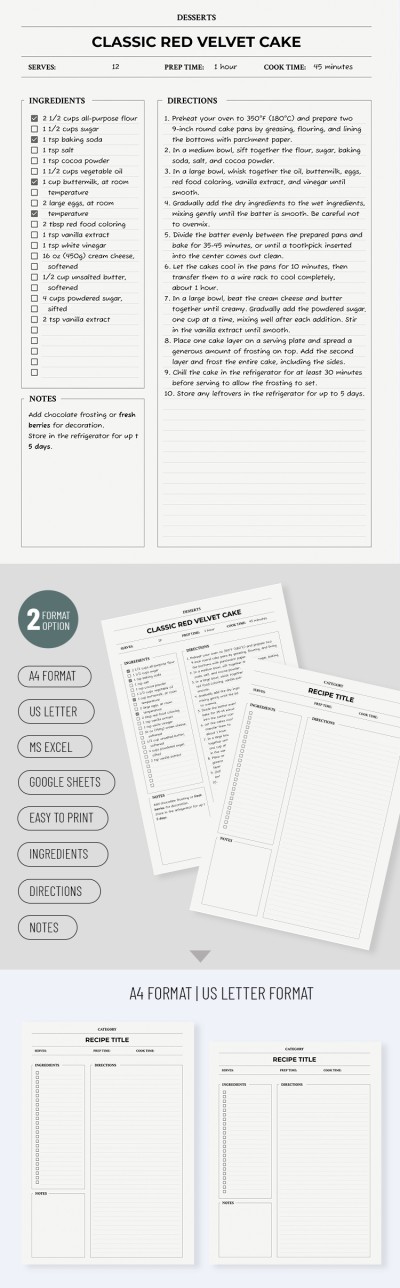
Clean Recipe Card
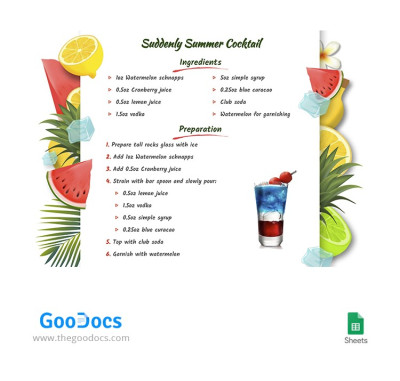
Summer Coctail Recipe
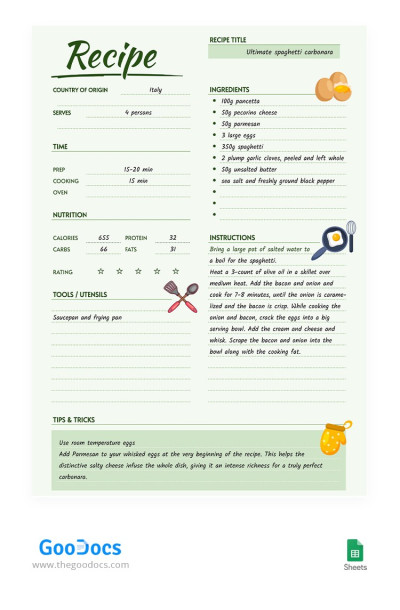
Green Basic Recipe
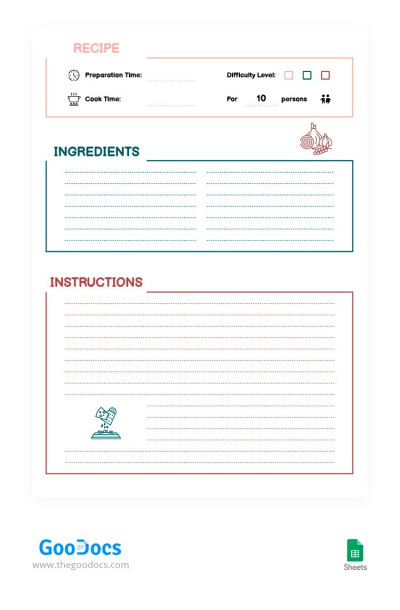
Lovely Simple Recipe
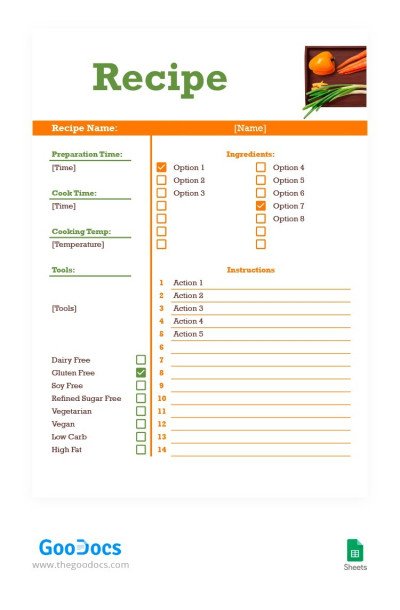
Orange and Green Recipe
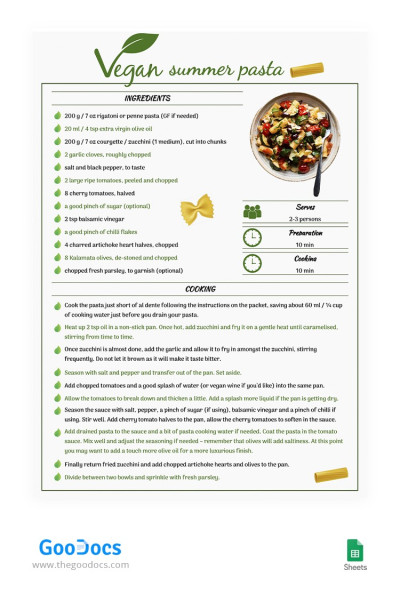
Vegan Pasta Recipe
Soft Colors Recipe
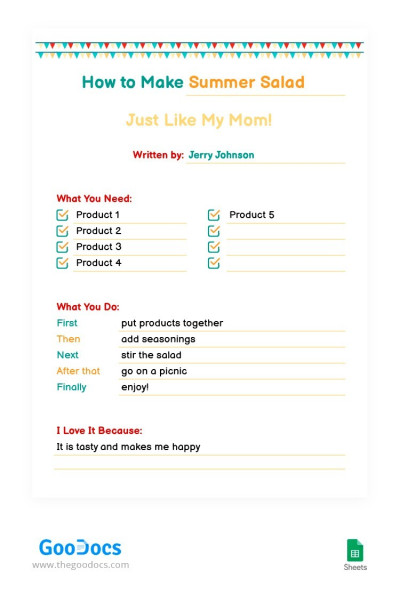
Funny Bright Recipe
Yellow and Red Recipe
Please try different filters or clear all to start over.
Are you tired of disorganized recipe notes? Just try our Excel and Google Sheets recipe templates for free. Our spreadsheets are easy to customize, and you can utilize all the built-in tools of Google Sheets and Excel.
Test our recipe templates in Google Sheets for free:
- Find the right layout for your task. Do you just need to cook a family dinner or build a cost-effective menu plan for your establishment? Choose from dozens of recipe templates featuring a useful structure to make recipes for dishes and drinks on this page.
- Customize without limits. You can easily change the design, choose new fonts, add more placeholders for ingredients or cooking instructions. The main conveniences of the platforms are checkboxes, drop-down lists, and conditional formatting.
- Choose the best design and structure for your recipe. You can find stylish, minimalistic, and bright recipe templates right here. Choose an alternative with a pleasant green background or a black and white one; with visuals and placeholders for photos of dishes or without - everything is in your hands.
Start using recipe templates in Excel and Google Sheets. They include pre-made sections for ingredients, quantities, instructions, and prep time, as well as functions for cost breakdowns and automatic calculations. More relevant recipe book templates are available at the link.
Recipes Templates FAQ
You can either start from scratch or opt for our recipe templates in Google Sheets. The second choice is preferable as it saves you time and you don't need any advanced platform knowledge or design skills to use our spreadsheets.
Just follow this plan:
- Find a Google Sheets recipe template that you like.
- Go to its page and click the "Edit in Google Sheets" button.
- Wait for ten seconds until the copy is created.
- Your recipe template will open in a new window, and the file itself is now available on all devices connected to your Google account.
- Customize the design and layout, or leave everything as is.
- Use placeholders to enter essential details: the name and type of dish, ingredients, cooking instructions, and preparation time. You can also add a photo of the finished dish.
- Review your recipe template to ensure that everything is correct.
- All changes are saved automatically in digital format. To print, click File => Download => PDF. All additional settings for printing in A4 or US Letter Size are ready.
Now, your card recipe is ready, and you can always find it in your Google Drive. Our Google Sheets recipes will save you a lot of time, and you will definitely get a professional design - try templates today.

