
Inventory Templates in Google Sheets and Excel
Take advantage of our free inventory templates in Google Sheets and Excel. We offer editable, printable, and premade blanks and inventory lists. On this page, you can find medical, household, warehouse, office supply, and more spreadsheets. Grab your free copy or download inventory templates to your device in a few clicks.
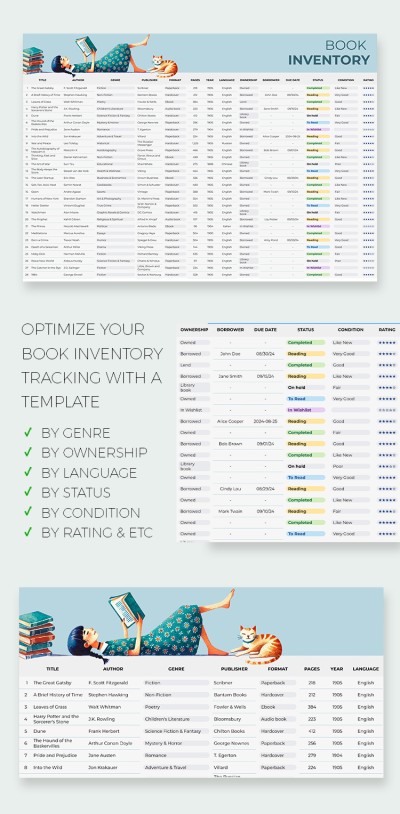
Book Inventory
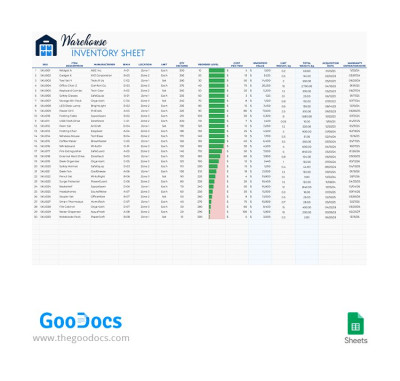
Warehouse Inventory
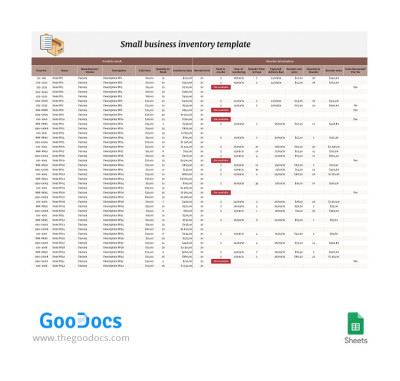
Small Business Inventory
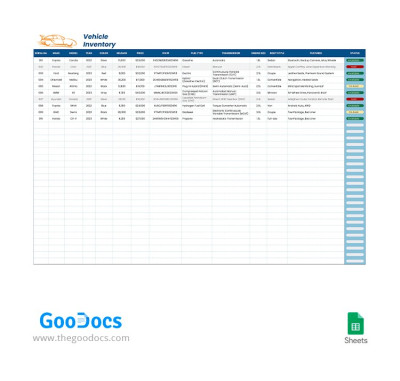
Vehicle Inventory
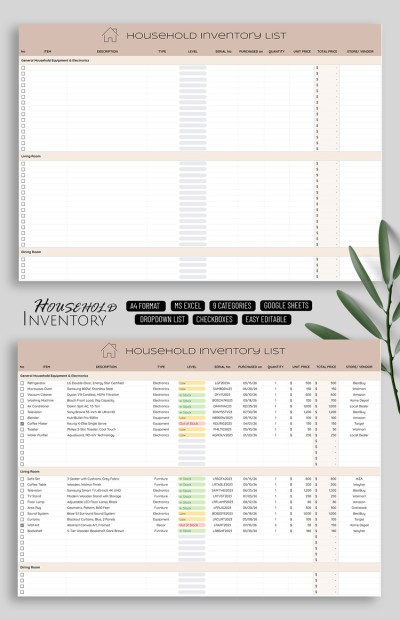
Household Inventory List
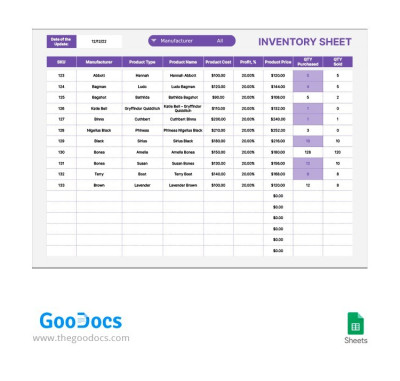
Gray and Purple Inventory Sheet
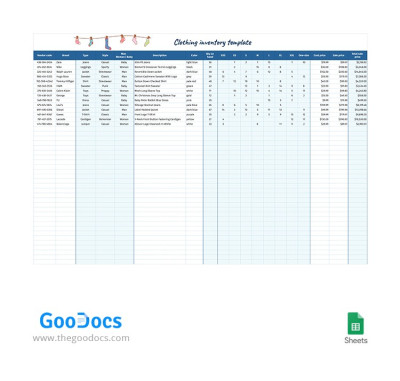
Simple Clothing Inventory
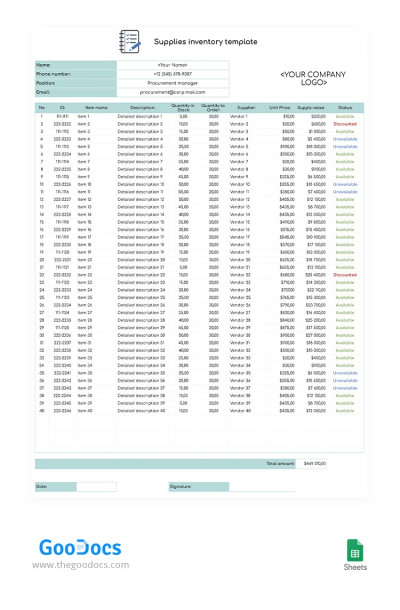
Simple Supplies Inventory
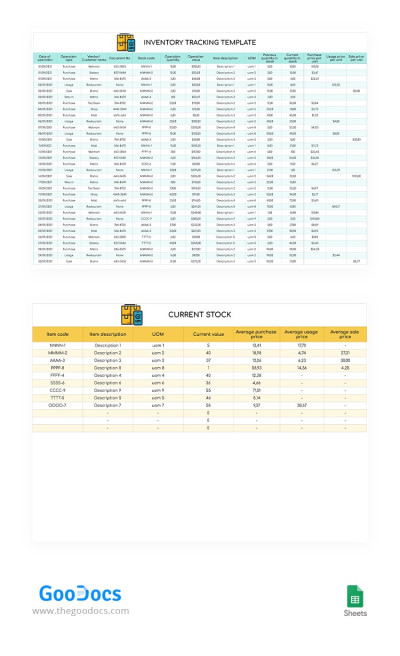
Inventory Tracking
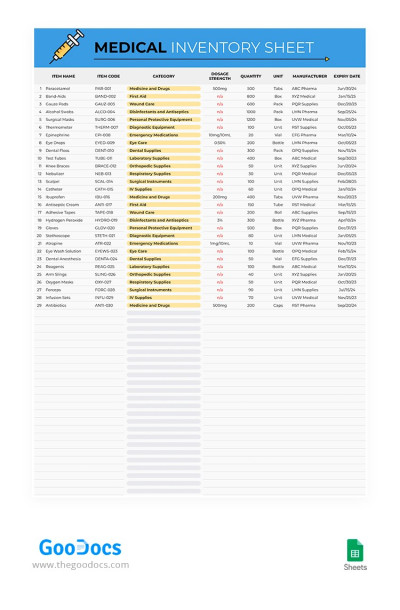
Medical Inventory Sheet
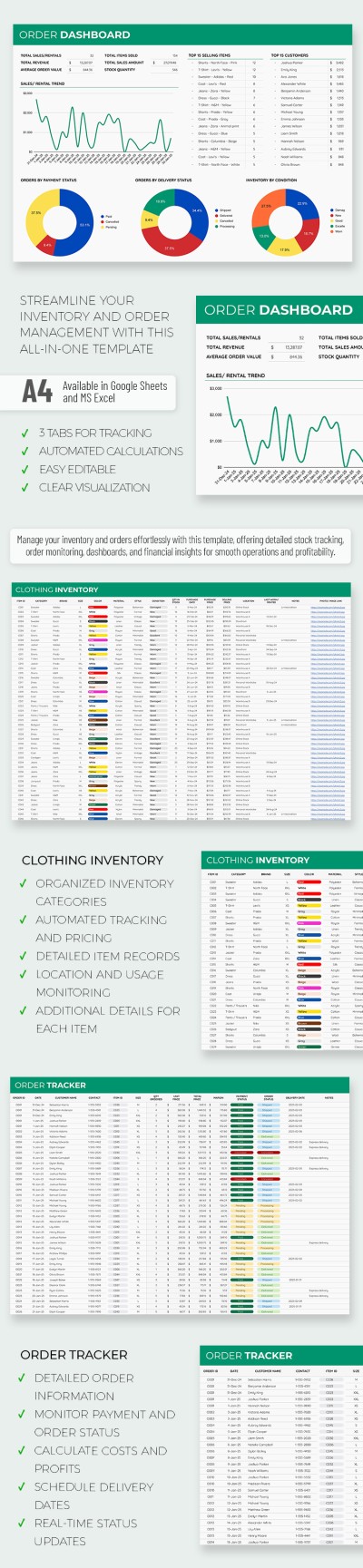
Business Clothing Inventory Spreadsheet
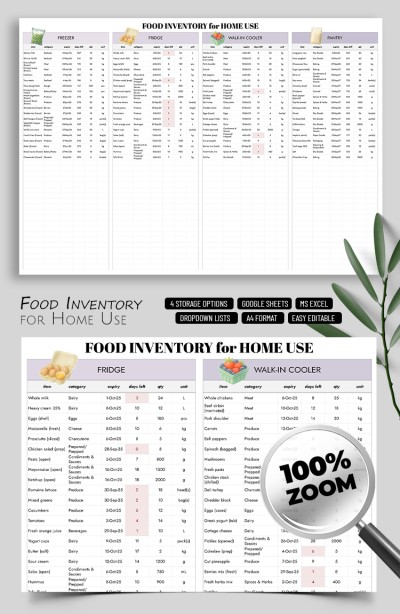
Kitchen Food Inventory Template for Home Use
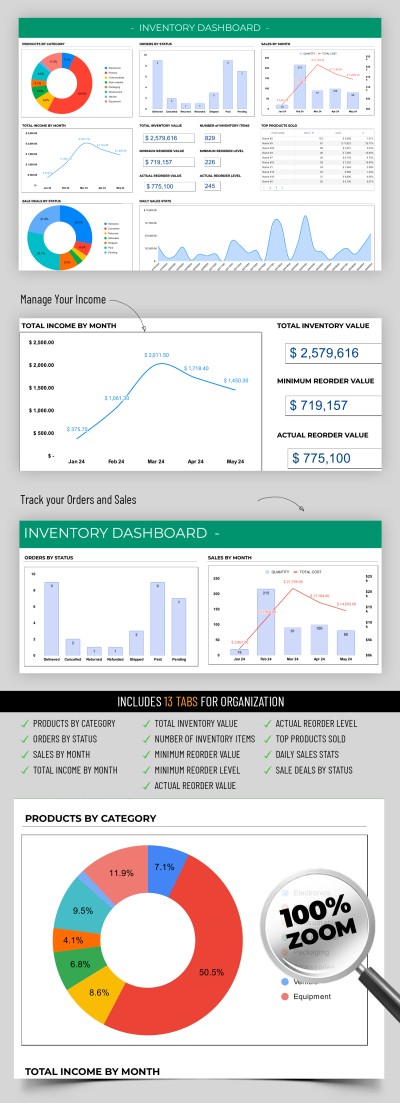
Advanced Inventory

Inventory Tracker Checklist Template
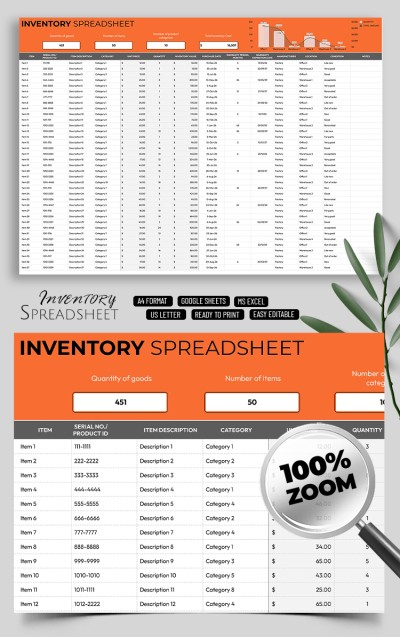
Professional Inventory Control Sheet Template
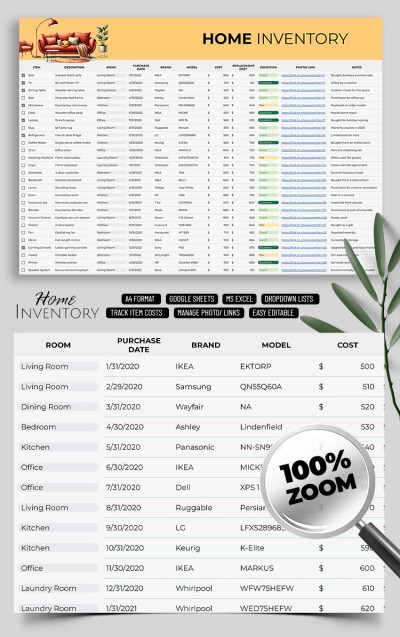
Home Inventory List
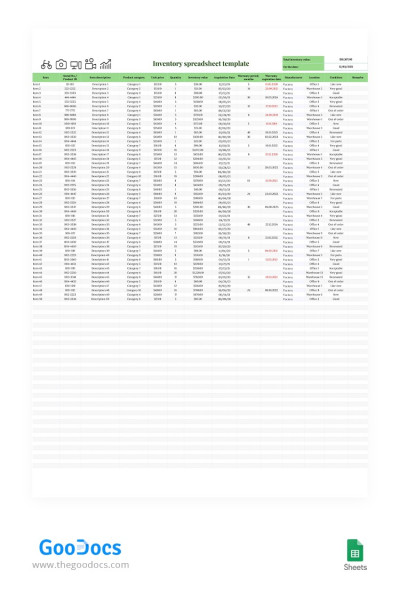
Simple Inventory Spreadsheet
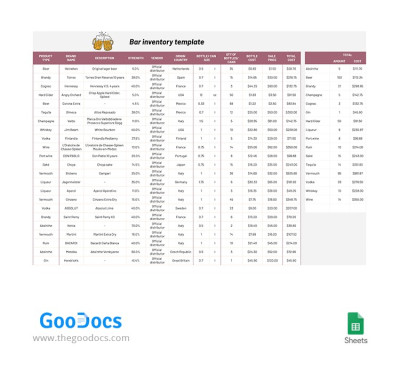
Bar Inventory
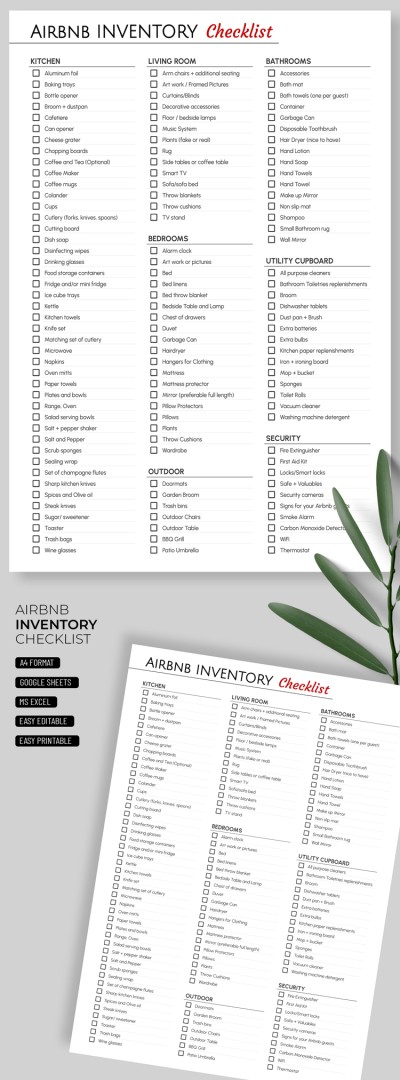
Airbnb Inventory Checklist Template
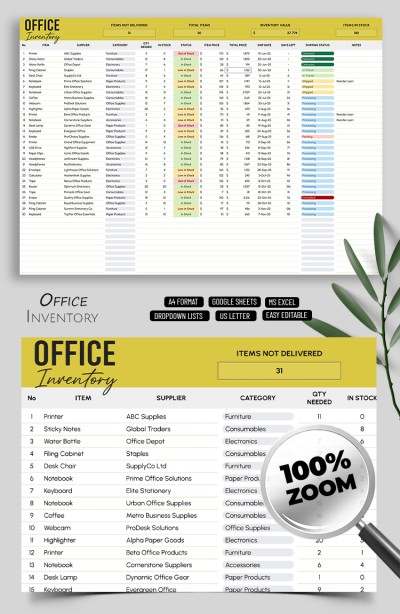
Inventory Template for Small Business
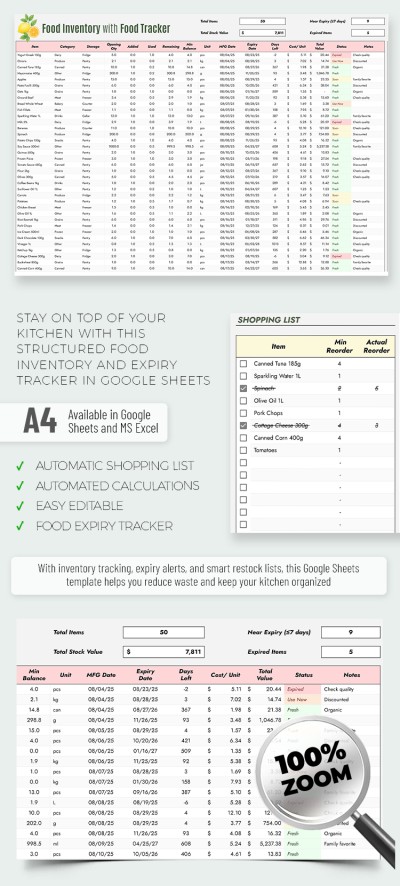
Food Inventory Template with Food Tracker Spreadsheet
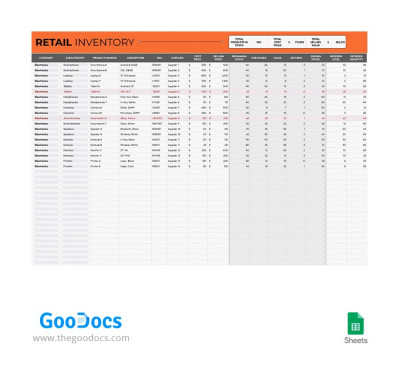
Retail Inventory
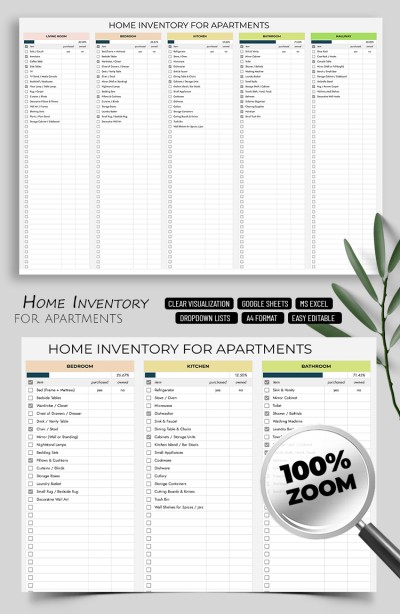
Simple Home Inventory Template for Apartments
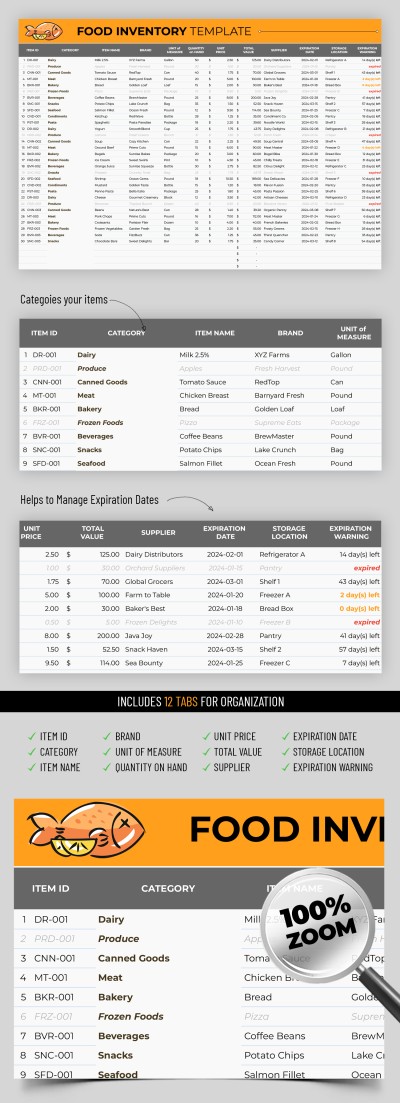
Food Inventory
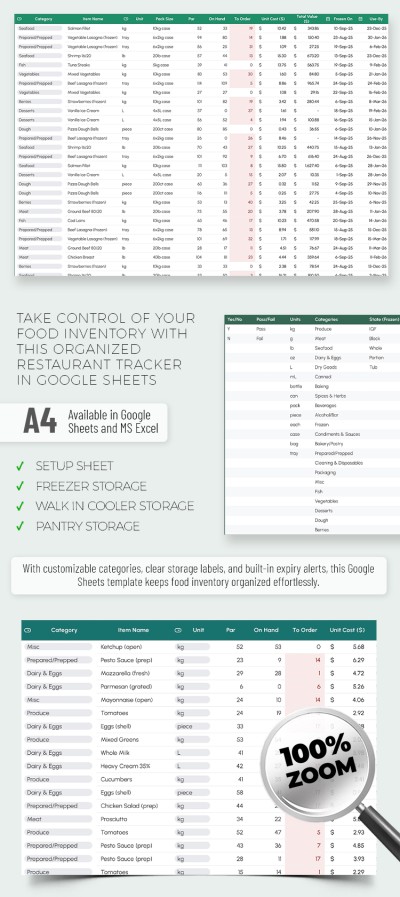
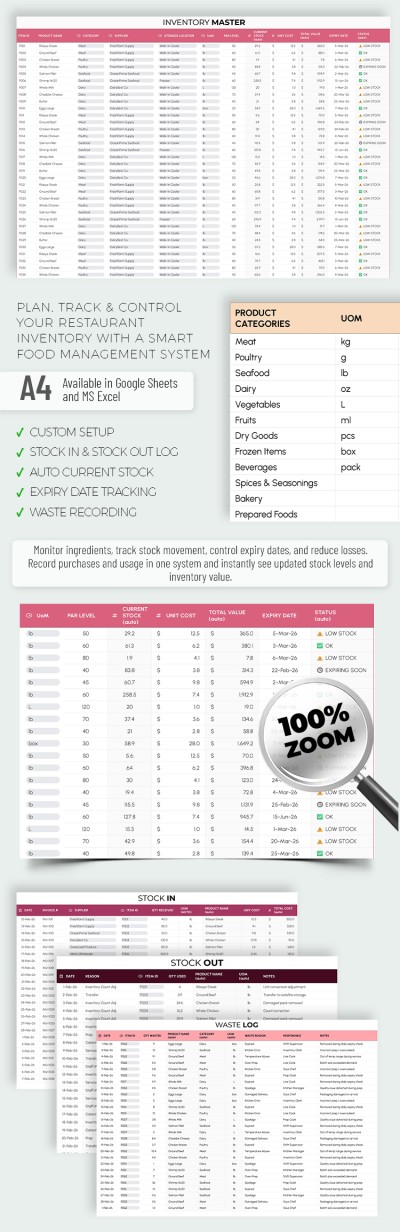
Food Inventory Template for Restaurants
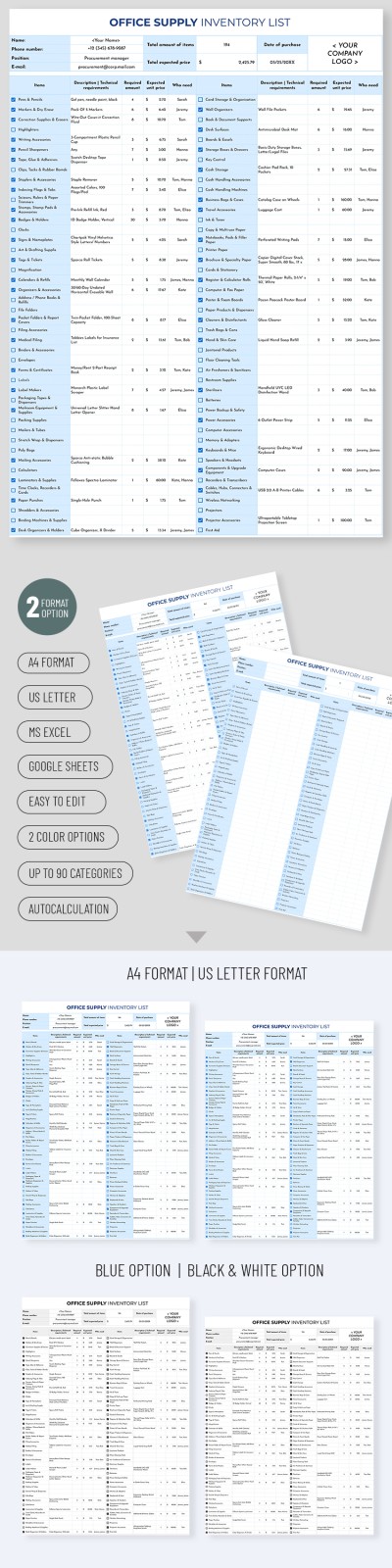
Office Supply Inventory List

Home Inventory Template Tracker Spreadsheet
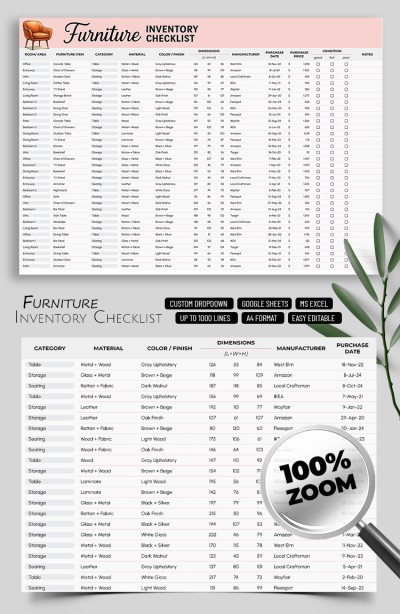
Furniture Inventory Checklist Template
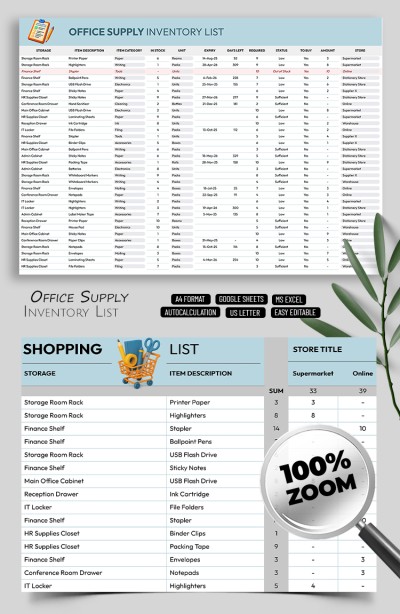
Office Supplies Inventory List
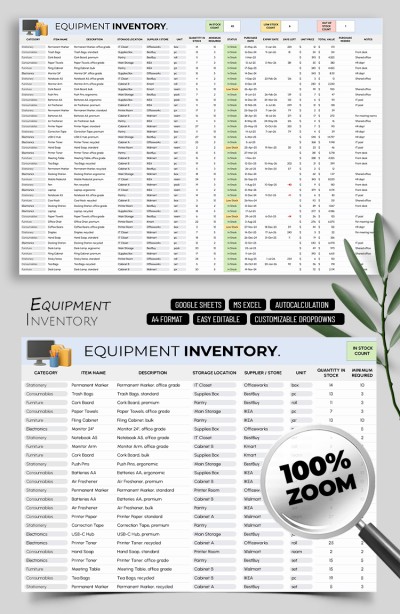
Equipment Inventory Template
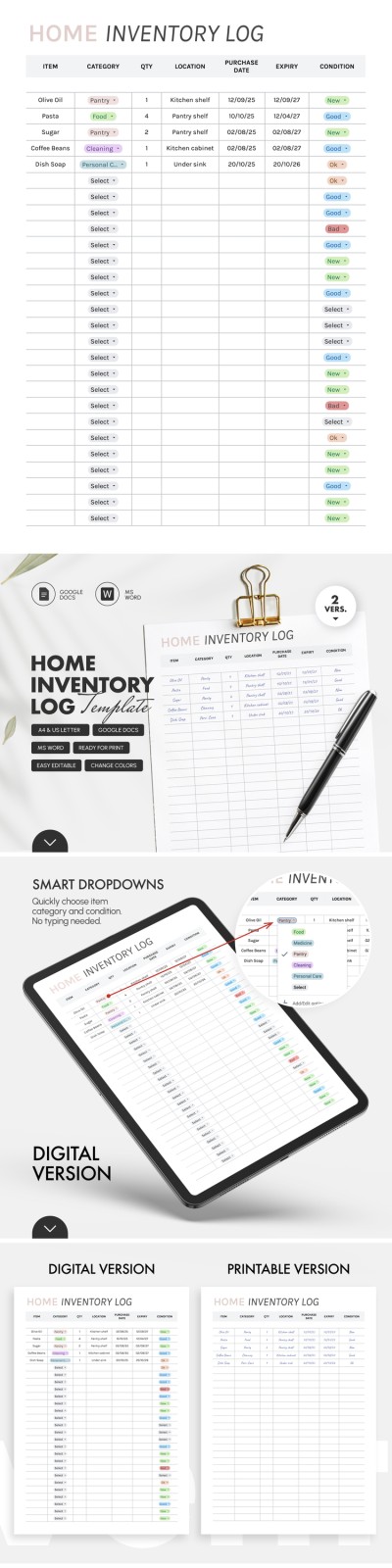
Home Inventory Log Template – Track Pantry & Food
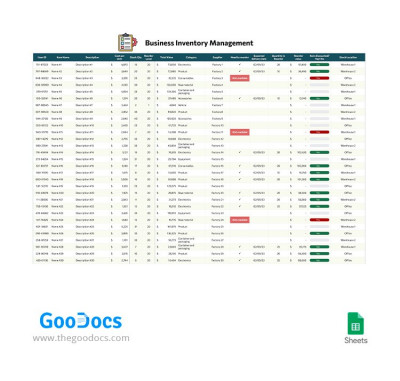
Business Inventory Management
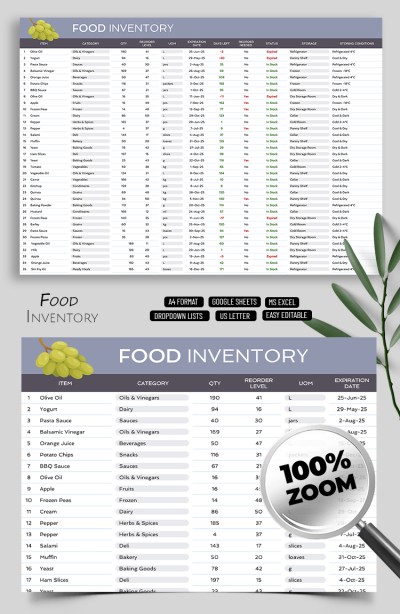
Food Inventory Template Tracker Spreadsheet
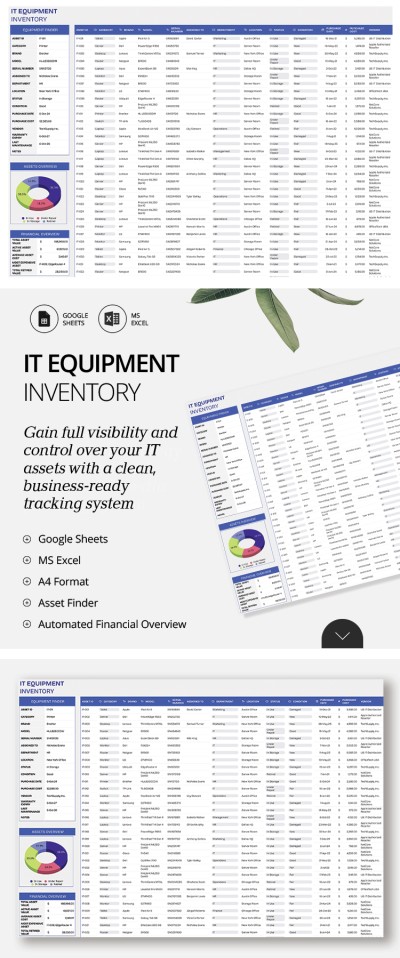
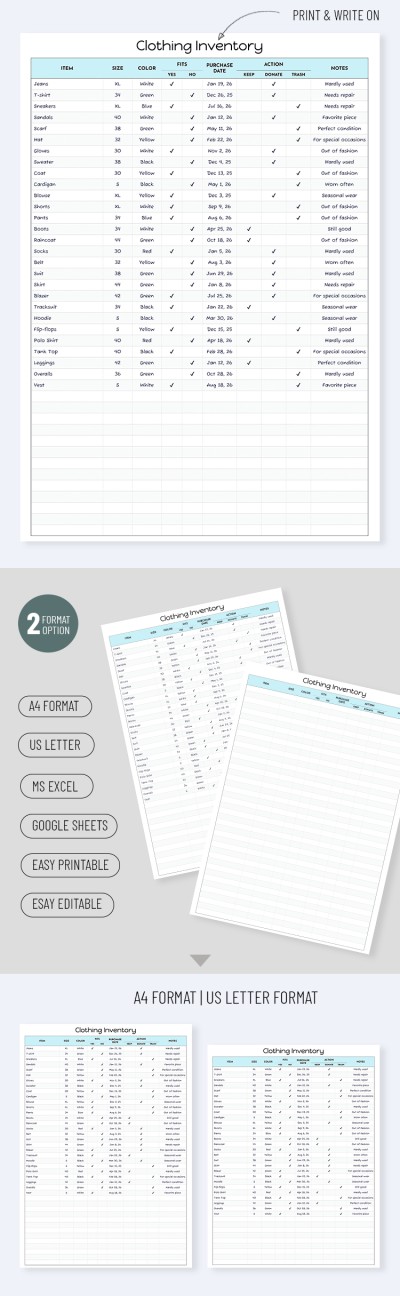
Clothing Inventory Spreadsheet – Minimalist Printable Template
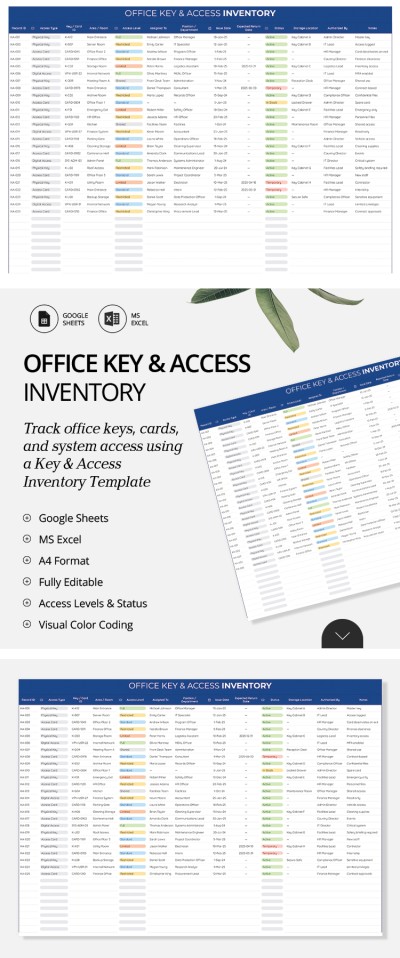
Office Key & Access Inventory Template
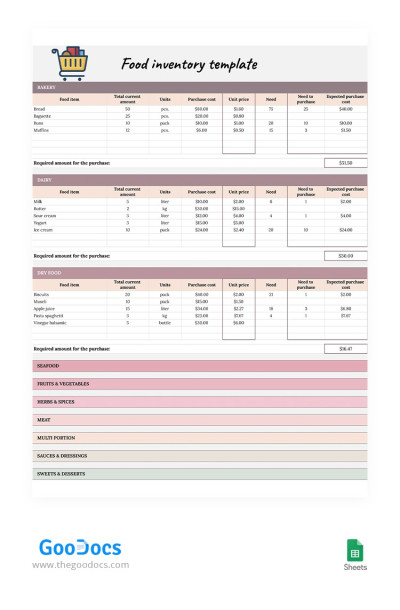
Colorful Food Inventory
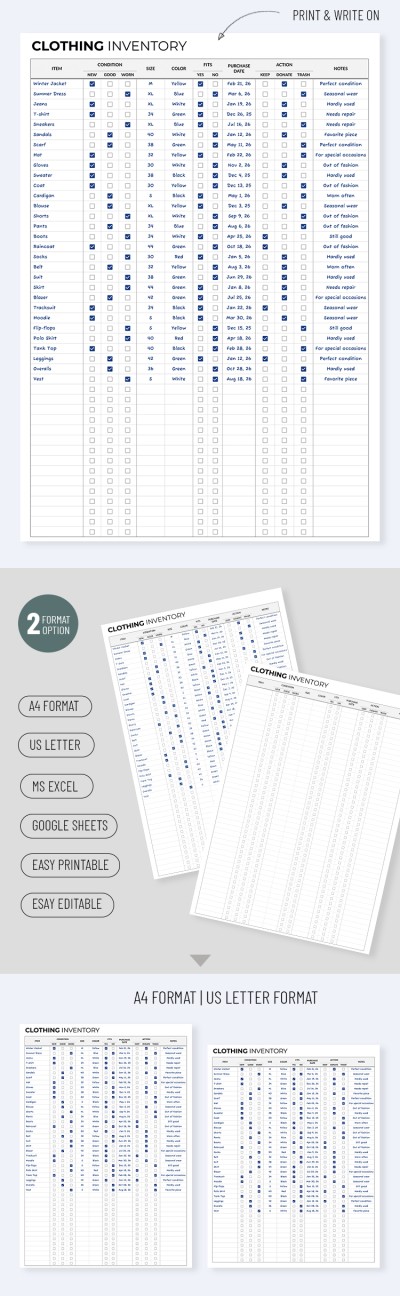
Clothing Inventory
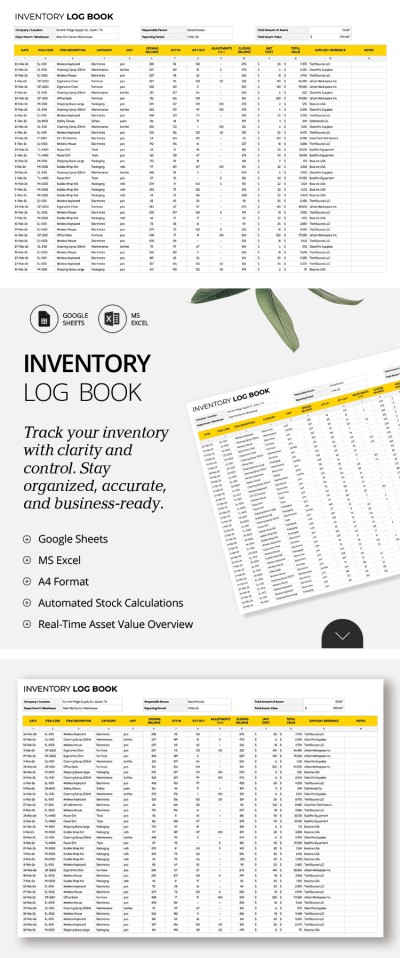
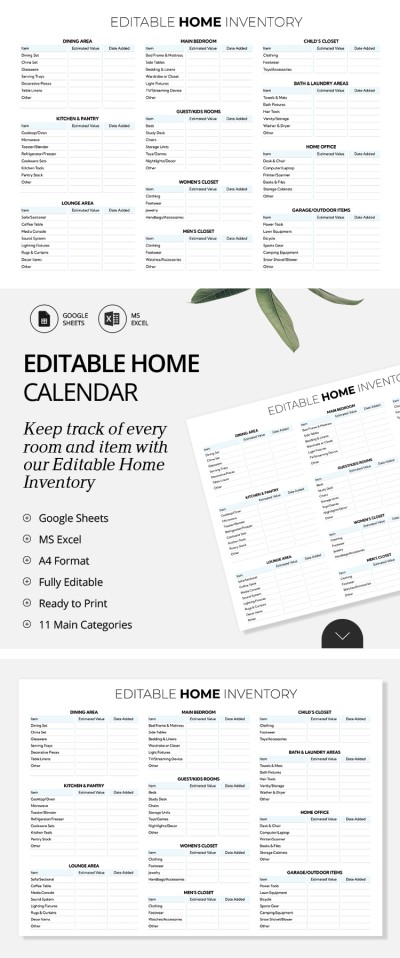
Editable Home Inventory Spreadsheet
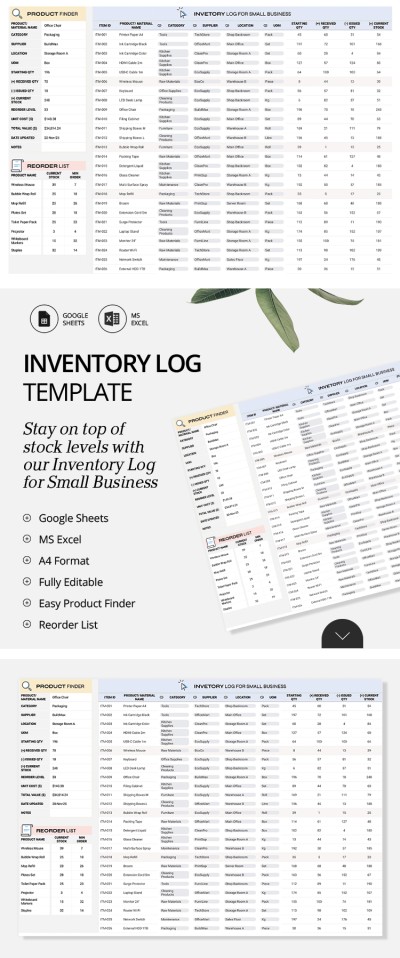
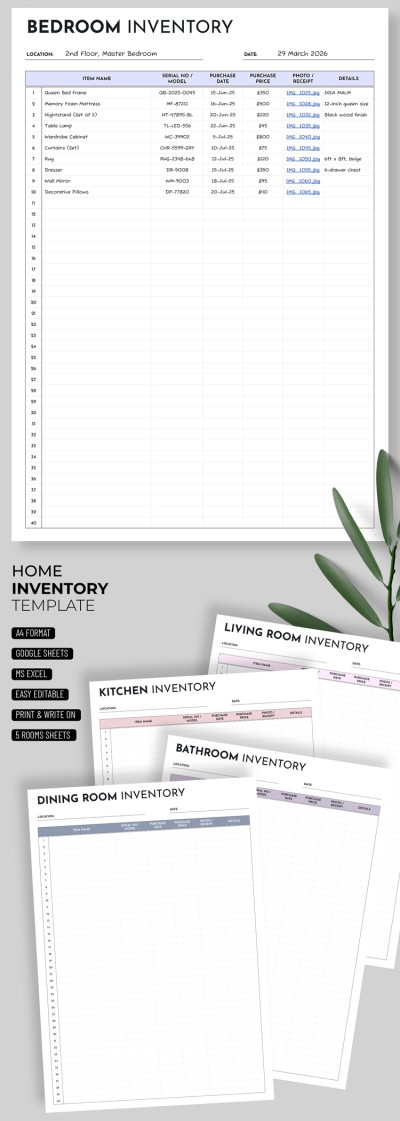
Home Inventory Template – Minimalist & Easy To Use
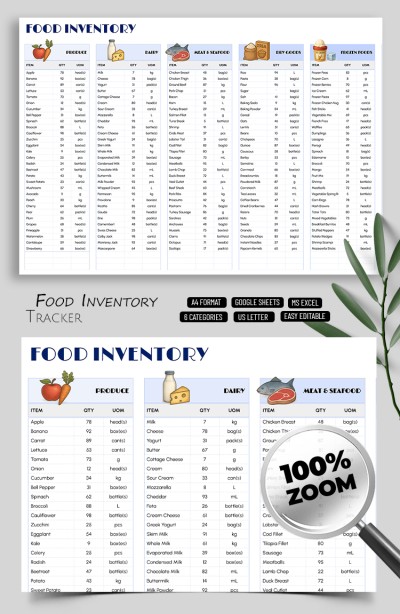
Personal Food Inventory Spreadsheet
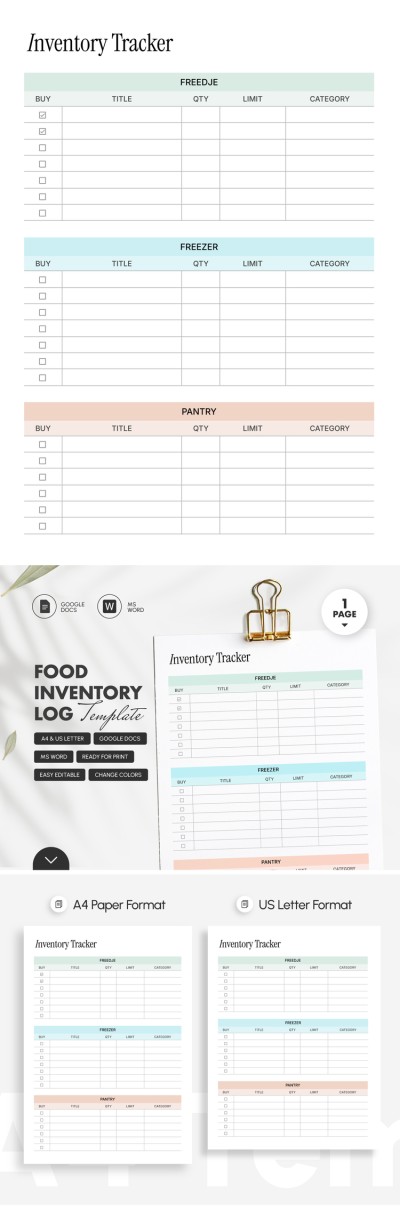
Food Inventory Log Template
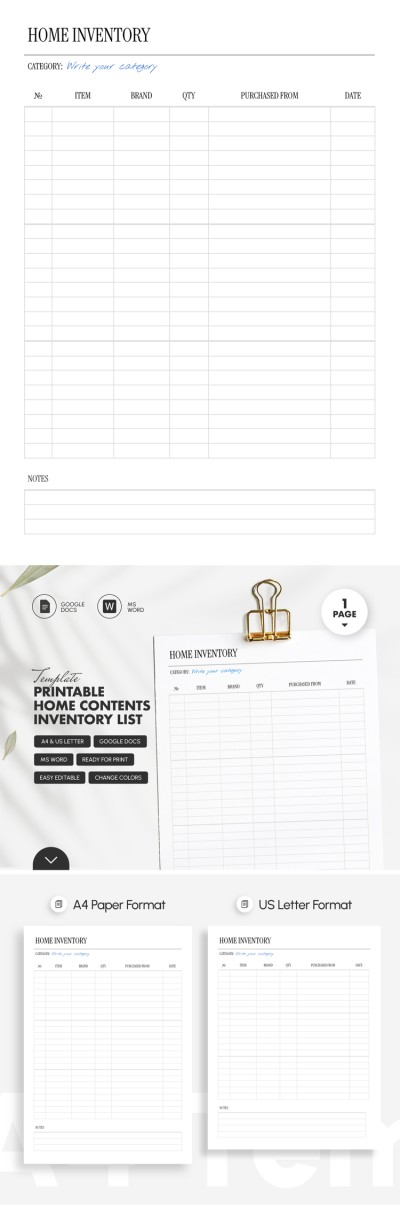
Printable Home Contents Inventory List Template
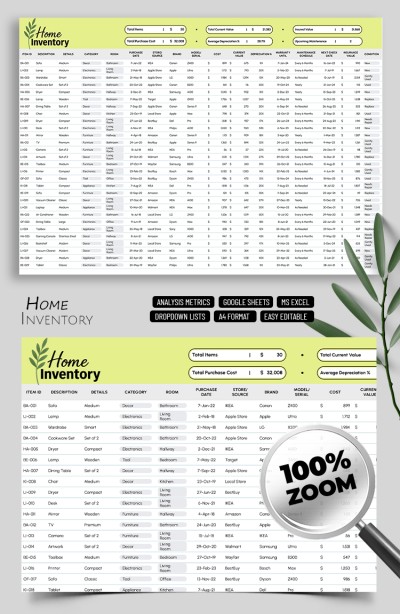
Home Inventory Template Spreadsheet
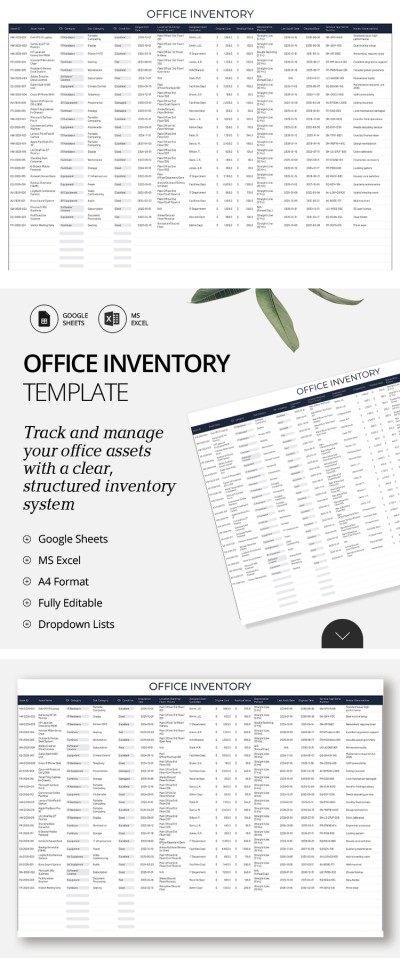
Office Inventory List Template
- 1
- 2
With our inventory templates, you can start keeping records of goods, equipment, office supplies, and other resources. We offer dozens of ready-made templates in Google Sheets, Excel, Google Docs, and Word formats that cover the needs of different businesses. You can choose a pre-made inventory spreadsheet specifically for your task or customize the one you like in a convenient format.
Advantages of our templates:
- You can choose from dozens of free Google Sheets inventory templates. We also offer premium options that offer even more features for our subscribers.
- Adapt the editable template to your industry. Do you need to monitor a warehouse, office, production, or IT equipment? Customize, fill out, and get your inventory list ready for any task.
- Use in digital format or after printing. Once you fill out the template, you can save it in PDF to print. You can open the digital version from any device.
- Conditional formatting and formulas are included. You do not have to add blocks and columns or consider different structures for your case. Our templates include formulas, color-coded elements, and drop-down lists.
Our Excel inventory template and options in other formats are indispensable assistants for managing your resources. Find the data you need, work with dates, and use the history of document changes - everything is free with our inventory list templates.
Inventories Templates FAQ
First, you need to select the editor. The best format for creating your inventory template is Google Sheets and Excel. We offer many free spreadsheets that will help you create a unique inventory template in no time.
Here's what you need to do to avoid starting from scratch:
- Select the appropriate inventory template on this page. There are medical, warehouse, home, bar, food, retail, and basic inventory lists.
- Click on the preview image or title. This will open the template page. The Download / Get Copy buttons are located to the right of the preview. You can download the template in Excel and Word or get a copy in Google Sheets and Google Docs formats.
- Open your template. The copy creation for Google templates is completed automatically, and you will immediately get the template in a new tab. After downloading the Microsoft inventory template, you need to open the download folder and click on it or open it via Excel / Word => Open file => File location.
- Fill it out, customize it, and use it. Each template already includes fields to type in item details, quantity, supplier information, statuses, descriptions, costs, and more. Drop-down lists, built-in formulas, and color-coded elements will help you quickly find the information you need. An example of filling will help you cope with this task even for the first time.
- Save in digital format or print. After filling, you can use the template on a PC, laptop, or phone. Google Formats also allows you to fill out one copy together with your team on different devices. To print the template, click Download => Save in PDF and print it.
This way, our inventory templates offer convenient features and ready-made designs and layouts. By using them, you can save your time and effort on creating one from scratch. Opt for free and premium inventory templates on this page.

