Get unlimited access to 5000+ Templates for Google Docs, Slides and Sheets
Unlimited Access
ADVERTISEMENT
ADVERTISEMENT

Monthly Activity Calendar Template

Use this free template with Google Docs and Microsoft Word
4.25 (1 reviews)
Last updated Updated July 25, 2026
Type Cute, Monthly
ADVERTISEMENT

Template Specification

Format Google Docs, Microsoft Word
Created February 18, 2025
Last Updated July 25, 2026
Community Added to collections by 27 Users
Usage Stats 127 downloads this month

Key Features of This Template

Suitable For Personal

About this template

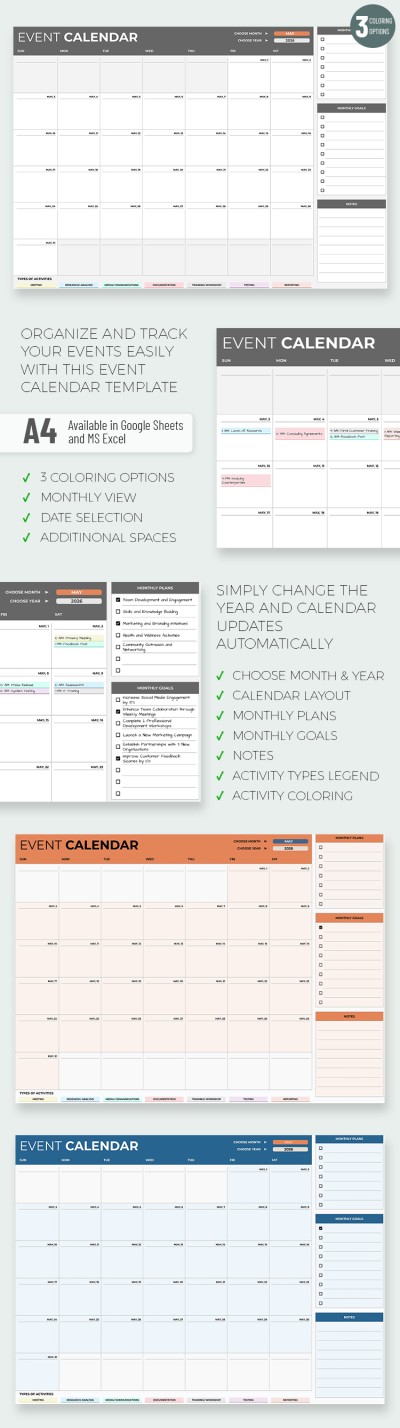
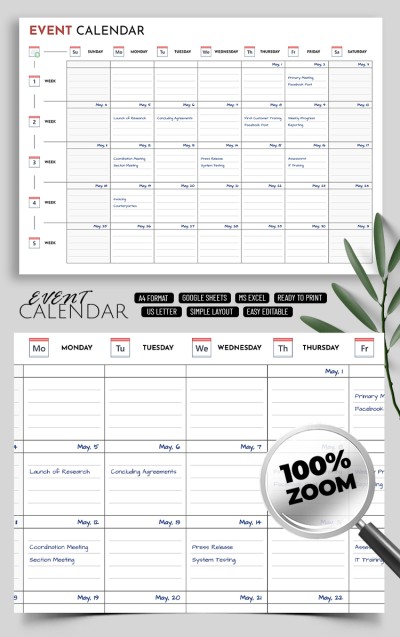
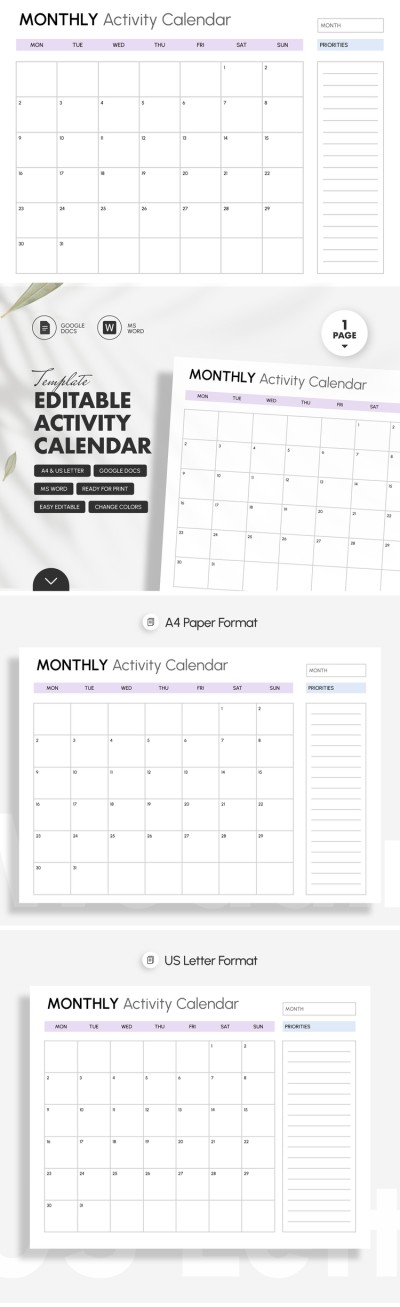
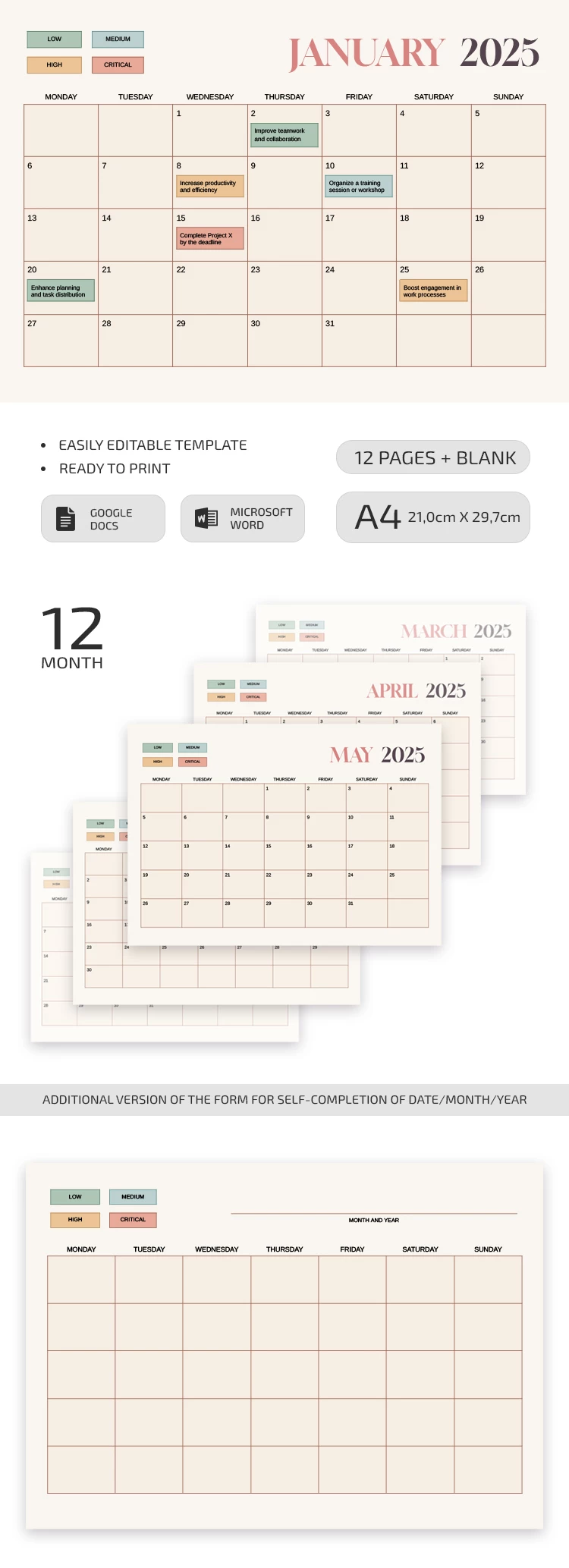
Our Monthly Activity Calendar Template will help you distribute tasks by importance for the whole month. The template is available in Google Docs and Word formats, and you can also print each blank in A4 size.

Ready-Made Form for Each Month

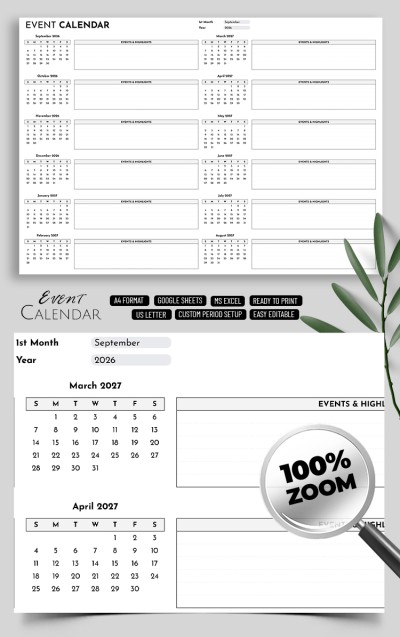
This calendar template includes a form for each month of 2025, starting with January and ending with December. You will not need any additional tools to distribute tasks and make a schedule. Additionally, there is a blank where you can specify the month and dates yourself, so this option is perfect for any year.

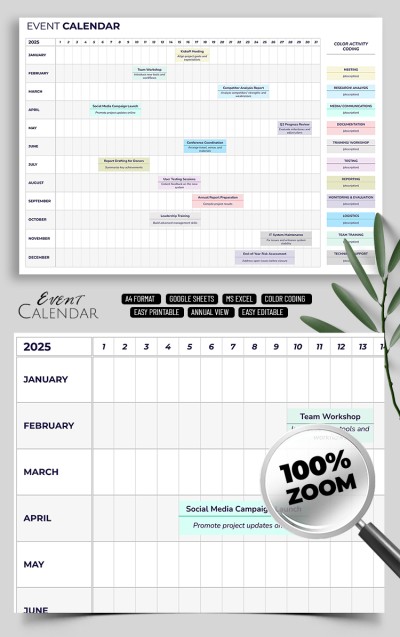
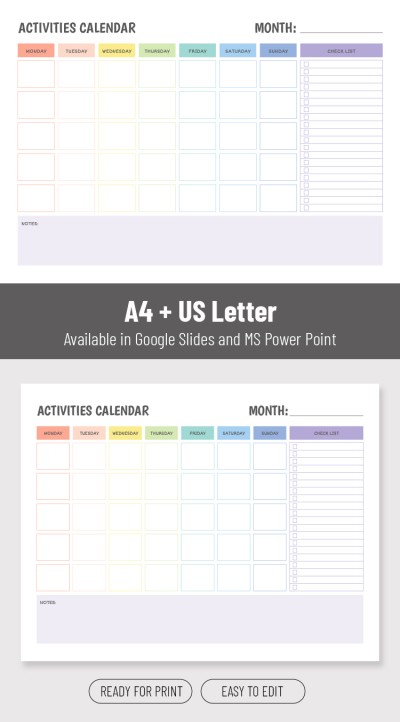
We have created additional sample text and color-coded elements so that you can assign priorities for each of your tasks. The template includes low, medium, high, and critical gradation for your assignments and even an example of how to fill it out.

Beautiful and Discreet Design

The main background of the layout is beige so as not to distract you from your duties. Green is chosen for low-priority tasks, and red for the most important ones. This way, it is easy to find the necessary importance by using the template. You can also find a Google Slides calendar template and many options in other formats only on our website!

ADVERTISEMENT
Free Template

Download Free Template

Choose your platform and start editing right away
PLATFORM

Google Docs

Opens in browser

Microsoft Word

.docs
PAPER SIZE
A4 Landscape
Google Docs – A4 Landscape
No account required • Attribution required

WHAT’S INCLUDED

Fully formatted multi-page layout
Editable headings and text styles
Ready-to-fill calendar sections
Print-ready A4 and US Letter sizes

Calendar Tips

1
Prioritize tasks using the color-coded system.
2
Update your calendar weekly for optimal organization.
3
Customize the template to fit your workflow needs.
4
Print calendars monthly for offline access.

FAQ

Is the template compatible with Google Docs and Microsoft Word? Yes, it works seamlessly with both platforms.
How easy is it to customize? Very easy; simply edit text and colors to fit your needs.
Are there any costs attached? No, the template is completely free to download and use.
Can I edit the task priorities? Yes, you can easily adjust task priorities in the document.
Which page sizes are supported? The template supports A4 and US Letter sizes.
ADVERTISEMENT

How to Use and Edit This Template

Get Your Document

1

Get Your Document

Click the "Edit Template" button to create your own editable copy in Google Docs or download for Microsoft Word
Customize Everything
2

Customize Everything

Easily change colors, fonts, and layouts to match your unique style or brand identity
Add Your Content
3

Add Your Content

Fill in your data, upload images, and replace the placeholder text with your own information
Print, Export, or Share
4

Print, Export, or Share

Print, export as PDF, or share instantly

Related Templates

Recently Viewed