ADVERTISEMENT
ADVERTISEMENT
Project Planning Calendar 2024 Template
Use this free template with Google Slides and Microsoft PowerPoint
4.28 (2 reviews)
•
Last updated
Updated
October 3, 2026
•
Created by
Lily Perez
•
Type
2024
ADVERTISEMENT
Template Specification
Format
Google Slides
Created
July 2, 2023
Last Updated
October 3, 2026
Community
Added to collections by 27 Users
Usage Stats
1 downloads this month
Key Features of This Template
About this template
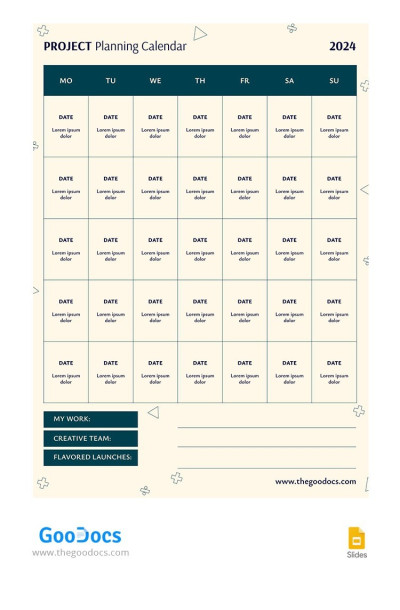
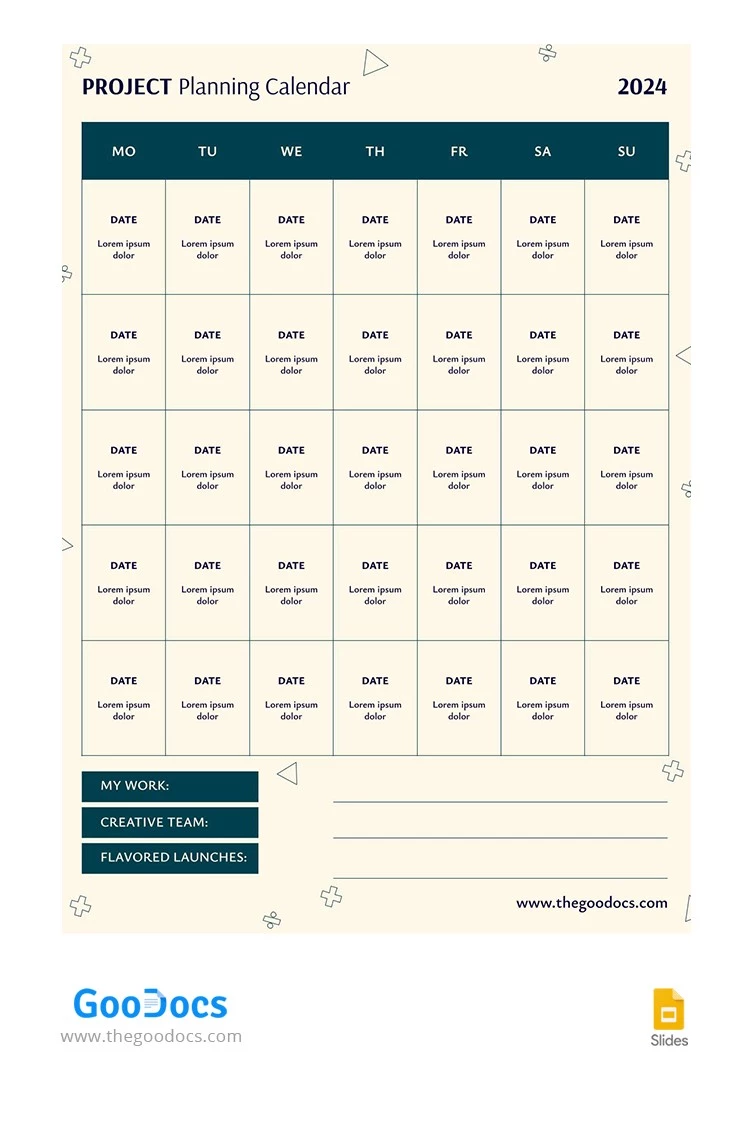
Embark on a journey of organization and efficiency with our comprehensive Project Planning Calendar for 2024. Designed to be your steadfast companion throughout the year, this calendar empowers you to navigate the intricacies of project management with ease and precision. This business calendar is completely free, ready-to-use, and customizable!
ADVERTISEMENT
Free Template
Download Free Template
Choose your platform and start editing right away
PLATFORM
PAPER SIZE
A3
No account required • Attribution required
WHAT’S INCLUDED
Five-week planning grid structure
Editable dates and text blocks
Customizable color scheme and fonts
Section for team and tasks
Calendar Tips
Update the calendar weekly to stay on track.
Use color codes for different projects or teams.
Add notes for important project deadlines.
Customize the placeholders for team responsibilities.
FAQ
Is this template free?
Yes, it is completely free to download and use.
Can I use it on Mac?
Yes, it works on Google Slides and Microsoft PowerPoint on Mac.
Is it easy to customize?
Yes, simply edit text and colors in Google Slides or PowerPoint.
How many slides are included?
It contains a single, comprehensive planning slide.
Can I change the color theme?
Yes, you can easily modify the color theme.
ADVERTISEMENT
How to Use and Edit This Template

Get Your Document
Click the "Edit Template" button to create your own editable copy in Google Slides or download for Microsoft PowerPoint

Customize Everything
Easily change colors, fonts, and layouts to match your unique style or brand identity

Add Your Content
Fill in your data, upload images, and replace the placeholder text with your own information

Print, Export, or Share
Print, export as PDF, or share instantly