Get unlimited access to 5000+ Templates for Google Docs, Slides and Sheets
Unlimited Access
ADVERTISEMENT
ADVERTISEMENT

Printable Calendar with Holidays Template

Use this free template with Google Sheets and Microsoft Excel
4.25 (1 reviews)
Last updated Updated July 14, 2026
Created by Natalia Prokhorenko
Type Simple
ADVERTISEMENT

Template Specification

Format Google Sheets, Microsoft Excel
Created August 24, 2024
Last Updated July 14, 2026
Community Added to collections by 7 Users
Usage Stats 0 downloads this month

Key Features of This Template

About this template

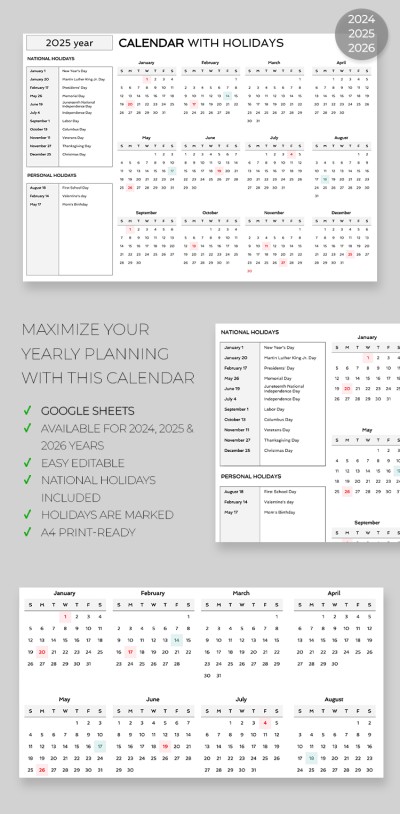
Need a calendar with holidays already marked but don't want to buy one? Create your own with our Calendar Template with Holidays. This option is perfect for both digital use and high-quality printing. It's also fully editable, so you can add your own notes and plans for the entire year using the built-in placeholders.

Convenient Editable Calendar Spreadsheet

This Excel and Google Sheets calendar template can be customized to suit your needs perfectly:

  • Change the look by replacing the gray and white layout with any colors you like.
  • Update the style with new fonts for the text and headings.
  • Mark important dates, birthdays, and celebrations directly on the calendar.
  • Choose the year you need at the bottom of the spreadsheet.

The year and calendar name are shown in the header. On the left side, there are two large sections where you can list all national and personal holidays. We’ve already included New Year's, Independence Day, and Christmas, but you can easily customize the dates and holidays to match your country’s traditions.

Fill in our empty calendar template, print it, and start using it for free!

ADVERTISEMENT
Free Template

Download Free Template

Choose your platform and start editing right away
PLATFORM

Google Sheets

Opens in browser

Microsoft Excel

.xlsx
PAPER SIZE
A4
Google Sheets – A4
No account required • Attribution required

WHAT’S INCLUDED

2024, 2025, 2026 calendar tabs
Editable national and personal holidays section
Print-ready and customizable layout
Easy-to-read monthly planner design

Calendar Tips

1
Customize holiday lists according to your country and needs.
2
Print the calendar in A4 size for best results.
3
Use color-coding for different event types.
4
Regularly update with new events and deadlines.

FAQ

Is this template compatible with Microsoft Excel? Yes, it works with both Google Sheets and Microsoft Excel.
How easy is it to use? Very easy; simply download and start editing directly.
Can I customize the holidays? Yes, you can add or change holidays to fit your needs.
Is this template free to use? Yes, it is available for free download.
How do automatic features work in this calendar? Currently, it highlights holidays automatically; other features are manual.
ADVERTISEMENT

How to Use and Edit This Template

Get Your Document

1

Get Your Document

Click the "Edit Template" button to create your own editable copy in Google Sheets or download for Microsoft Excel
Customize Everything
2

Customize Everything

Easily change colors, fonts, and layouts to match your unique style or brand identity
Add Your Content
3

Add Your Content

Fill in your data, upload images, and replace the placeholder text with your own information
Print, Export, or Share
4

Print, Export, or Share

Print, export as PDF, or share instantly

Related Templates

Recently Viewed