Get unlimited access to 5000+ Templates for Google Docs, Slides and Sheets
Unlimited Access
ADVERTISEMENT
ADVERTISEMENT

Bills Calendar 2024 Template

Use this free template with Google Sheets and Microsoft Excel
4.25 (1 reviews)
Last updated Updated July 14, 2026
Created by Natalia Prokhorenko
Type 2024
ADVERTISEMENT

Template Specification

Format Google Sheets, Microsoft Excel
Created August 11, 2024
Last Updated July 14, 2026
Community Added to collections by 9 Users
Usage Stats 6 downloads this month

Key Features of This Template

About this template

Do you want to pay your bills quickly and avoid delinquent payment penalties? Bills Calendar 2024 Template is designed for those who want to keep their finances under control!

Calendar Structure

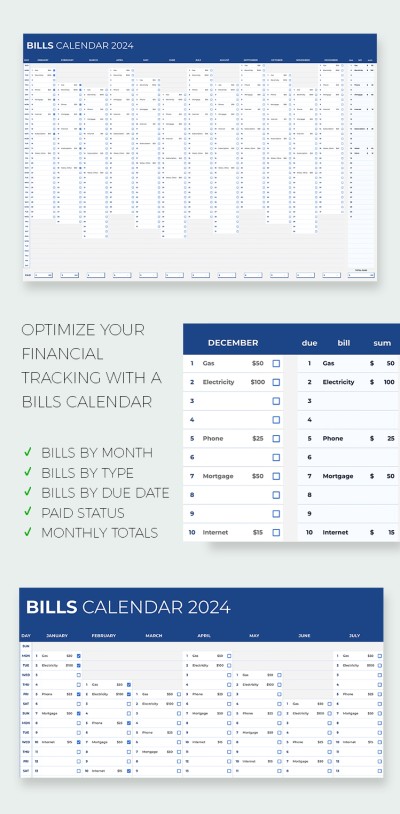
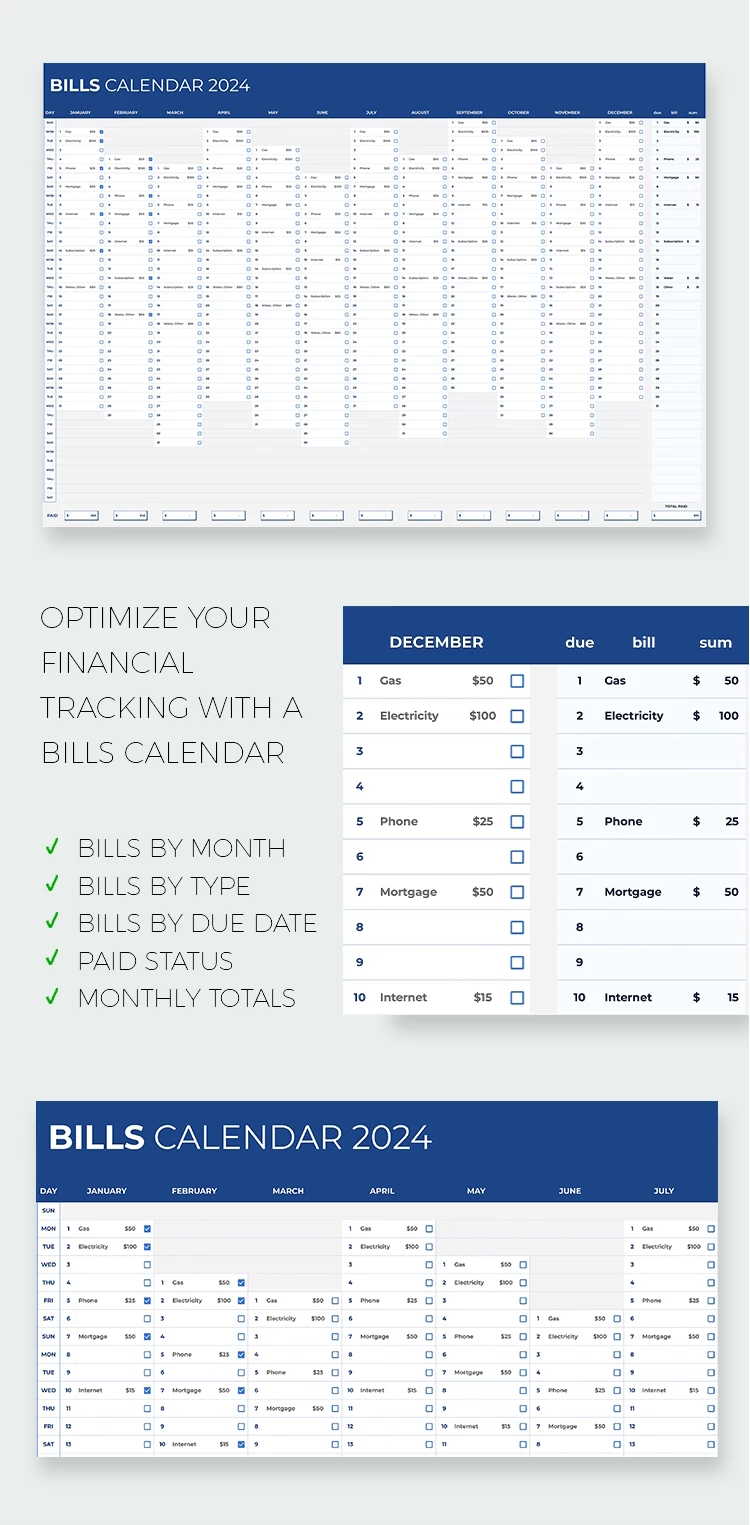
This bill calendar template in Excel and Google Sheets features a single sheet. The top part contains a header with the calendar's name, which can be easily changed to reflect your personal preferences or a specific goal (for example, "Family Expenses 2024").

The main table is divided into 12 months and has a clear structure. Each month has fields for all days (30-31 days), where you can enter data on bills and payments. This system allows you to plan what amounts must be paid and set checkpoints by date.

Additional Features for Convenience

There is a DUE BILL SUM section in the upper right corner, where you can record the total amount of upcoming payments. The bottom of the table contains automated formulas that help instantly calculate the total amounts of all expenses for a month or year. Check out more of our free calendars and download the option you like!

ADVERTISEMENT
Free Template

Download Free Template

Choose your platform and start editing right away
PLATFORM

Google Sheets

Opens in browser

Microsoft Excel

.xlsx
PAPER SIZE
A4
Google Sheets – A4
No account required • Attribution required

WHAT’S INCLUDED

Yearly view with monthly sections
Automated monthly total calculations
Customization for bill categories
Checkboxes to track payment status

Calendar Tips

1
Update your bills weekly to stay organized.
2
Use distinct colors for different bills.
3
Set reminders for payment due dates.
4
Review monthly totals to adjust budgets.

FAQ

Is this template free? Yes, you can download and use it for free.
Can I customize bill categories? Yes, you can easily modify categories in Google Sheets and Microsoft Excel.
Is it compatible with Microsoft Excel? Yes, it's designed for both Google Sheets and Microsoft Excel.
Are the calculations automatic? Yes, totals update automatically with embedded formulas.
Is it easy to use? Absolutely, it’s intuitive and user-friendly.
ADVERTISEMENT

How to Use and Edit This Template

Get Your Document

1

Get Your Document

Click the "Edit Template" button to create your own editable copy in Google Sheets or download for Microsoft Excel
Customize Everything
2

Customize Everything

Easily change colors, fonts, and layouts to match your unique style or brand identity
Add Your Content
3

Add Your Content

Fill in your data, upload images, and replace the placeholder text with your own information
Print, Export, or Share
4

Print, Export, or Share

Print, export as PDF, or share instantly

Related Templates

Recently Viewed