Get unlimited access to 5000+ Templates for Google Docs, Slides and Sheets
Unlimited Access
ADVERTISEMENT
ADVERTISEMENT

2024 Photo Wall Calendar Template

Use this free template with Google Slides and Microsoft PowerPoint
4.25 (1 reviews)
Last updated Updated July 14, 2026
Created by Yurii Zakhidnyi
Type Yearly, 2024
ADVERTISEMENT

Template Specification

Format Google Slides, Microsoft PowerPoint
Created June 6, 2024
Last Updated July 14, 2026
Community Added to collections by 1 Users
Usage Stats 0 downloads this month

Key Features of This Template

About this template

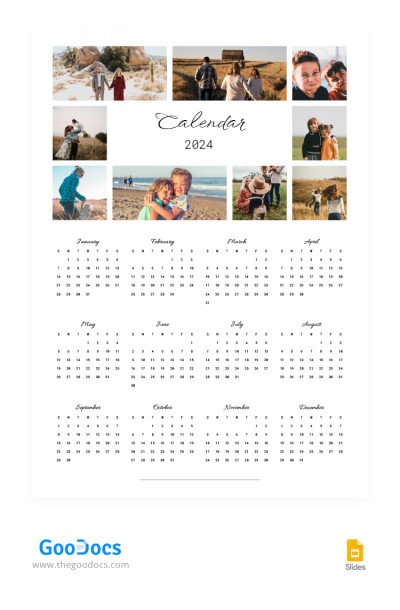
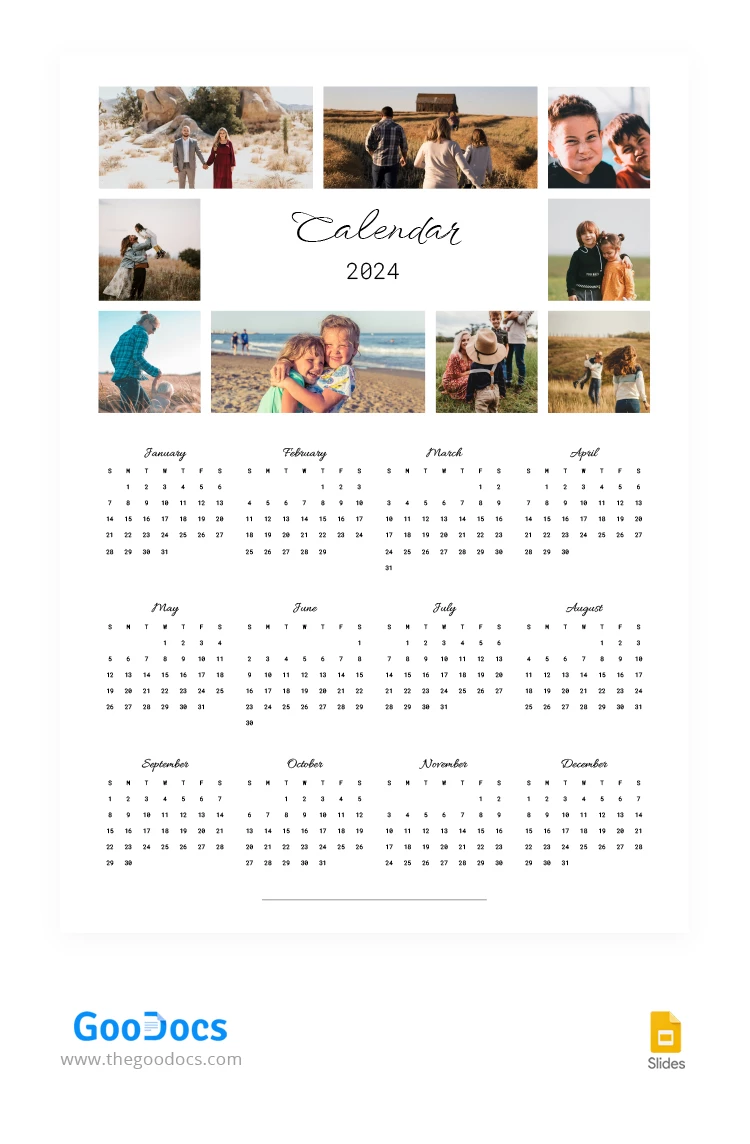
Get a copy of this Aesthetic 2024 Photo Wall Calendar and use it in digital or printed format! Our template is available for printing in Google Slides in A3 format, and you can hang it on a wall at your home, office, or other places.

Blank Calendar with Placeholders for Photos

Do you want to surprise your family and loved ones? Use the placeholders of this yearly calendar template to add photos of your closest people. You can insert nine or even more photos in different formats. They will create a unique personalized frame for the calendar title.

This form features a minimalistic white design with sections for 12 months. Of course, weekdays and weekends are visualized for each month, and the eye-pleasing fonts fit perfectly with the purpose and overall design of our calendar template for 2024!

Find even more versatile calendar templates in various formats only on our website.

ADVERTISEMENT
Free Template

Download Free Template

Choose your platform and start editing right away
PLATFORM

Google Slides

Opens in browser

Microsoft PowerPoint

.pptx
PAPER SIZE
A3
Google Slides – A3
No account required • Attribution required

WHAT’S INCLUDED

12 customizable monthly calendar slides
Image placeholders for personal photos
Minimalistic white design theme
Elegant, easy-to-read fonts

Calendar Tips

1
Add family photos for personalization
2
Print in A3 for wall display
3
Use high-quality images for clarity
4
Ensure photos fit placeholders neatly

FAQ

Is this template free? Yes, download and use it freely.
Can I use it in Microsoft PowerPoint? Yes, it's compatible with Microsoft PowerPoint.
How many slides are included? There are 12 monthly slides included.
Are the fonts editable? Yes, you can change fonts to your preference.
How do I change the slide theme? Customize the theme using the slide master in Google Slides or PowerPoint.
ADVERTISEMENT

How to Use and Edit This Template

Get Your Document

1

Get Your Document

Click the "Edit Template" button to create your own editable copy in Google Slides or download for Microsoft PowerPoint
Customize Everything
2

Customize Everything

Easily change colors, fonts, and layouts to match your unique style or brand identity
Add Your Content
3

Add Your Content

Fill in your data, upload images, and replace the placeholder text with your own information
Print, Export, or Share
4

Print, Export, or Share

Print, export as PDF, or share instantly

Related Templates

Recently Viewed