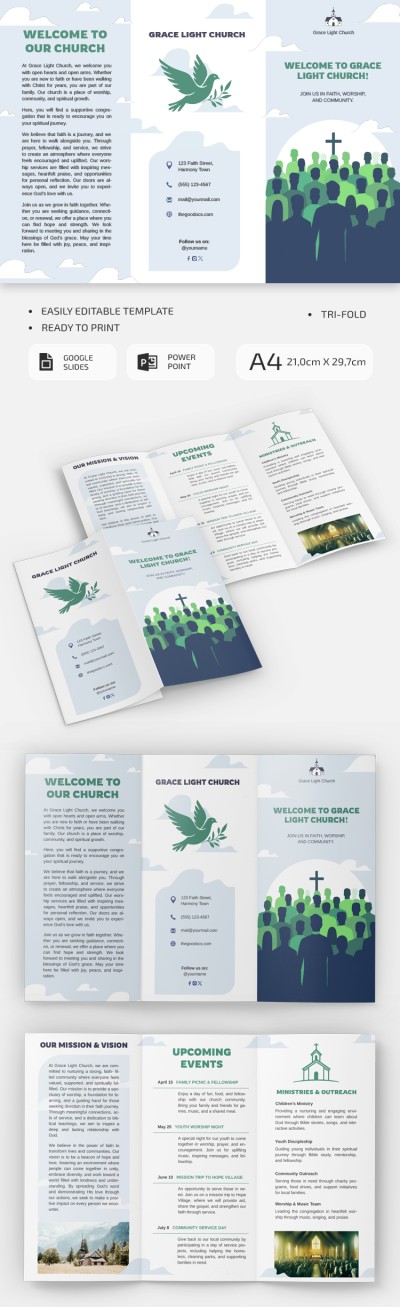
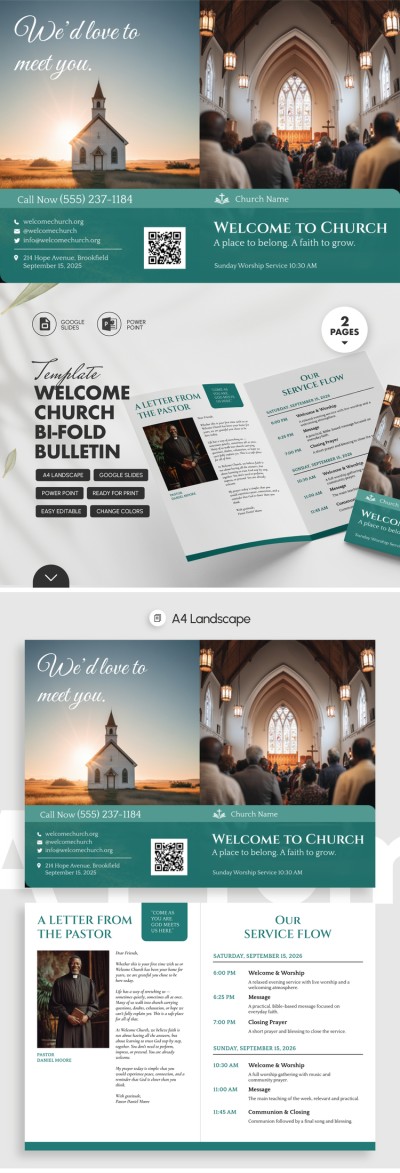
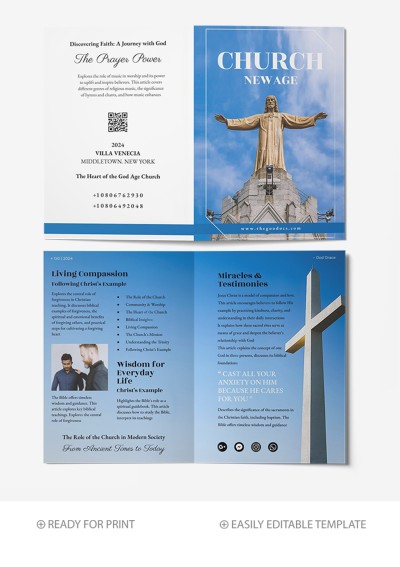
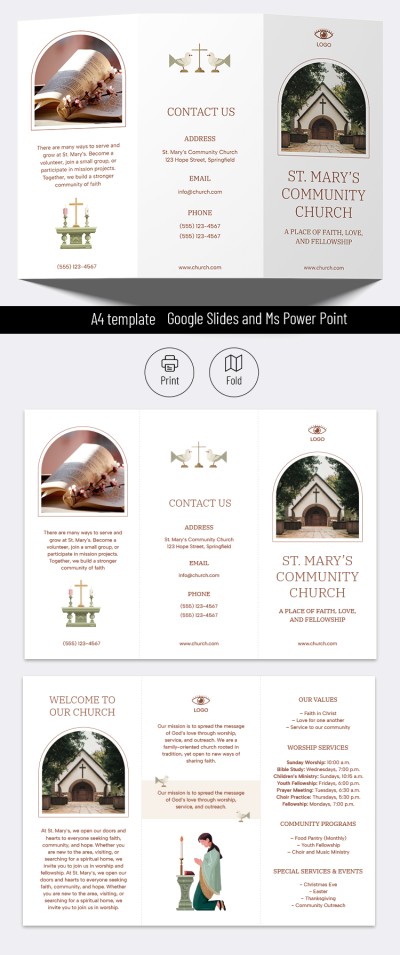
Trendy Church Brochure Template
Use this free template with Google Docs and Microsoft Word
Template Specification
Key Features of This Template
About this template
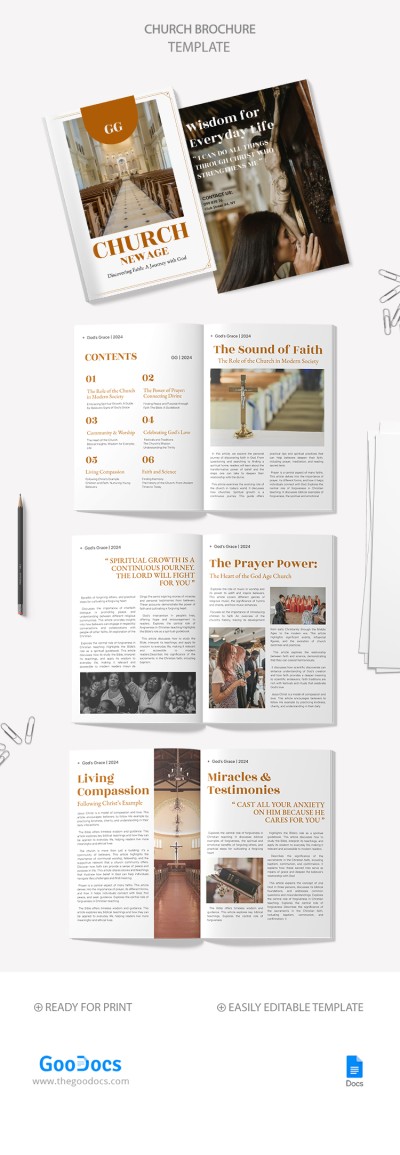
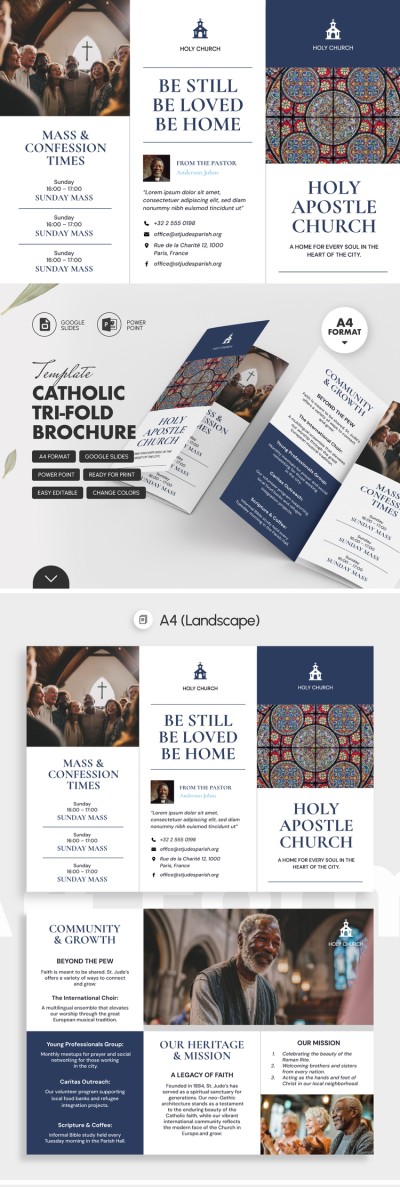
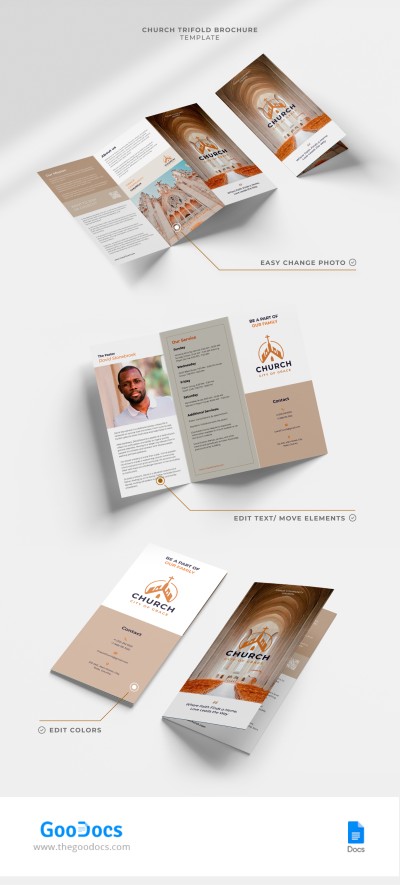
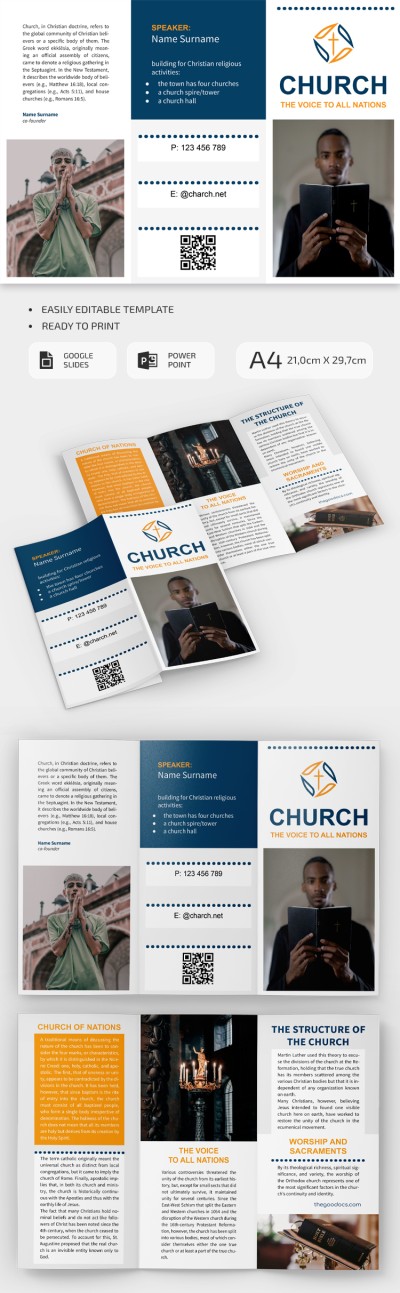
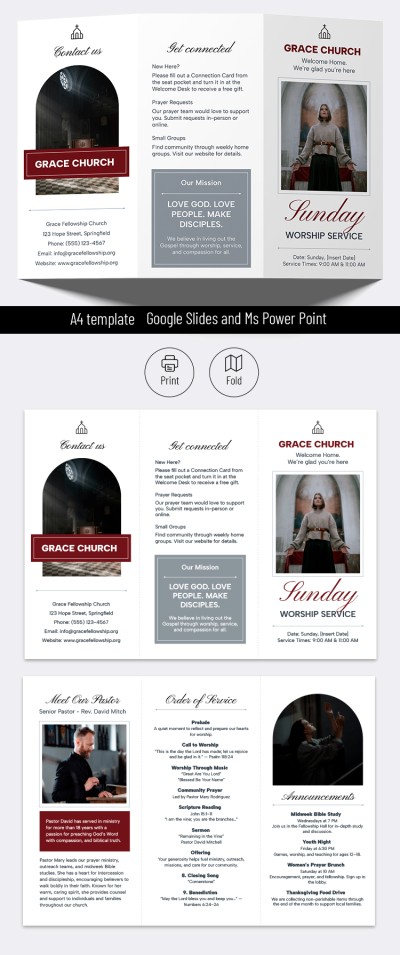
Our Trendy Church Brochure Template will help you create an informative and professionally styled pamphlet, even if you have no design experience. Use the black-and-white layout with sections for your core information, or customize it to suit your vision. This template is perfect for promotional outreach as well as regular weekly or monthly church bulletins.
Create a Church Brochure with This Layout
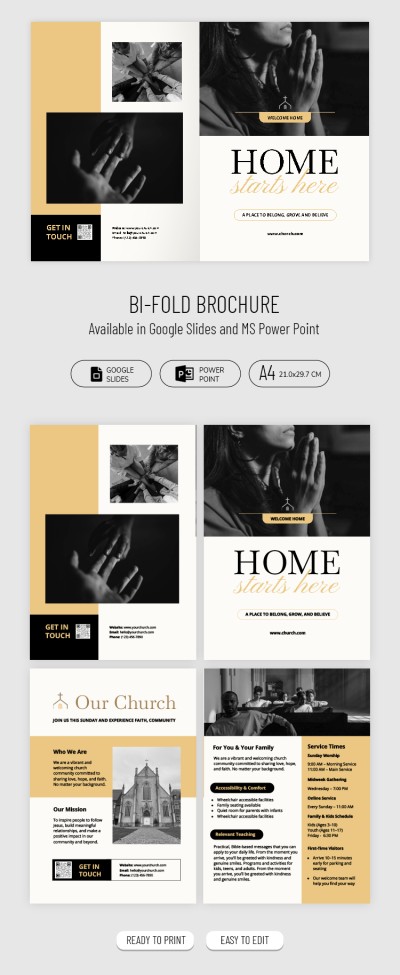
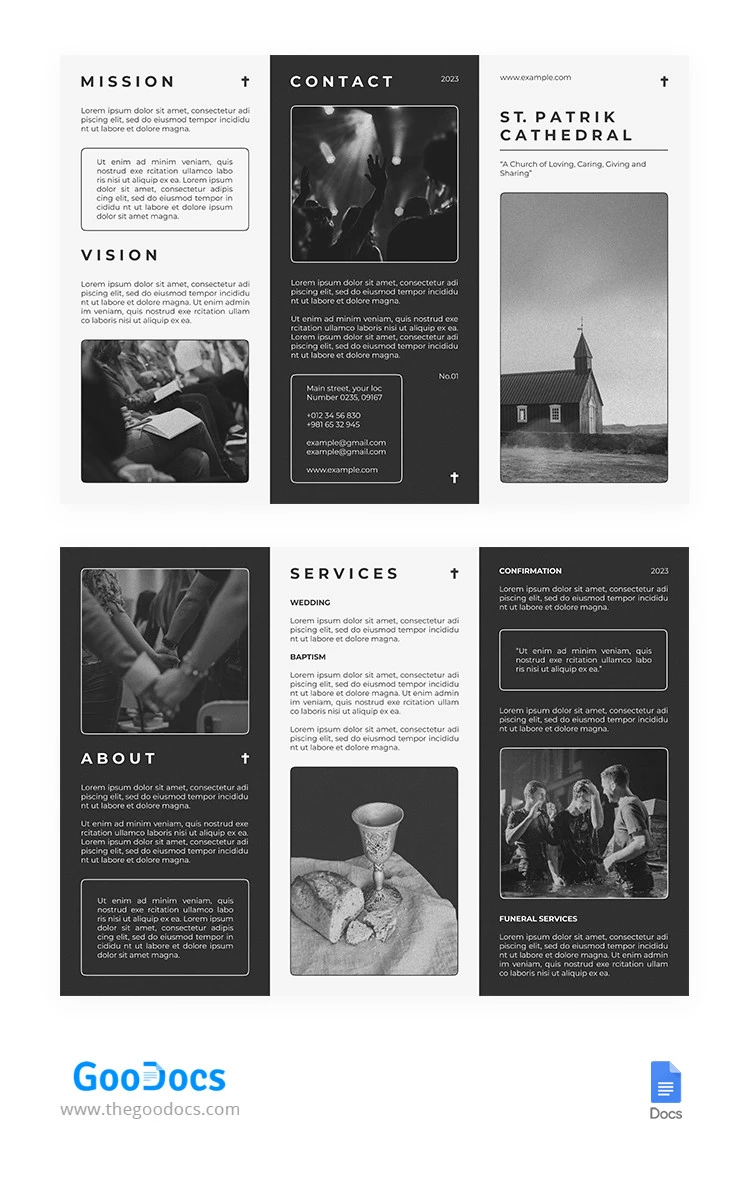
The main feature of this church brochure is its modern, fresh look designed with a younger audience in mind. The layout uses black-and-white imagery of celebrations, services, and church life, which you can keep or replace with your own photos. Alternating dark and light panels make the brochure easy to read and visually appealing.
Start filling out our church brochure today:
- Add your church name, website link, main photo, and mission statement to the front panel.
- Include contact details, event photos, and additional descriptions on the back panel.
- Fill out the Mission, Vision, About Us, and Services sections on the inside panels.
The structure serves as a clear starting point, but you can keep it as is or tailor it to your needs. This professional brochure template is also fully editable in Google Docs and is print-ready as a tri-fold layout; no extra setup required.
Download Free Template
WHAT’S INCLUDED
Brochures & Pamphlet Tips
FAQ
How to Use and Edit This Template

Get Your Document

Customize Everything

Add Your Content