Bi-Fold Church Brochure Template
Use this free template with Google Docs and Microsoft Word
Template Specification
Key Features of This Template
About this template
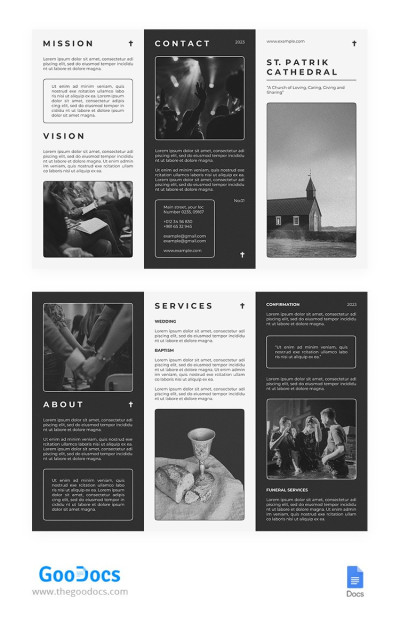
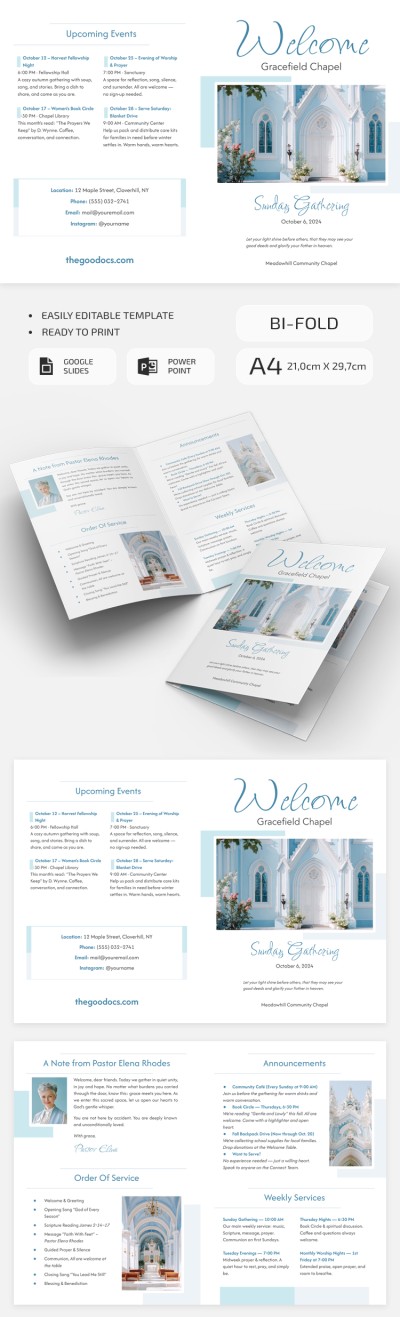
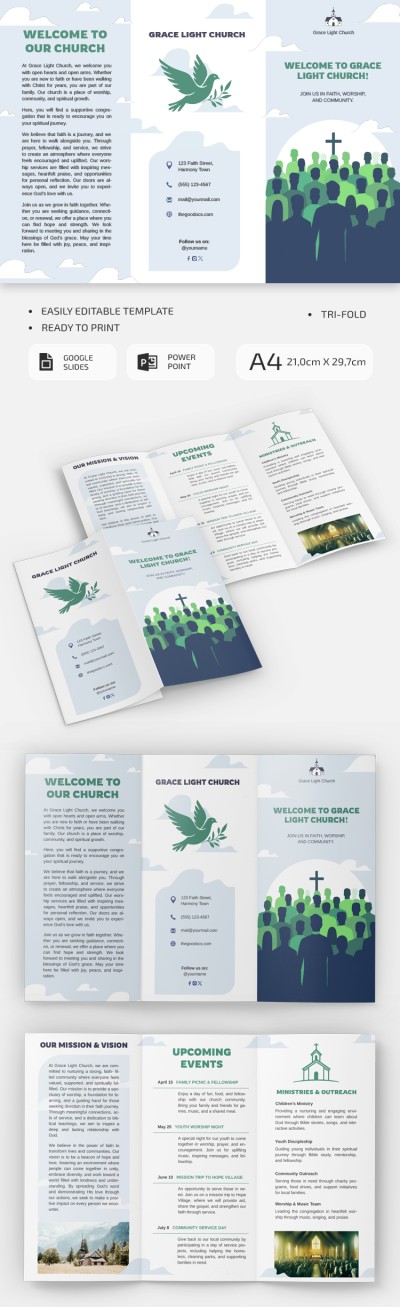
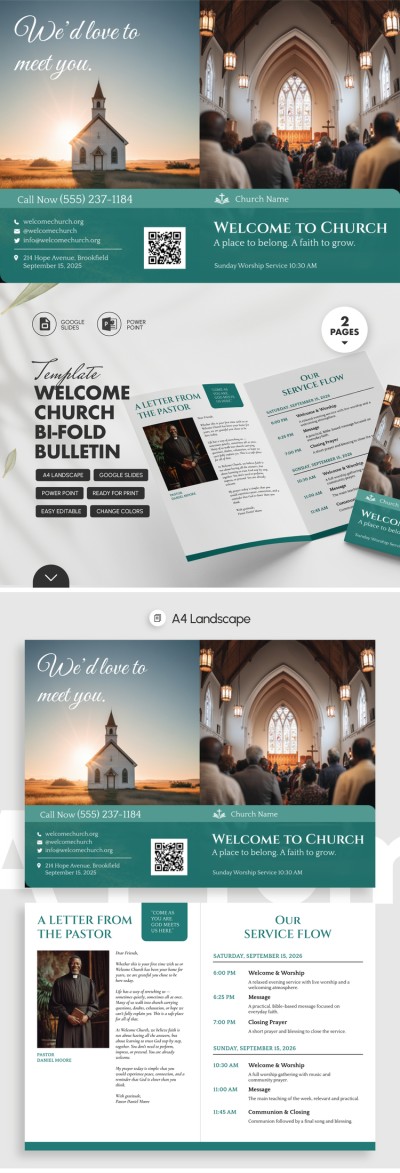
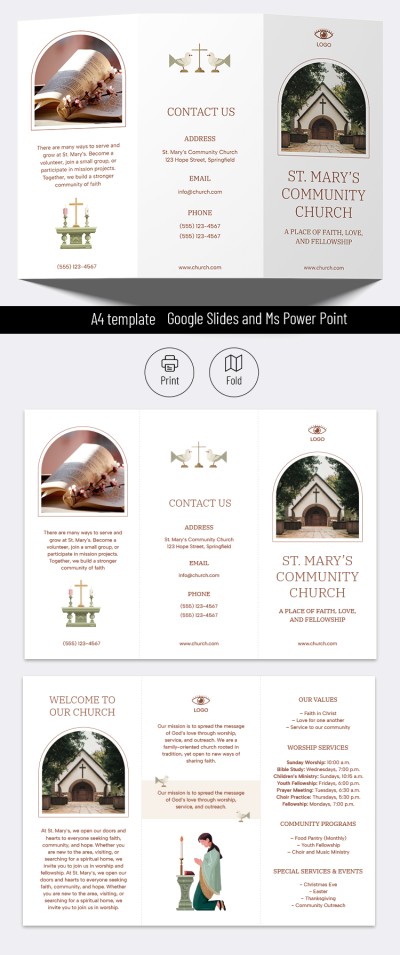
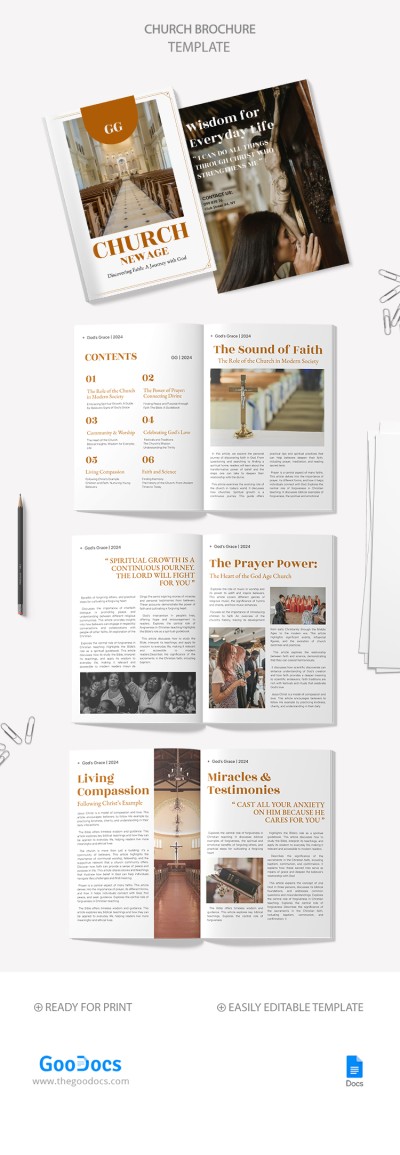
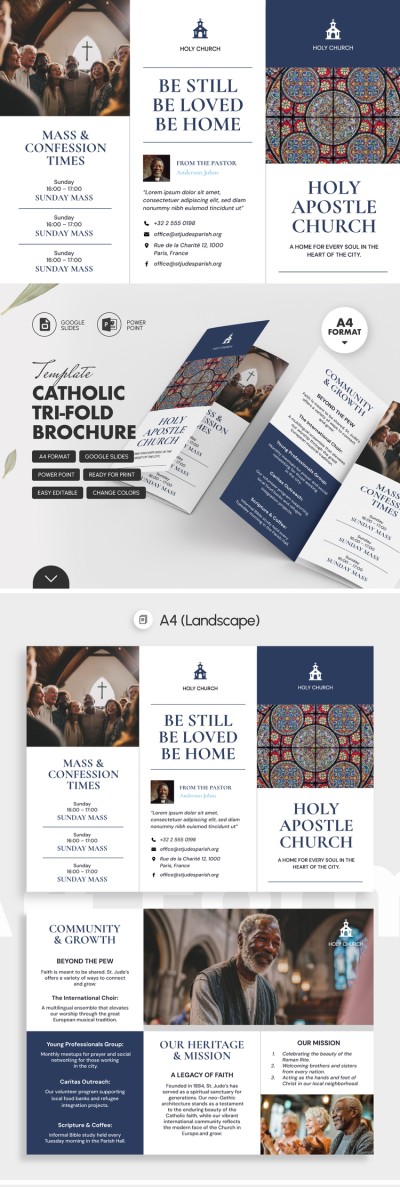
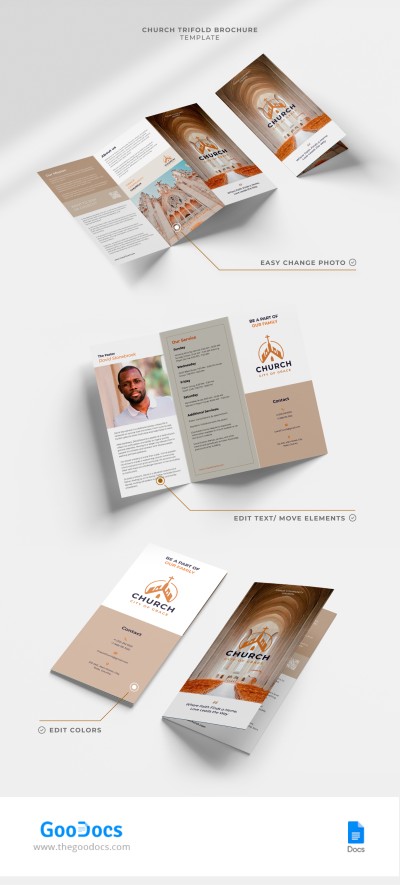
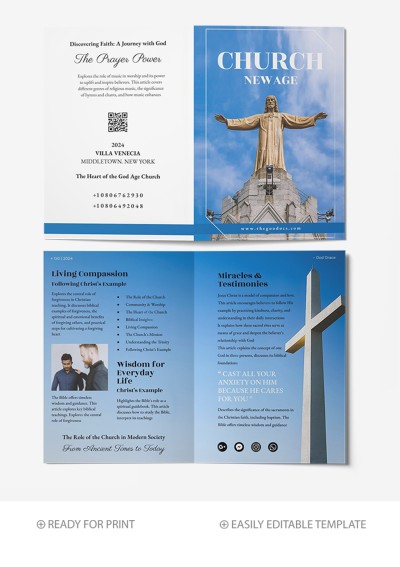
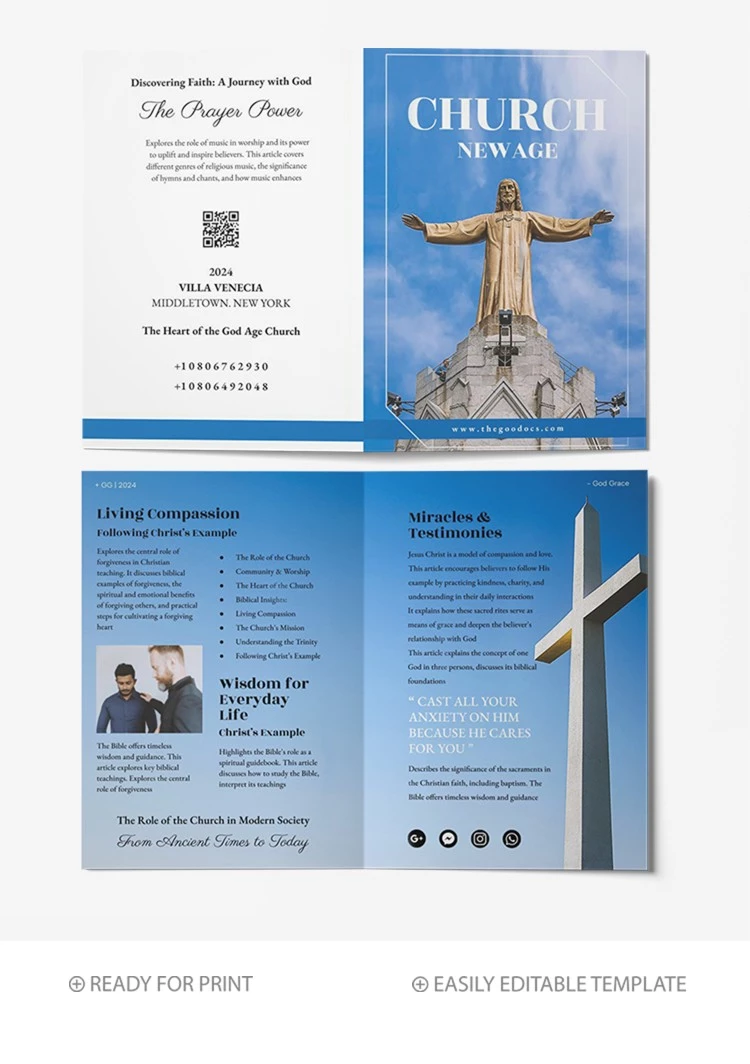
Introducing our Bi-Fold Church Brochure Template, editable in Google Docs and Word. This template is perfect for creating informational brochures for your church. No special design skills are required — simply fill in the placeholders with your text, and the brochure is ready to print.
Creating a Bi-Fold Church Brochure Is Easy
Designing a truly engaging and useful brochure is much easier with a ready-made layout. Our double-sided bi-fold brochure offers plenty of space to include informative content about your church. The front cover, featuring a statue of Jesus against a backdrop of blue sky and clouds, is particularly striking.
Customizing our free church bulletin templates is simple:
- Open the template in Google Slides or PowerPoint.
- Click on a placeholder to replace the text.
- Add a photo of the pastor or pictures you want.
- Choose new fonts and background colors as desired.
- Print the completed brochure in A5 format.
Your materials can look elegant even without design experience and significant time investments. More brochure examples are available via the link.
Download Free Template
WHAT’S INCLUDED
Brochures & Pamphlet Tips
FAQ
How to Use and Edit This Template

Get Your Document

Customize Everything

Add Your Content