Beige Trifold Photography Brochure Template
Use this free template with Google Docs and Microsoft Word
Template Specification
Key Features of This Template
About this template
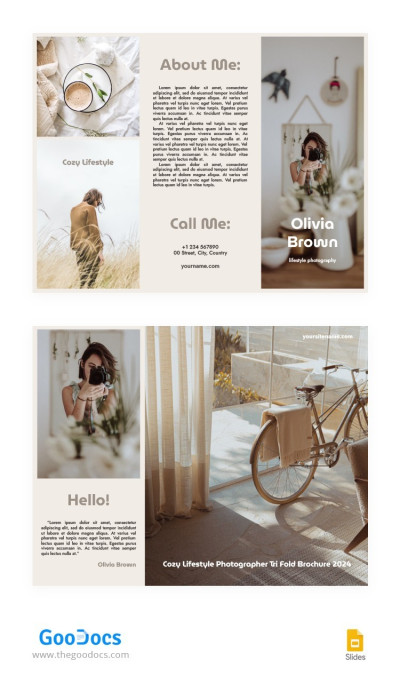
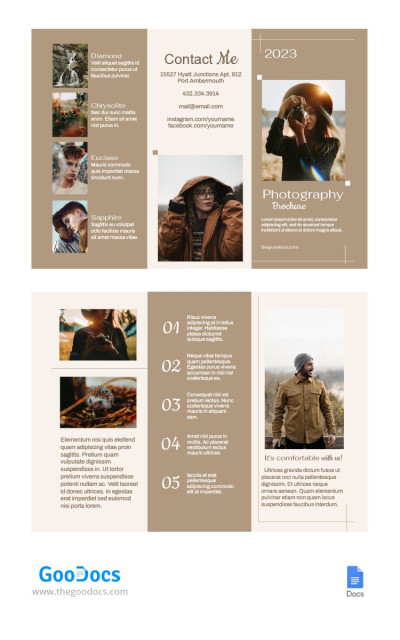
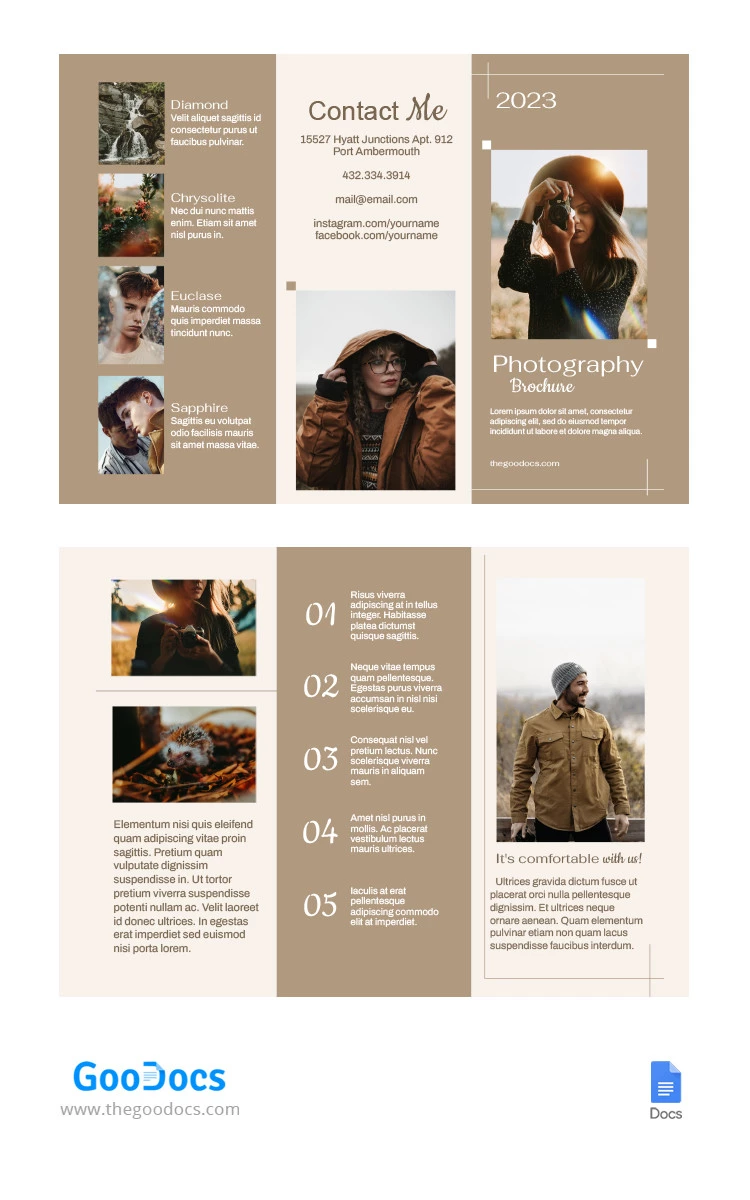
This Beige Tri-Fold Photography Brochure Template makes promoting your services easier and more efficient. Don't waste time creating a layout and structure from scratch; use a ready-made aesthetic brochure template. Our example features a soft beige color palette across all six panels, perfect for showcasing your best cozy autumn photos.
Customize Your Aesthetic Photography Pamphlet
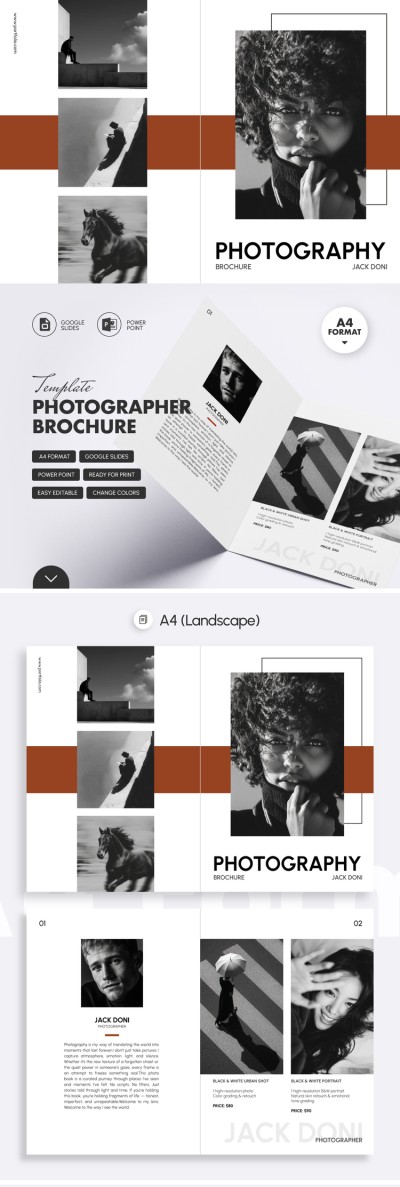
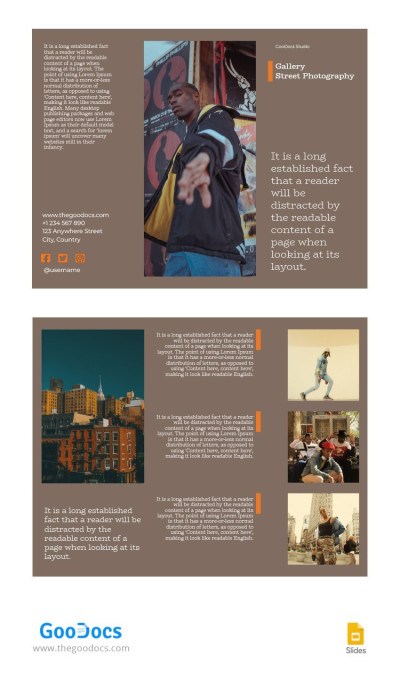
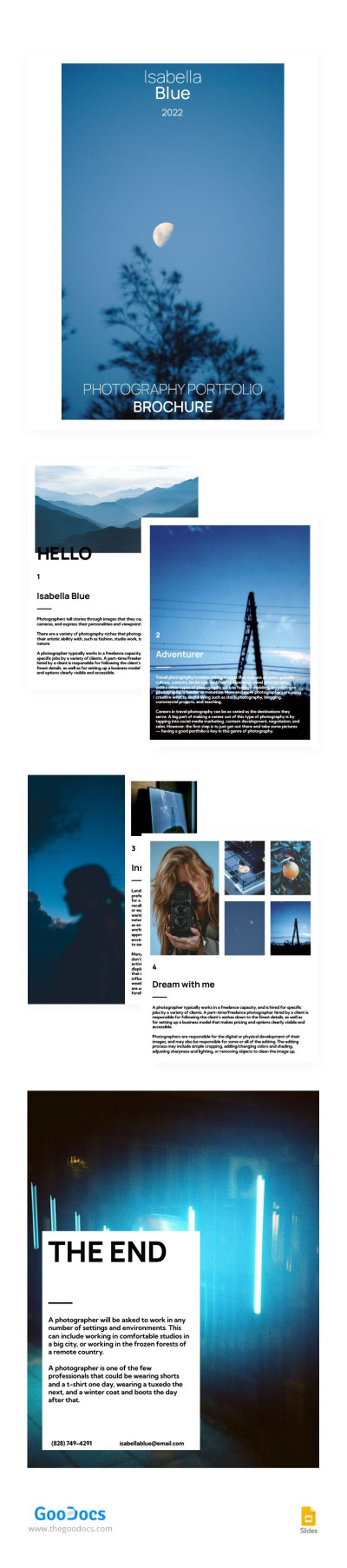
This tri-fold layout consists of six panels. On the front cover, you can add your photo or top shots from your portfolio, the year, service descriptions, and the link to your website. On the back panel, potential clients will immediately find all your contact details and another picture. The inside panels allow you to display your portfolio photos, replace placeholder images, create catchy descriptions for each photograph, and list service details and pricing.
More features of our photography brochure:
- Easily change block sizes and positions, background and text colors, and insert new images in Google Slides.
- Save the final version as a PDF for high-quality printing on A4 landscape paper.
This option is perfect for any modern photographer! Promote your services and share the best work from your portfolio right away.
Download Free Template
WHAT’S INCLUDED
Brochures & Pamphlet Tips
FAQ
How to Use and Edit This Template

Get Your Document

Customize Everything

Add Your Content