Children Book Template
Use this free template with Google Slides and Microsoft PowerPoint
Template Specification
Key Features of This Template
About this template
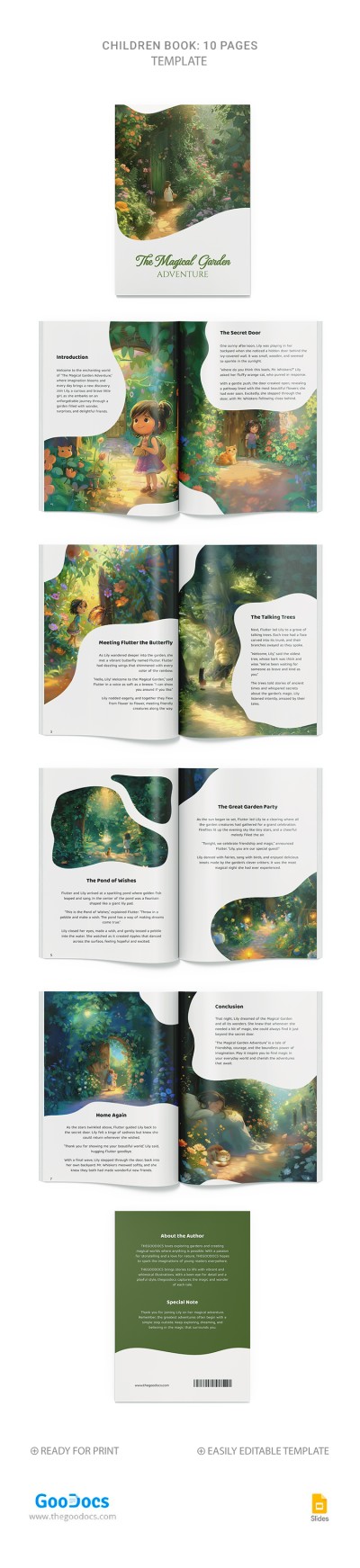
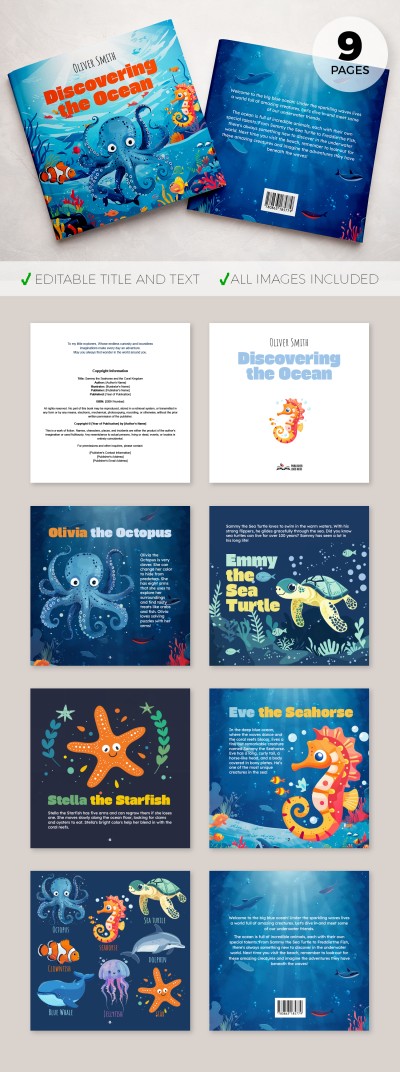
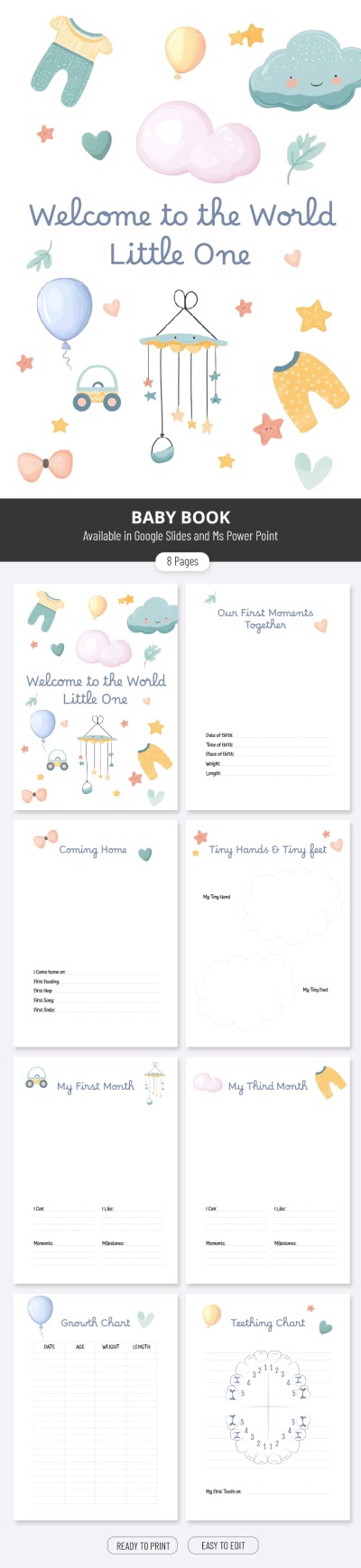
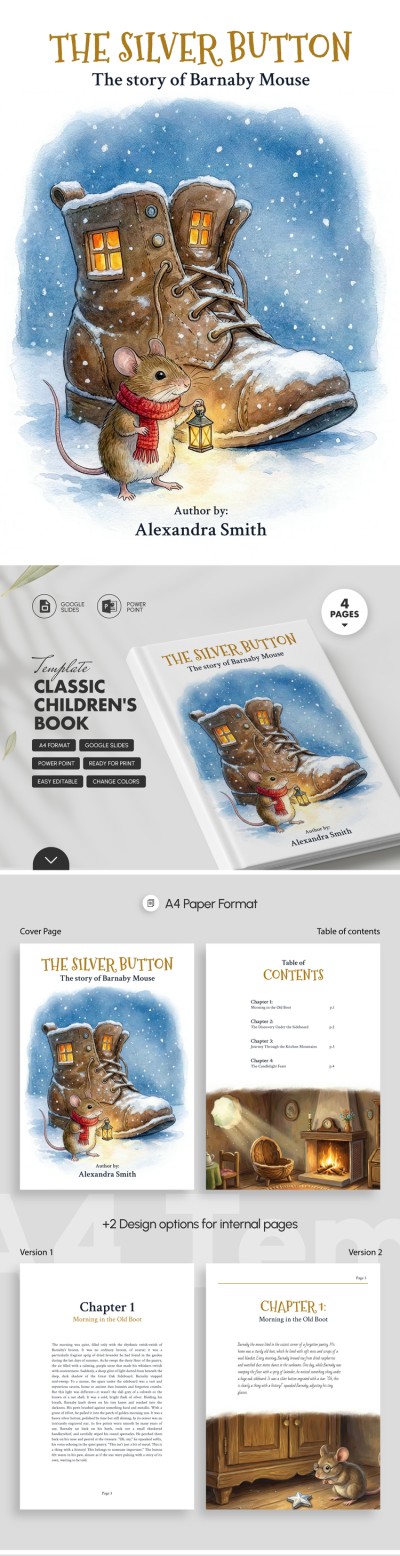
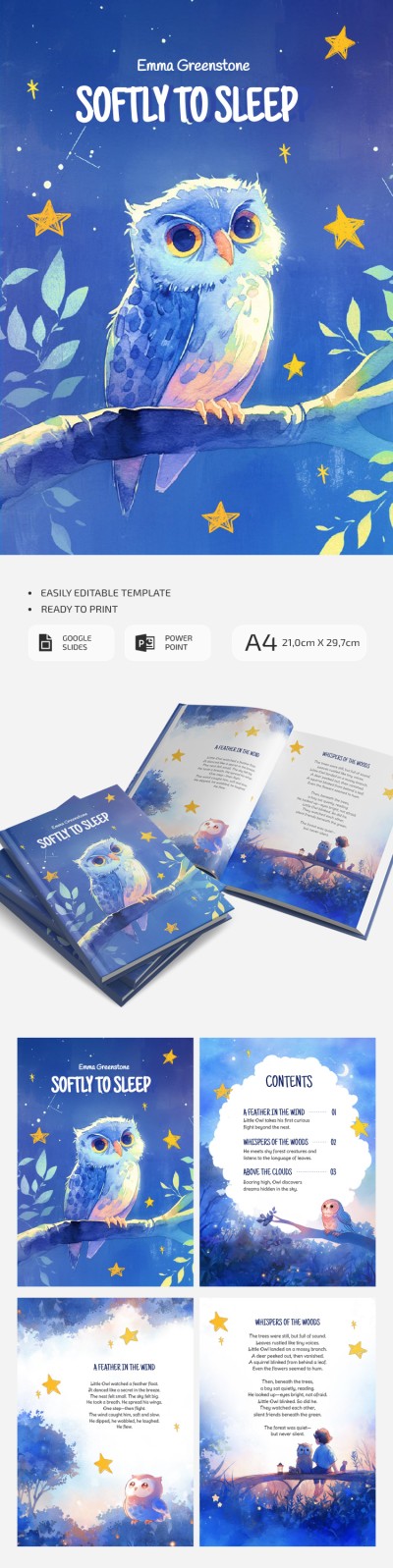
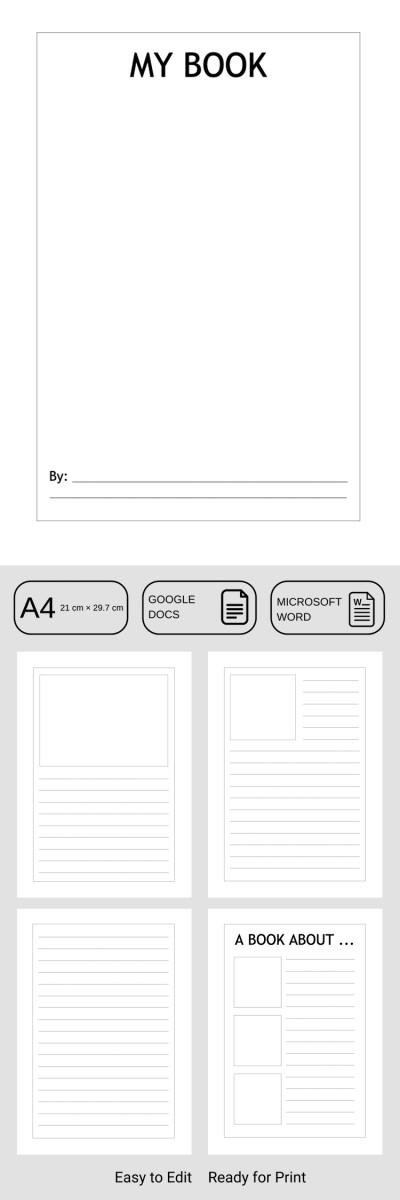
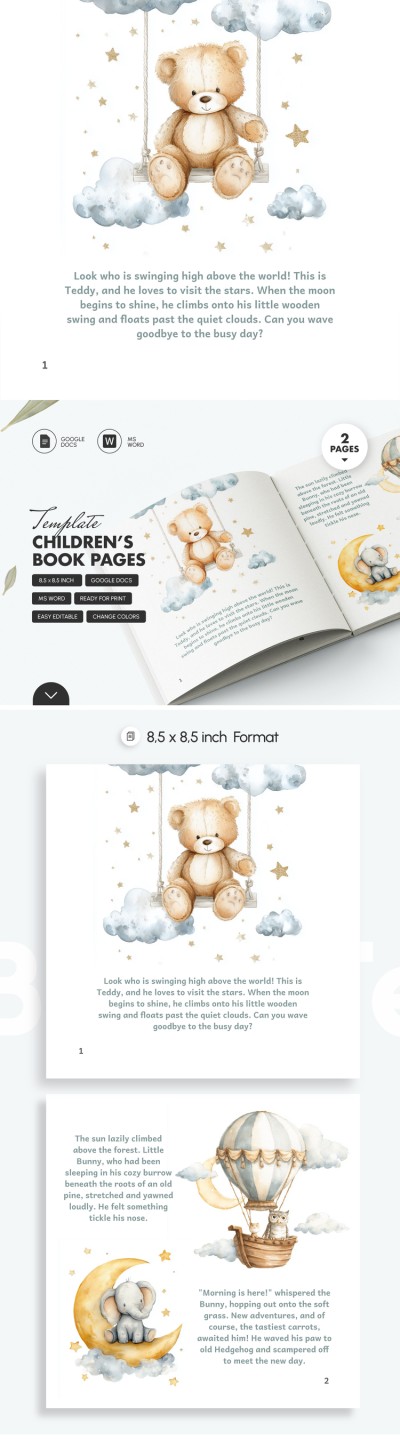
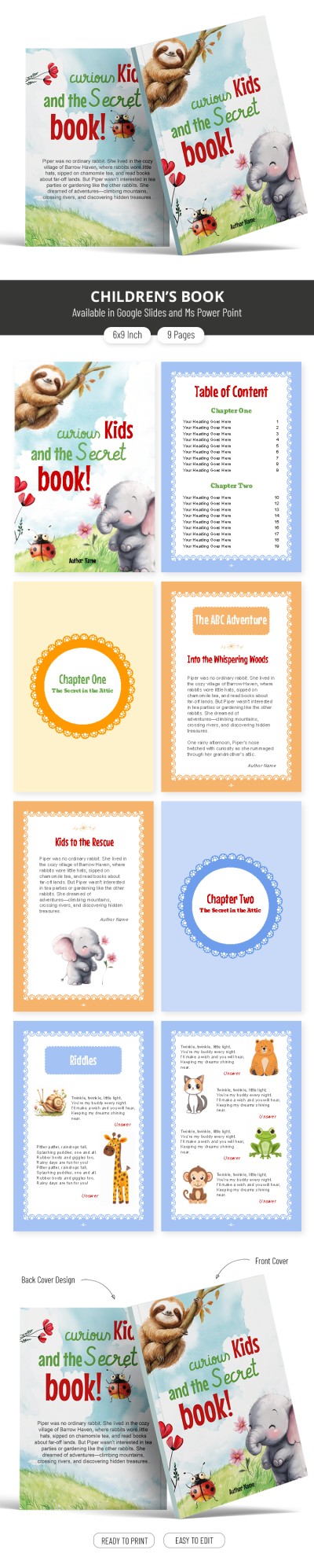
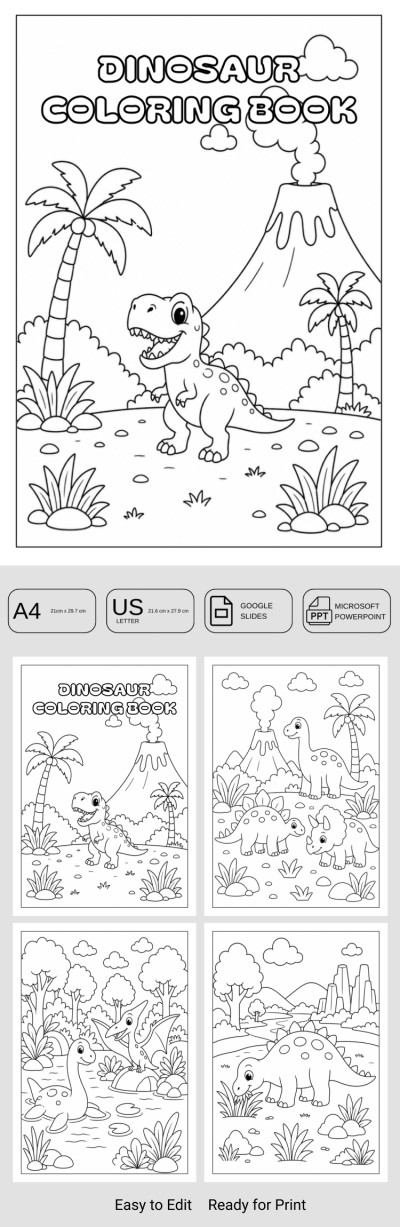
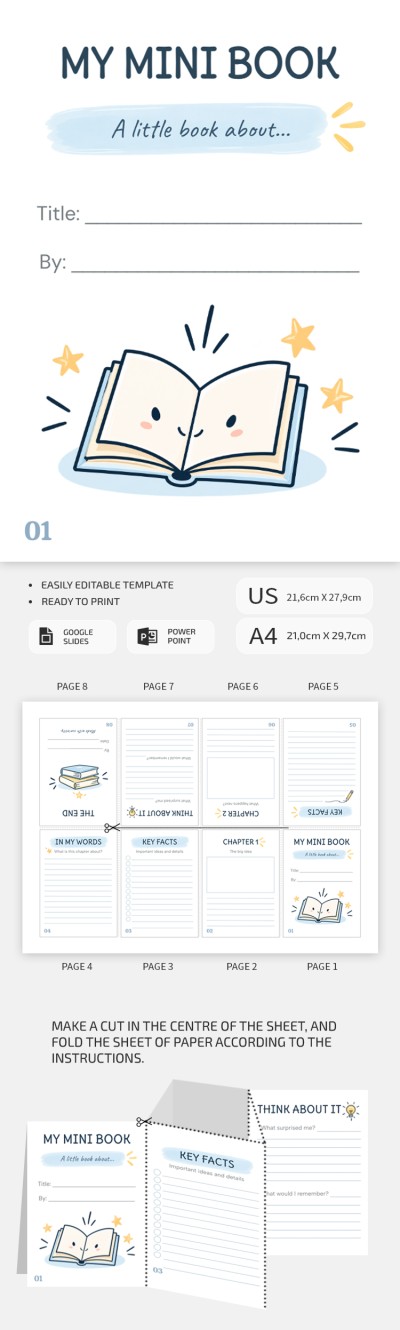
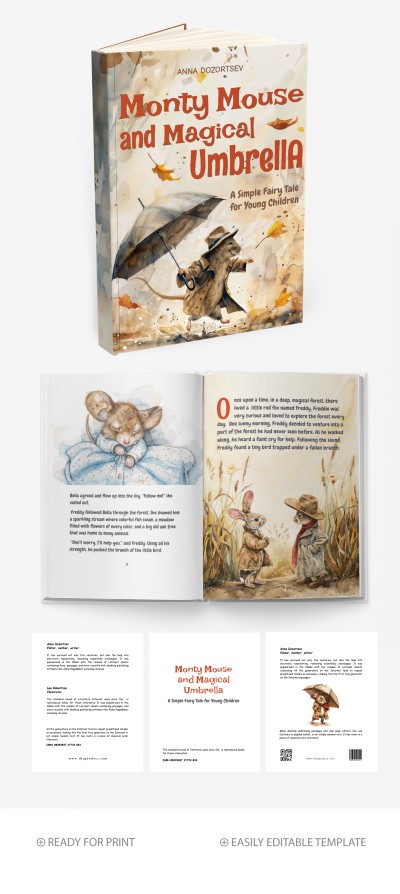
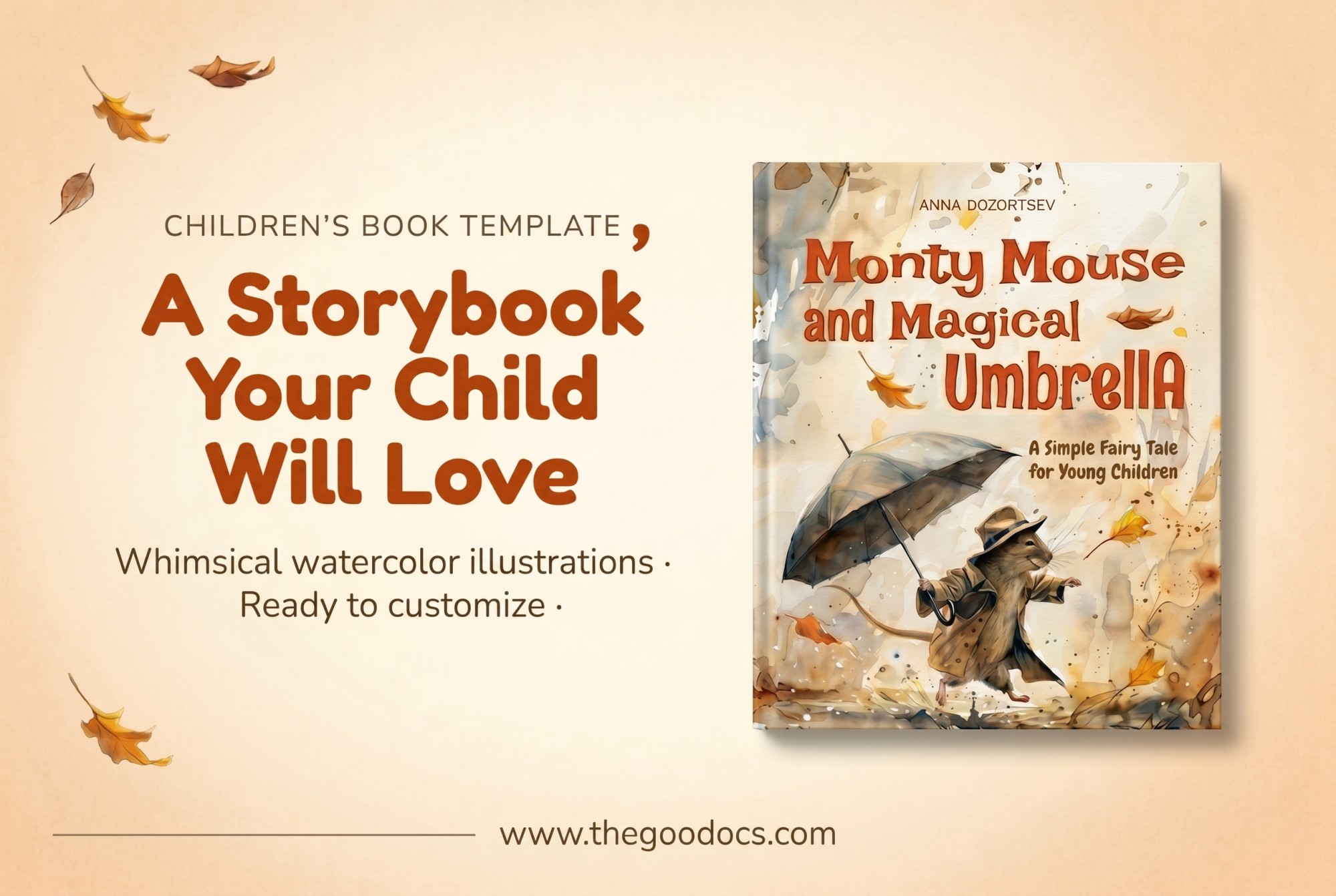
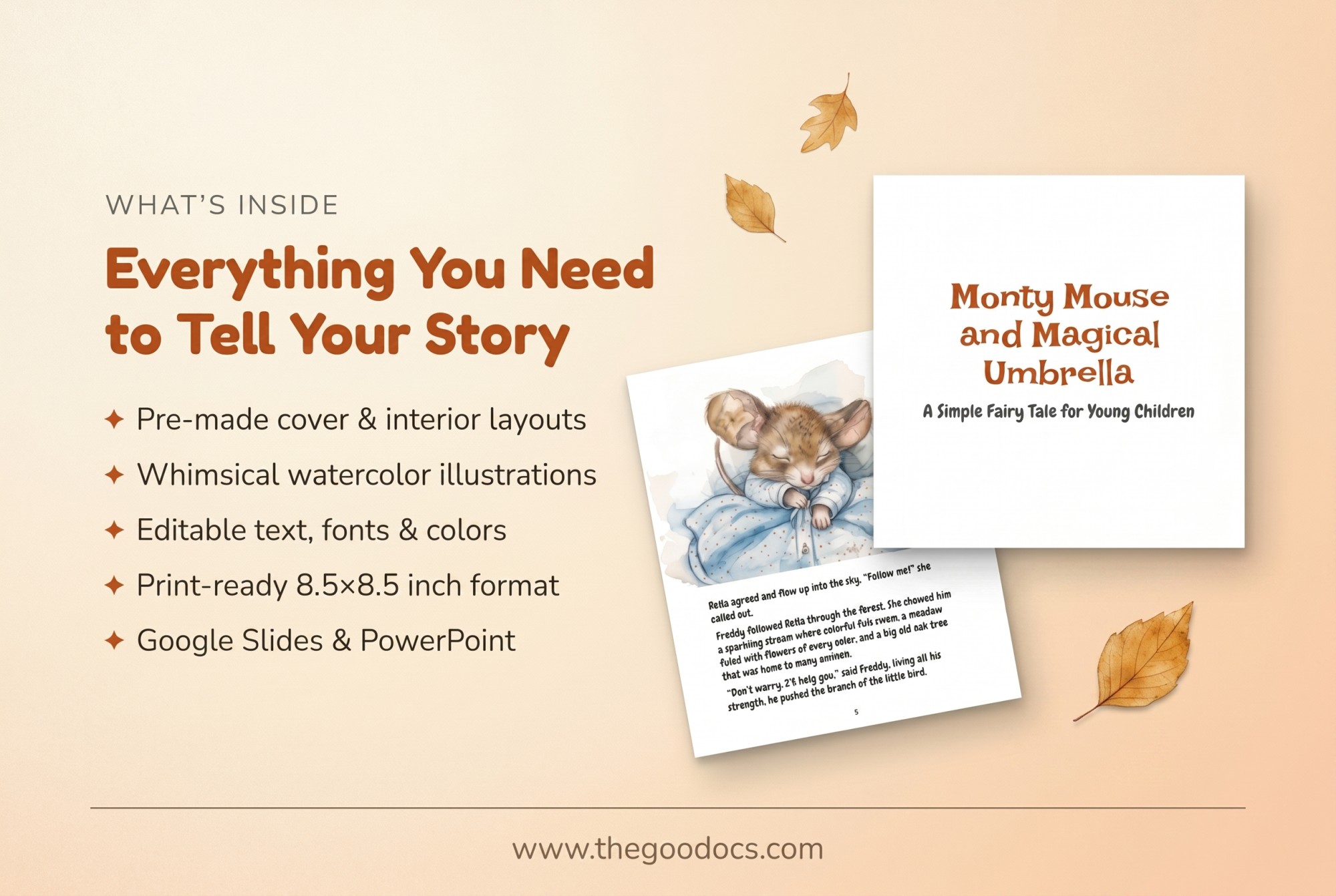
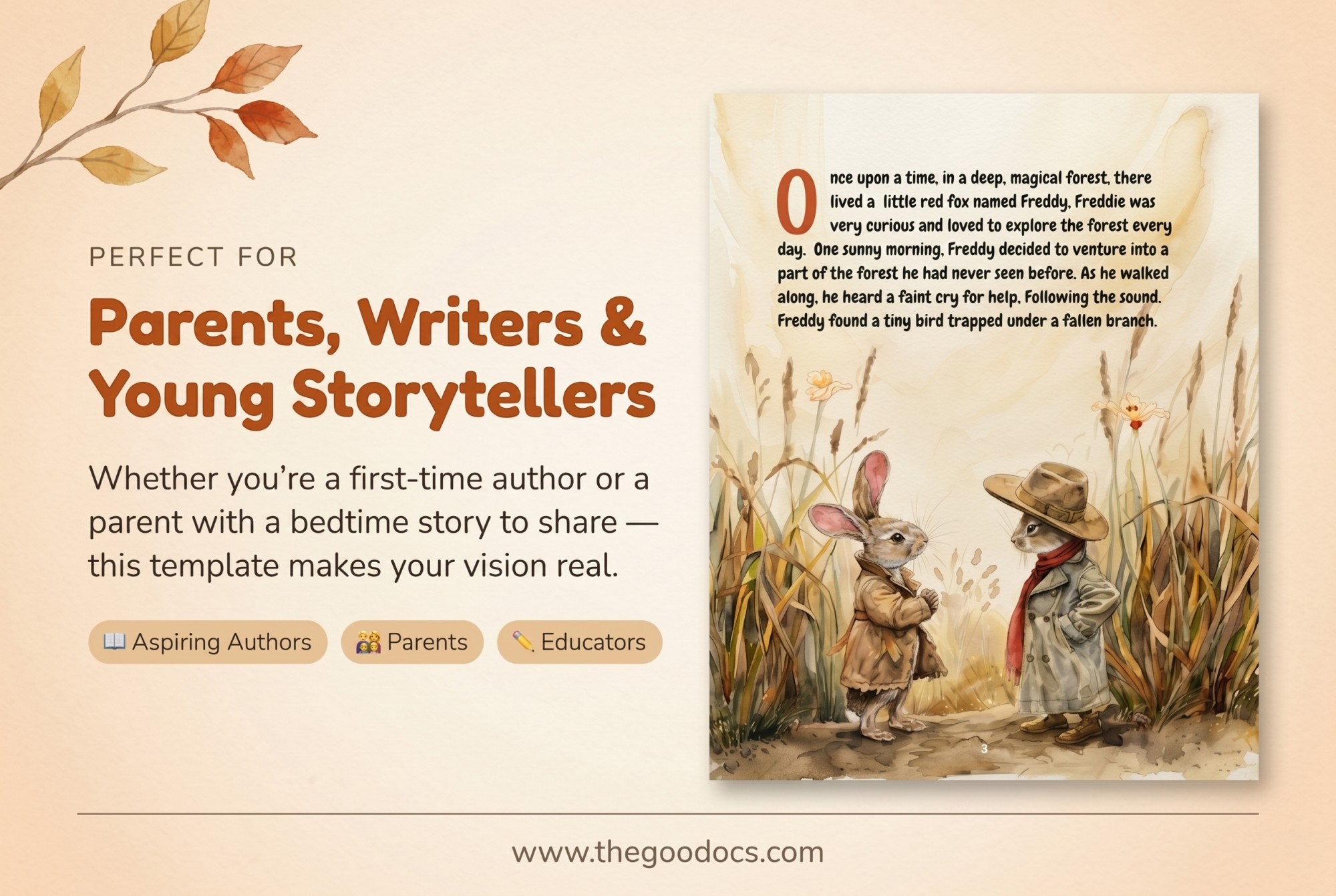
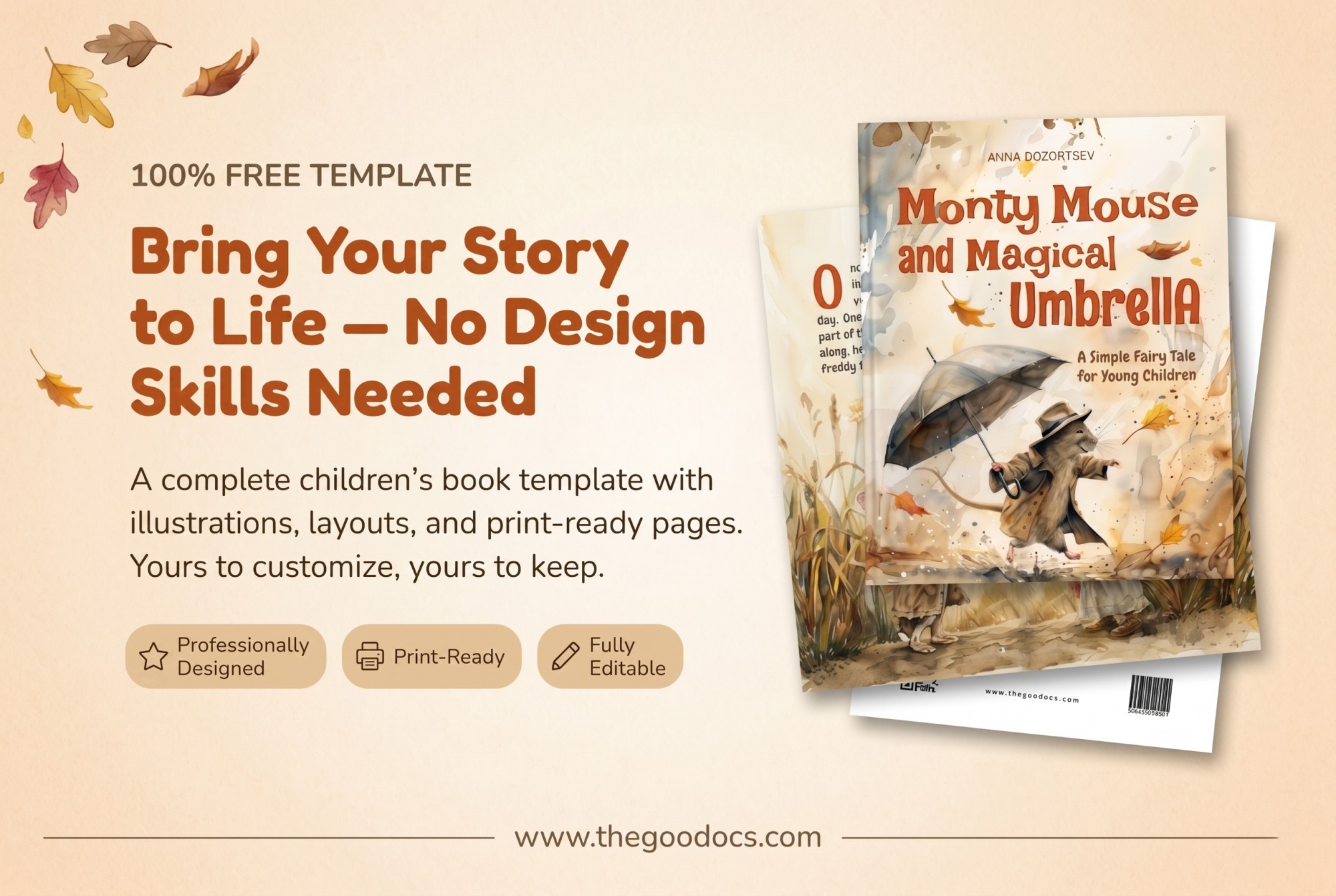
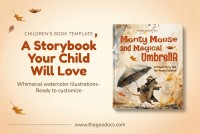
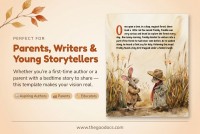
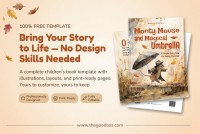
Creating a unique design for your children’s book is much easier than you think. Our Children’s Book Template offers a ready-made layout for the front, back, and interior pages of your book. It is suitable for both aspiring writers and professionals who want to save time on design without compromising on quality.
Edit Our Children’s Book Template for Free
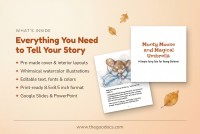
You'll get a professionally designed template with precise margins, consistent colors, and carefully selected fonts and illustrations. However, it is not the only advantage of our children's book template.
Inside, you’ll also find pre-made layouts for the beginning of each section, bonus illustrations, placeholders for text, QR codes, barcodes, and more.
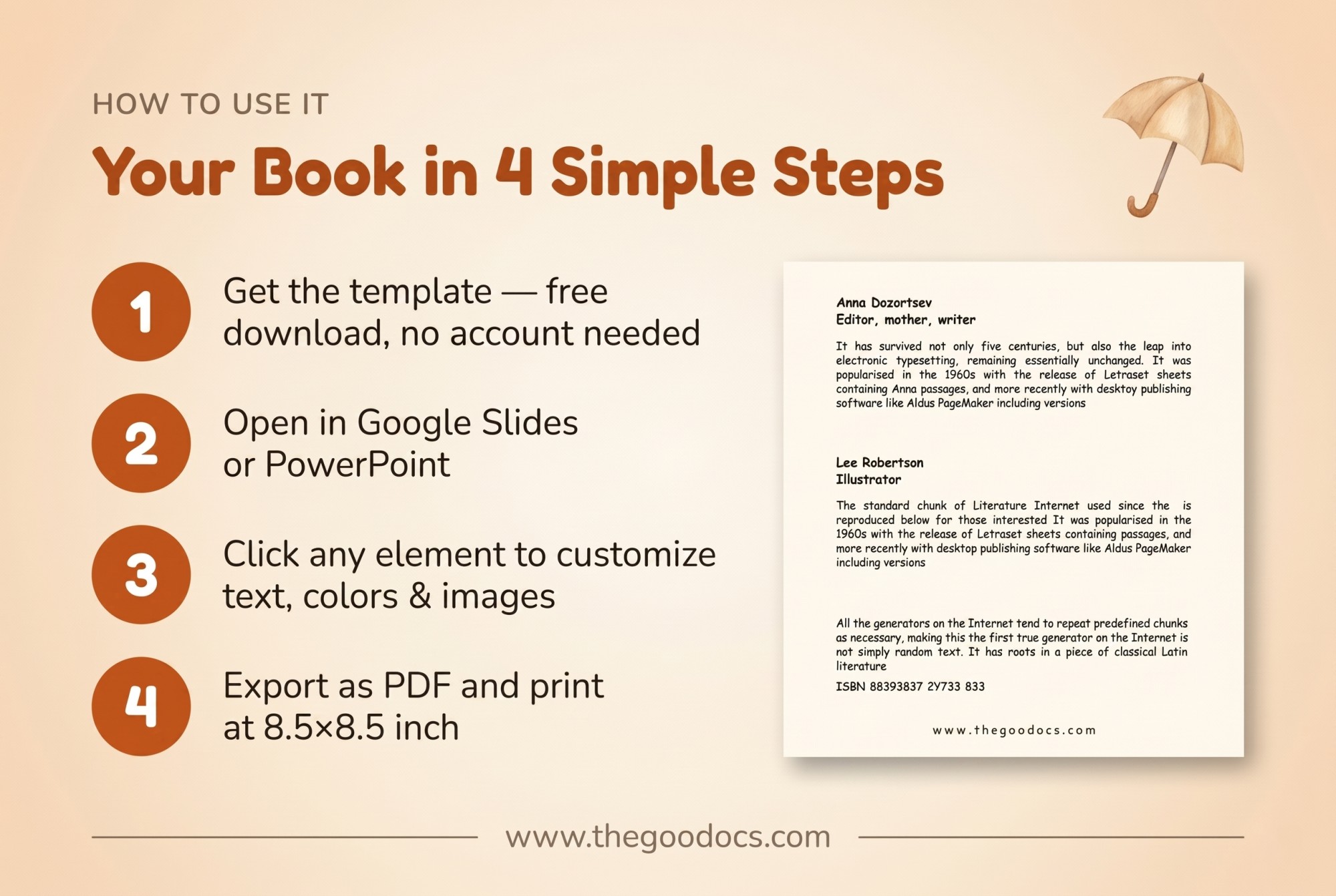
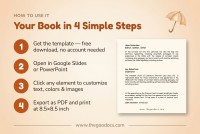
You can customize this book template in just a few steps:
- Click on any placeholder.
- Change the text, font, or color, or add new illustrations.
- Make copies of the desired layout to create additional pages.
- Print in an 8.5 × 8.5 inch format without any additional settings.
You can edit our PowerPoint and Google Slides book template directly within these editors; no additional software is required.
Download the book template for any genre from our website.
Download Free Template
WHAT’S INCLUDED
Book Tips
FAQ
How to Use and Edit This Template

Get Your Document

Customize Everything

Add Your Content