Professional Poetry Book Cover Template
Use this free template with Google Docs and Microsoft Word
Template Specification
Key Features of This Template
About this template
Our Professional Poetry Book Cover Template offers an airy, light, and eye-pleasing editable design. This option will help you create the right vibe for your work even before the reader opens your first poem. All you need to do is get inspired to create your own version or simply add key elements, such as the book title, author name, and more.
Poetry Book Cover Template For Authors
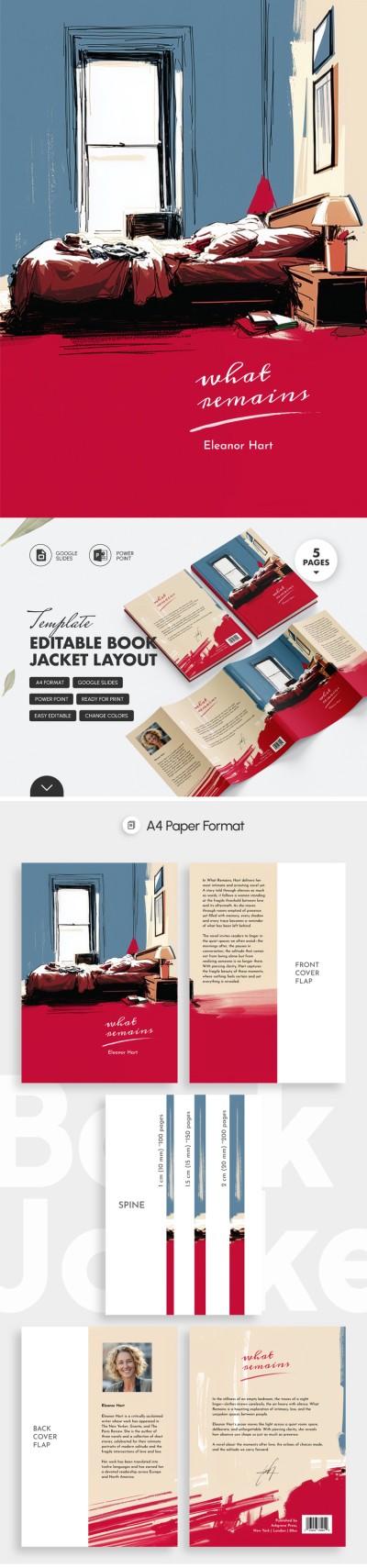
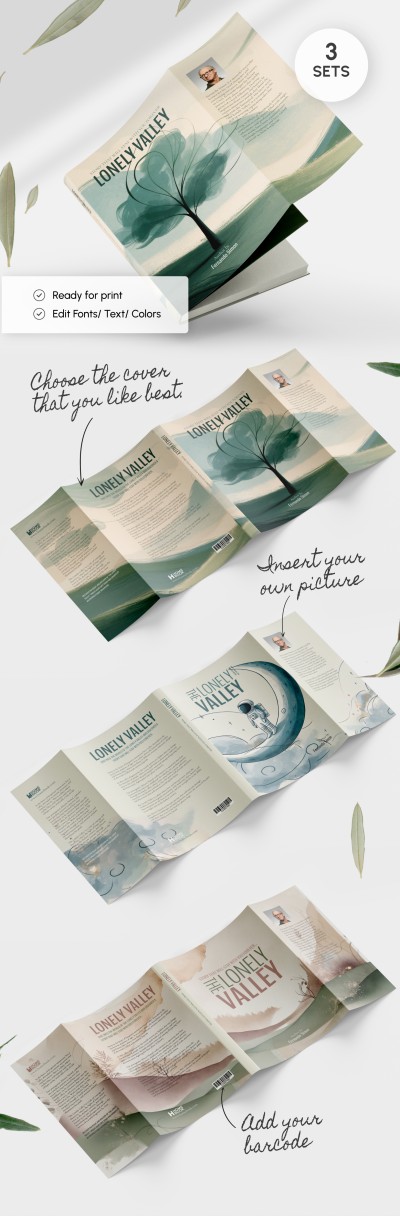
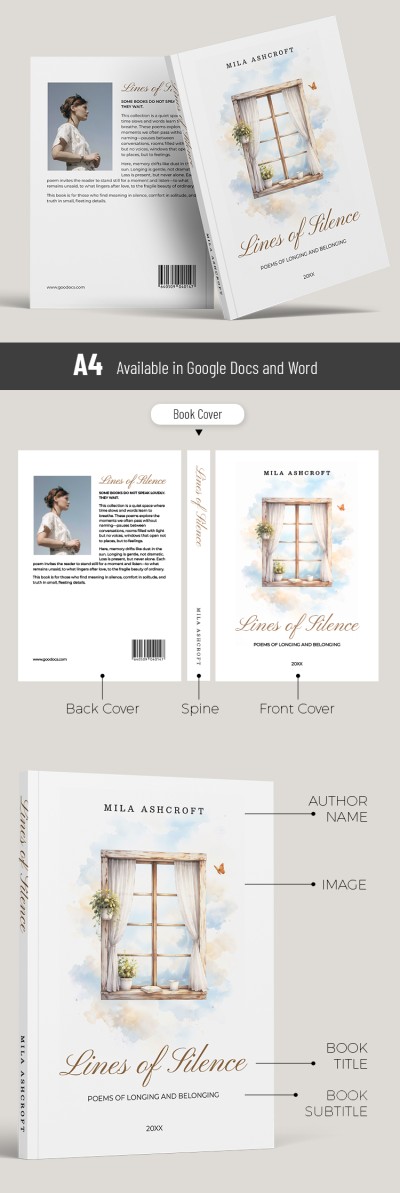
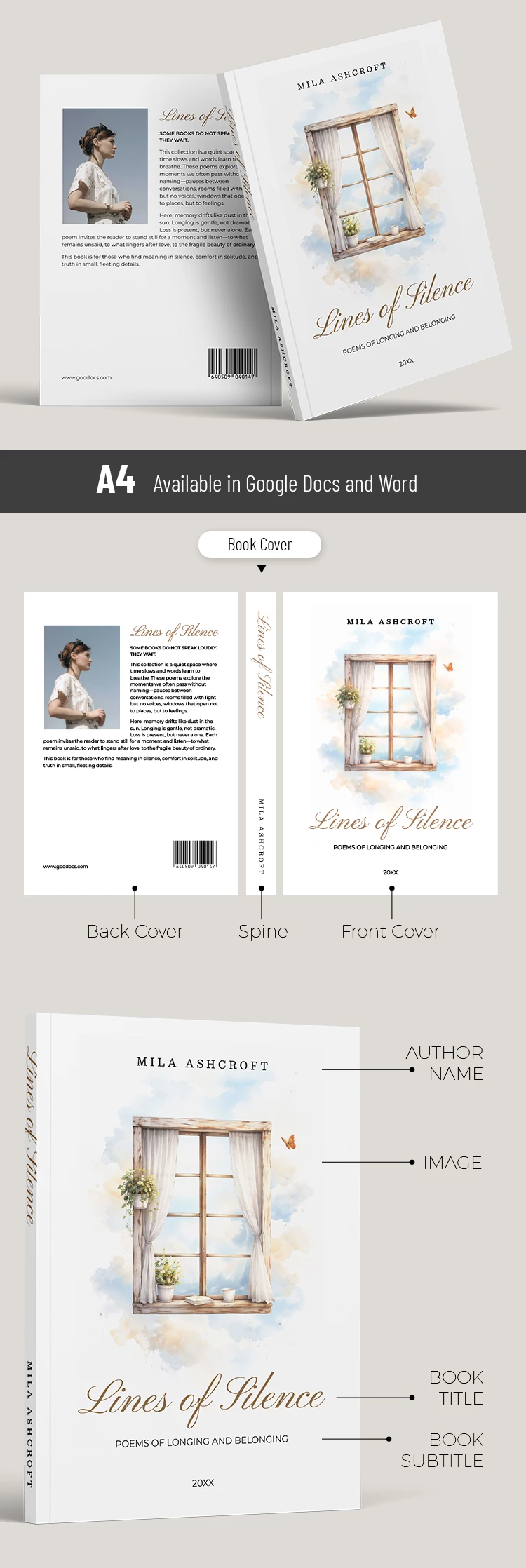
The front and back covers, as well as the spine, are designed in a consistent style based on pastel blue and beige tones. The cover features an abstract image of a window with nothing but the sky beyond. The illustration is done in a digital painting style.
More features of our poetry book cover:
- The vertical spine layout is set on a white background.
- The back cover includes placeholders for the author's photo, collection title, barcode, and text.
- The template is ready to be filled out, saved as a PDF, and printed on A4 sheets.
This printable book template is perfect for both self-publishing and sending to professional print houses. You can easily customize fonts and margins, or add new illustrations and photos using Google Docs or Word.
Download Free Template
WHAT’S INCLUDED
Book Tips
FAQ
How to Use and Edit This Template

Get Your Document

Customize Everything

Add Your Content