Get unlimited access to 5000+ Templates for Google Docs, Slides and Sheets
Unlimited Access

Book Cover Template

Use this free template with Google Slides and Microsoft PowerPoint
4.25 (1 reviews)
Last updated Updated June 30, 2026
Created by Zhanna Pitsina
Type Nonfiction, Portrait, A4 / US Letter
ADVERTISEMENT

Template Specification

Format Google Slides, Microsoft PowerPoint
Created August 1, 2024
Last Updated June 30, 2026
Community Added to collections by 15 Users
Usage Stats 2 downloads this month

Key Features of This Template

Suitable For Publisher , Self Publish

About this template

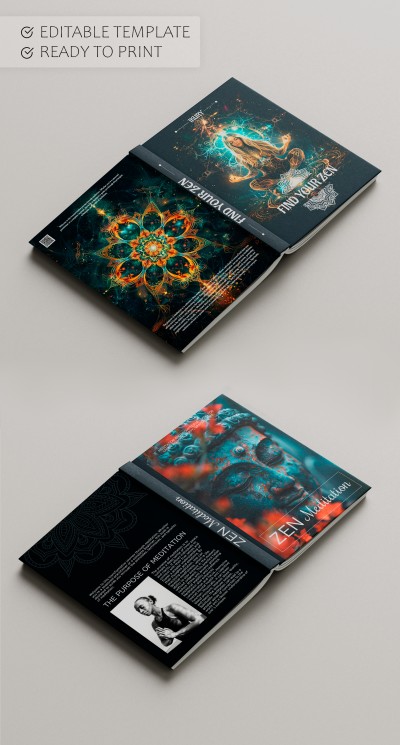
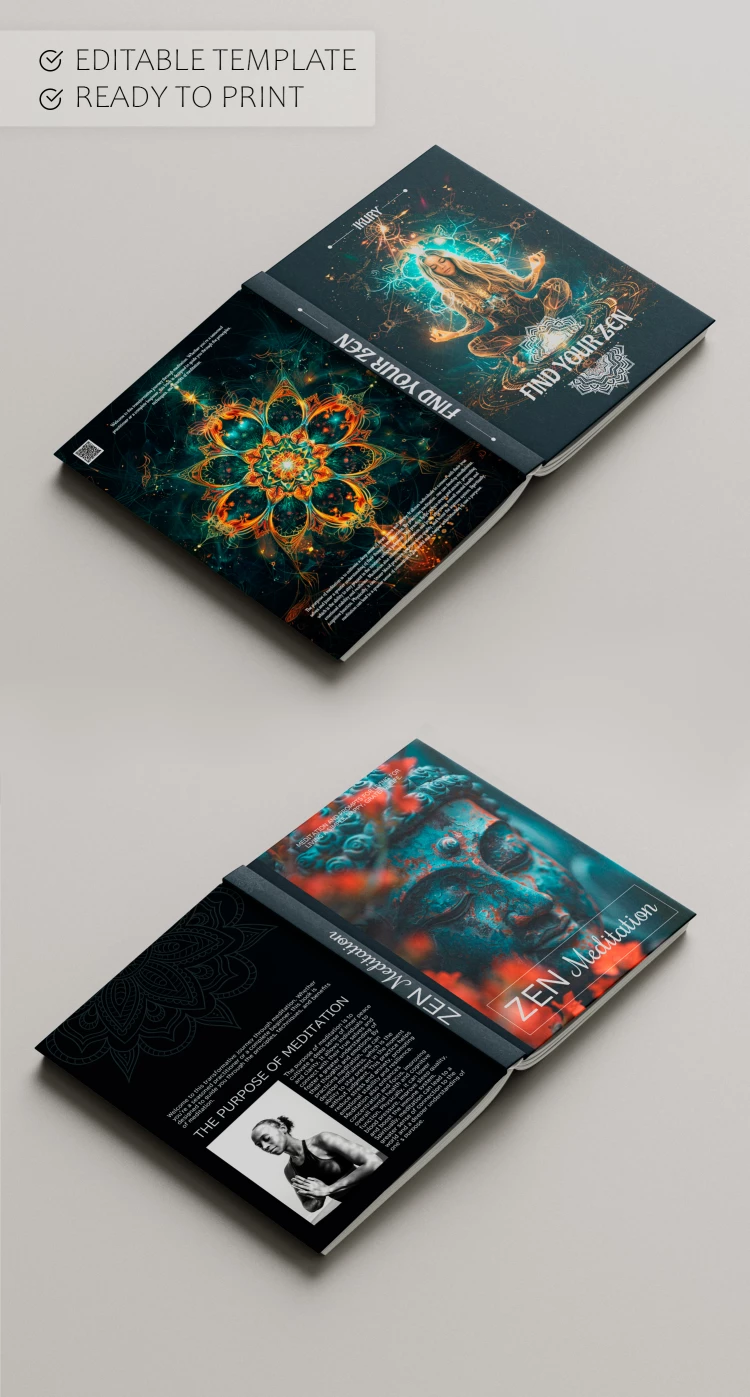
This Book Cover Template is suitable for your book on meditation and Eastern practices for maintaining health. Bright designs with unusual backgrounds are a great option for those who want to share knowledge in yoga and other techniques.

Two Designs in One Template

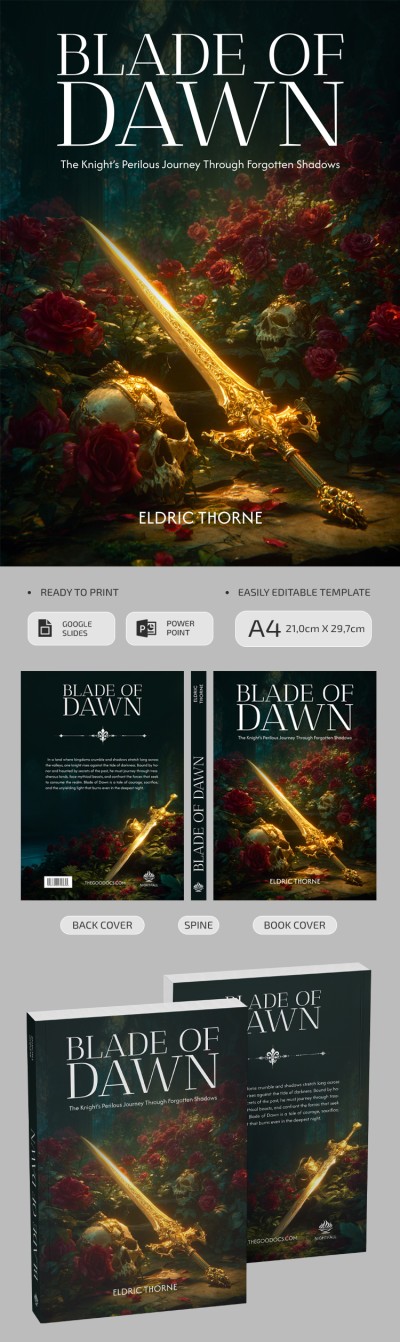
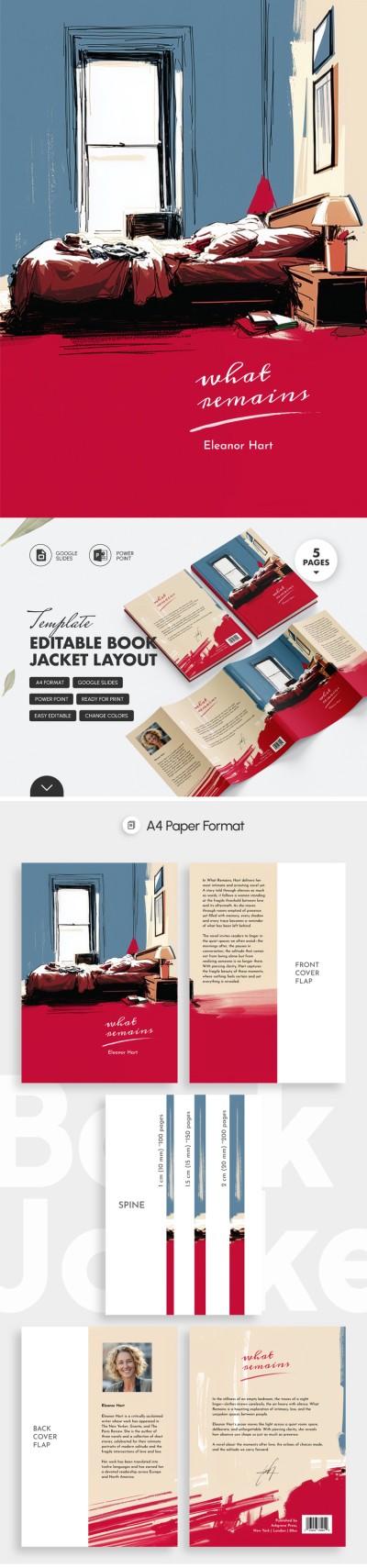
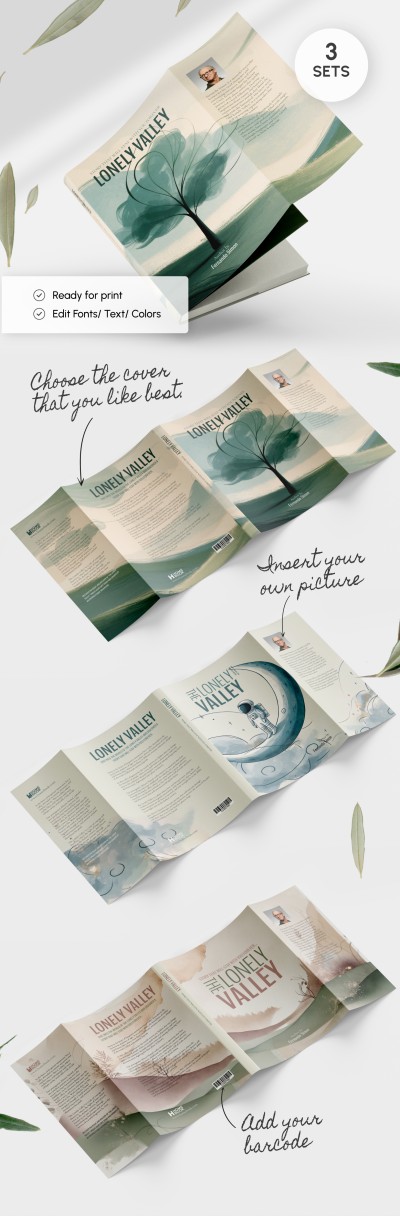
This book cover template in Google Slides and PowerPoint incorporates six pages. It includes two front and back covers and two spine designs. Also, we have created three size options for each spine!

Fully Editable Layout

You can fill in the title and author's name and include additional design elements. Moreover, on the back page, there is enough space to write the purpose of meditation, a short introduction, include photos of authors, and more.

After editing, you can print these covers in A4 size. We have prepared all the necessary settings! Find more book templates available for free only with us.

ADVERTISEMENT
Free Template

Download Free Template

Choose your platform and start editing right away
PLATFORM

Google Slides

Opens in browser

Microsoft PowerPoint

.pptx
PAPER SIZE
A4
Google Slides – A4
No account required • Attribution required

WHAT’S INCLUDED

Two front cover designs included
Editable spine with three sizes
Customizable back cover layout
High-resolution print-ready format

Book Tips

1
Add a personal quote to your cover for uniqueness.
2
Use high-quality images for better print results.
3
Ensure text contrast for readability.
4
Preview design before printing to check alignment.

FAQ

Is it compatible with Google Slides and PowerPoint? Yes, download and use in either application.
How easy is this template to customize? It's straightforward with editable text and design elements.
Can I add my own images? Yes, you can easily swap in your images.
Is this template free? Yes, download it completely free.
What sizes does the template support? The template is designed for A4 size prints.
ADVERTISEMENT

How to Use and Edit This Template

Get Your Document

1

Get Your Document

Click the "Edit Template" button to create your own editable copy in Google Slides or download for Microsoft PowerPoint
Customize Everything
2

Customize Everything

Easily change colors, fonts, and layouts to match your unique style or brand identity
Add Your Content
3

Add Your Content

Fill in your data, upload images, and replace the placeholder text with your own information
Print, Export, or Share
4

Print, Export, or Share

Print, export as PDF, or share instantly

Related Templates

Recently Viewed