Get unlimited access to 5000+ Templates for Google Docs, Slides and Sheets
Unlimited Access
ADVERTISEMENT
ADVERTISEMENT

Team Training and Work Calendar Template

Use this free template with Google Docs and Microsoft Word
4.25 (1 reviews)
Last updated Updated July 25, 2026
Created by Vladimir Belyakin
Type Weekly
ADVERTISEMENT

Template Specification

Format Google Docs, Microsoft Word
Created July 1, 2025
Last Updated July 25, 2026
Community Added to collections by 15 Users
Usage Stats 8 downloads this month

Key Features of This Template

Suitable For Personal , Sports Healthy Lifestyle

About this template

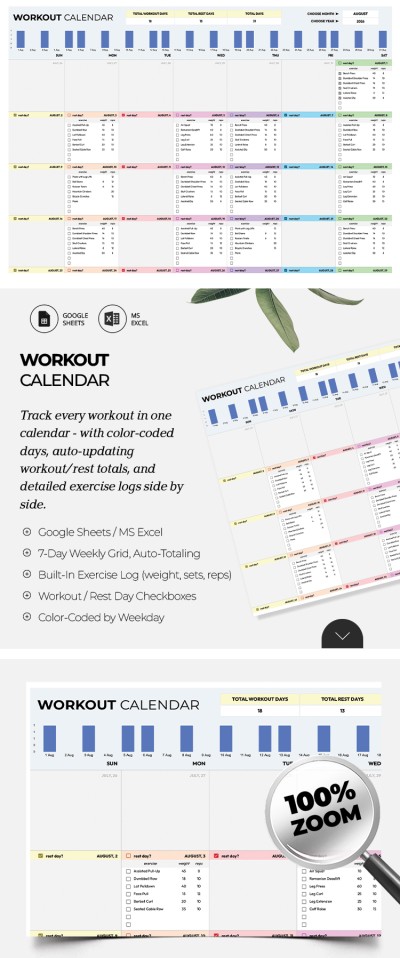
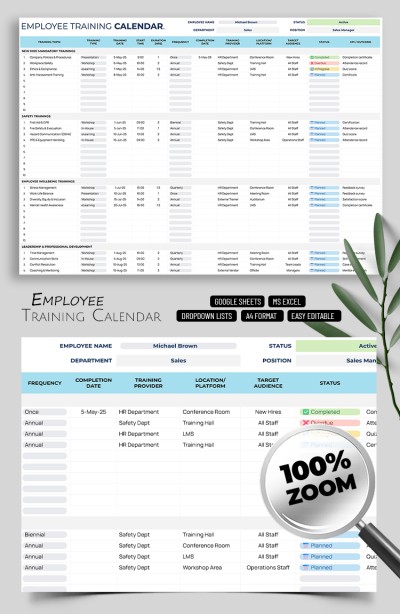
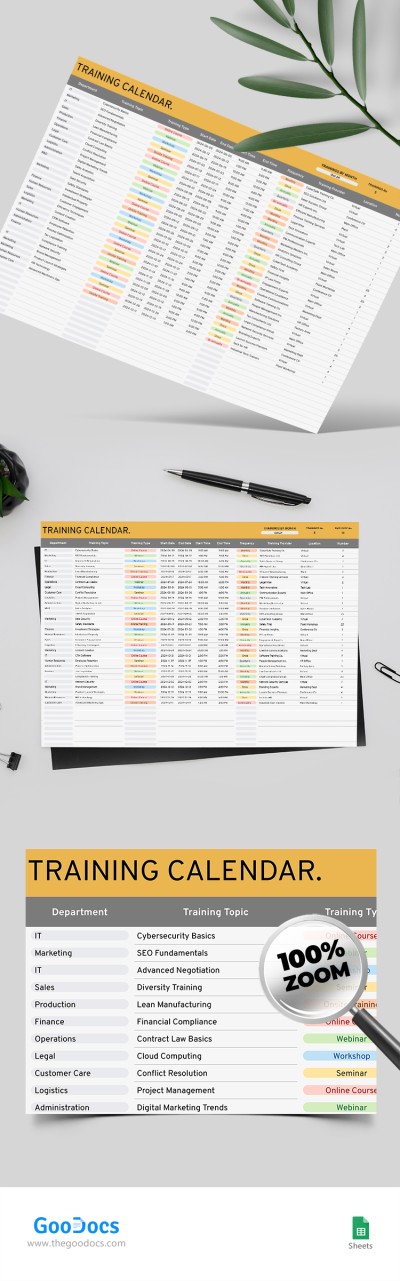
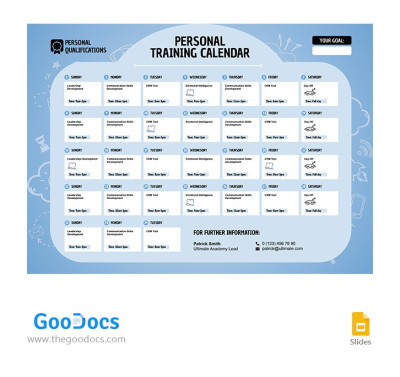
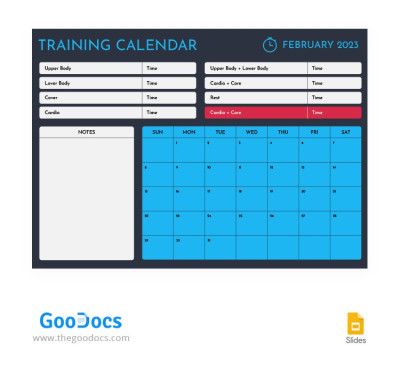
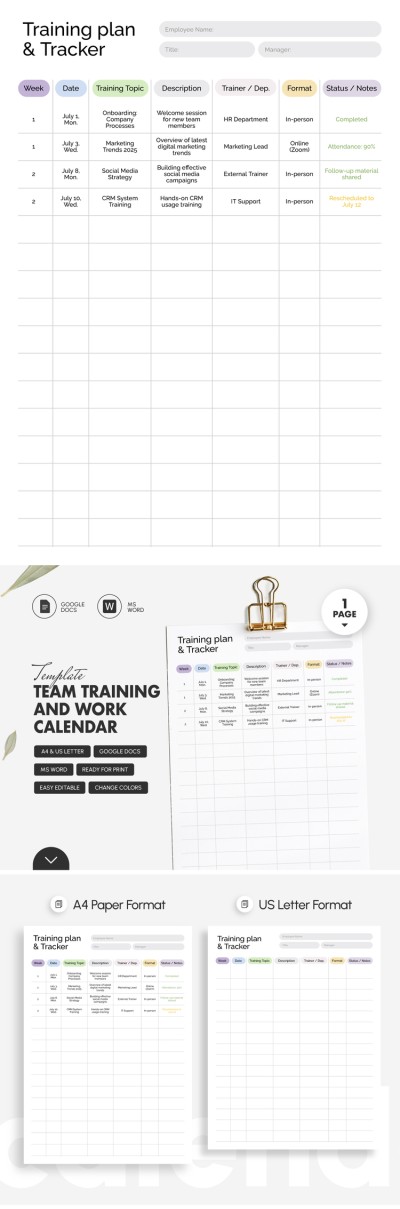
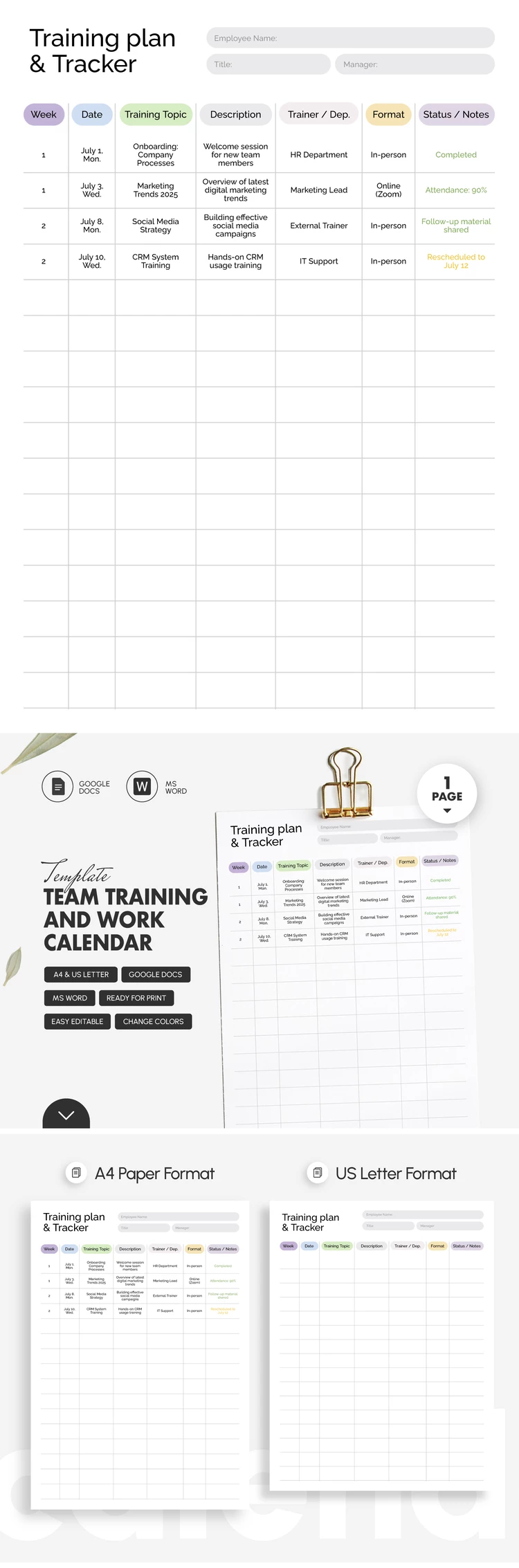
If you’re looking for an easy and effective way to plan training for your company or team, our Team Training and Work Calendar Template is the perfect solution. It provides a straightforward format for building schedules and tracking all the important details of staff development.

Try Our Staff Training Calendar for Free

To get started, simply download the training calendar template in .docx format or save a Google Docs copy directly to your Drive.

After getting your free copy, you'll have complete freedom to customize it:

  • Use the pre-made structure or rename columns and blocks to fit your needs.
  • Add the names of employees, trainees, and responsible managers.
  • Apply corporate colors that match your company’s branding.
  • Fill in topics, descriptions, departments, training formats, and current statuses.

This free calendar template (along with many other specialized templates on our website) can be used digitally or printed in A4 or US Letter formats. For quick sharing or printing, you can save your final version as a PDF in just a couple of clicks.

ADVERTISEMENT
Free Template

Download Free Template

Choose your platform and start editing right away
PLATFORM

Google Docs

Opens in browser

Microsoft Word

.docs
PAPER SIZE
A4
US Letter
Google Docs – A4
No account required • Attribution required

WHAT’S INCLUDED

Fully formatted multi-page layout
Editable headings and text styles
Ready-to-fill sections
Print-ready A4 and US Letter sizes

Calendar Tips

1
Track attendance immediately after each session.
2
Use color coding for different departments.
3
Add notes for follow-up actions post-training.
4
Synchronize the calendar with team schedules.

FAQ

Is this template free? Yes, download and use it for free.
Is it easy to customize? Yes, easily edit headings and styles in Google Docs and Word.
Which formats can I use? Available in Google Docs and Microsoft Word formats.
What if I need to edit text? Simply click and type to edit sections as needed.
Which page sizes does it support? It supports both A4 and US Letter sizes.
ADVERTISEMENT

How to Use and Edit This Template

Get Your Document

1

Get Your Document

Click the "Edit Template" button to create your own editable copy in Google Docs or download for Microsoft Word
Customize Everything
2

Customize Everything

Easily change colors, fonts, and layouts to match your unique style or brand identity
Add Your Content
3

Add Your Content

Fill in your data, upload images, and replace the placeholder text with your own information
Print, Export, or Share
4

Print, Export, or Share

Print, export as PDF, or share instantly

Related Templates

Recently Viewed