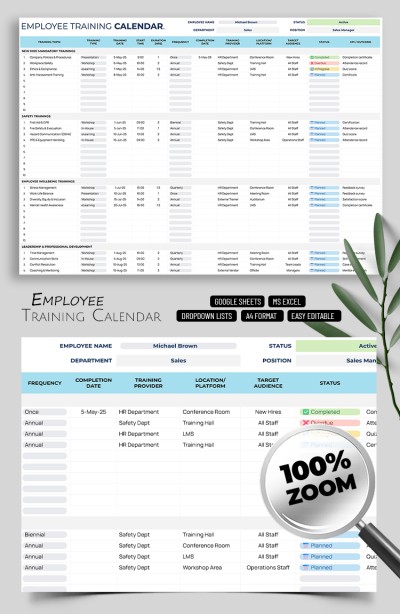
Employee Training Calendar Template – Corporate Planning Template
Use this free template with Google Sheets and Microsoft Excel
Template Specification
About this template
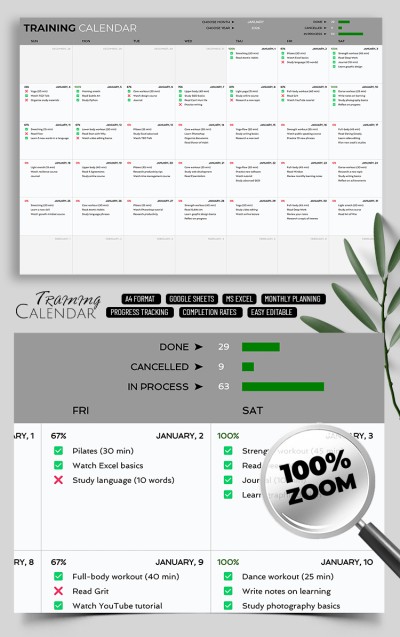
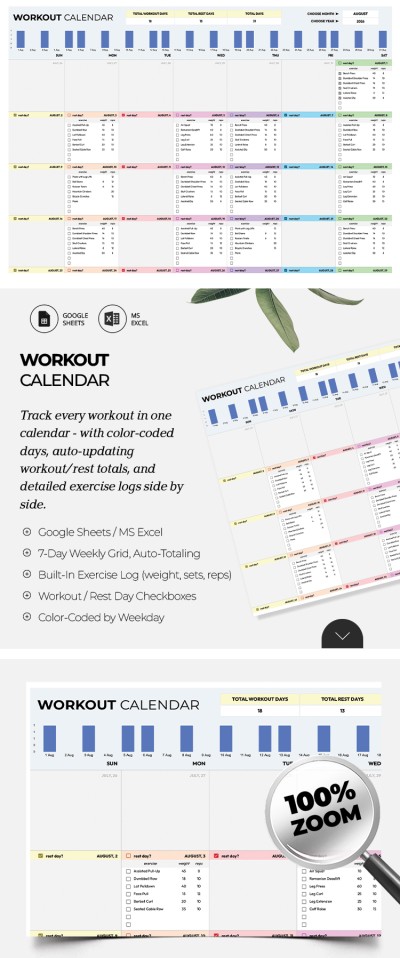
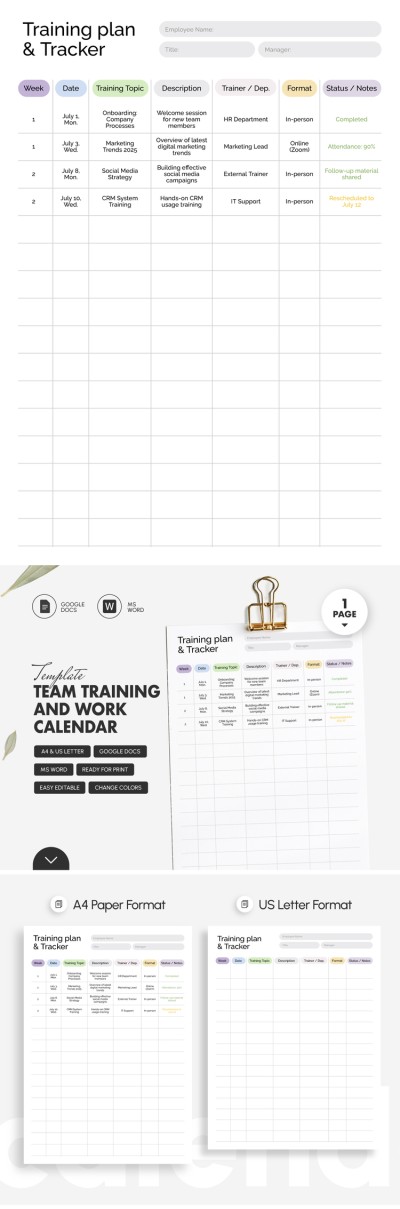
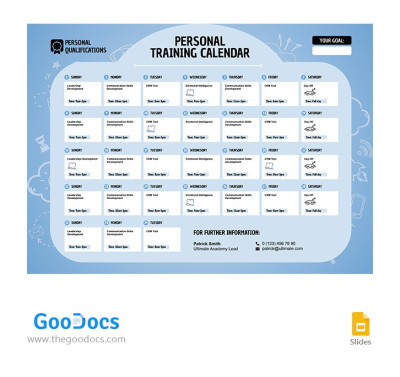
Our Employee Training Calendar Template helps with onboarding, training, and professional development. It's also perfect for creating safety drill schedules and more. Our versatile training calendar template in Excel and Google Sheets formats provides three separate sheets with a ready-made structure, customizable drop-down lists, and built-in formulas.
Try Our Simple and Effective Training Spreadsheet
Planning corporate employee training can be much easier when you have a ready-made tool to help you create a schedule.
To make this possible, our template consists of three sheets:
- On the Employees sheet, you can enter information about your team, including ID, name, phone number, email, position, department, employment type, and status of each employee.
- On the Setup sheet, you can customize the items for your drop-down lists. We've prepared sample options; all you have to do is click the cell and enter a new name.
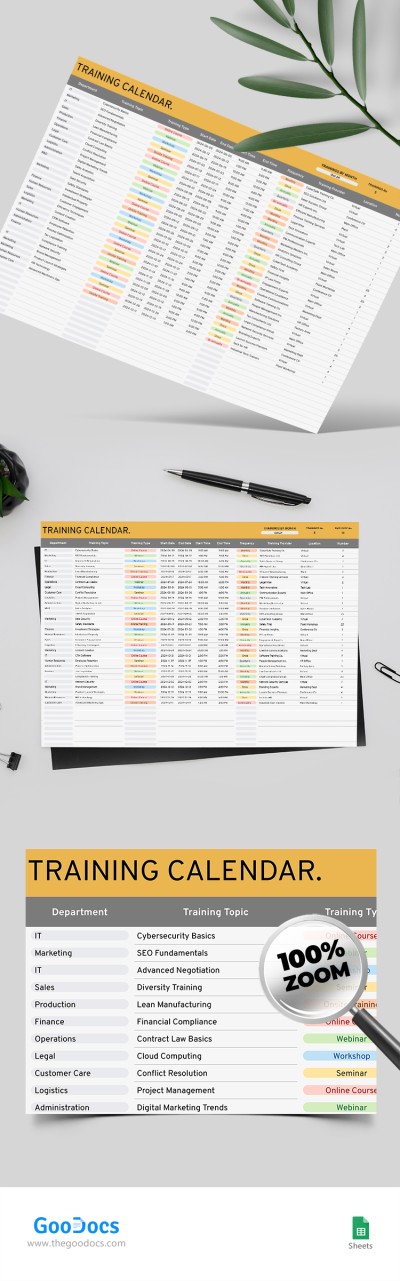
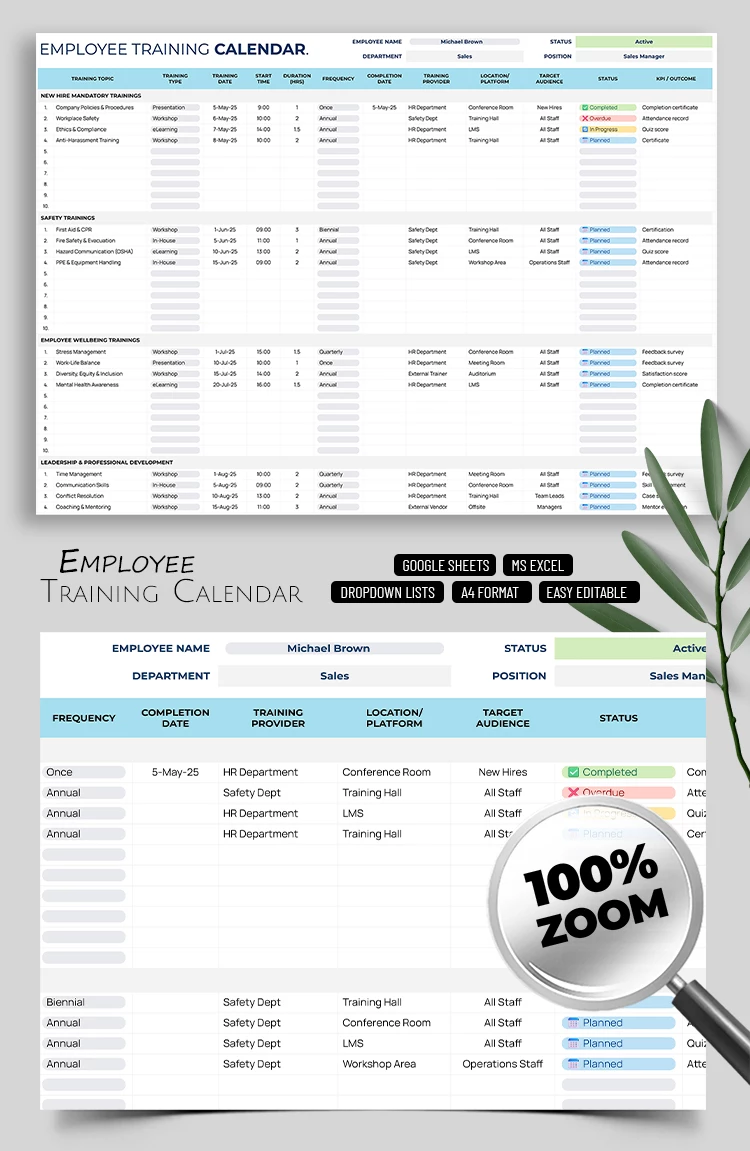
- On the Training sheet, we've included various sections that allow you to select the training type, add the date, start time, duration, frequency, provider, target audience, and more.
You can use our digital calendar right now, completely free of charge. Customize sections, select training dates, and assign employees easily. Find a calendar template for any task on our website.
Download Free Template
WHAT’S INCLUDED
Calendar Tips
FAQ
How to Use and Edit This Template

Get Your Document

Customize Everything

Add Your Content