Bi-fold Medical Brochure Template
Use this free template with Google Docs and Microsoft Word
Template Specification
Key Features of This Template
About this template
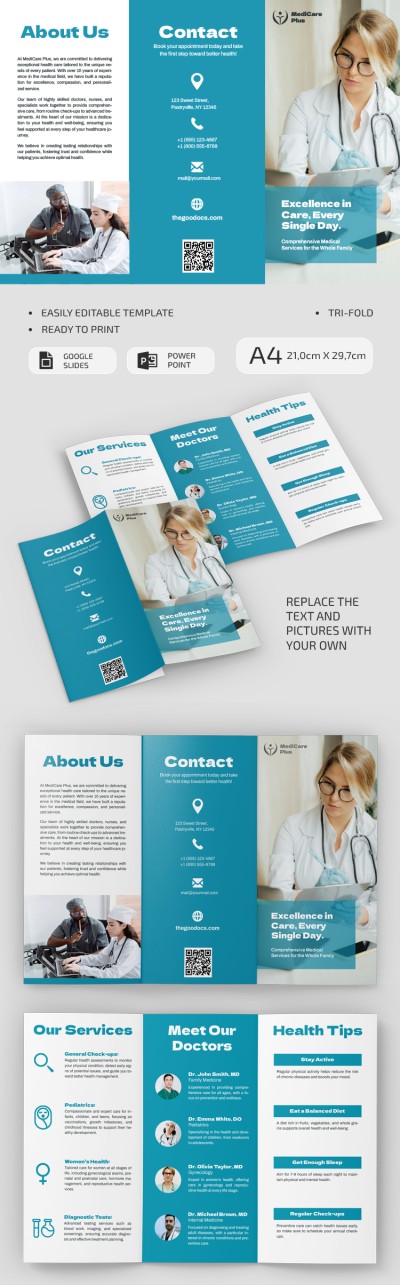
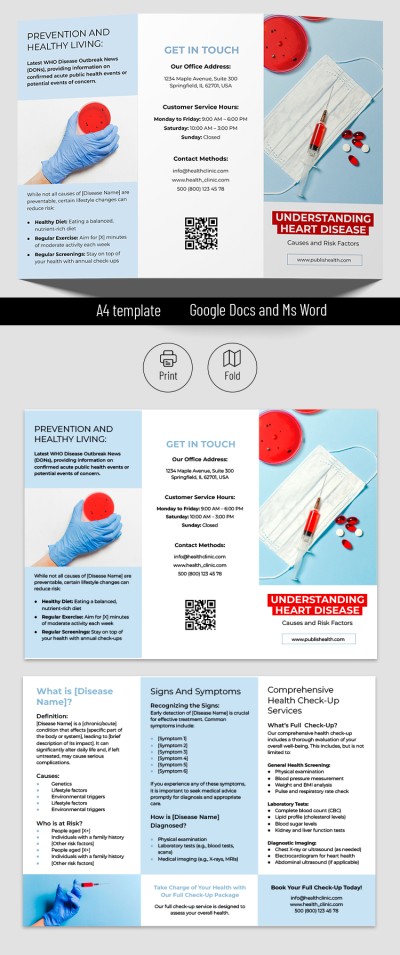
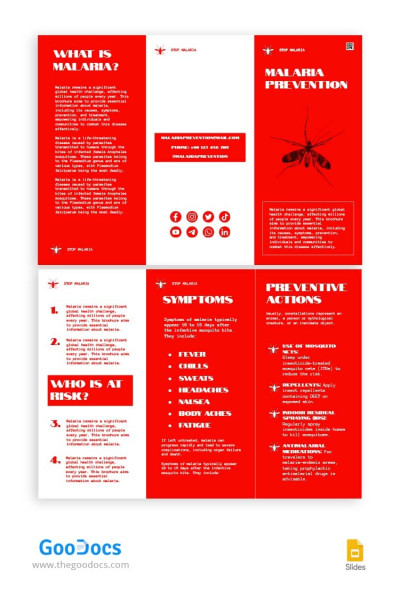
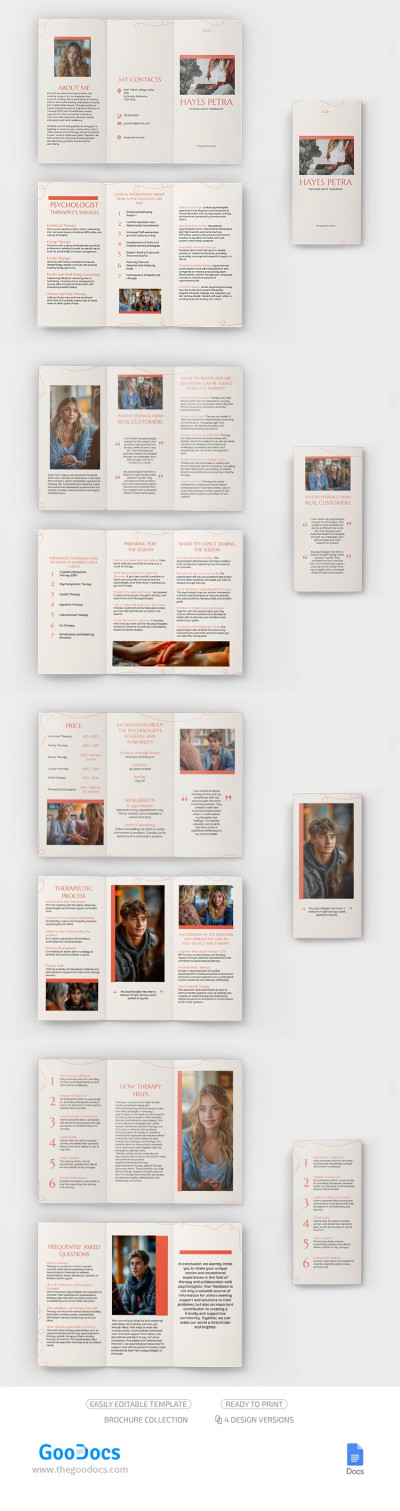
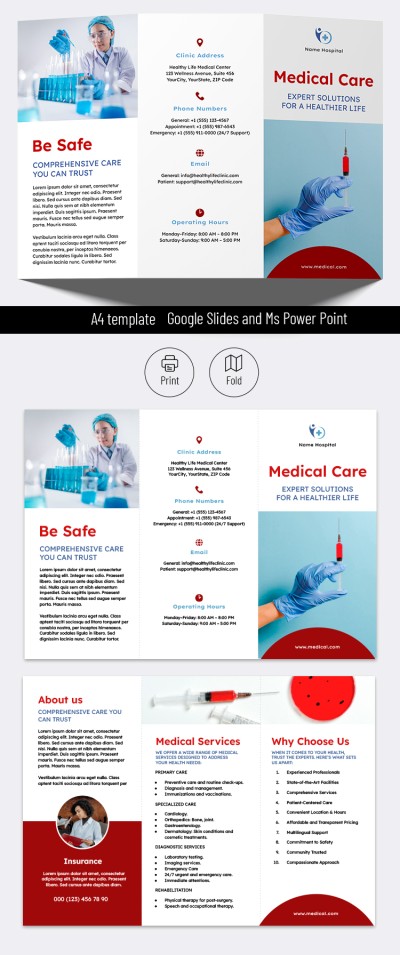
Your healthcare pamphlet can look amazing with our Bi-fold Medical Brochure Template. Don't waste time creating the design and structure from scratch; use a ready-made, editable example for free. This brochure consists of four A4 print-ready pages in Google Docs, so you can just replace the placeholder text and print the final version.
Create a Healthcare Services Pamphlet With Our Template
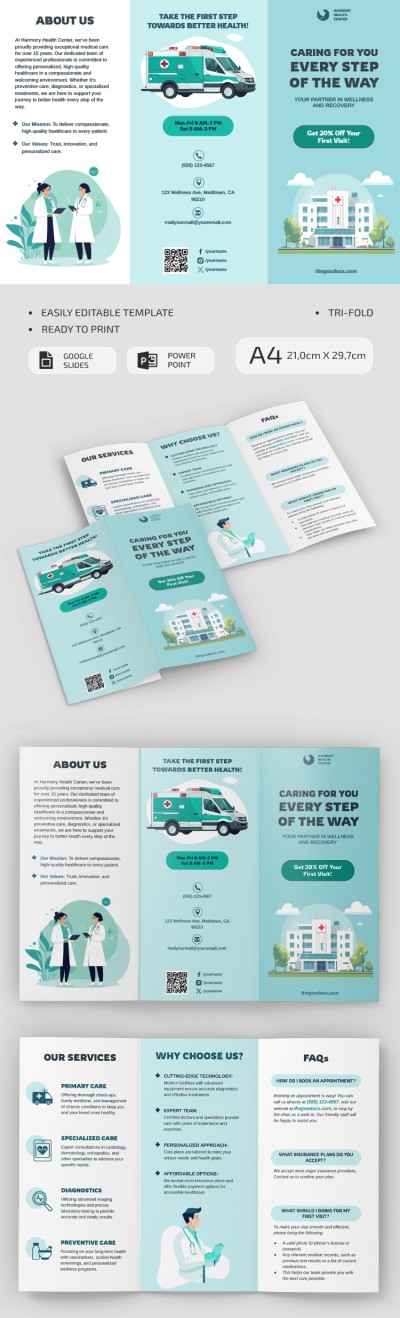
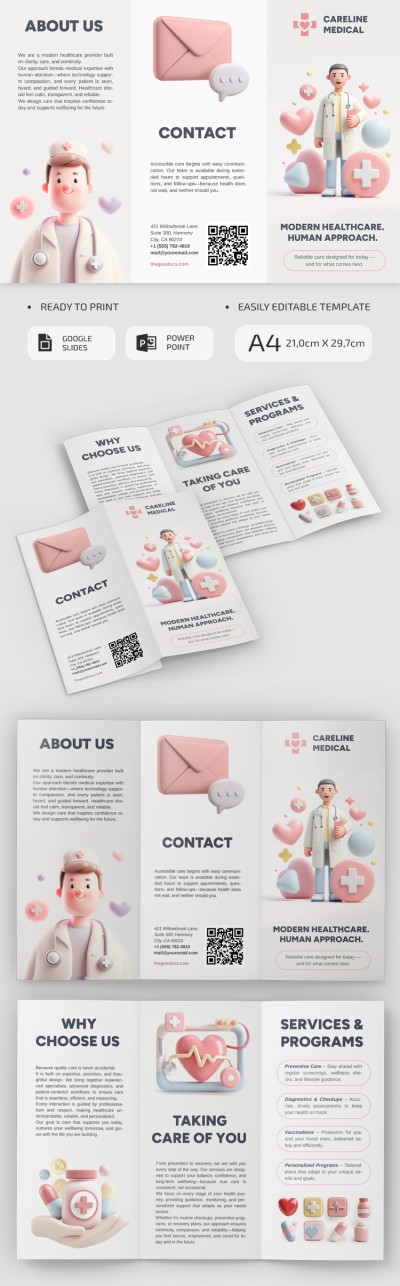
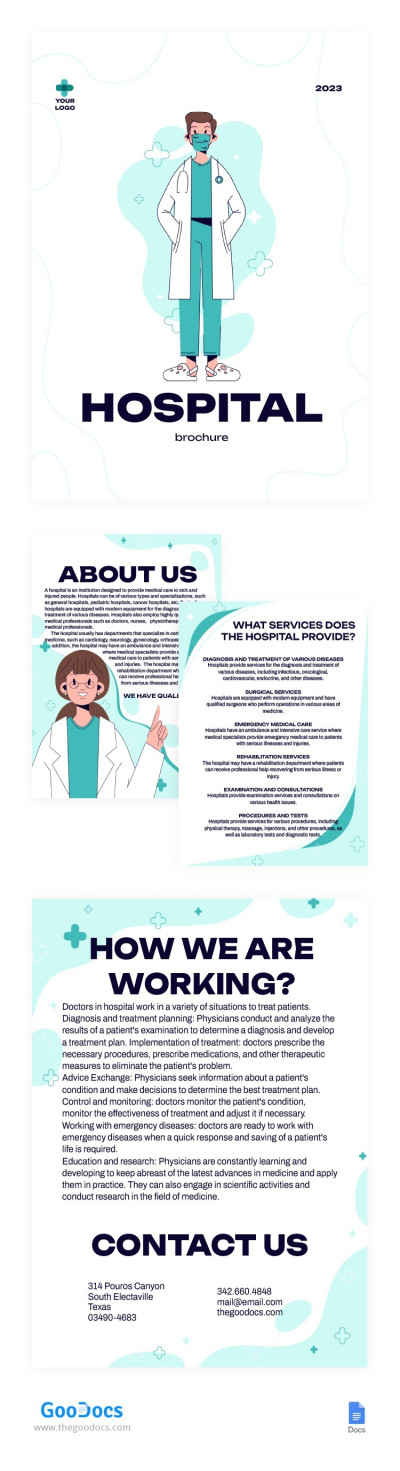
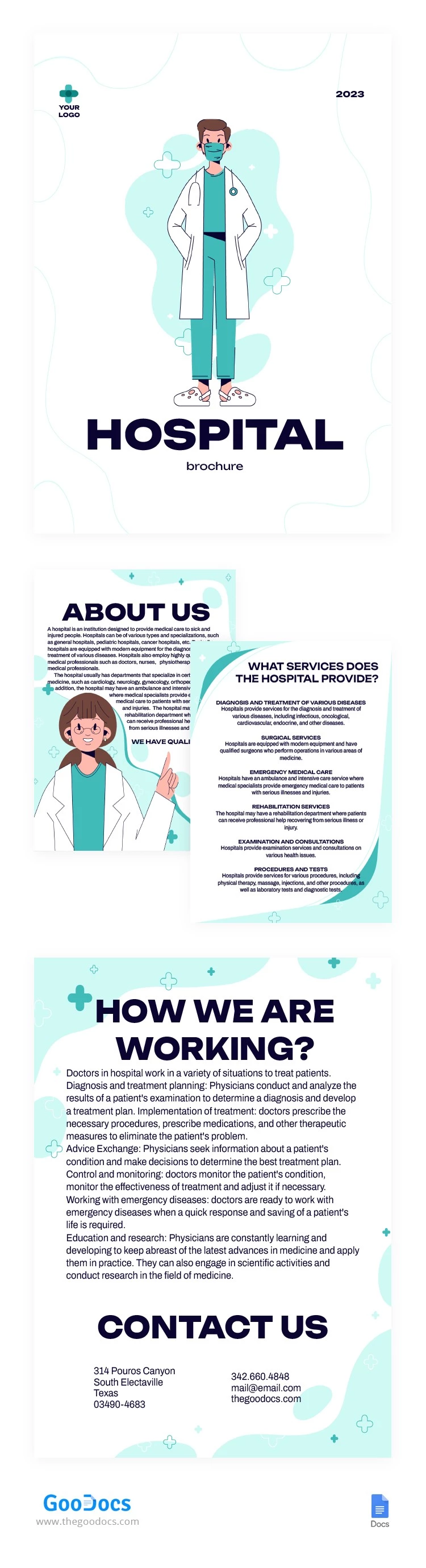
This layout is designed for any medical institution or clinic. On the front cover, you can use the built-in doctor illustration, add the year, clinic name, logo, and more. The remaining three pages are designed in a consistent style with green and white tones, an illustration of a friendly doctor, and easy-to-read fonts.
More features of our medical brochure:
- Use a ready-made structure with clearly visible headings such as About Us, Quality Care, Services, How We Work, Contact Info, and more.
- Present all your clinic's services in a well-designed layout that you can easily customize to suit your branding.
Just fill this minimalist brochure template out and print double-sided to quickly create a high-quality brochure. Even more relevant options for the medical field are available on our website.
Download Free Template
WHAT’S INCLUDED
Brochures & Pamphlet Tips
FAQ
How to Use and Edit This Template

Get Your Document

Customize Everything

Add Your Content