Simple Medical Brochure Template
Use this free template with Google Slides and Microsoft PowerPoint
Template Specification
Key Features of This Template
About this template
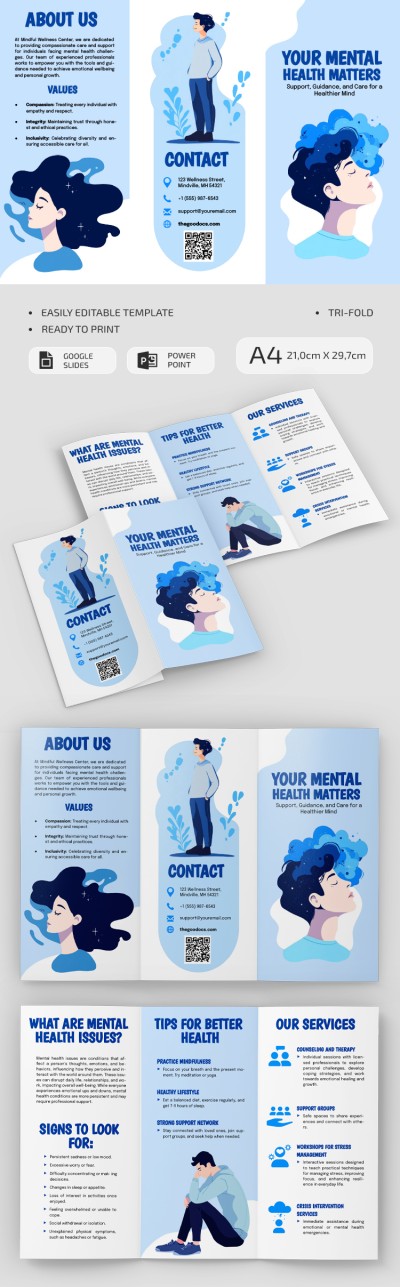
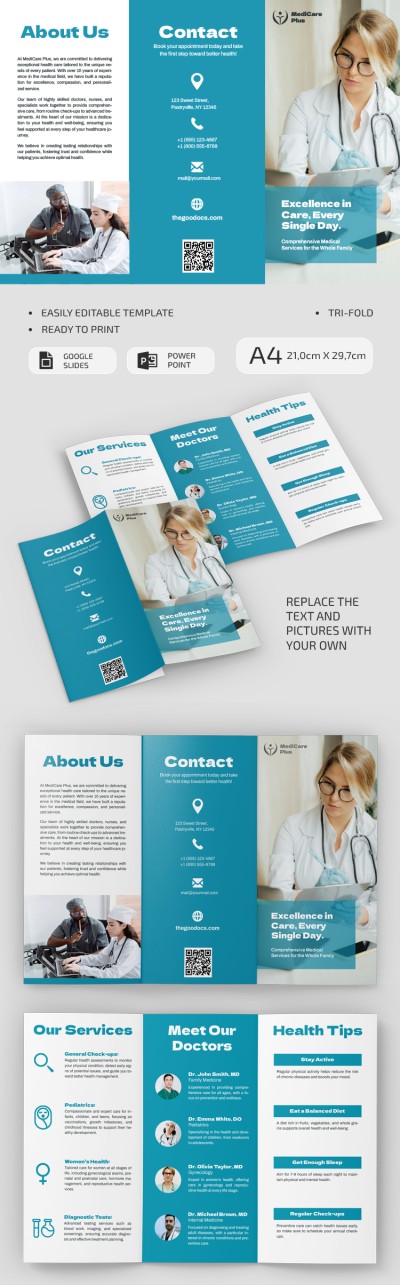
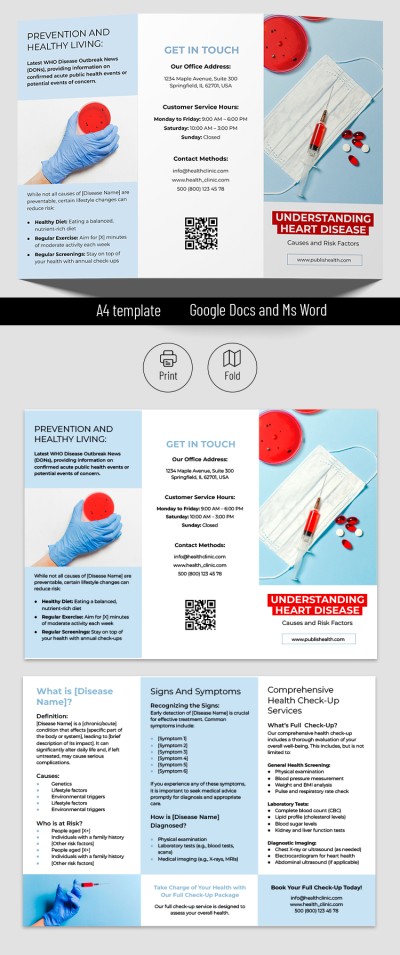
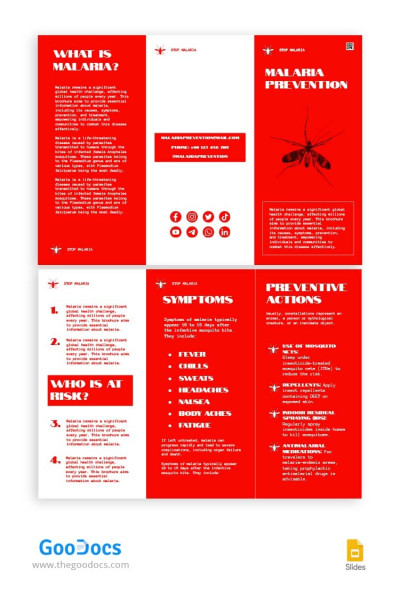
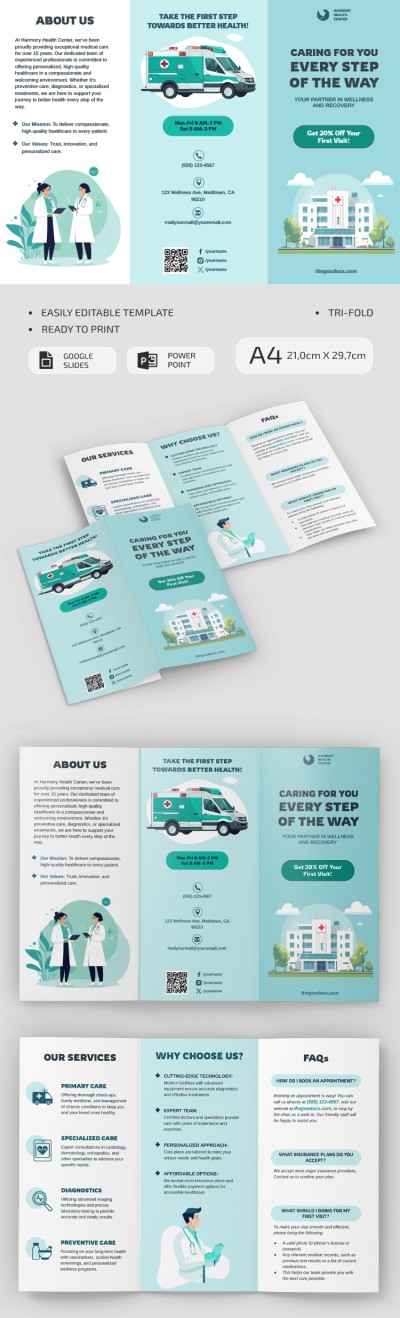
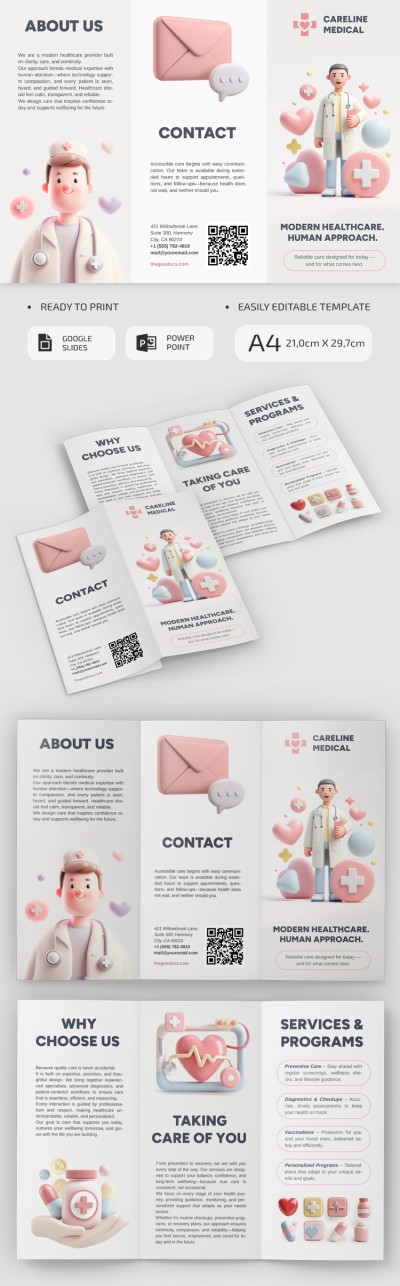
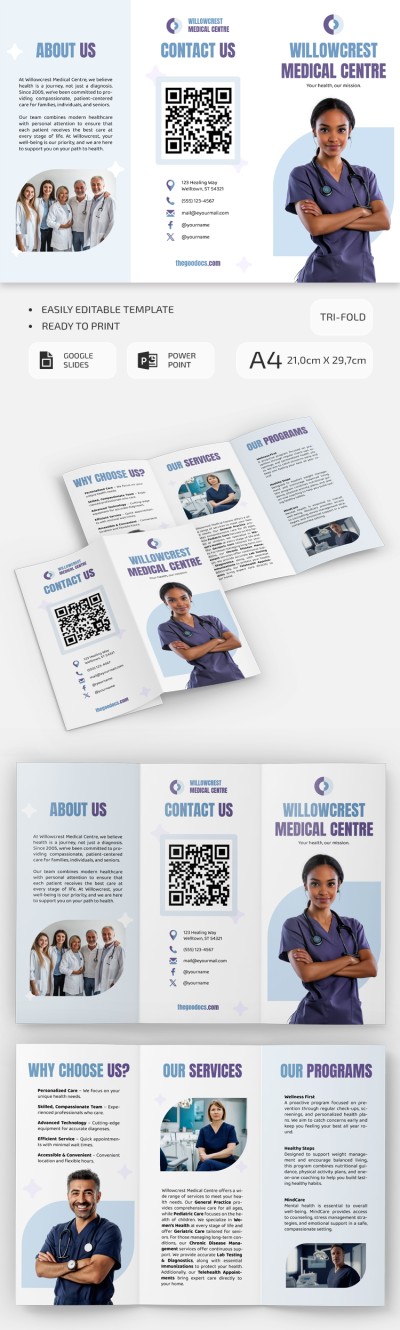
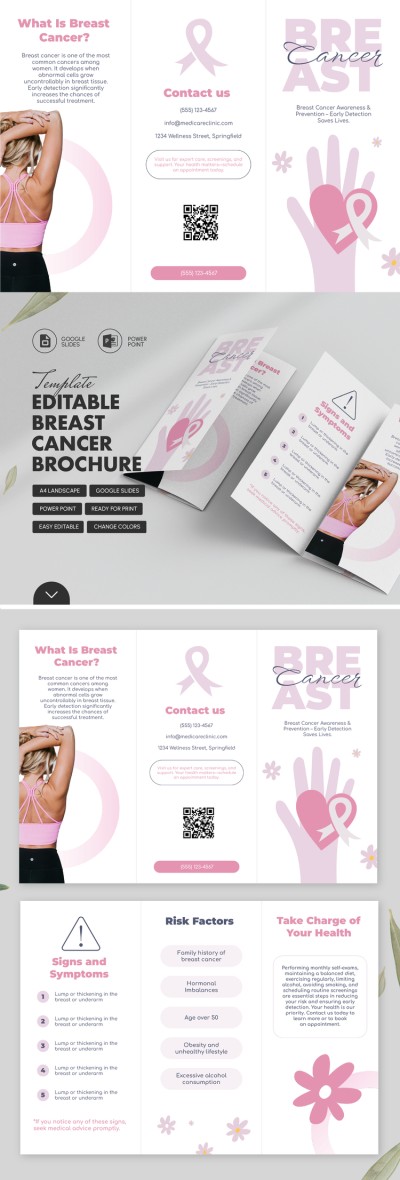
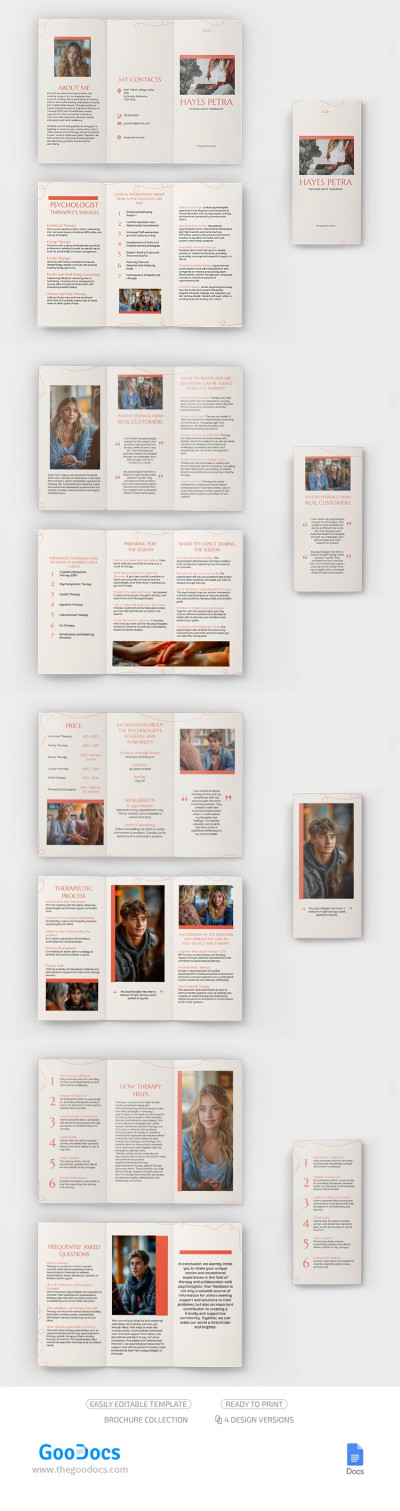
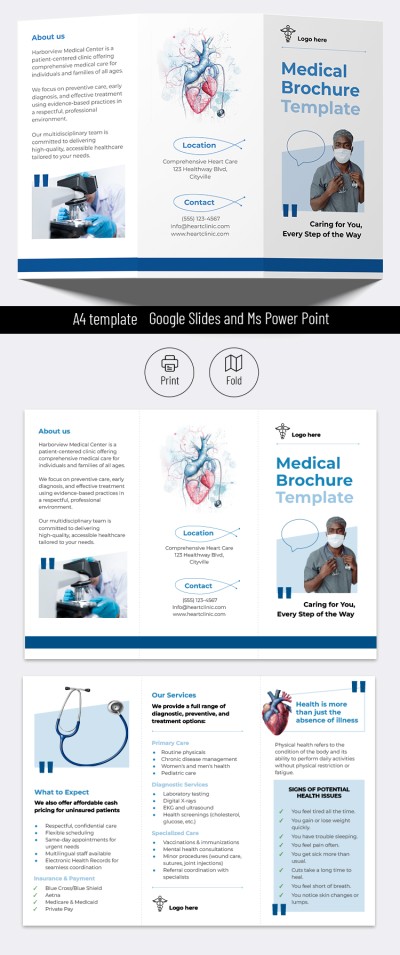
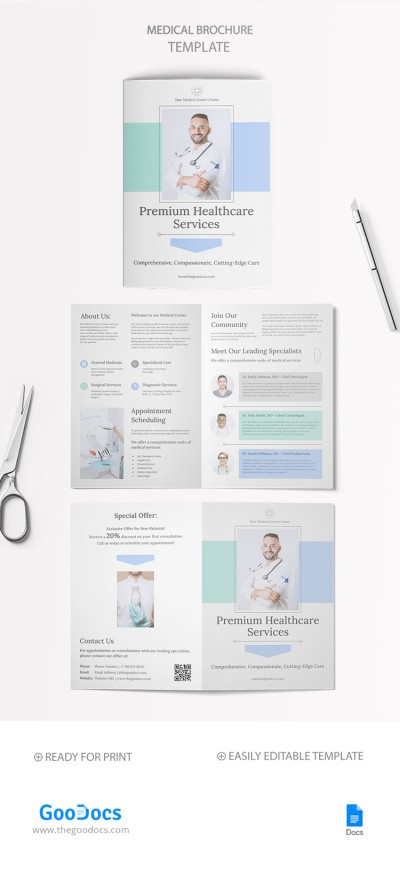
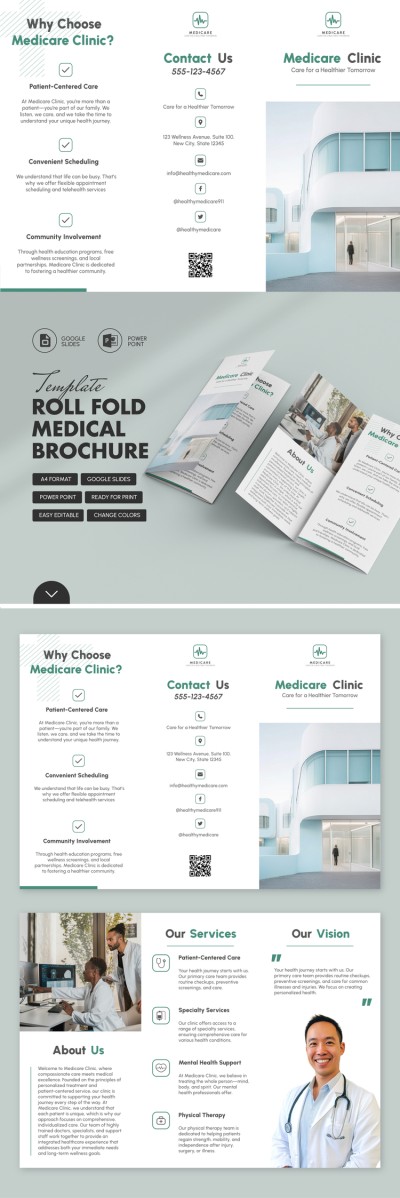
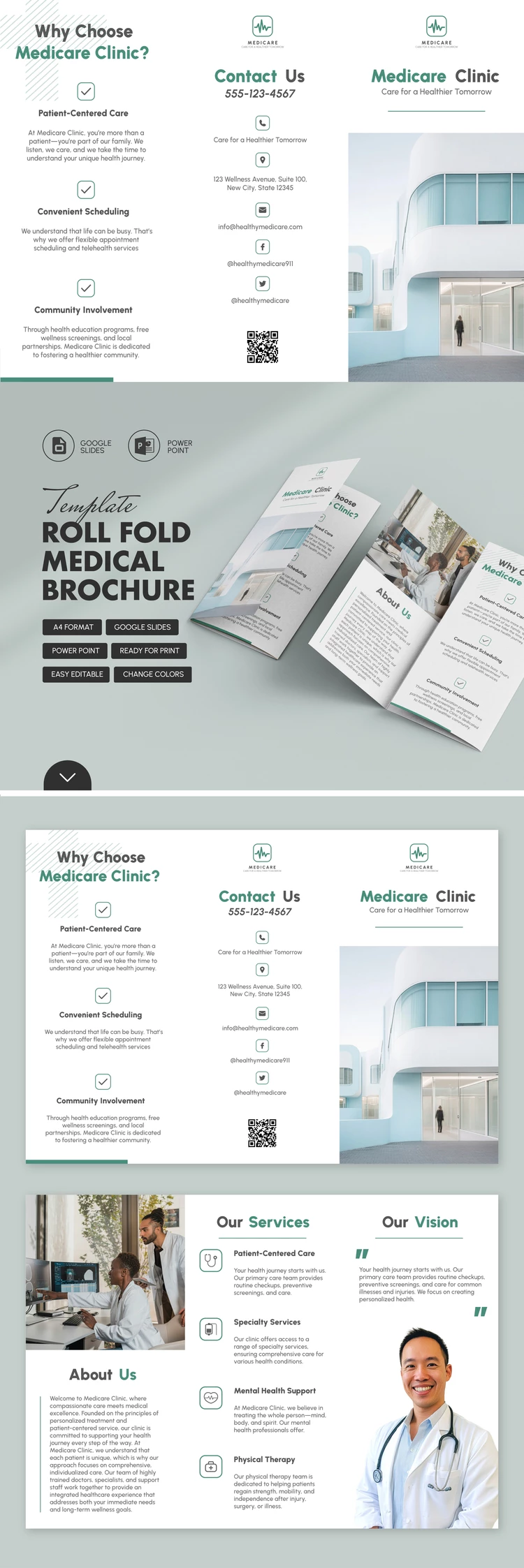
Creating a promotional or informational handout for your medical center has never been easier. Our Simple Medical Brochure Template takes care of the design, so you only need to enter your details into the pre-made fields. You can edit this trifold brochure template in Google Slides or PowerPoint without any limitations.
Take Advantage of a Ready-Made Medical Brochure Layout
This fully editable brochure example features pre-set sections, headings, images, and a professional design. Each panel is structured to provide clear information about your healthcare organization. Simply use the "Our Services and Vision," "About Us," "Contacts," and "Why Choose Our Clinic" sections to add your information.
Additionally, you can:
- Change any design element, from fonts and images to background colors.
- Replace sample sections with those you need for your specific brochure.
- Add a QR code for quick access to your website.
Customization is quick and easy, requiring no special design skills. Once finished, the handout can be printed in A4 format. Find more medical brochures for patients available for free via the link.
Download Free Template
WHAT’S INCLUDED
Brochures & Pamphlet Tips
FAQ
How to Use and Edit This Template

Get Your Document

Customize Everything

Add Your Content