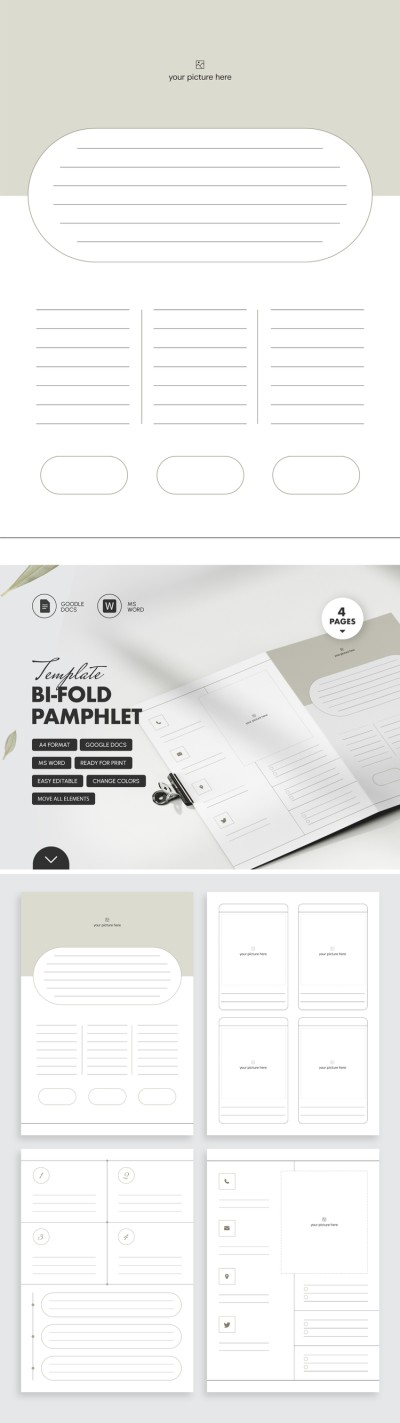
Get unlimited access to 5000+ Templates for Google Docs, Slides and Sheets
Unlimited Access
ADVERTISEMENT
ADVERTISEMENT

Bifold Pamphlet Template

Use this free template with Google Slides and Microsoft PowerPoint
4.25 (1 reviews)
Last updated Updated August 18, 2026
Created by Vladimir Belyakin
Type Bifold, Minimalist, Portrait, A4 / US Letter
ADVERTISEMENT

Template Specification

Format Google Slides, Microsoft PowerPoint
Created October 26, 2024
Last Updated August 18, 2026
Community Added to collections by 8 Users
Usage Stats 1 downloads this month

Key Features of This Template

About this template

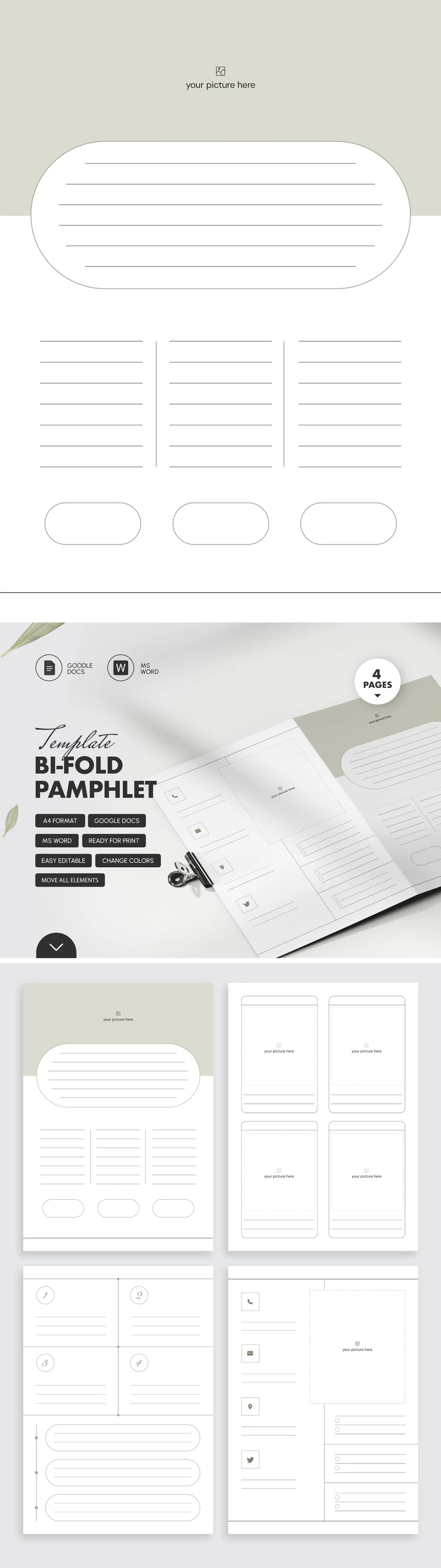
Edit our versatile Bifold Pamphlet Template for free in convenient formats. The template comes with fully editable sections and a ready-made bifold layout. You can easily fill each section with any text and images. This way, our minimalist brochure template is suitable for creating promotional or informational handouts.

Customize This Minimalist Bifold Brochure Template

Our bifold brochure template consists of four panels arranged across two slides in Google Slides and PowerPoint. You can fill the blocks with relevant information, then save the file as a PDF to print double-sided and create a ready-to-use bifold brochure without needing extra formatting or print settings.

The layout includes many helpful structural elements:

  • Use placeholders with icons for contact details (address, social media, email, and phone), images, bulleted lists, and a well-structured front cover.
  • Fill in the numbered sections, add key points, and include extra photos with captions on the inside panels of the brochure.

You can print the template right after making a copy or downloading it, or fill it out digitally first. Lined sections make this template a versatile choice for any task. You can also find a pamphlet template for Google Docs on our website.

ADVERTISEMENT
Free Template

Download Free Template

Choose your platform and start editing right away
PLATFORM

Google Slides

Opens in browser

Microsoft PowerPoint

.pptx
PAPER SIZE
A4
Google Slides – A4
No account required • Attribution required

WHAT’S INCLUDED

Four custom-designed bi-fold pages
Easily editable text and images
Sectioned layout for clear information
Printable in high quality A4 format

Brochures & Pamphlet Tips

1
Add high-resolution images for better visual impact.
2
Use contrasting colors for text and background.
3
Keep text concise for easy readability.
4
Include contact information for quick access.

FAQ

Is this template compatible with Google Docs? Yes, it is compatible with Google Docs and MS Word.
How easy is it to customize? Very easy; you can change colors and text seamlessly.
Can I use this template for free? Yes, this template is free to download and use.
Is prior design experience needed? No design experience is needed; it's beginner-friendly.
What is the page format? The template is formatted for A4 paper size.
ADVERTISEMENT

How to Use and Edit This Template

Get Your Document

1

Get Your Document

Click the "Edit Template" button to create your own editable copy in Google Slides or download for Microsoft PowerPoint
Customize Everything
2

Customize Everything

Easily change colors, fonts, and layouts to match your unique style or brand identity
Add Your Content
3

Add Your Content

Fill in your data, upload images, and replace the placeholder text with your own information
Print, Export, or Share
4

Print, Export, or Share

Print, export as PDF, or share instantly

Related Templates

Recently Viewed