Dream Wedding Venue Trifold Brochure
Use this free template with Google Slides and Microsoft PowerPoint
Template Specification
Key Features of This Template
About this template
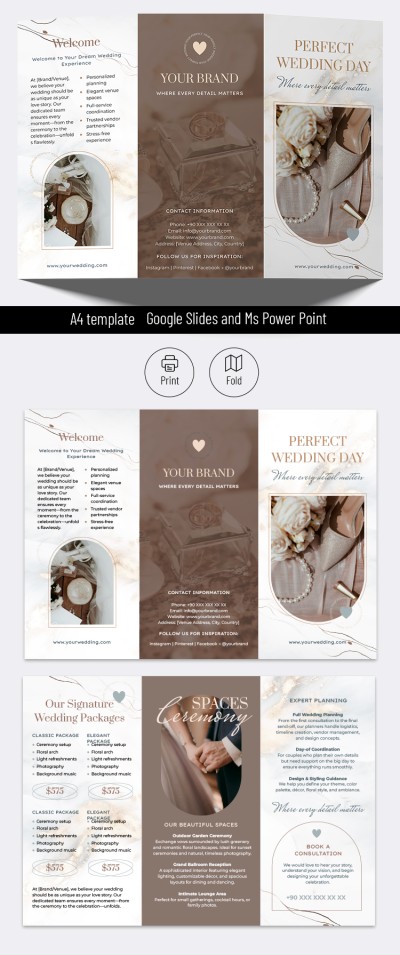
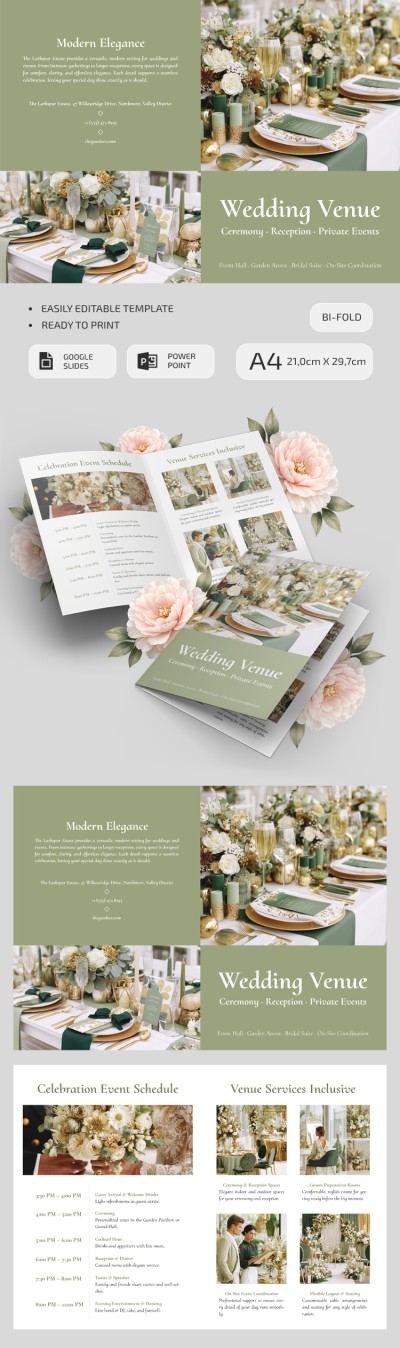
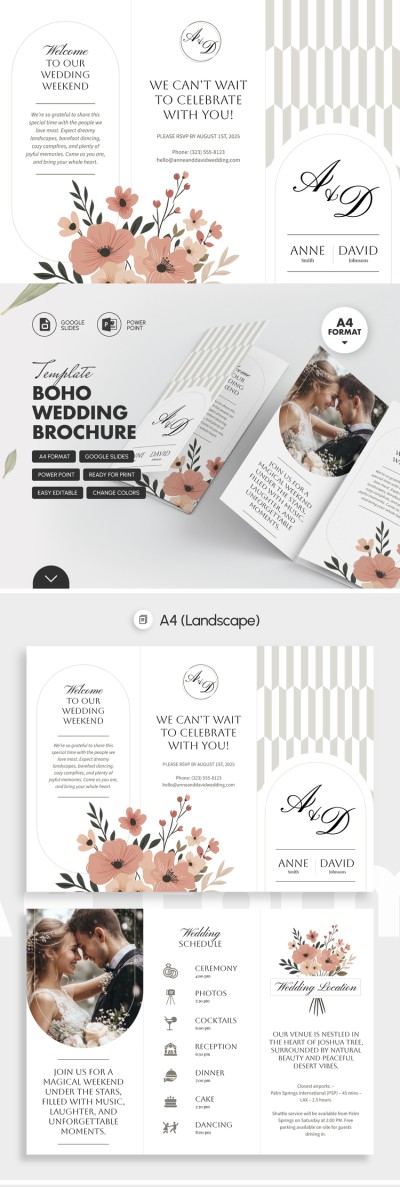
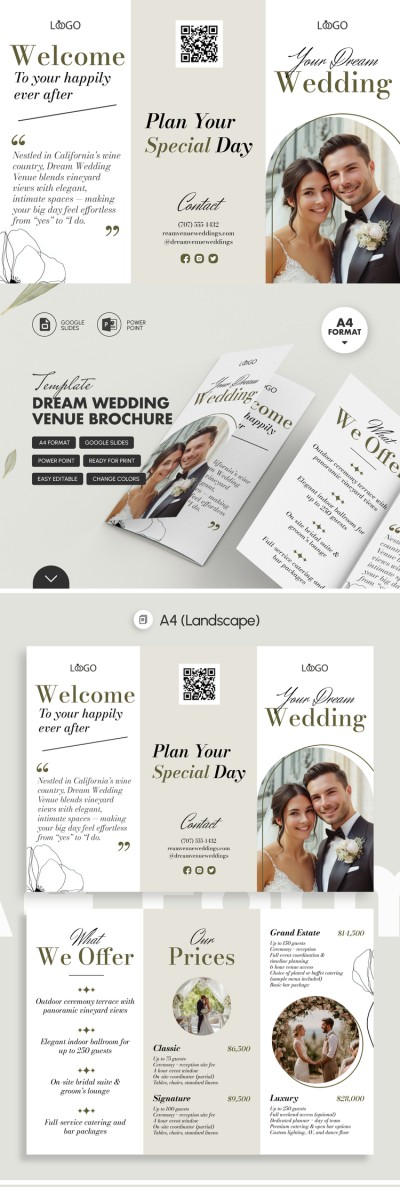
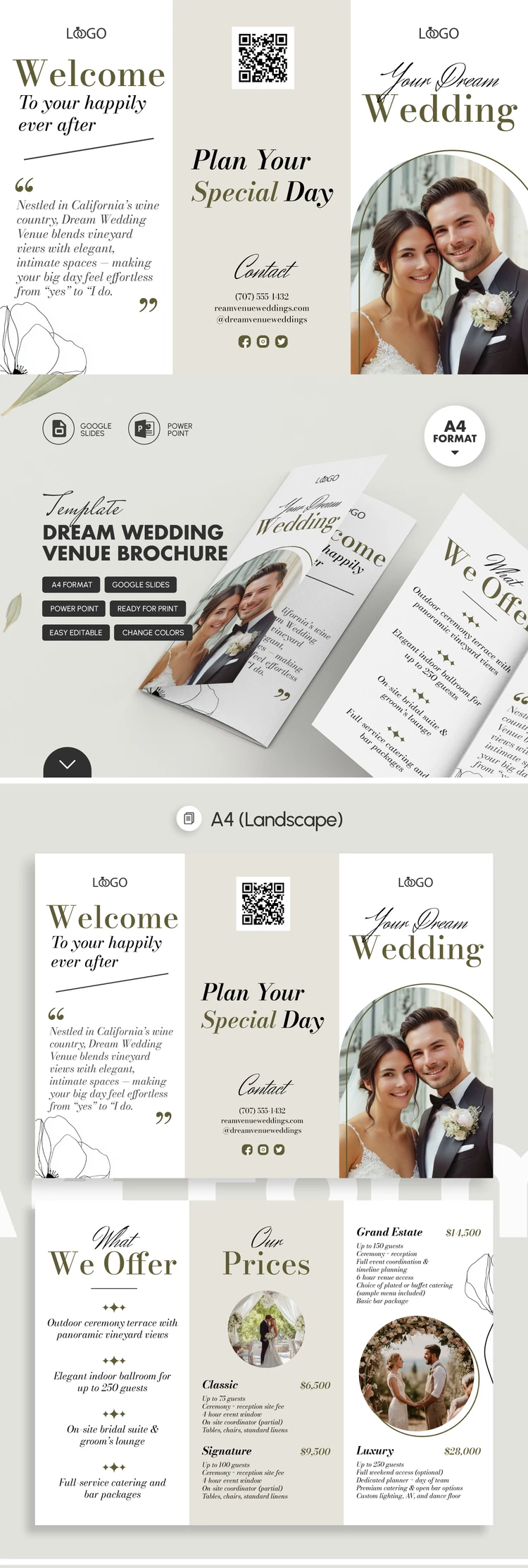
Looking to promote or share more information about your wedding venue? Do it with our Dream Wedding Venue Trifold Brochure. The brochure template features soft pastel shades that beautifully convey the elegant atmosphere of your space. Plus, you can use the pre-designed structure to highlight all your location's main benefits.
Get This Elegant Wedding Venue Brochure for Free
On the front panel, you can replace the placeholders with your logo, venue name, and a cover photo. The remaining five panels of our trifold brochure template are perfect for displaying all your service details, including location info, packages with descriptions, pricing, and contact information.
Transforming this template into a ready-made brochure is easy:
- Open the file in Google Slides or PowerPoint.
- Click any text or image block to replace the sample text and illustrations.
- Move and resize blocks, and customize fonts and background colors using the editor's built-in tools.
Finished customizing? All that's left to do is save the template as a PDF and print it. No extra adjustments for margins or fold lines are needed, as the file is completely ready to print on A4 paper. Find a ready-made wedding venue brochure to suit your style and needs on our website.
Download Free Template
WHAT’S INCLUDED
Brochures & Pamphlet Tips
FAQ
How to Use and Edit This Template

Get Your Document

Customize Everything

Add Your Content