Style Wedding Brochure Template
Use this free template with Google Slides and Microsoft PowerPoint
Template Specification
Key Features of This Template
About this template
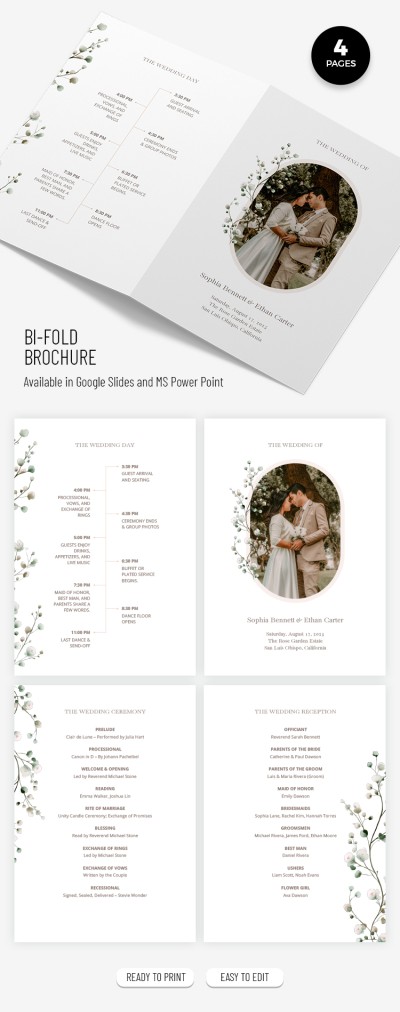
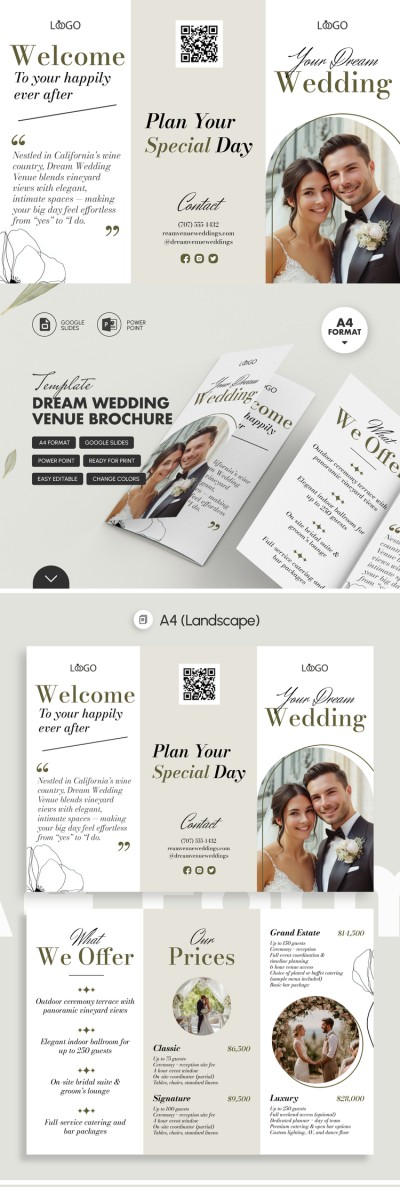
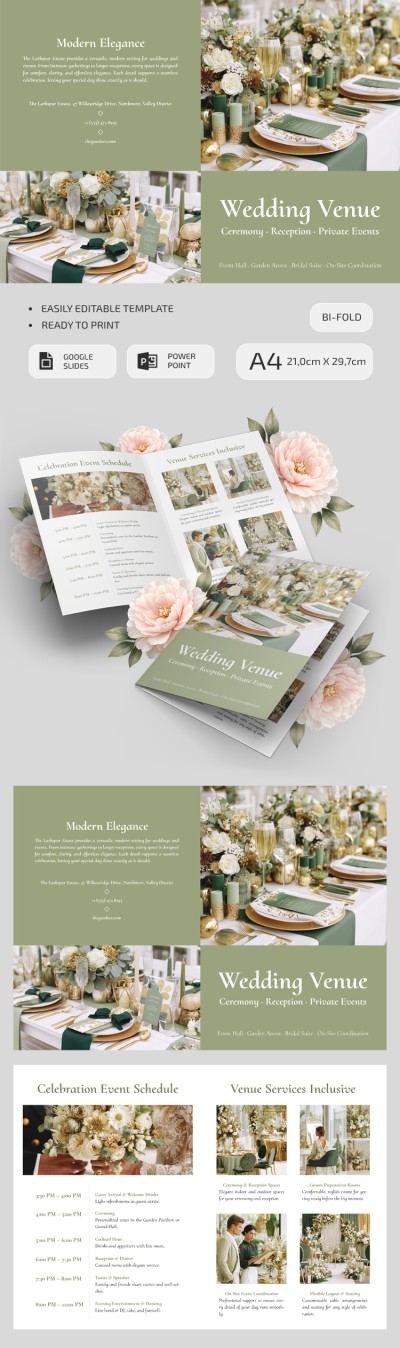
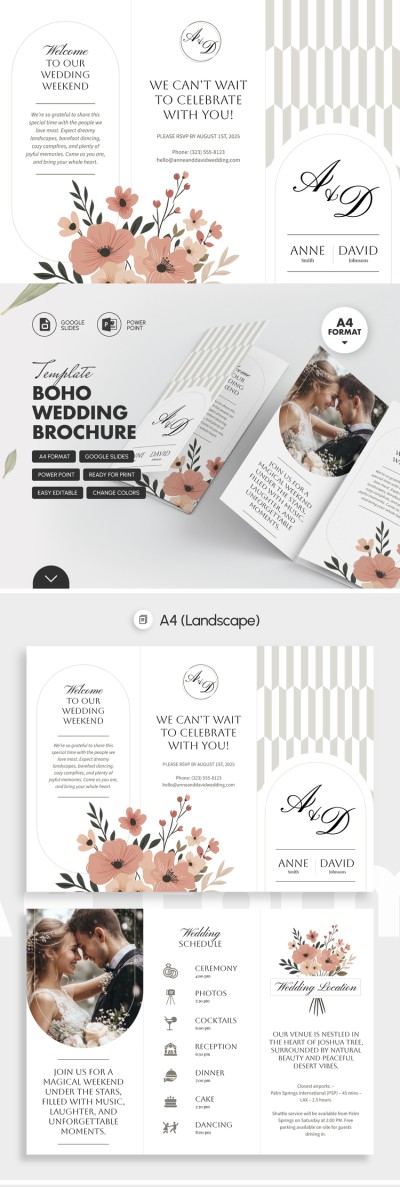
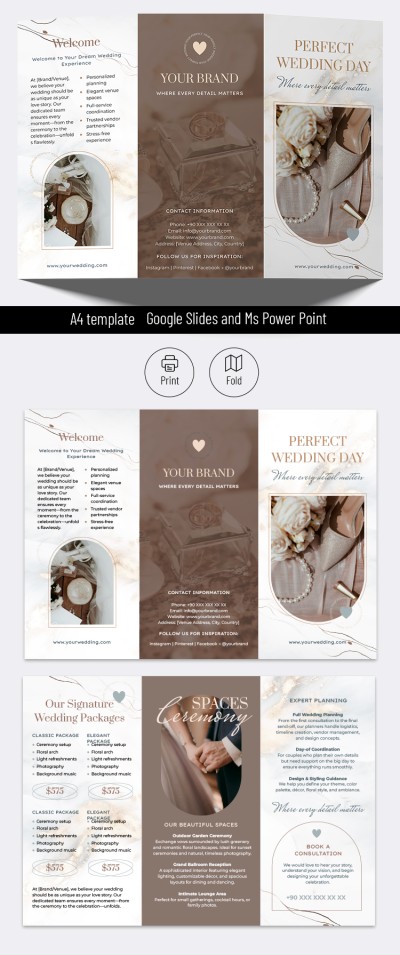
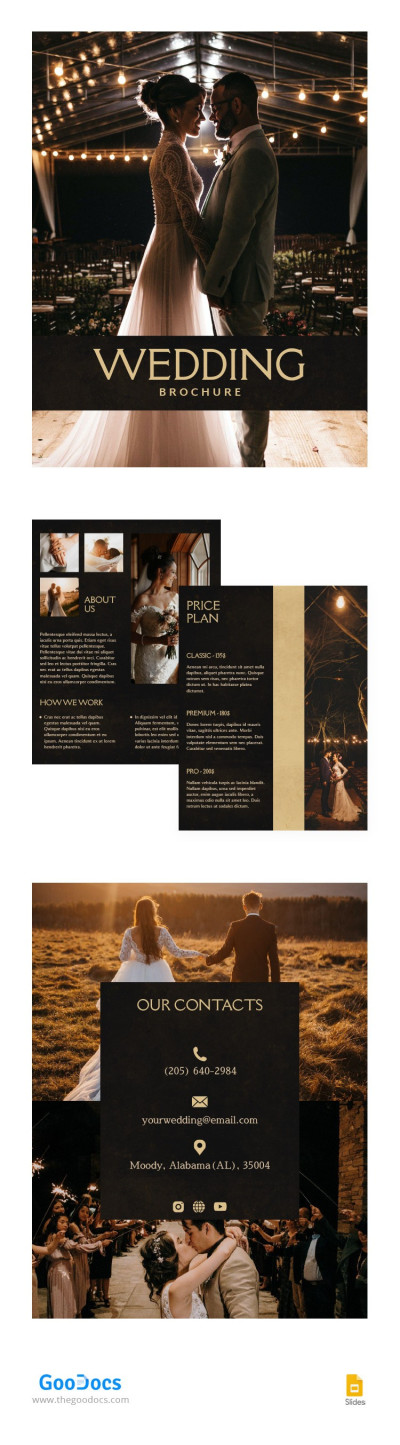
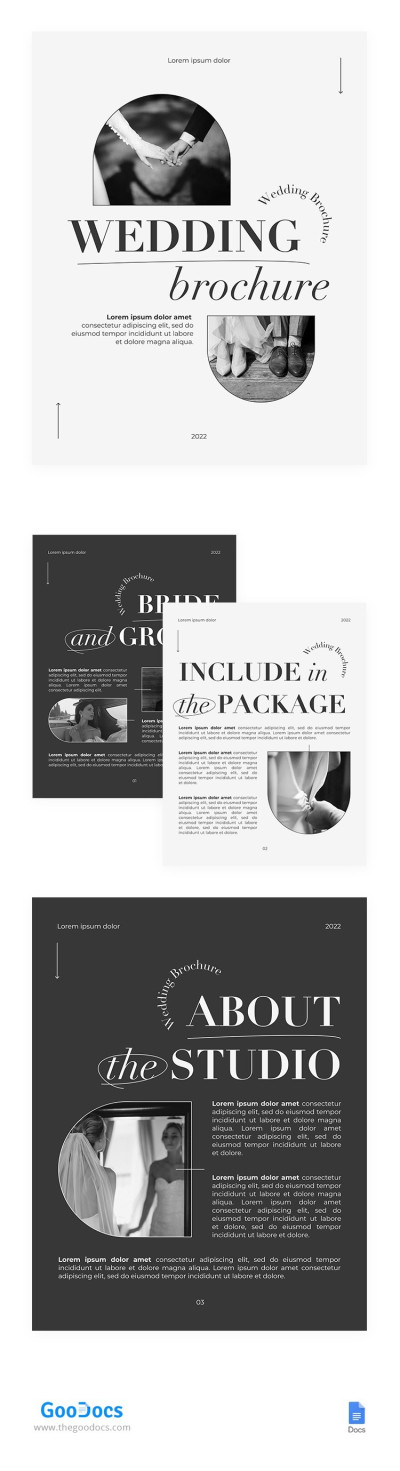
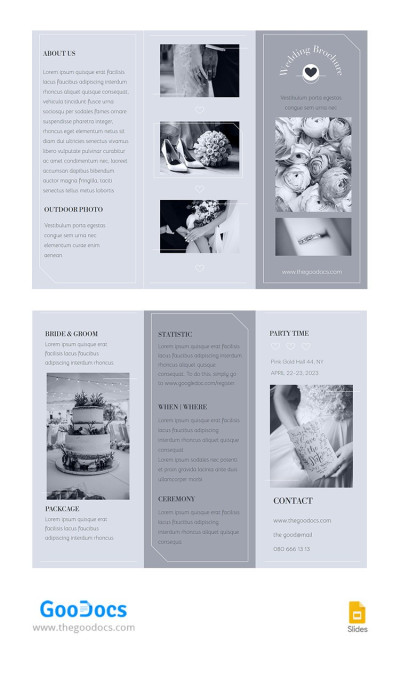
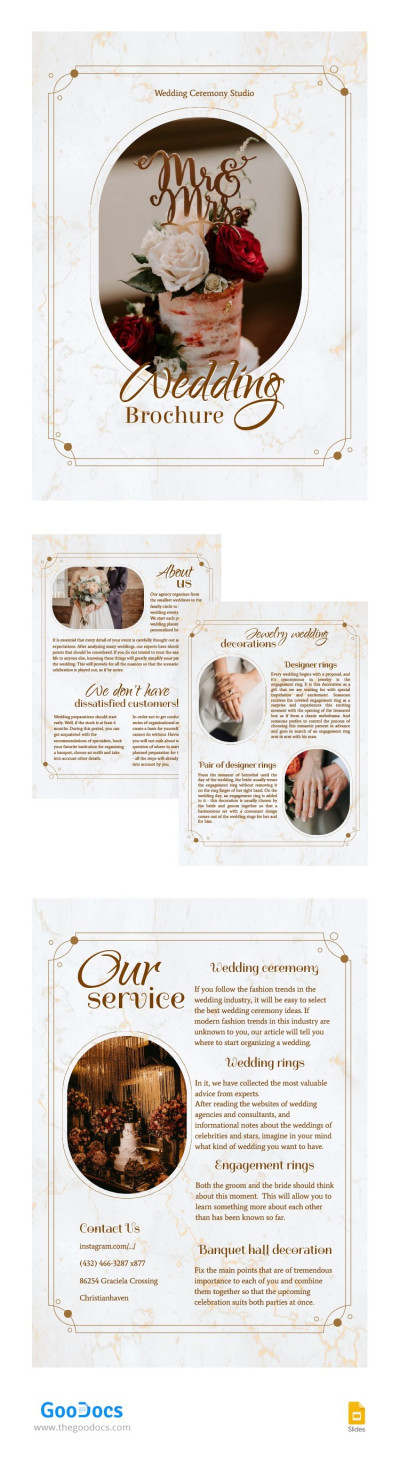
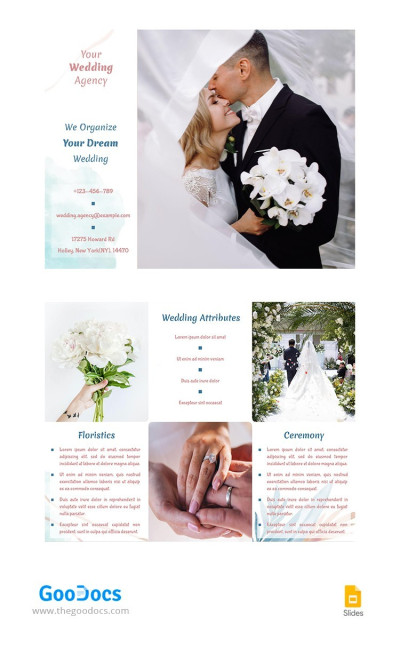
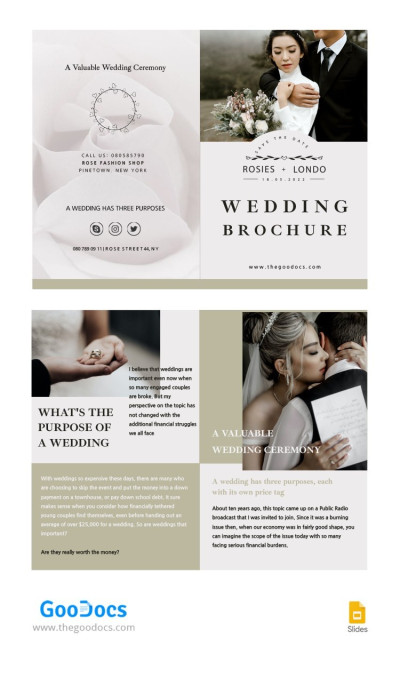
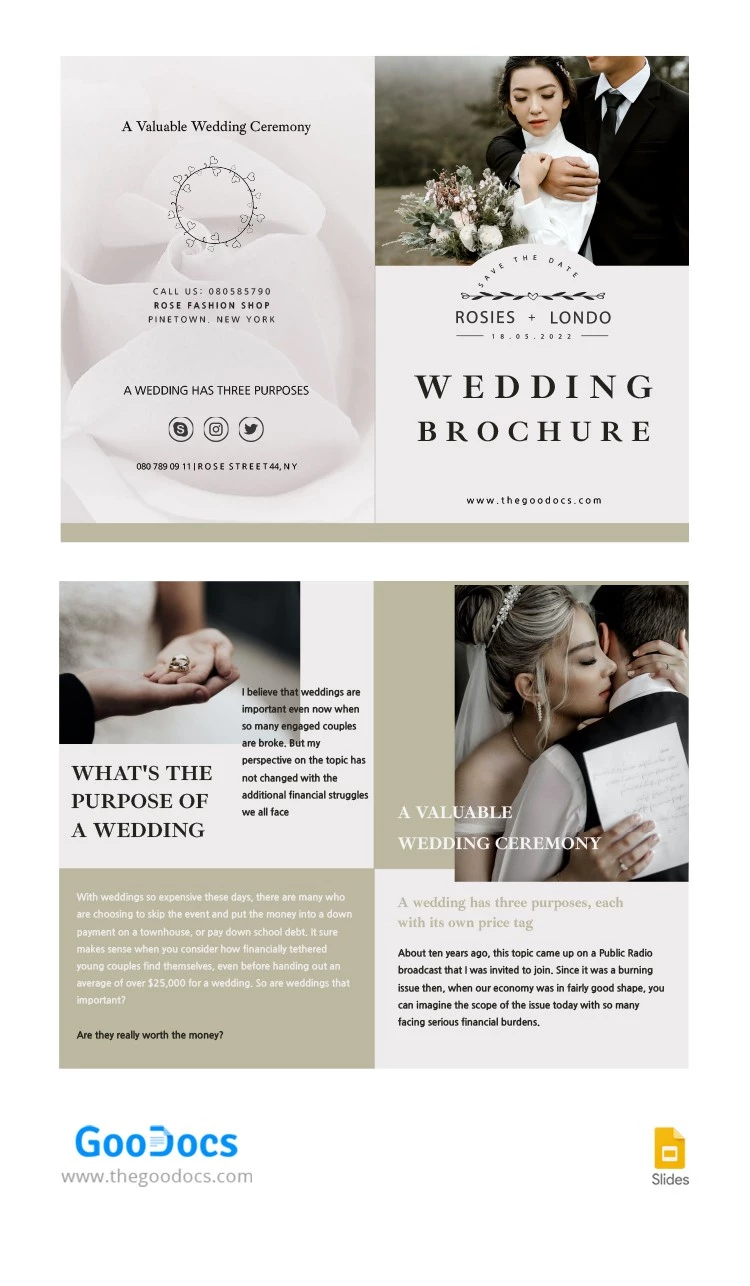
You can quickly create a stylish wedding brochure without compromising on design or print quality. Use our Stylish Wedding Brochure Template to achieve this. Get a pre-made layout with large placeholders for photos of the bride and groom, text, and other elements.
Customize and Print Your Wedding Brochure
Anyone can personalize this wedding ceremony brochure because it doesn't require design skills or additional software. It’s important that you can adjust any design element or text in Google Slides or PowerPoint to fully match the couple’s or wedding agency's needs.
Simply click on a placeholder, add your photo and text, and you're done. Any other design elements, including fonts, background colors, headings, and links, can also be customized in just a few clicks.
Our bi-fold brochure template also:
- Features a ready-made layout for four panels.
- Includes a subtle fold line.
- Can be distributed as a printed A4 handout or in digital format.
- Is suitable for both wedding agency promotions and invitations.
Use this versatile wedding brochure template now or choose from our other editable pamphlet examples.
Download Free Template
WHAT’S INCLUDED
Brochures & Pamphlet Tips
FAQ
How to Use and Edit This Template

Get Your Document

Customize Everything

Add Your Content