ADVERTISEMENT
ADVERTISEMENT
School Notebook Cover Templates
Use this free template with Google Slides and Microsoft PowerPoint
4.25 (1 reviews)
•
Last updated
Updated
October 24, 2026
•
Created by
Halyna Uygur
•
Type
Nonfiction, Simple, Portrait, A4 / US Letter, A5 / Half Letter
ADVERTISEMENT
Template Specification
Format
Google Slides, Microsoft PowerPoint
Orientation
Portrait Book Templates
Created
May 4, 2025
Last Updated
October 24, 2026
Community
Added to collections by 14 Users
Usage Stats
10 downloads this month
Key Features of This Template
Suitable For
Publisher , Self Publish
Book Category
Nonfiction Book Templates
Style
Simple Book Templates
About this template
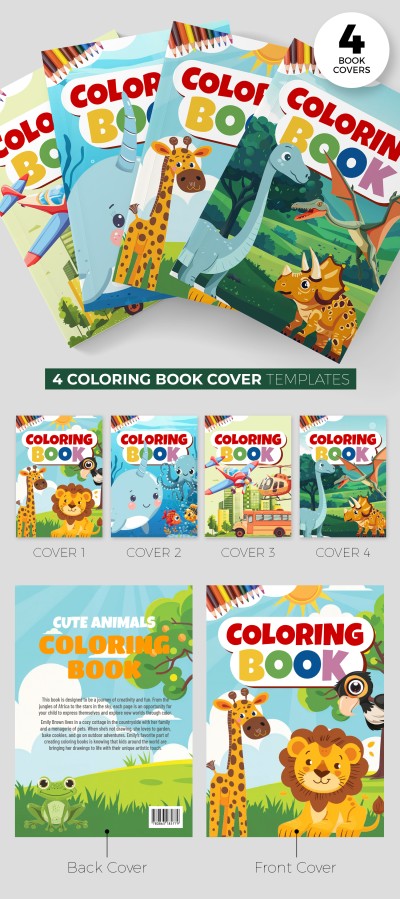
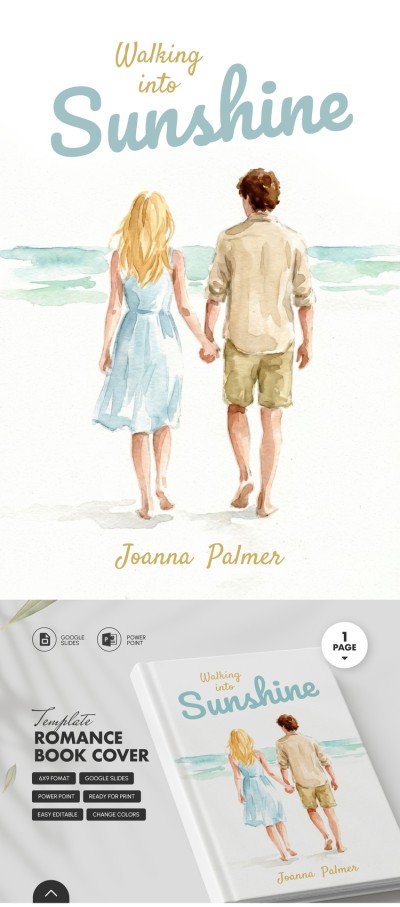
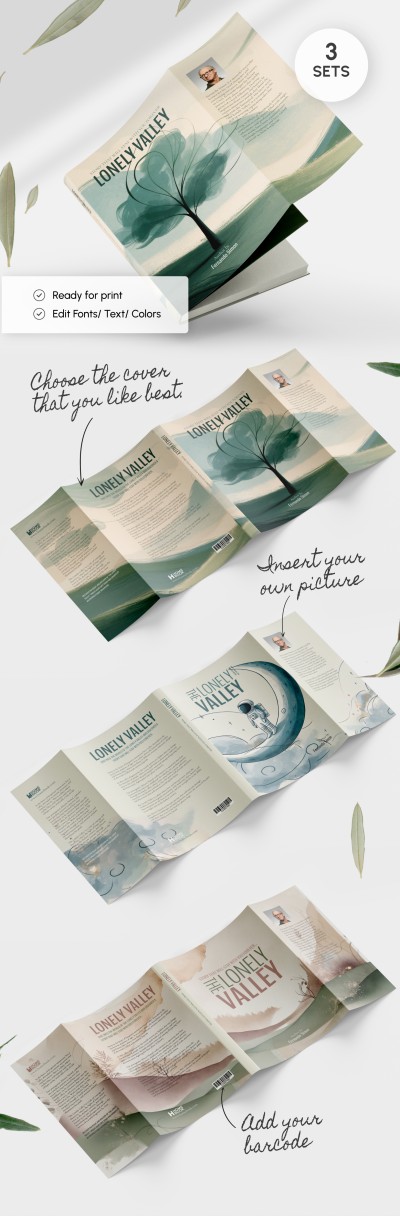
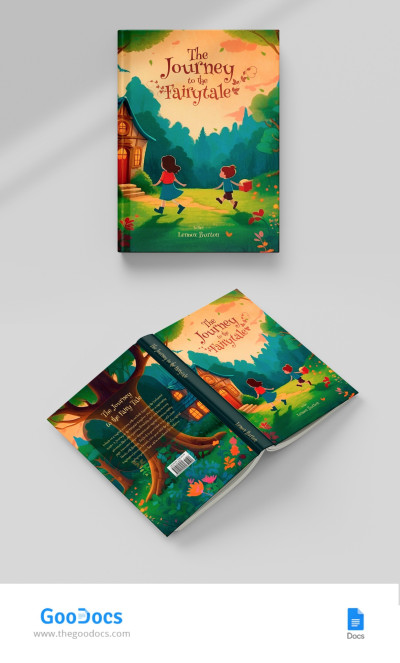
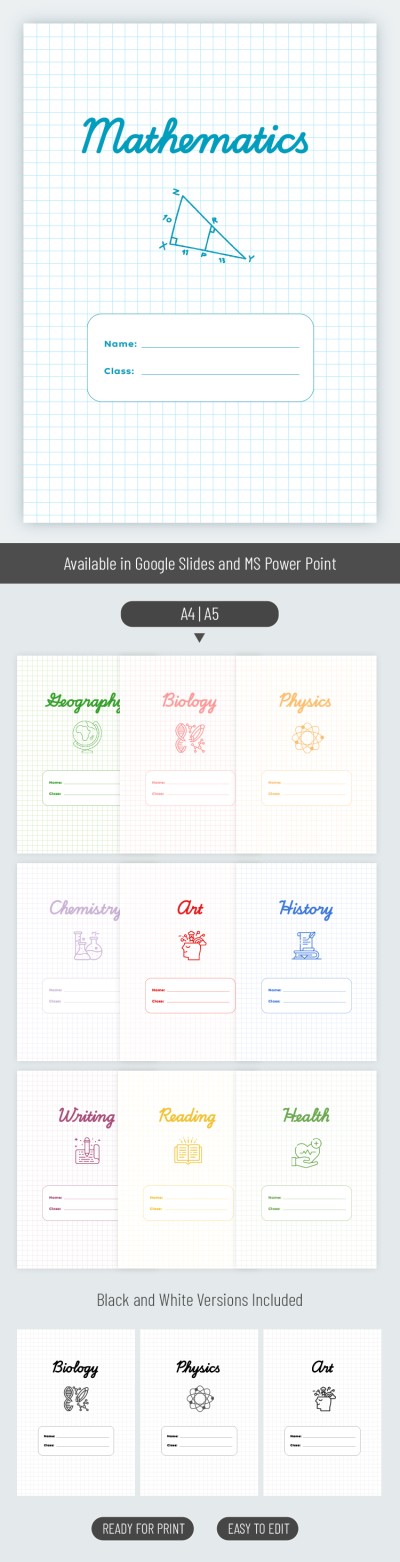
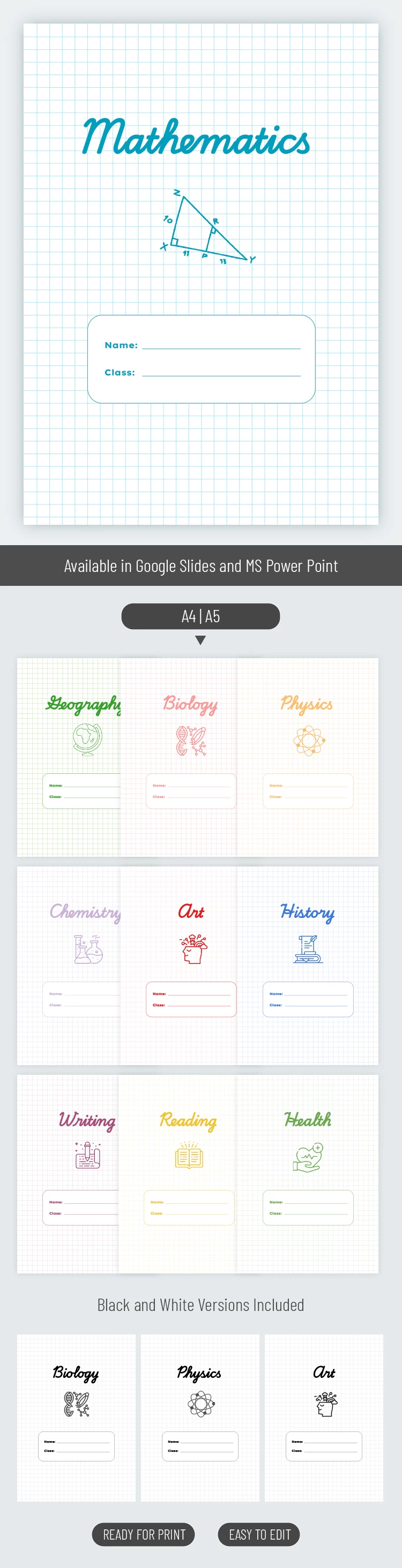
Our School Notebook Cover Templates include design options for all school subjects. Each blank features a corresponding title, placeholders for the student’s name and grade, and an illustration showing the subject.
Try Our Notebook Cover Templates for Free
Downloading and customizing ready-made book cover templates from TheGoodocs couldn’t be easier.
It only takes a few steps:
- Get a copy of the template in Google Slides or download it to any device for customization in PowerPoint.
- Adjust the text (replace the subject name) and add a new illustration if desired.
- Enter the student’s name and grade.
- Review and print the finished template.
Each subject comes with two cover options: a color version and a black-and-white version. The file contains 20 editable designs in total. Our A5 book cover template is also print-ready for A4 with no additional formatting required.
Still looking for book design templates? Click the link to find more options.
ADVERTISEMENT
Free Template
Download Free Template
Choose your platform and start editing right away
PLATFORM
PAPER SIZE
A4
A5
No account required • Attribution required
WHAT’S INCLUDED
20 editable subject templates
Color and black-and-white versions
Customizable student name sections
Graph paper-style background designs
Book Tips
Choose vivid colors for better visibility
Add personal illustrations for unique covers
Ensure the student's details are accurate
Print on high-quality paper for best results
FAQ
Is this template free?
Yes, you can download and use it for free.
Can I use it in PowerPoint?
Yes, it is compatible with MS PowerPoint.
How easy is it to customize?
Very easy; just modify text and images as needed.
Is it compatible with Google Slides?
Absolutely; it's designed for Google Slides as well.
Are there pre-made sections?
Yes, each cover has placeholders for names and classes.
ADVERTISEMENT
How to Use and Edit This Template

Get Your Document
Click the "Edit Template" button to create your own editable copy in Google Slides or download for Microsoft PowerPoint

Customize Everything
Easily change colors, fonts, and layouts to match your unique style or brand identity

Add Your Content
Fill in your data, upload images, and replace the placeholder text with your own information

Print, Export, or Share
Print, export as PDF, or share instantly