ADVERTISEMENT
ADVERTISEMENT
Printable Coupon Book Template
Use this free template with Google Docs and Microsoft Word
4.25 (1 reviews)
•
Last updated
Updated
October 17, 2026
•
Created by
Anastasiia Lytvynova
•
Type
Nonfiction, Modern, Portrait, A4 / US Letter
ADVERTISEMENT
Template Specification
Format
Google Docs, Microsoft Word
Orientation
Portrait Book Templates
Created
November 12, 2025
Last Updated
October 17, 2026
Community
Added to collections by 13 Users
Usage Stats
28 downloads this month
Key Features of This Template
Book Category
Nonfiction Book Templates
Style
Modern Book Templates
About this template
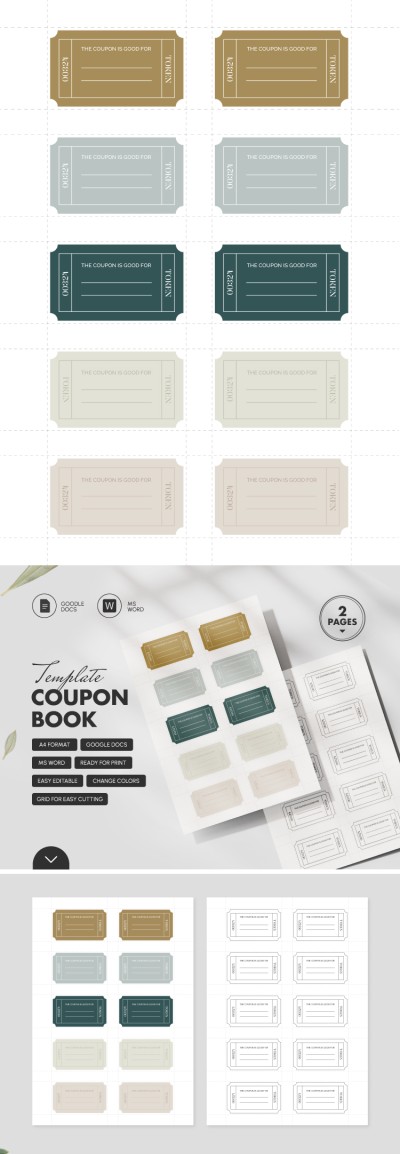
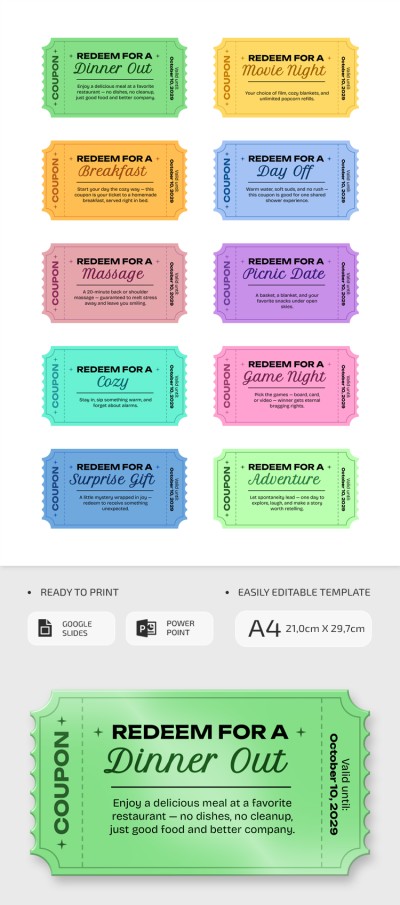
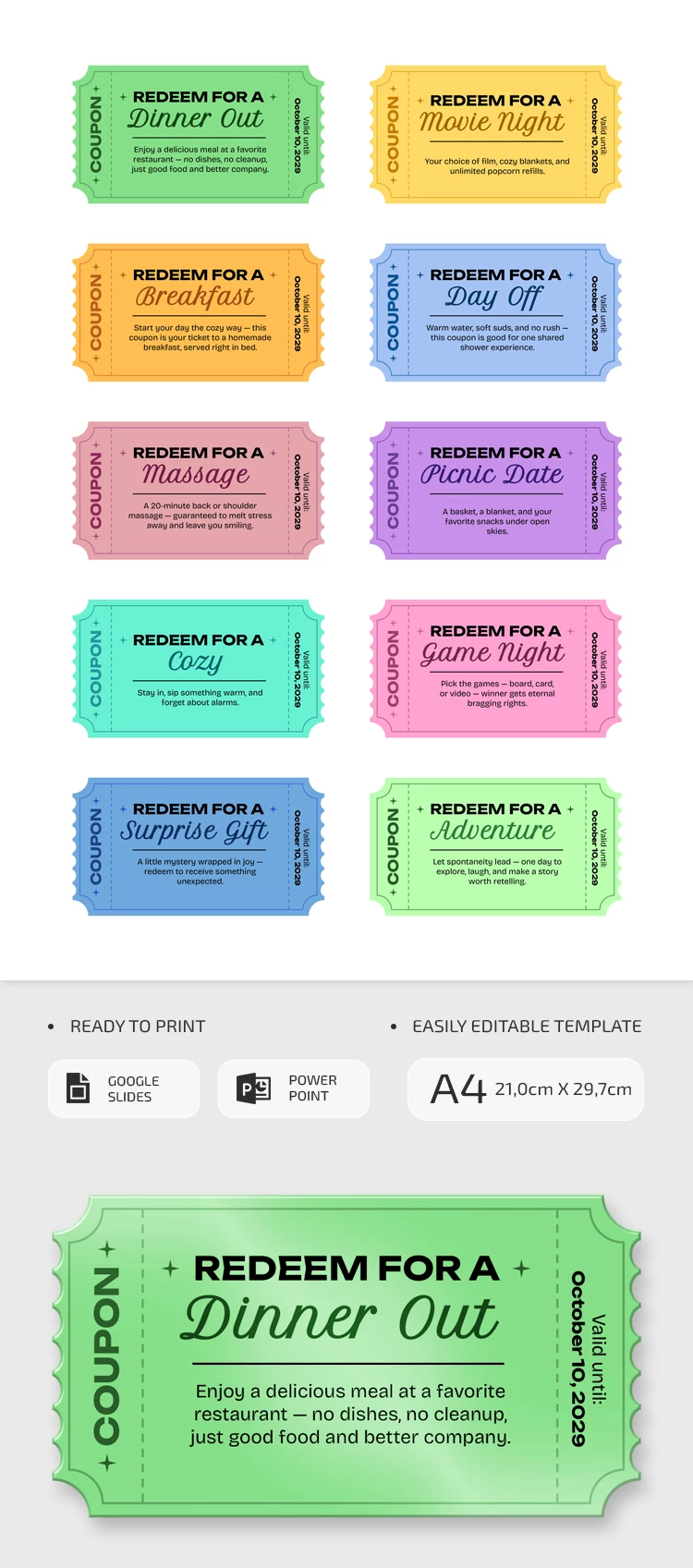
This Printable Coupon Book Template was specifically designed to help you surprise your partner. You can use 10 different colorful designs for your coupons or simply choose the ones you like best. Our coupon book template is fully editable and print-ready, but the features don't end there.
Design Your Personal Gift Vouchers
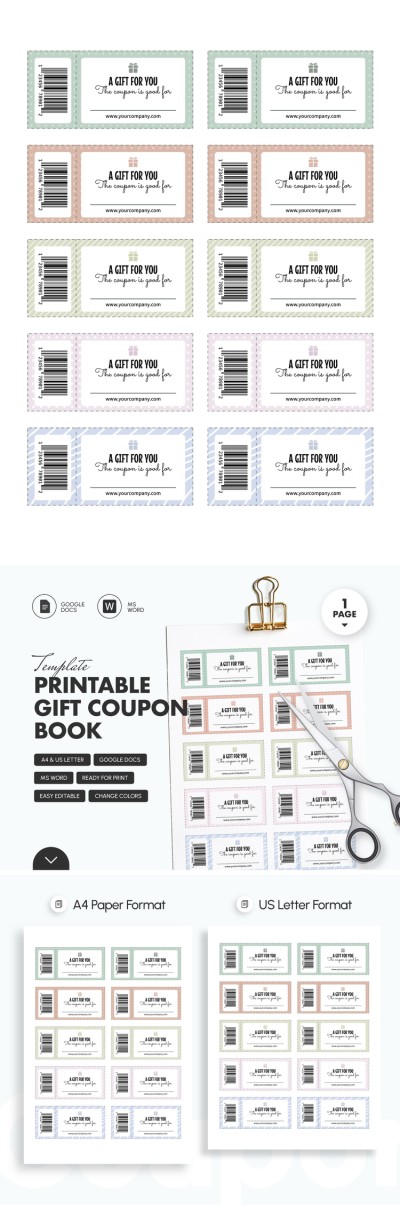
We've included 10 different small coupons on one print-ready A4 page. Each has its own unique color, from bright pink to green and blue.
How to use this printable book template:
- Open it in Google Slides or PowerPoint.
- Change the coupon titles or keep the default ideas (redeemable for a dinner out, movie night, day off, massage, picnic date, etc.).
- Add a detailed description of what each coupon includes.
- Save as a PDF, print it out, and cut each coupon with scissors.
You can easily replace the text while maintaining the original font, placement, and spacing. Plus, on our website, you'll find a book template in Google Slides to cover any of your needs.
ADVERTISEMENT
Free Template
Download Free Template
Choose your platform and start editing right away
PLATFORM
PAPER SIZE
A4
No account required • Attribution required
WHAT’S INCLUDED
10 unique colorful coupon designs
Editable text for personalization
Ready to print A4 format
Google Slides and PowerPoint compatible
Book Tips
Personalize each coupon for a special touch.
Print on high-quality paper for best results.
Use vibrant colors to make them appealing.
Consider adding an expiry date for fun.
FAQ
Is this template free?
Yes, it's completely free to download and use.
Can I use this in PowerPoint?
Yes, it's compatible with both PowerPoint and Google Slides.
How easy is it to customize?
Very easy; just edit text to personalize.
Do I need design skills to use it?
No, it's user-friendly for everyone.
Is it possible to edit on a mobile device?
Yes, but using a computer offers more convenience.
ADVERTISEMENT
How to Use and Edit This Template

Get Your Document
Click the "Edit Template" button to create your own editable copy in Google Docs or download for Microsoft Word

Customize Everything
Easily change colors, fonts, and layouts to match your unique style or brand identity

Add Your Content
Fill in your data, upload images, and replace the placeholder text with your own information

Print, Export, or Share
Print, export as PDF, or share instantly