Minimalistic Book Cover Template
Use this free template with Google Slides and Microsoft PowerPoint
Template Specification
Key Features of This Template
About this template
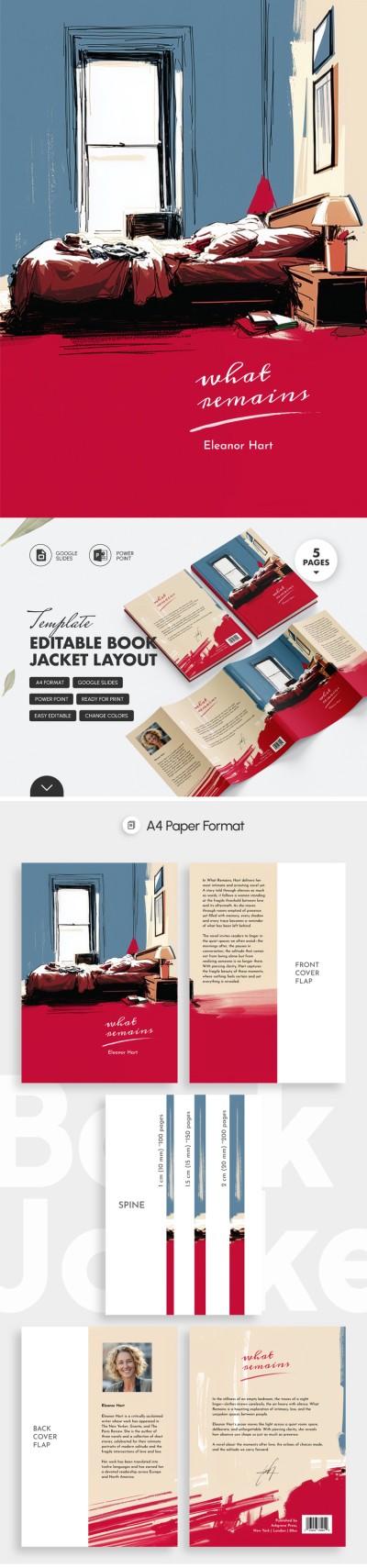
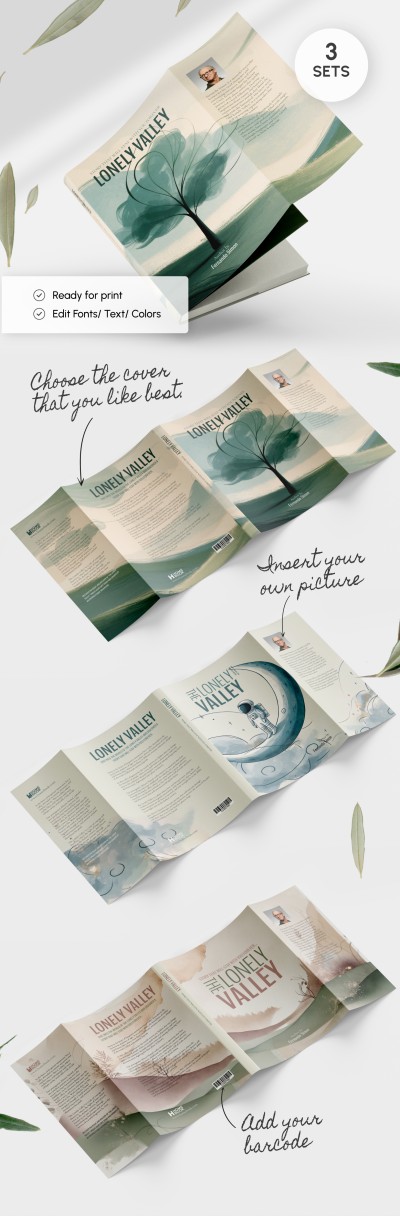
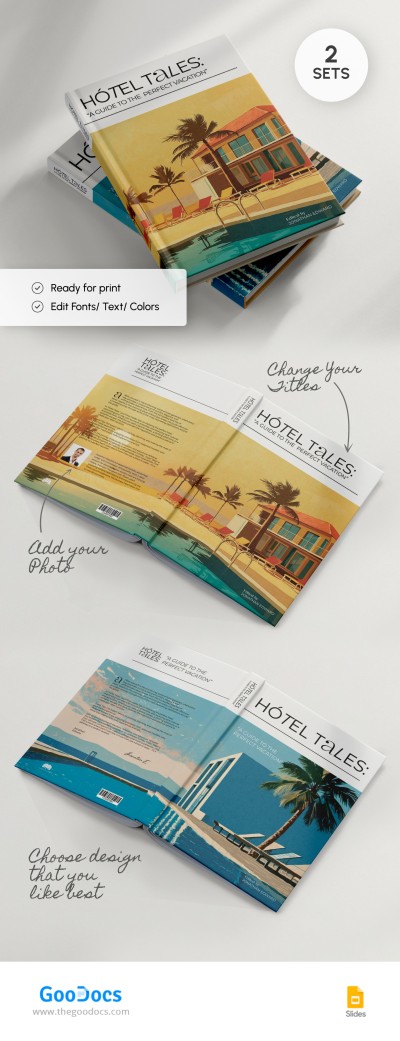
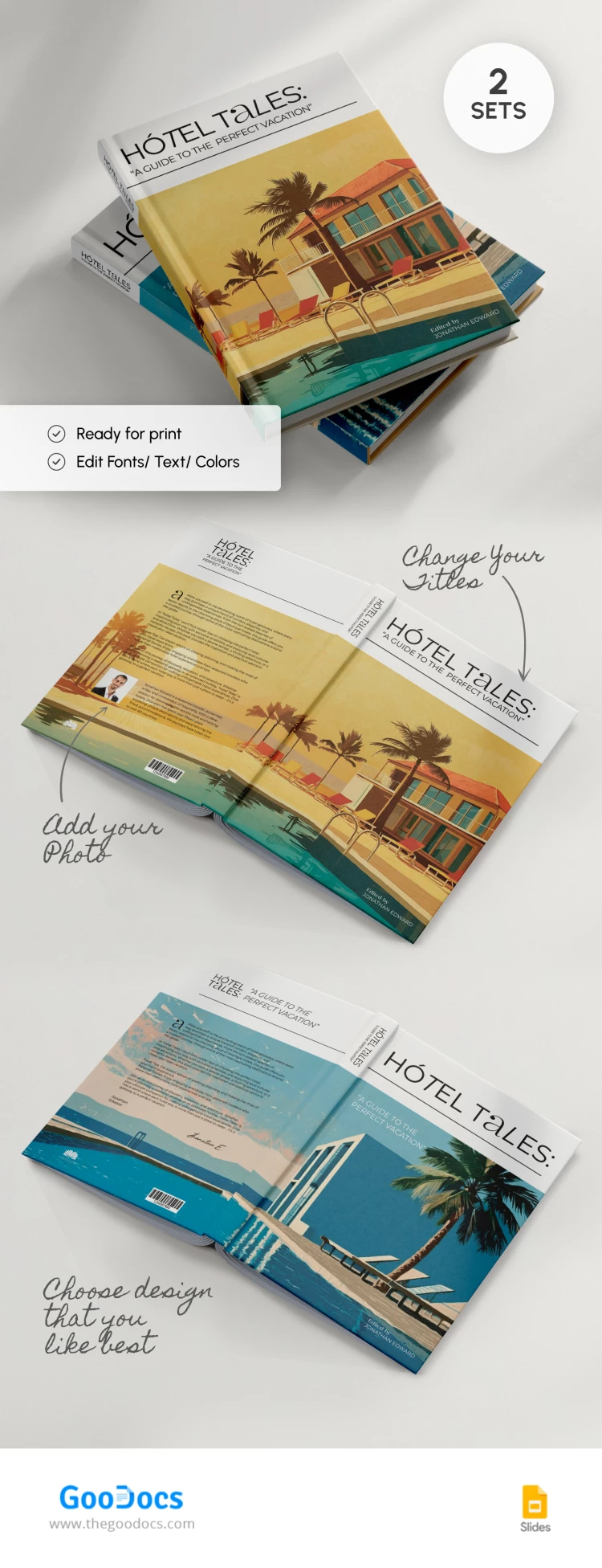
Our Minimalistic Book Cover Template features 2 styles for cover design. Get front, back, and spine at once using just this form.
Bright Summer Design for Your Publication
This book cover template, available for editing in Google Slides and PowerPoint formats, is ideal for summer stories.
The first cover features palms, a house, beach chairs, and a swimming pool. The overall color scheme is yellow and orange, reflecting the warmth of a summer evening.
The second cover is done in cool shades of blue and features an image of palm trees, beach chairs, and a swimming pool.
Everything You Need is Included
The Google Slides book template allows you to immediately get the cover and spine for a hardcover book. You can utilize placeholders for the title and author's name. On the reverse side, there is enough space to write what inspired you or a brief book description. There is also a placeholder for the barcode and logo of the printing house.
Use convenient book design templates that will allow you to create a unique design for your publications and their covers.
Download Free Template
WHAT’S INCLUDED
Book Tips
FAQ
How to Use and Edit This Template

Get Your Document

Customize Everything

Add Your Content