ADVERTISEMENT
ADVERTISEMENT
Philosophical Book Cover Template
Use this free template with Google Docs and Microsoft Word
4.17 (2 reviews)
•
Last updated
Updated
October 3, 2026
•
Created by
Anastasiia Lytvynova
•
Type
Fiction, Portrait, A4 / US Letter
ADVERTISEMENT
Template Specification
Format
Google Docs
Orientation
Portrait Book Templates
Created
November 23, 2023
Last Updated
October 3, 2026
Community
Added to collections by 52 Users
Usage Stats
2 downloads this month
Key Features of This Template
Suitable For
Publisher , Self Publish
Book Category
Fiction Book Templates
About this template
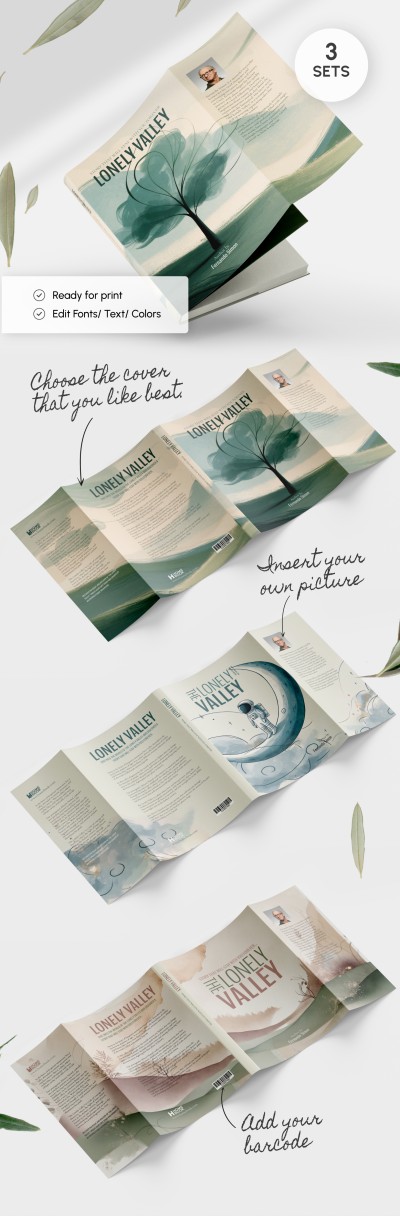
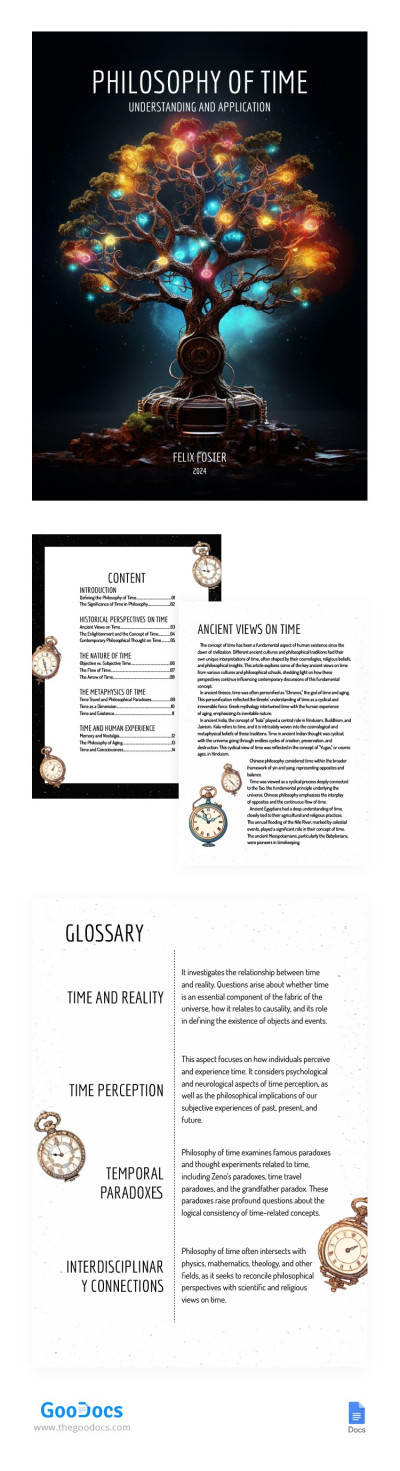
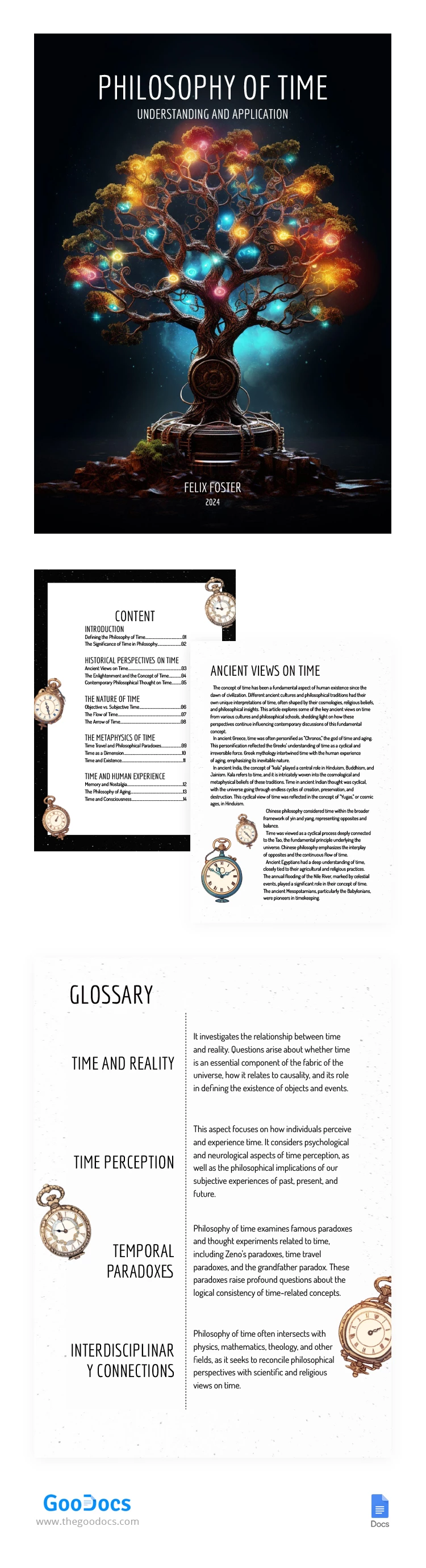
The centerpiece of this mesmerizing Fantasy Tree With a Clock Philosophical Book Cover is a majestic fantasy tree. Its branches reaching skyward with an otherworldly grace. Each branch holds a symbolic significance, inviting readers to explore the depths of wisdom and thought encapsulated within the book's pages.
ADVERTISEMENT
Free Template
Download Free Template
Choose your platform and start editing right away
PLATFORM
PAPER SIZE
A4
No account required • Attribution required
WHAT’S INCLUDED
Customizable cover design and colors
Detailed content layout structure
Integrated glossary section
Ancient views on time analysis
Book Tips
Use high-resolution images for the cover.
Customize colors to match your theme.
Add personal anecdotes in the introduction.
Expand the glossary with key terms.
FAQ
Is it compatible with Microsoft Word?
Yes, it's compatible with both Google Docs and Microsoft Word.
Can I customize the sections?
Yes, all sections are fully customizable to fit your needs.
Do I need a Google account?
No, you can download it in Word format without registration.
Is this template free to use?
Yes, the template is entirely free to download and utilize.
Can I add more pages?
Absolutely, you can add as many pages as needed.
ADVERTISEMENT
How to Use and Edit This Template

Get Your Document
Click the "Edit Template" button to create your own editable copy in Google Docs or download for Microsoft Word

Customize Everything
Easily change colors, fonts, and layouts to match your unique style or brand identity

Add Your Content
Fill in your data, upload images, and replace the placeholder text with your own information

Print, Export, or Share
Print, export as PDF, or share instantly