Get unlimited access to 5000+ Templates for Google Docs, Slides and Sheets
Unlimited Access
ADVERTISEMENT
ADVERTISEMENT

Modern Book Cover Layout Template

Use this free template with Google Slides and Microsoft PowerPoint
4.25 (1 reviews)
Last updated Updated July 11, 2026
Created by Zhanna Pitsina
Type Fiction, Horror, Portrait, A5 / Half Letter
ADVERTISEMENT

Template Specification

Format Google Slides, Microsoft PowerPoint
Created July 11, 2024
Last Updated July 11, 2026
Community Added to collections by 14 Users
Usage Stats 7 downloads this month

Key Features of This Template

Suitable For Publisher , Self Publish
Book Category Fiction Book Templates

About this template

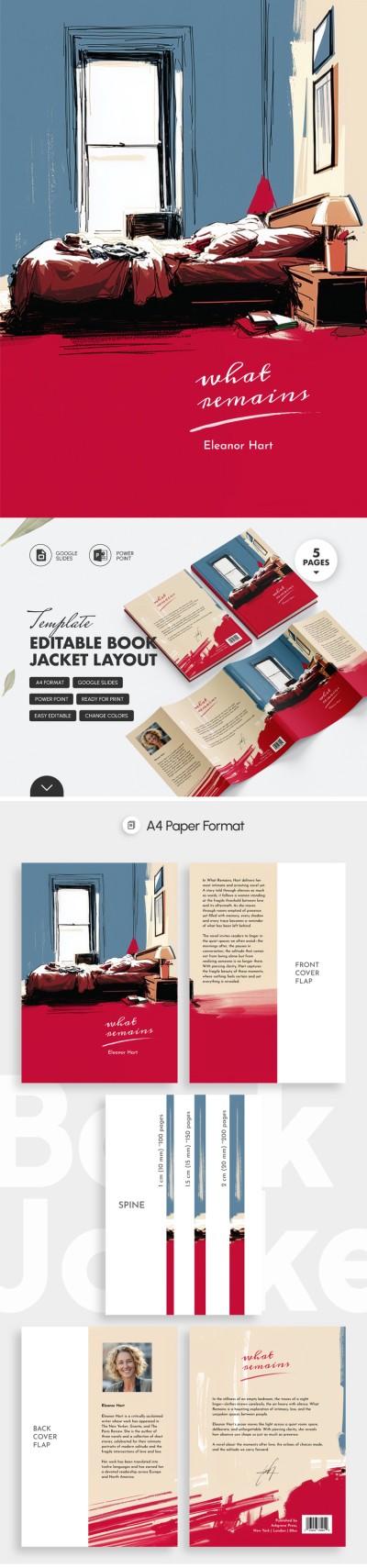
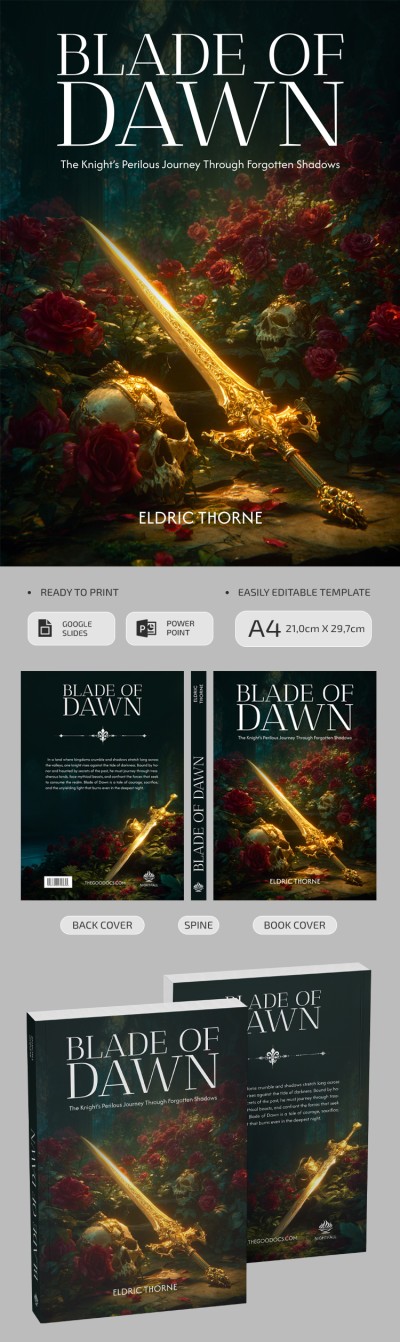
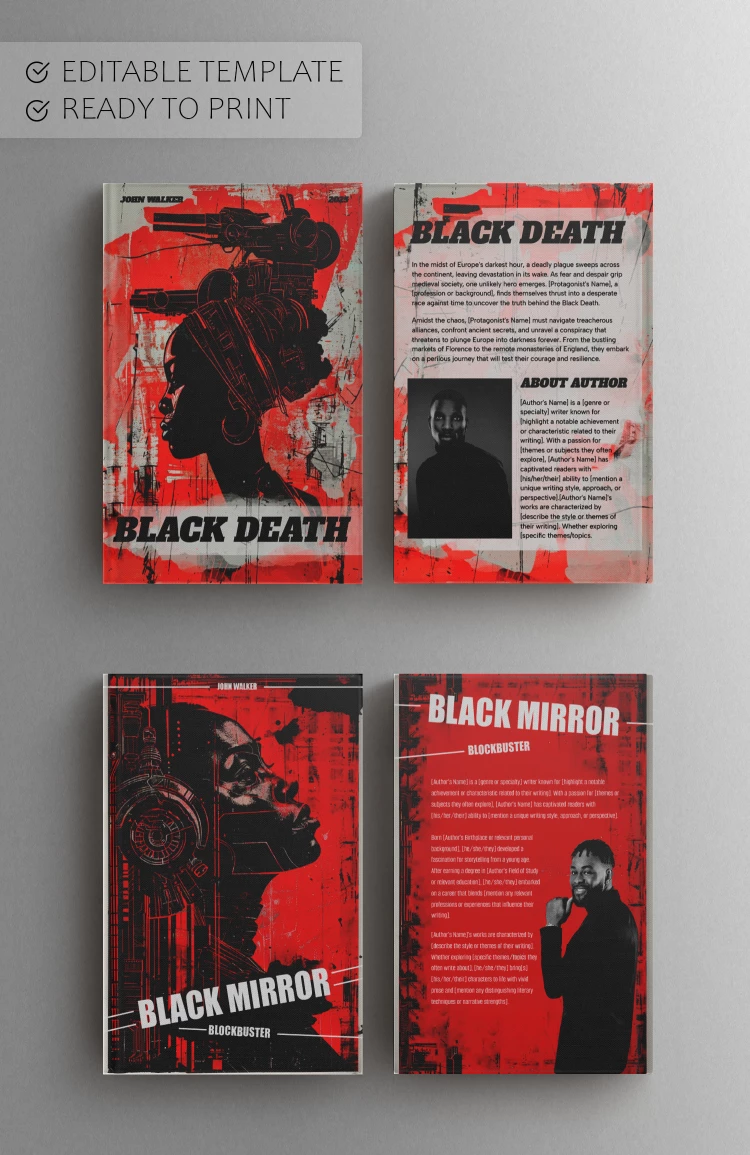
This Book Cover Template will save you time and money on expensive design services. Use this bright and rich design to attract more attention from readers to your books - a solution ideal for blockbusters.

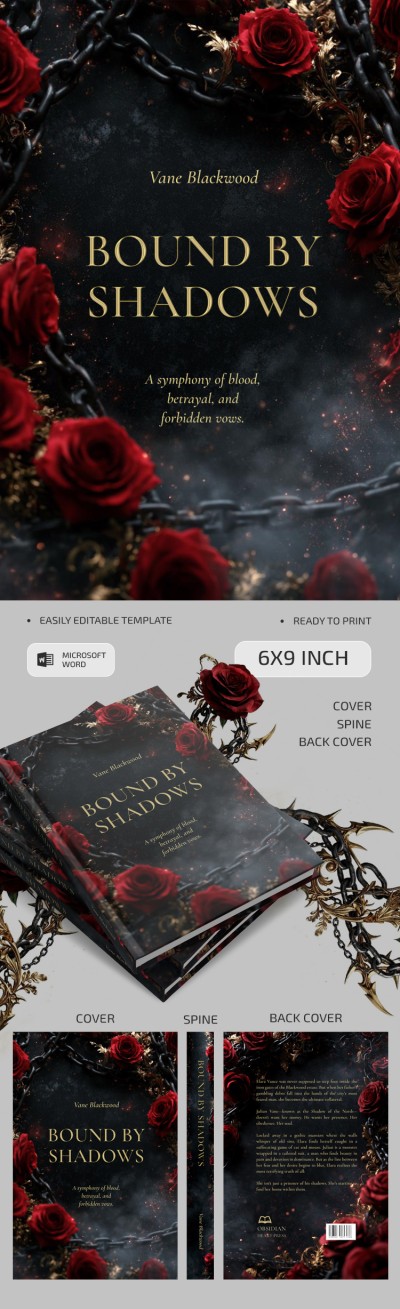
Printable Cover and Spine Designs

The template contains two design options for the front and back cover and spine. Bright red colors will catch the reader's eye, and unusual graphic images in the cyberpunk style perfectly complement the overall tone.

This A5 book cover template is ready for printing on professional and regular printers. You can easily replace the title, add a description on the front and back, and configure other parameters using Google Slides or PowerPoint formats.

Make Your Best Choice Today

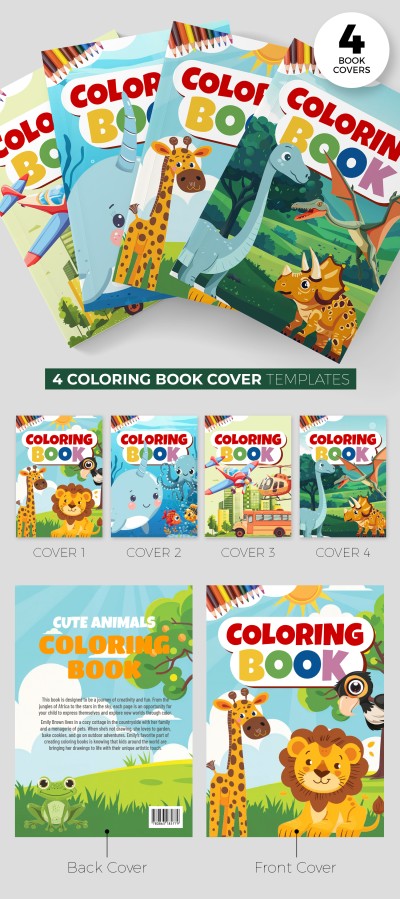
TheGoodocs offers many book templates, covers, and backs for science novels, blockbusters, stories, and coloring pages. Find the proper option and use it for free or with a premium subscription today.

ADVERTISEMENT
Free Template

Download Free Template

Choose your platform and start editing right away
PLATFORM

Google Slides

Opens in browser

Microsoft PowerPoint

.pptx
PAPER SIZE
A5
Google Slides – A5
No account required • Attribution required

WHAT’S INCLUDED

Editable front and back covers
Customizable spine design features
Vibrant red color palette
Cyberpunk style graphic elements

Book Tips

1
Adjust text to match your book's theme and tone.
2
Use high-quality images for a professional finish.
3
Experiment with different fonts for readability.
4
Preview print layout to ensure accurate alignment.

FAQ

Is this template compatible with Google Slides? Yes, it works with Google Slides and PowerPoint.
Can I customize the design easily? Absolutely, every element can be tailored to your needs.
Is this template free to use? Yes, it is available for free download.
What if I need a unique size? The template is adjustable to fit different book sizes.
Is any design experience needed to use it? No, it is user-friendly and straightforward to edit.
ADVERTISEMENT

How to Use and Edit This Template

Get Your Document

1

Get Your Document

Click the "Edit Template" button to create your own editable copy in Google Slides or download for Microsoft PowerPoint
Customize Everything
2

Customize Everything

Easily change colors, fonts, and layouts to match your unique style or brand identity
Add Your Content
3

Add Your Content

Fill in your data, upload images, and replace the placeholder text with your own information
Print, Export, or Share
4

Print, Export, or Share

Print, export as PDF, or share instantly

Related Templates

Recently Viewed