ADVERTISEMENT
ADVERTISEMENT
Book Cover Design Template
Use this free template with Google Slides and Microsoft PowerPoint
4.25 (1 reviews)
•
Last updated
Updated
October 17, 2026
•
Created by
Yurii Zakhidnyi
•
Type
Nonfiction, Modern, Portrait, A4 / US Letter
ADVERTISEMENT
Template Specification
Format
Google Slides, Microsoft PowerPoint
Orientation
Portrait Book Templates
Created
June 10, 2024
Last Updated
October 17, 2026
Community
Added to collections by 10 Users
Usage Stats
4 downloads this month
Key Features of This Template
Suitable For
Publisher , Self Publish
Book Category
Nonfiction Book Templates
Style
Modern Book Templates
About this template
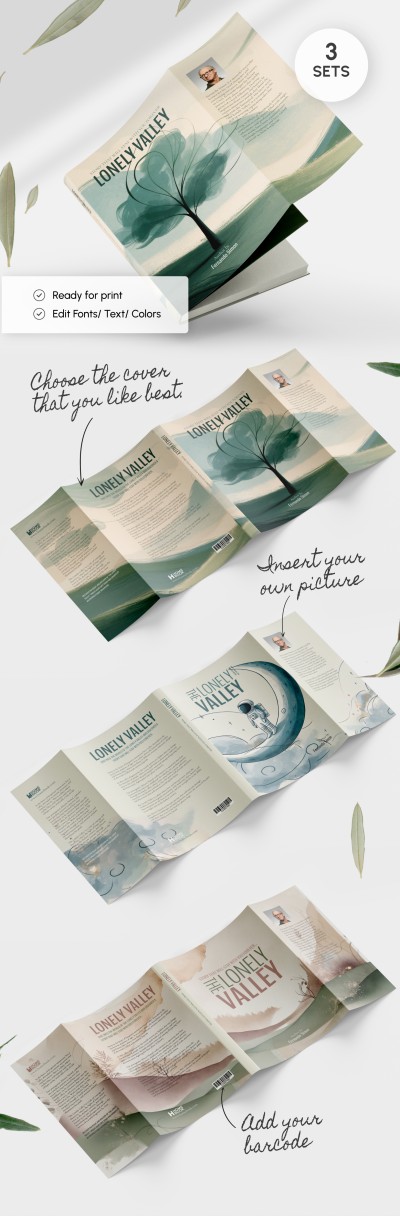
Present your publication without wasting time on cover, spine, and back design thanks to the Aesthetic Book Cover template! Choose one of the two options available in this file for personal or business needs.
Two Design Options in Different Colors
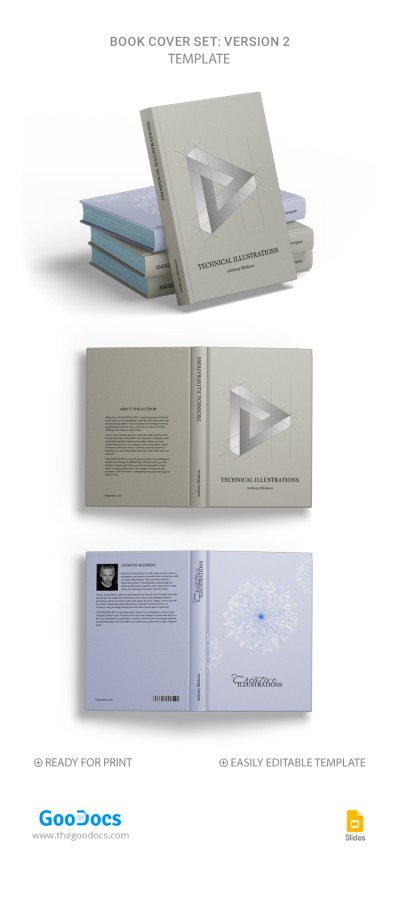
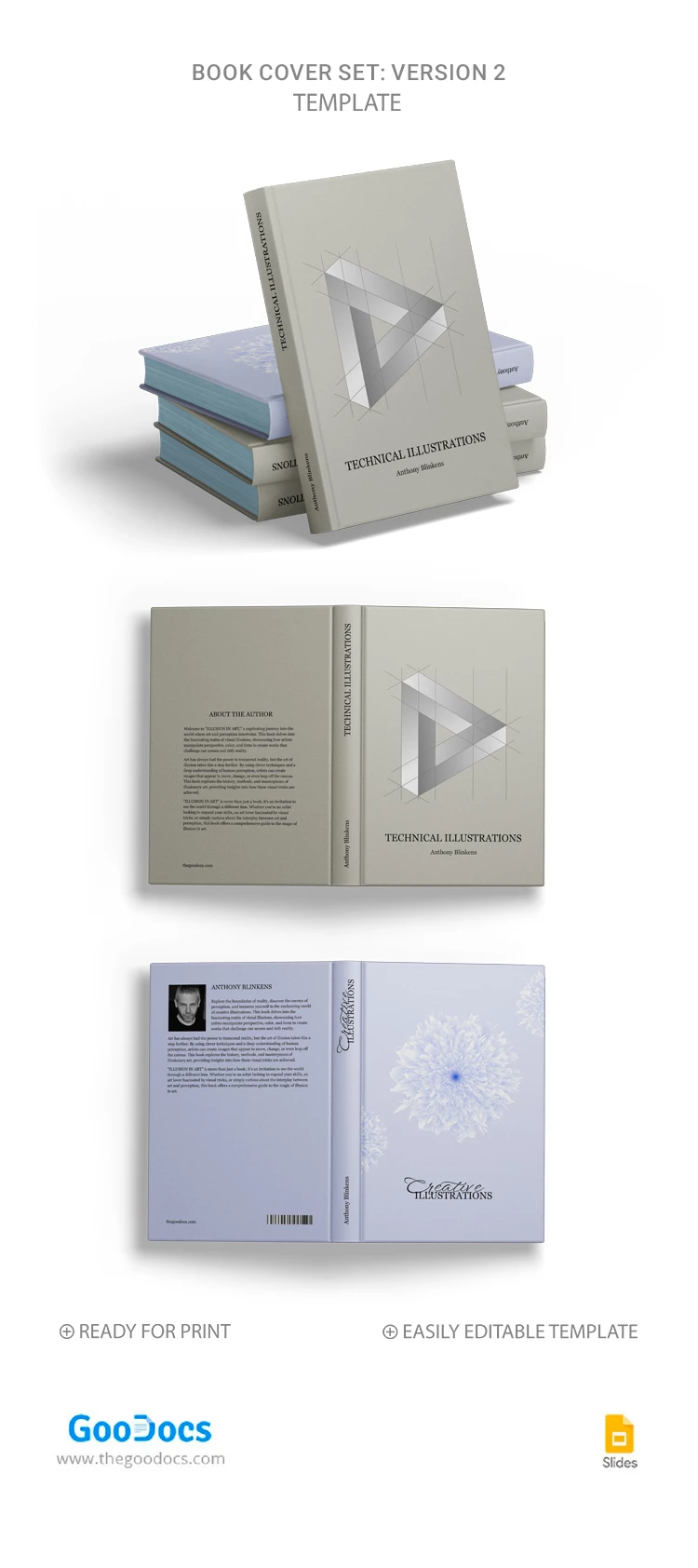
You can choose from two ready-made editable and printable layouts:
- The cover features a khaki background and an abstract 3D figure.
- The cover with a blue background and a flower in the middle and on both sides.
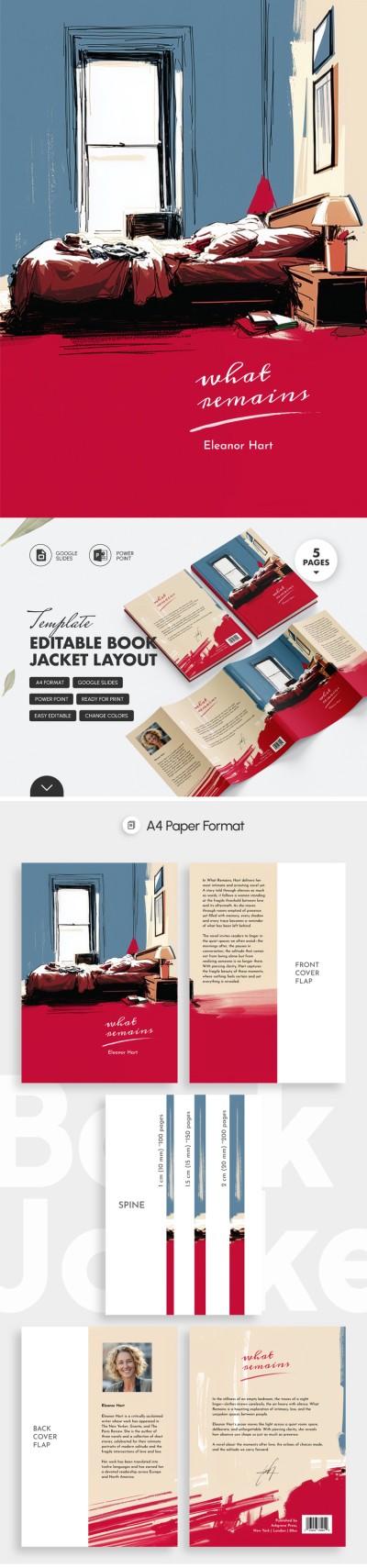
You will also receive three spine options (for different book thicknesses), a placeholder for the author's photo and text on the back, and the book title on the front.
Editable and Printable Blanks
You can easily change, customize, and print our book cover template using Google Slides and PowerPoint formats. Save time designing your publication and cover with book templates from TheGoodocs.
ADVERTISEMENT
Free Template
Download Free Template
Choose your platform and start editing right away
PLATFORM
PAPER SIZE
A4
No account required • Attribution required
WHAT’S INCLUDED
Two color options for cover
Editable author photo placeholder
Three spine size options available
Printable and customizable layout
Book Tips
Choose your preferred color theme for standout appeal.
Use high-resolution images for the author's photo.
Match spine size to your book's thickness.
Customize text to fit your book's content.
FAQ
Is this template compatible with PowerPoint?
Yes, it is compatible with PowerPoint and Google Slides.
How easy is it to customize?
The template is easily customizable with intuitive editing tools.
Is this template free to download?
Yes, this template is available for free download.
Can I print the cover directly from the template?
Yes, the template is ready for print after customization.
Does it include design elements for the back cover?
Yes, it includes a layout for the back cover text and image.
ADVERTISEMENT
How to Use and Edit This Template

Get Your Document
Click the "Edit Template" button to create your own editable copy in Google Slides or download for Microsoft PowerPoint

Customize Everything
Easily change colors, fonts, and layouts to match your unique style or brand identity

Add Your Content
Fill in your data, upload images, and replace the placeholder text with your own information

Print, Export, or Share
Print, export as PDF, or share instantly