Сosmetic Product Brochure Template
Use this free template with Google Slides and Microsoft PowerPoint
Template Specification
Key Features of This Template
About this template
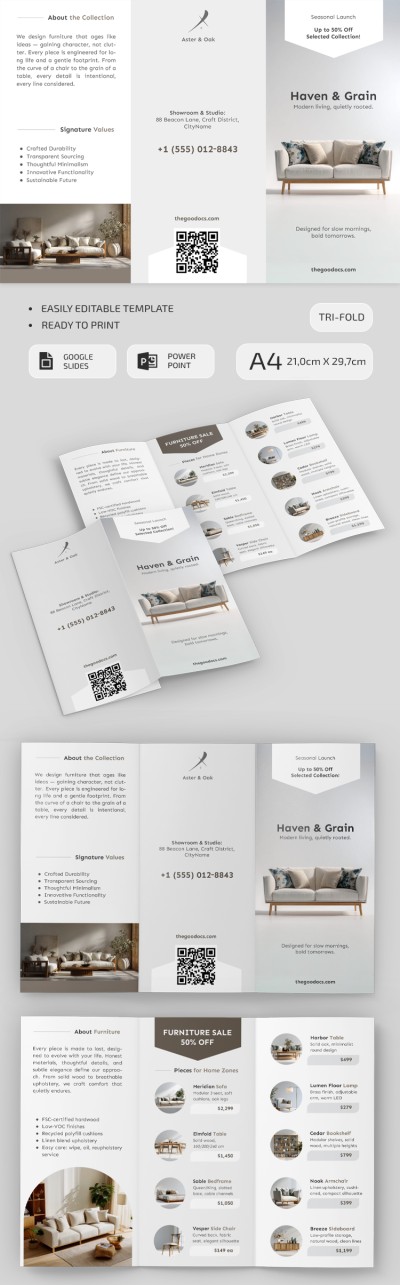
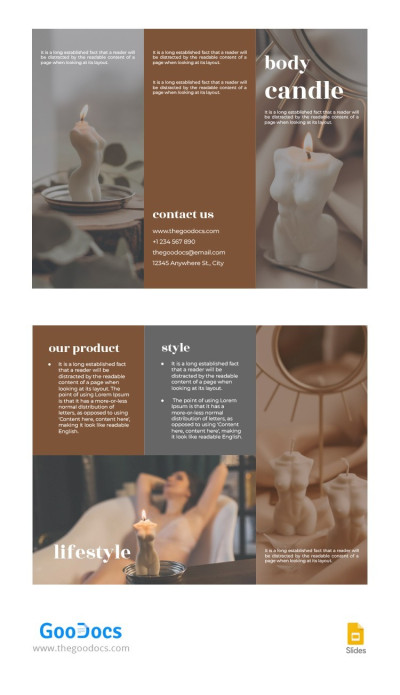
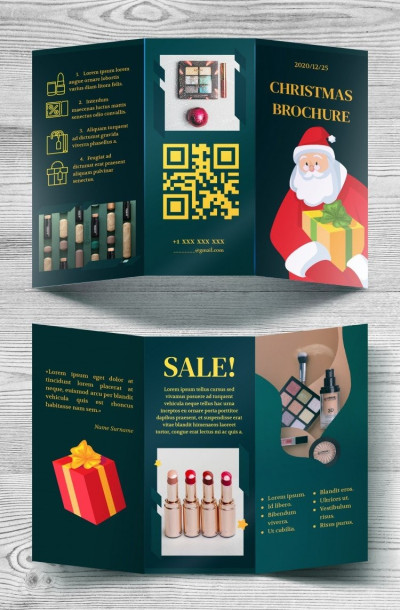
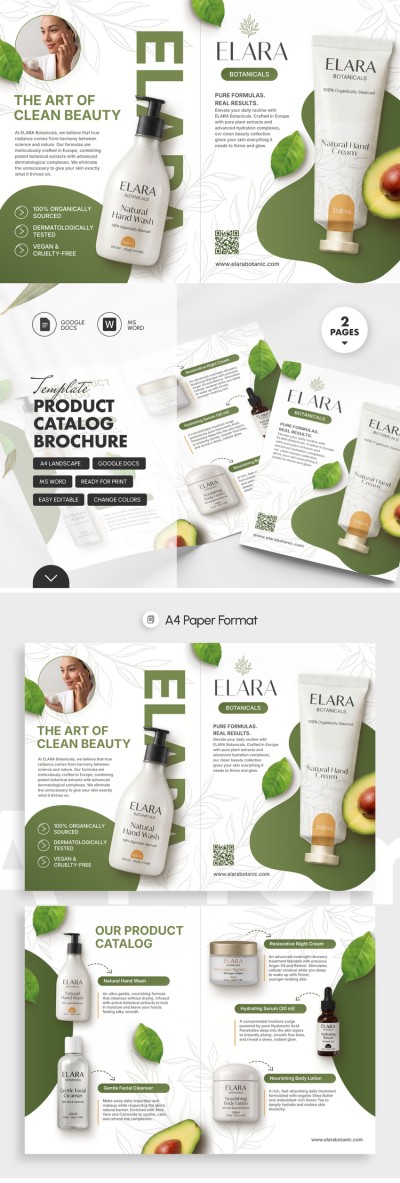
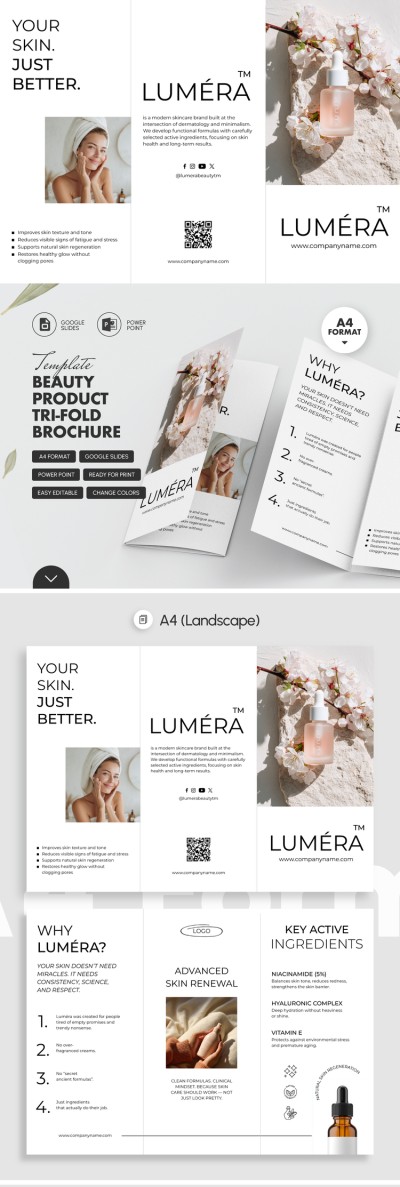
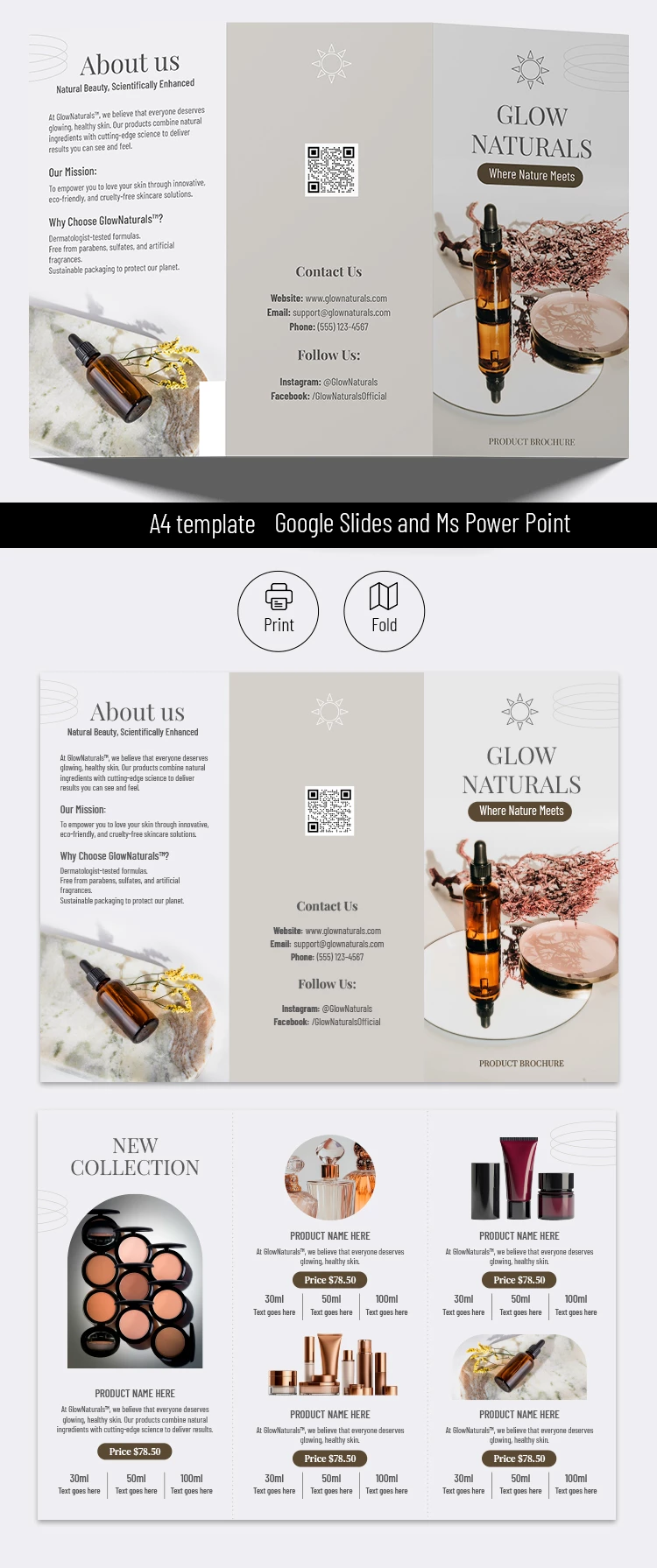
Consider our Cosmetic Product Brochure Template when your cosmetics brand, beauty salon, or boutique need to be scaled up. Exquisite as a glossy cover, it attracts attention and forms an impression. Why is it better than the rest?
Multipurpose Pamphlet
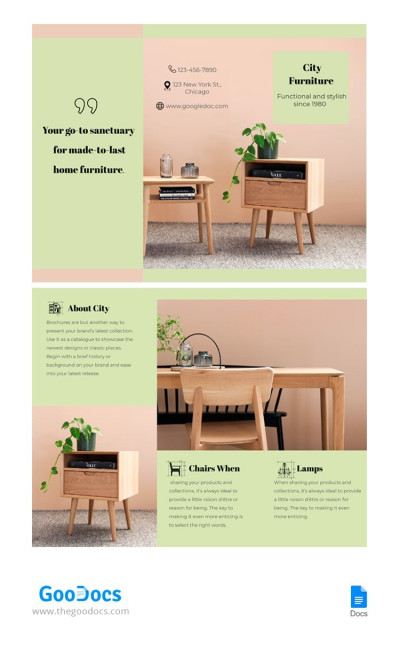
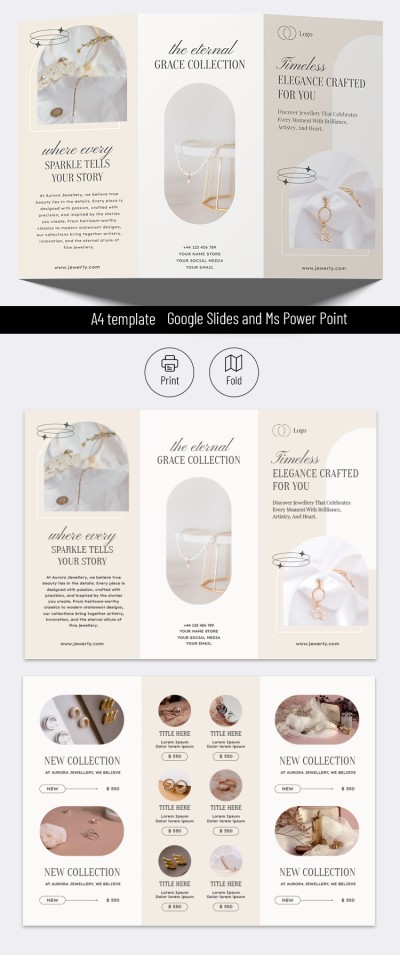
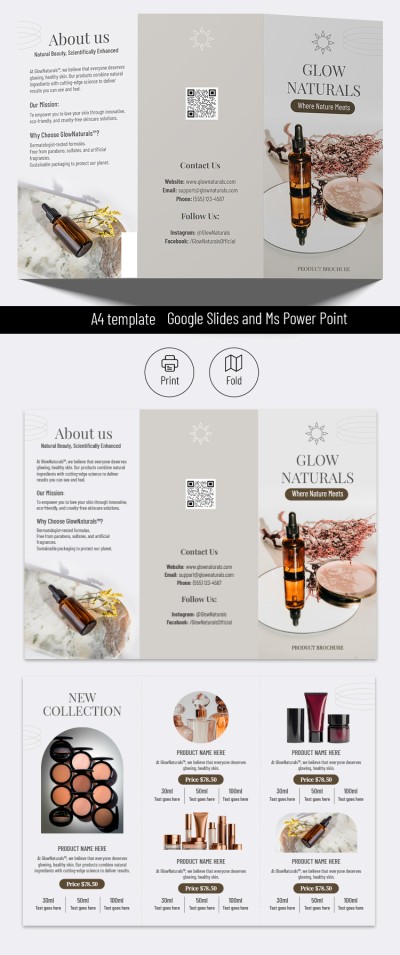
Compared to the bifold brochure template, this trifold one features six panels. Despite being compact, it is still extra informative. Besides the front and back cover, a true catalog awaits you here. It's handy to include images and descriptions, ways to contact you, company benefits, and other essential aspects. This is not a blank letterhead, but a fully printable layout with spaces for your text and illustrations.
Stylish Design Decides
Beige and gray shades stand out winningly against the colorful cosmetic products. Readable fonts matter here as well. The light pastel background is pleasant to look at and doesn't distract from the main thing, the content. But if you want more, improvise! Upload product brochure template to PowerPoint or edit in Google Slides, including switching color schemes, typefaces, illustrations, and sometimes entire sections.
Do you need another brochure example? We’ve prepared a worthy collection for your projects.
Download Free Template
WHAT’S INCLUDED
Brochures & Pamphlet Tips
FAQ
How to Use and Edit This Template

Get Your Document

Customize Everything

Add Your Content