Get unlimited access to 5000+ Templates for Google Docs, Slides and Sheets
Unlimited Access
ADVERTISEMENT
ADVERTISEMENT

Christmas Product Brochure Template

Use this free template with Google Docs and Microsoft Word
4.33 (2 reviews)
Last updated Updated July 11, 2026
Created by Jane Smith
Type Portrait, A4 / US Letter
ADVERTISEMENT

Template Specification

Format Google Docs
Created May 26, 2021
Last Updated July 11, 2026
Community Added to collections by 3 Users
Usage Stats 0 downloads this month

Key Features of This Template

Holiday Christmas
Suitable For Spa Beauty

About this template

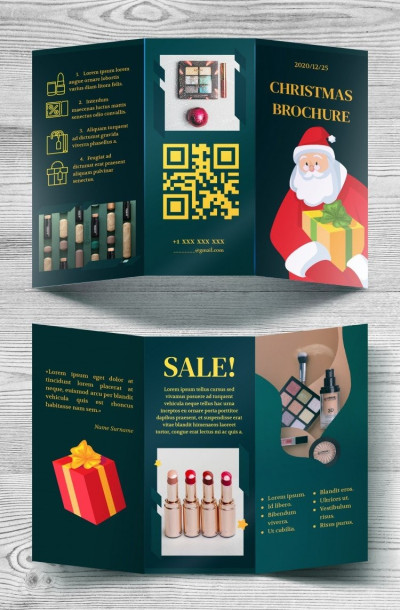
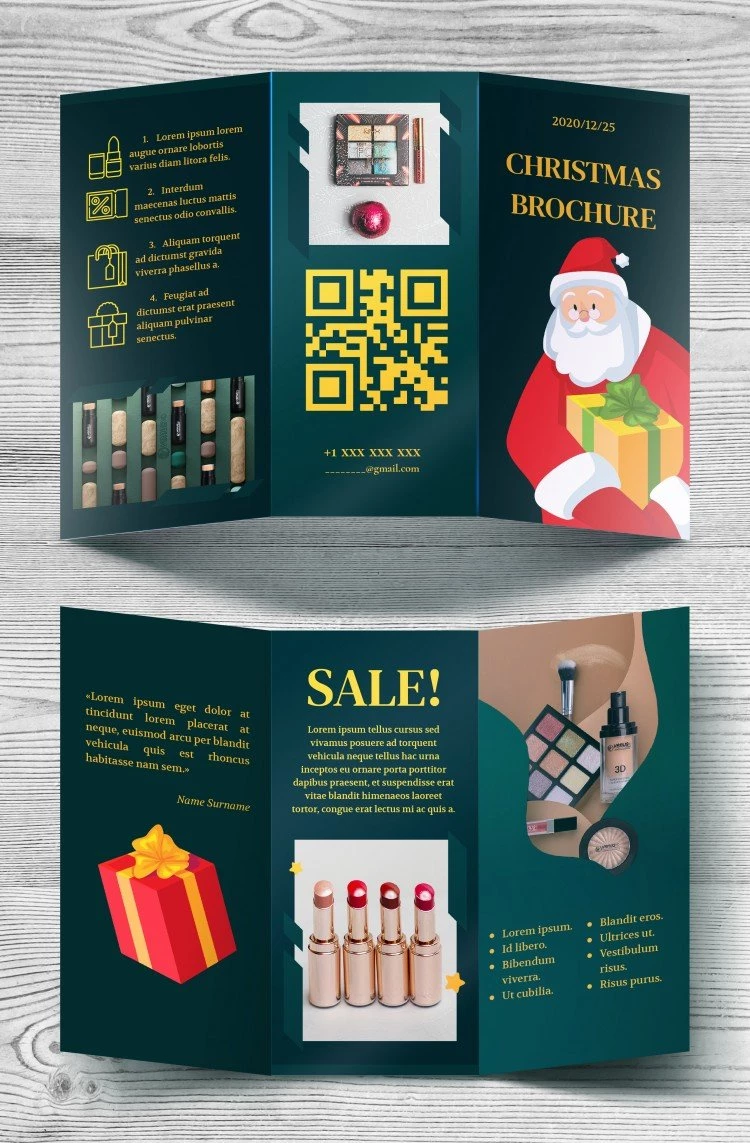
Are you also waiting for Santa? Here he is! A cute man with a white beard and a big gift box looks like a dream. His image makes this Christmas Brochure so wonderful.

Versatile and Flexible Tool

Do you know what is really cool about this template? It can be used for promoting any kind of product or service! Yes, it is 100% versatile. You can use it to advertise your beauty salon or Christmas party. Whatever kind of business you have, our marvelous template will be helpful. Since it consists of smart objects, you can edit it easily. Move the elements of the picture, write the needed info, and print it out!

Composition to Work With – A Delight

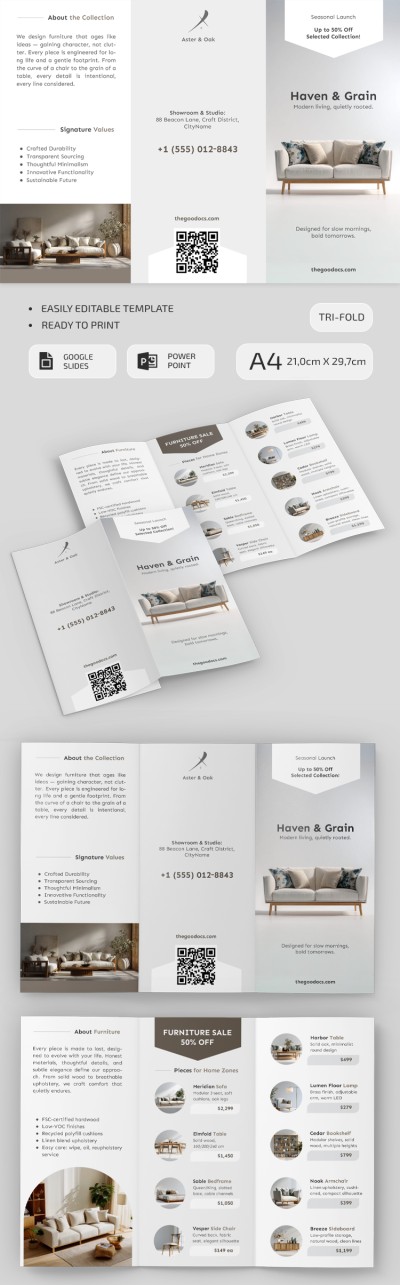
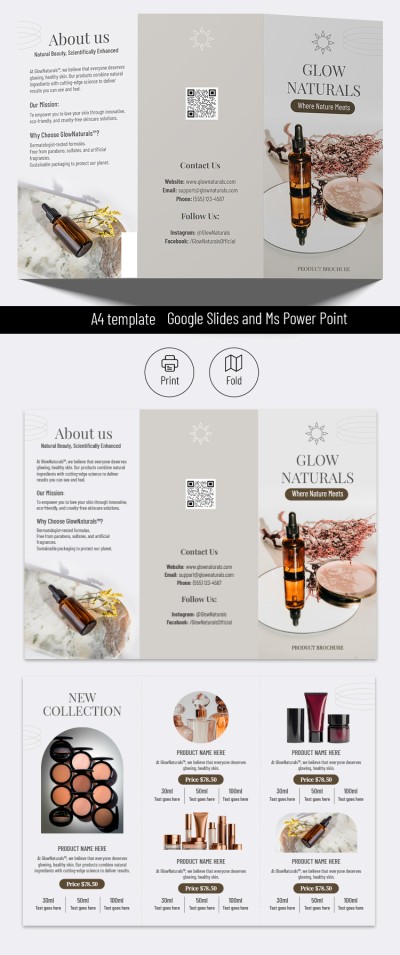
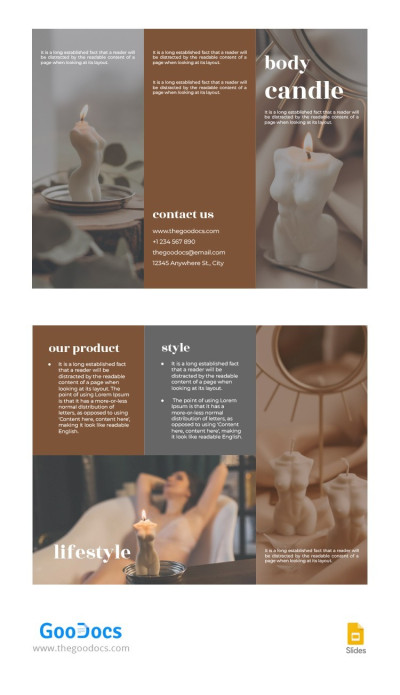
The trifold product pamphlet is the perfect combination of visual aesthetics and festive mood. Use each spread for its intended purpose so as not to clutter the content: first, discounted items, then additional offers, next your contact details and address, for example. We have organically woven panels for your photos and images into decorative frames so that the New Year vibe is felt in every detail.


ADVERTISEMENT
Free Template

Download Free Template

Choose your platform and start editing right away
PLATFORM

Google Docs

Opens in browser
PAPER SIZE
A4
Google Docs – A4
No account required • Attribution required

WHAT’S INCLUDED

Festive Santa design cover page
Three customizable content sections
Integrated QR code for easy access
Vibrant holiday-themed color scheme

Brochures & Pamphlet Tips

1
Customize images to match your product range.
2
Add a personalized message for better engagement.
3
Ensure contact details are clear and visible.
4
Use high-quality images for a professional look.

FAQ

Is this compatible with Word and Docs? Yes, download for both Google Docs and Microsoft Word.
Is this template free to use? Yes, the template is free to download and use.
Can I customize the colors and images? Absolutely, all elements are fully customizable.
Is this brochure easy to edit? Yes, it's designed for easy editing and customization.
Does it include any pre-made content? Yes, it includes placeholders for text and images.
ADVERTISEMENT

How to Use and Edit This Template

Get Your Document

1

Get Your Document

Click the "Edit Template" button to create your own editable copy in Google Docs or download for Microsoft Word
Customize Everything
2

Customize Everything

Easily change colors, fonts, and layouts to match your unique style or brand identity
Add Your Content
3

Add Your Content

Fill in your data, upload images, and replace the placeholder text with your own information
Print, Export, or Share
4

Print, Export, or Share

Print, export as PDF, or share instantly

Related Templates

Recently Viewed