Get unlimited access to 5000+ Templates for Google Docs, Slides and Sheets
Unlimited Access
ADVERTISEMENT
ADVERTISEMENT

Nursing Brochure Template

Use this free template with Google Slides and Microsoft PowerPoint
4.25 (1 reviews)
Last updated Updated July 11, 2026
Type Professional, Portrait, A4 / US Letter
ADVERTISEMENT

Template Specification

Format Google Slides
Created July 23, 2024
Last Updated July 11, 2026
Community Added to collections by 3 Users
Usage Stats 0 downloads this month

Key Features of This Template

Suitable For Healthcare

About this template

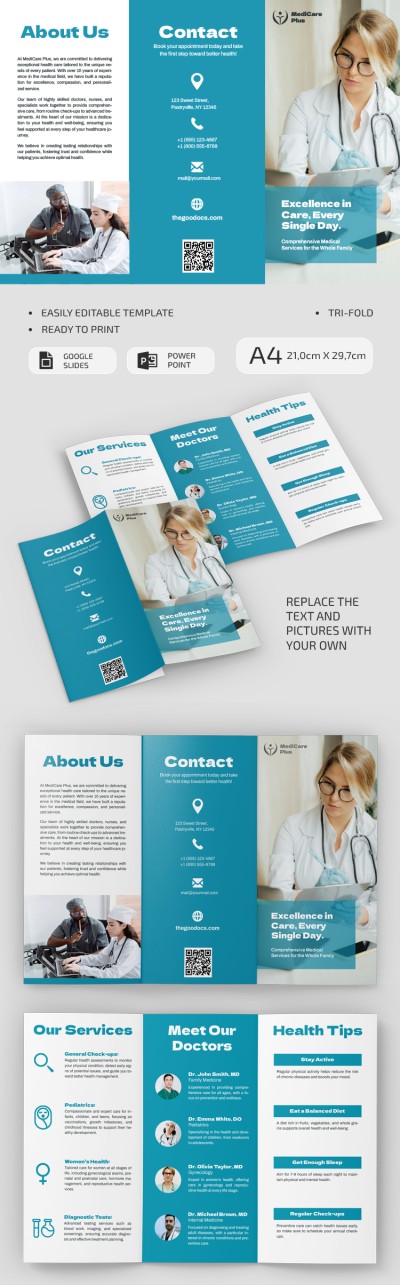
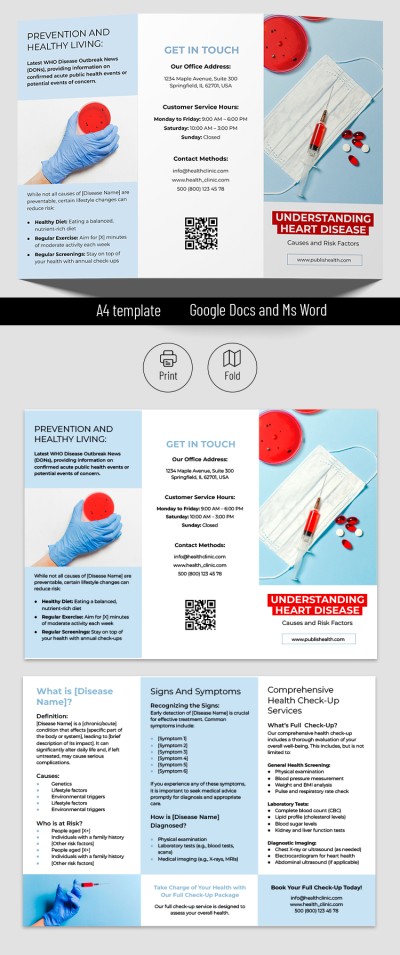
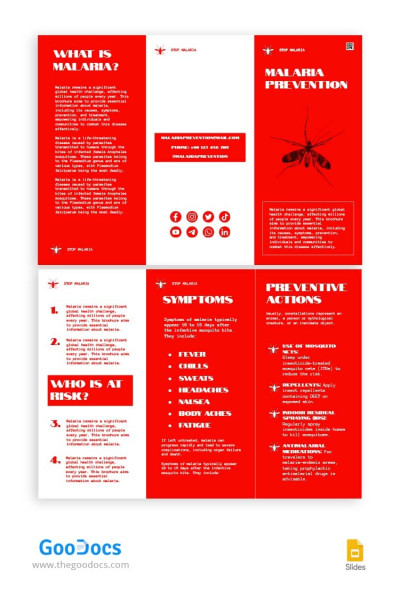
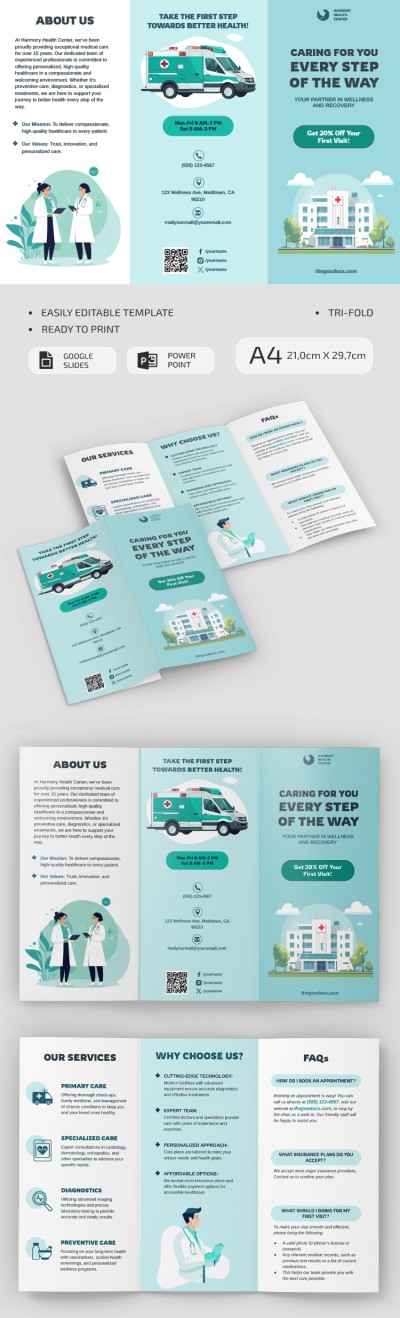
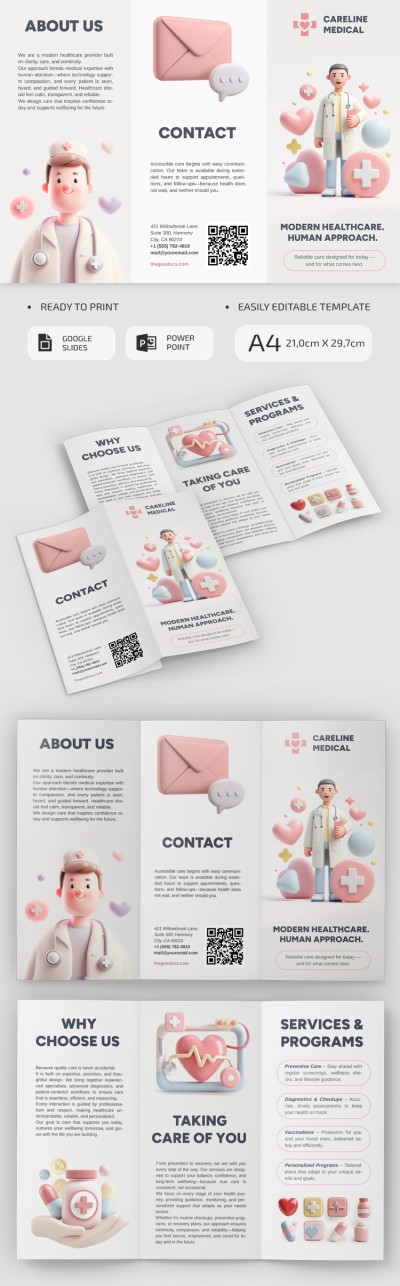
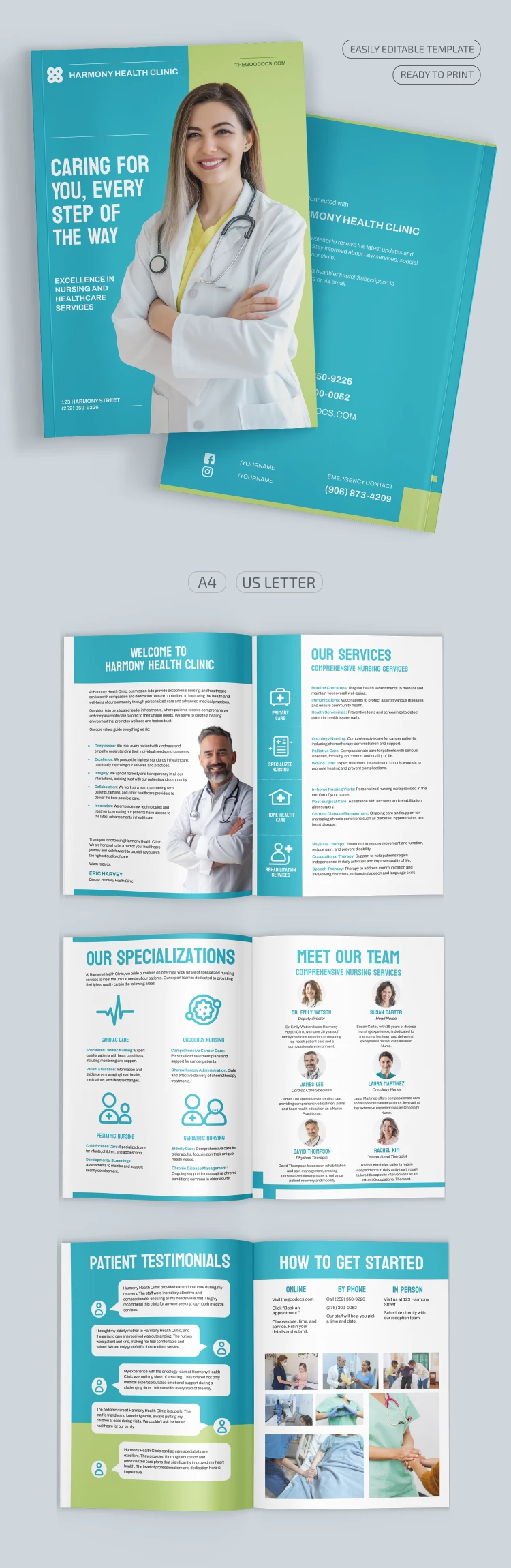
Our Nursing Brochure Template consists of eight pages and will help you create informational materials about your services, medical staff, clinic specialization, and more. Take advantage of the modern layout and fill it with up-to-date information - save time and money.

Easy to Use and Multifunctional Template

You do not have to hire more staff to create brochures. Just get a copy or download this Nursing Brochure in Google Slides and PowerPoint formats. The intuitive interface of this software is familiar to most users. Customization will take much less time than creating a similar brochure from scratch.

Medical Inspired Design

The template is created specifically for clinics and features blue, white, and green colors. Using predesigned eight pages, you can inform about:

  • The history and missions of the clinic.
  • The services you offer.
  • Specializations in particular branches of medicine.
  • The doctor's team that treats people in your institution.
  • Patient reviews.
  • Methods of communication, etc.

Find brochure templates for any business on our website!

ADVERTISEMENT
Free Template

Download Free Template

Choose your platform and start editing right away
PLATFORM

Google Slides

Opens in browser
PAPER SIZE
A4
A4
Google Slides – A4
No account required • Attribution required

WHAT’S INCLUDED

Eight customizable pages for clinic details
Pre-designed sections for services and team
Eye-catching cover with clinic slogan
Easy-to-read patient testimonial section

Brochures & Pamphlet Tips

1
Use high-quality images for professionalism
2
Update service information regularly for accuracy
3
Customize colors to match your clinic branding
4
Highlight key team members with bios and photos

FAQ

Is this template compatible with PowerPoint and Google Slides? Yes, it's compatible with both PowerPoint and Google Slides.
Can I easily customize this template? Absolutely, it is designed for easy customization.
Is this template free to download? Yes, this template is free to download and use.
Is it user-friendly for beginners? Yes, the intuitive design is suitable for beginners.
Does it include sections for patient testimonials? Yes, there is a dedicated section for patient testimonials.
ADVERTISEMENT

How to Use and Edit This Template

Get Your Document

1

Get Your Document

Click the "Edit Template" button to create your own editable copy in Google Slides or download for Microsoft PowerPoint
Customize Everything
2

Customize Everything

Easily change colors, fonts, and layouts to match your unique style or brand identity
Add Your Content
3

Add Your Content

Fill in your data, upload images, and replace the placeholder text with your own information
Print, Export, or Share
4

Print, Export, or Share

Print, export as PDF, or share instantly

Related Templates

Recently Viewed