Photo Book
Use this free template with Google Docs and Microsoft Word
Template Specification
Key Features of This Template
About this template
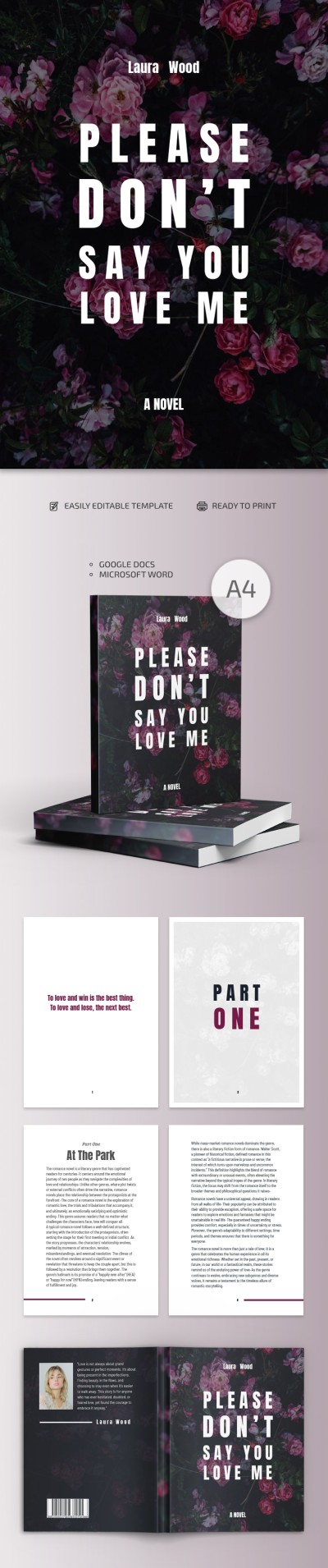
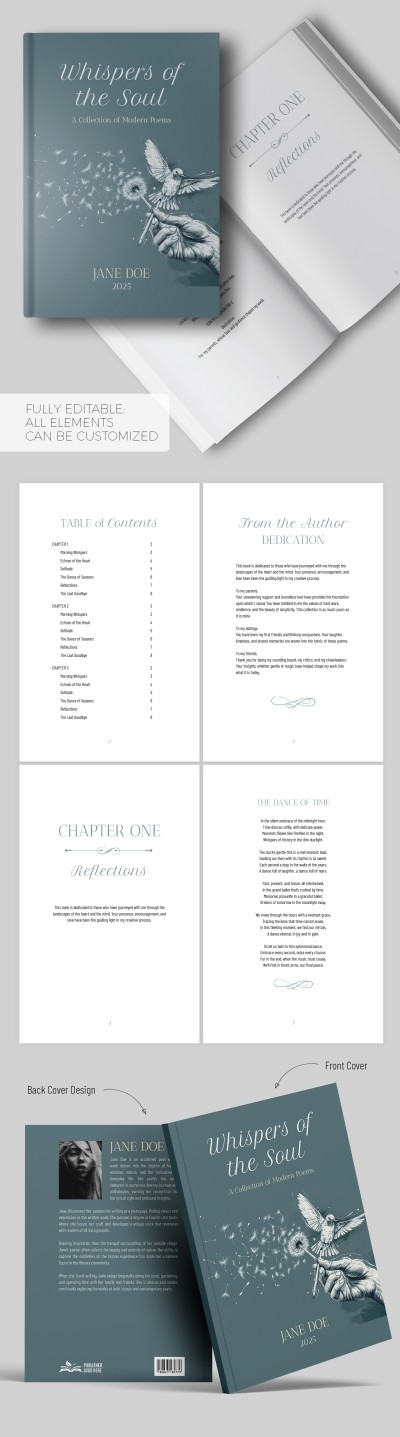
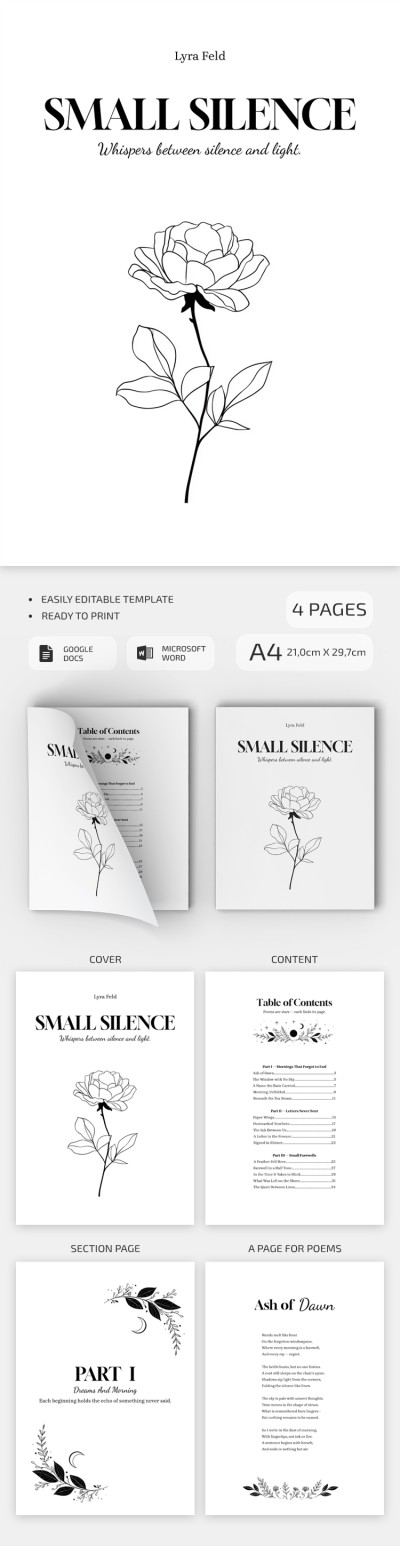
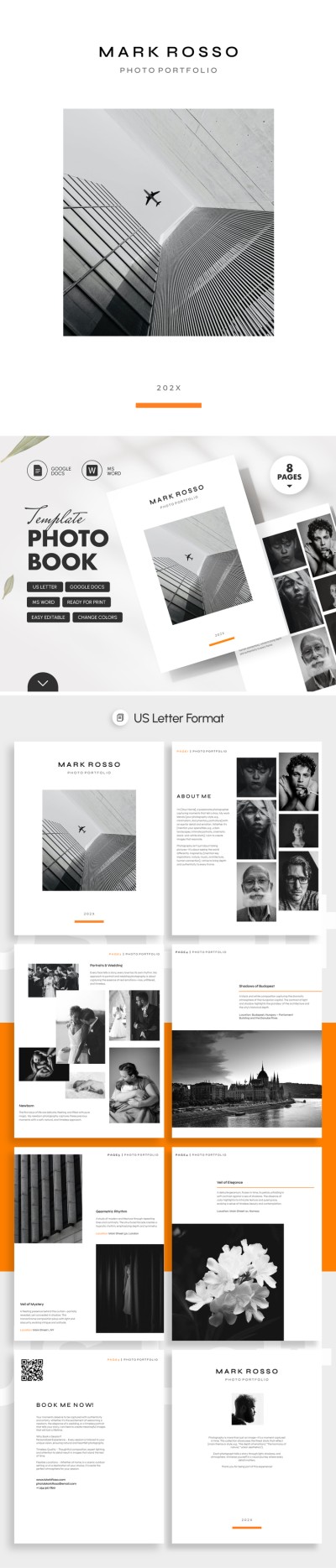
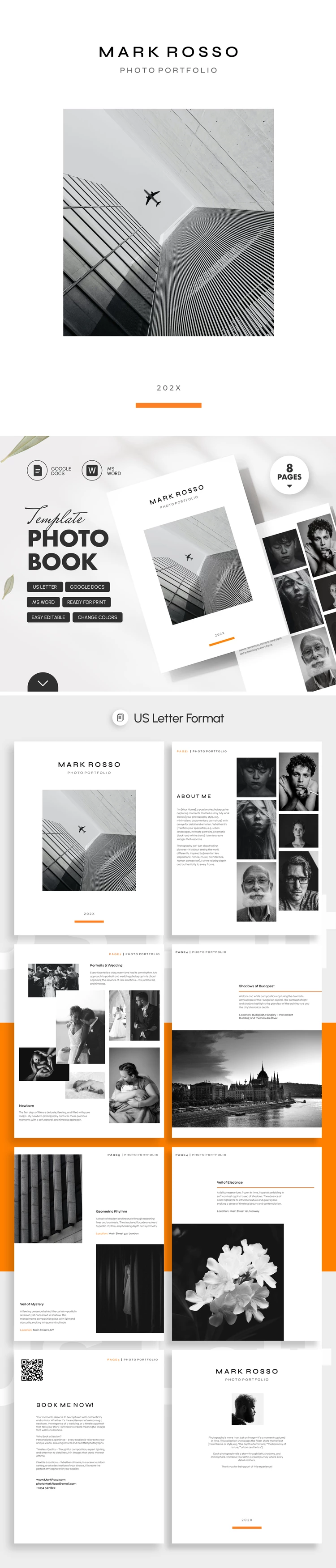
This Photo Book Template can be your inspiration or starting point to create a unique portfolio of your work or present your art. Designed in a modern style, it emphasizes your vision and your projects. This option comes with a front and back cover, plus six additional pages to showcase your work and tell the story of your creative journey.
Design Your Photo Book Portfolio with Ease
The front cover is minimalist and includes placeholders for the author's name, publication year, and your best photo to immediately attract attention.
There are more features our modern book template can offer:
- The "About Me" page features space to list your skills, share photos, and introduce yourself.
- Four portfolio pages can accommodate both horizontal and vertical photos, along with placeholders for descriptions.
You can replace the text and add your own photos in just a few clicks. The book template in Google Docs and Word is fully editable, so customization is quick while the formatting remains perfectly preserved. It is ready for printing in US Letter size or for sharing on digital platforms.
Download Free Template
WHAT’S INCLUDED
Book Tips
FAQ
How to Use and Edit This Template

Get Your Document

Customize Everything

Add Your Content