ADVERTISEMENT
ADVERTISEMENT
Creative Photobook Template
Use this free template with Google Slides and Microsoft PowerPoint
4.25 (1 reviews)
•
Last updated
Updated
October 24, 2026
•
Created by
Yurii Zakhidnyi
•
Type
Nonfiction, Modern, Portrait, A4 / US Letter
ADVERTISEMENT
Template Specification
Format
Google Slides, Microsoft PowerPoint
Orientation
Portrait Book Templates
Created
July 9, 2024
Last Updated
October 24, 2026
Community
Added to collections by 8 Users
Usage Stats
2 downloads this month
Key Features of This Template
Book Category
Nonfiction Book Templates
Style
Modern Book Templates
About this template
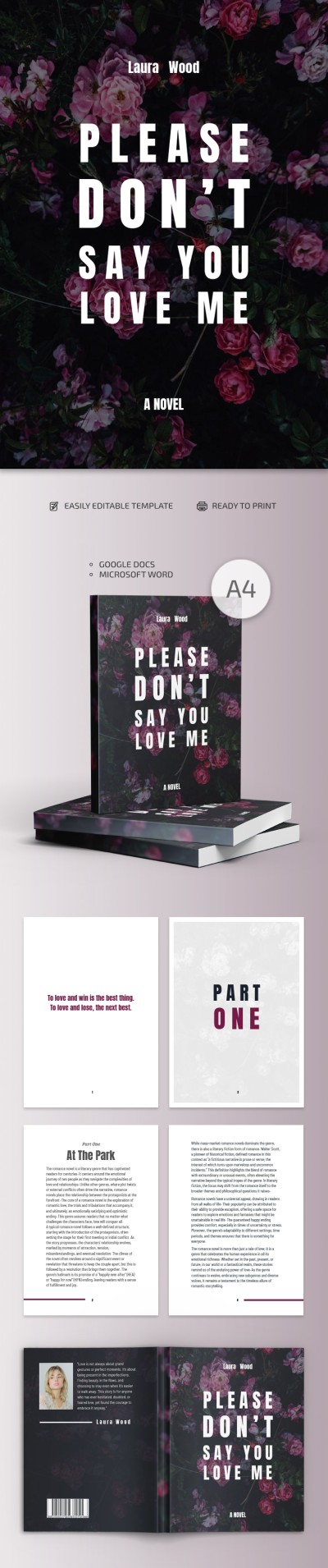
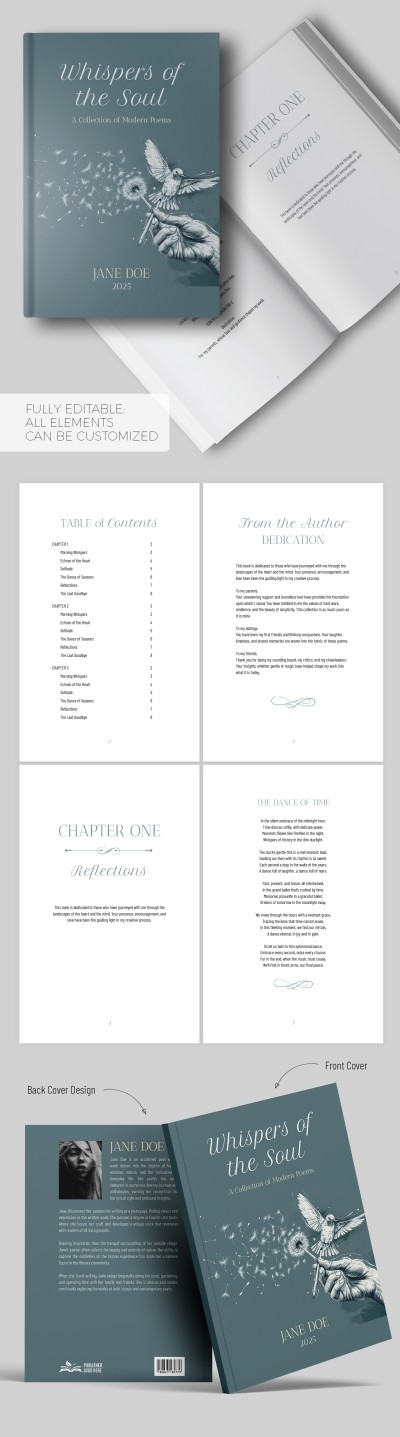
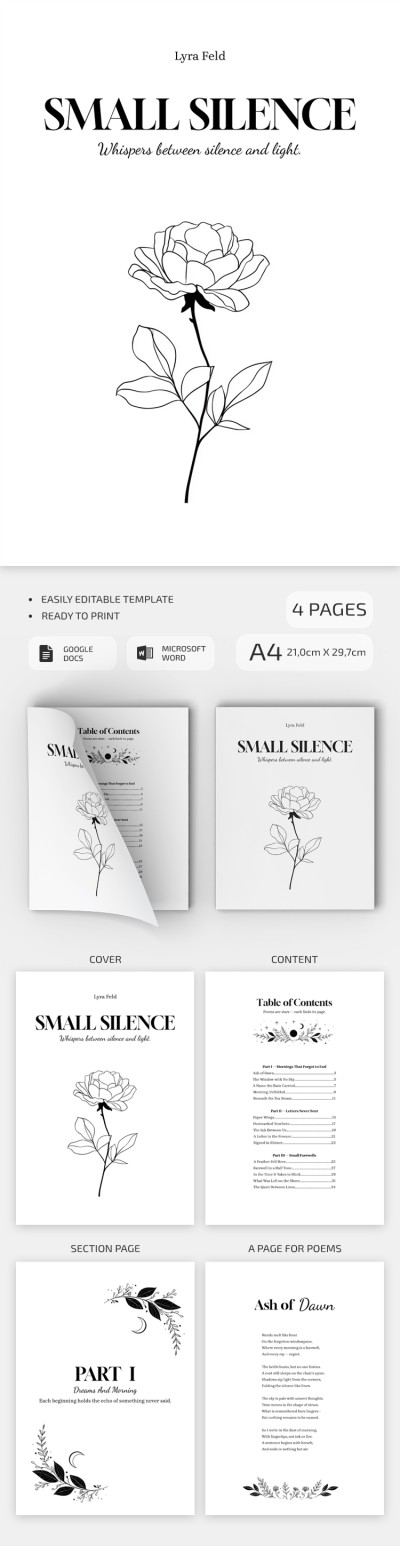
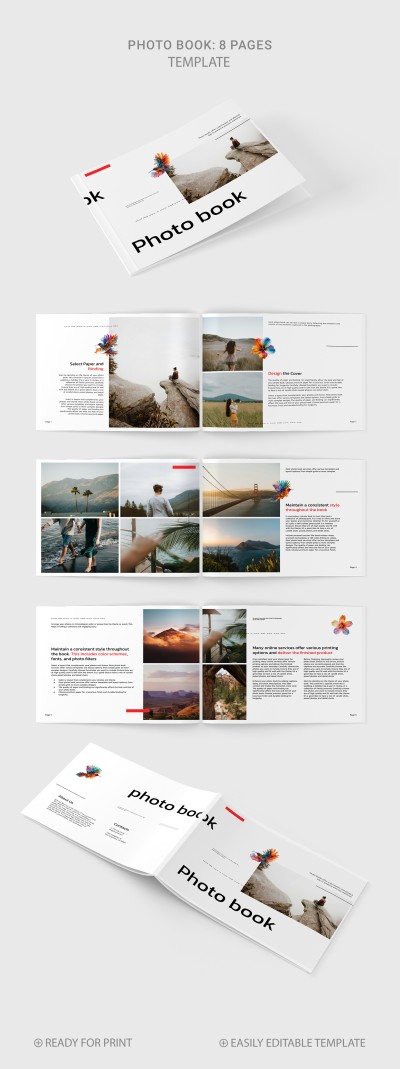
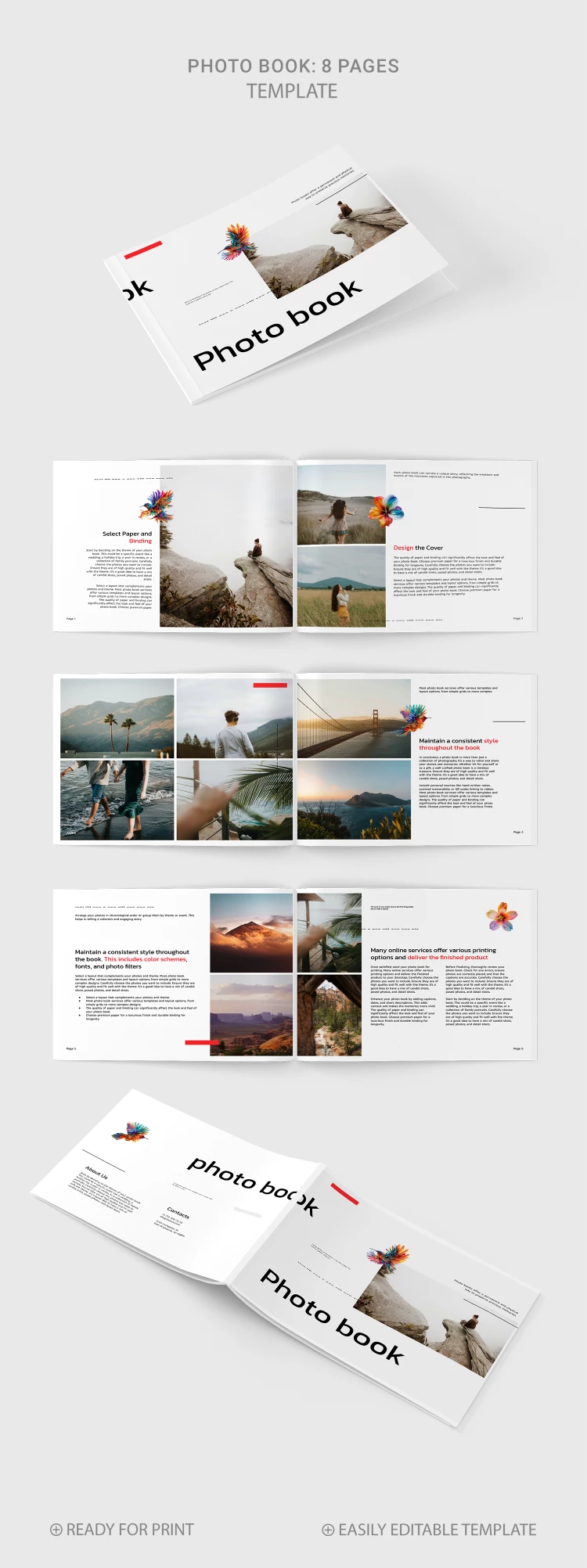
This Creative Photo Book Template consists of nine distinct pages and is available in Google Slides and PowerPoint formats for editing. Pick the modern structure for your album and collect memories within this tool.
One Template - Nine Sheets
The picture book template is available for printing or digital usage.
You can utilize such pages with a consistent design:
- Front cover with a catchy design and sections for text.
- Five pages with placeholders for your photos and their description.
- Page with illustrations for your slides (AI-generated colorful images of flowers and birds).
- Sheet for contacts and "about us" sections.
Perfect for Business or Personal Needs
The template is flawless for photography agencies and people who want to collect their memories using a modern solution. You can print the finished version with images, text, and contacts in US Letter size. Find book templates that are 100% suitable for your tasks.
ADVERTISEMENT
Free Template
Download Free Template
Choose your platform and start editing right away
PLATFORM
PAPER SIZE
A4
No account required • Attribution required
WHAT’S INCLUDED
8 customizable photo and text pages
Stunning front cover design
Interactive placeholders for images
Unique AI-generated floral graphics
Book Tips
Use high-resolution images for best print quality.
Customize text to add personal memories.
Experiment with different layouts for variety.
Preview each page before finalizing.
FAQ
Is this template compatible with PowerPoint?
Yes, it works with both PowerPoint and Google Slides.
Can I customize the template?
Absolutely, all elements can be fully customized.
Is there a cost to use this template?
No, this template is completely free to download and use.
How easy is it to use?
The template is user-friendly with simple drag-and-drop functionality.
What is the best use for this template?
Ideal for creating photobooks for personal or business use.
ADVERTISEMENT
How to Use and Edit This Template

Get Your Document
Click the "Edit Template" button to create your own editable copy in Google Slides or download for Microsoft PowerPoint

Customize Everything
Easily change colors, fonts, and layouts to match your unique style or brand identity

Add Your Content
Fill in your data, upload images, and replace the placeholder text with your own information

Print, Export, or Share
Print, export as PDF, or share instantly