Sleek Travel Brochure Template
Use this free template with Google Slides and Microsoft PowerPoint

Template Specification
Key Features of This Template
About this template
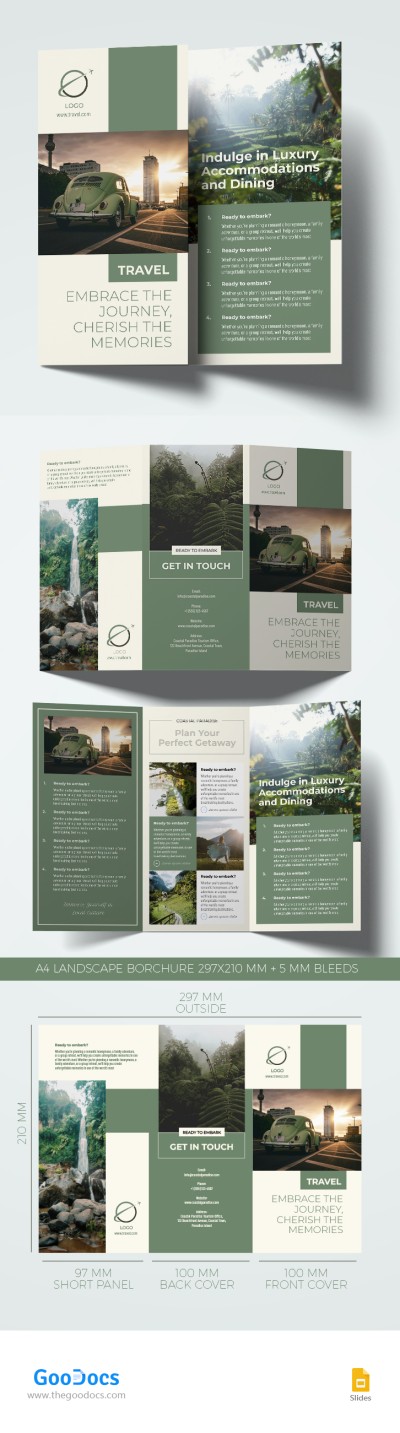
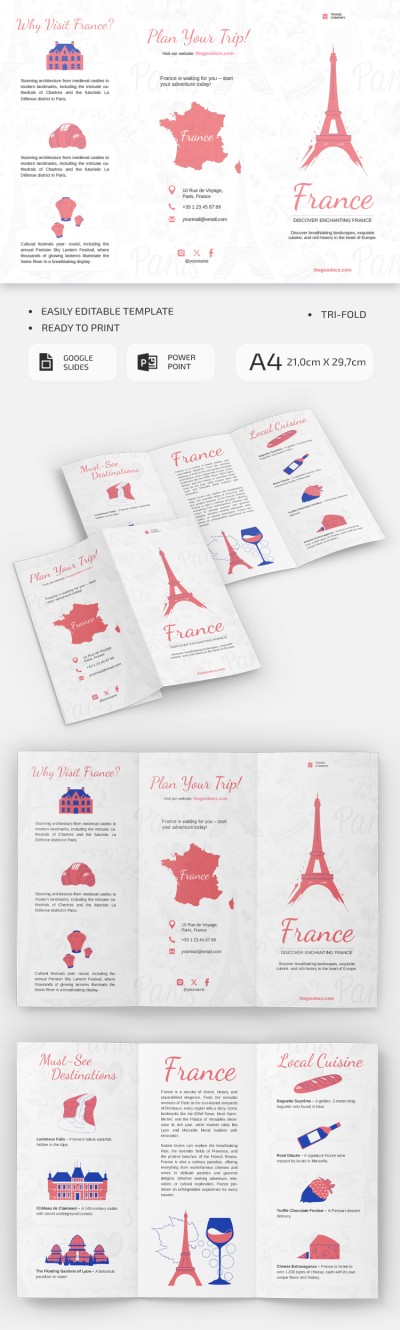
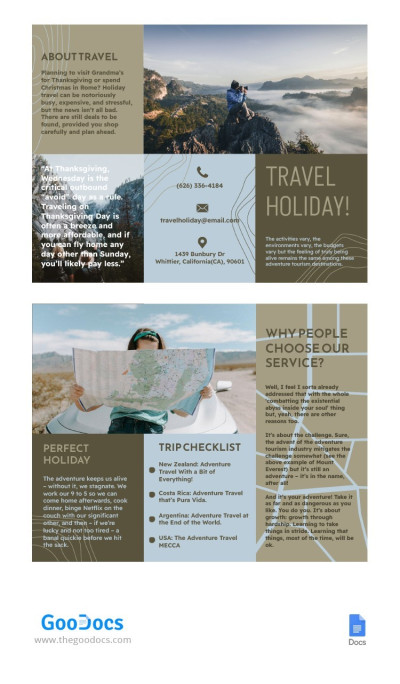
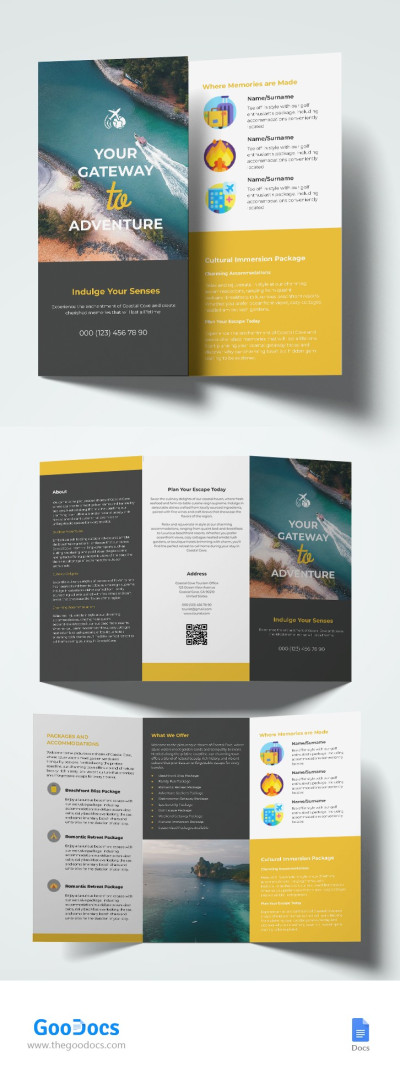
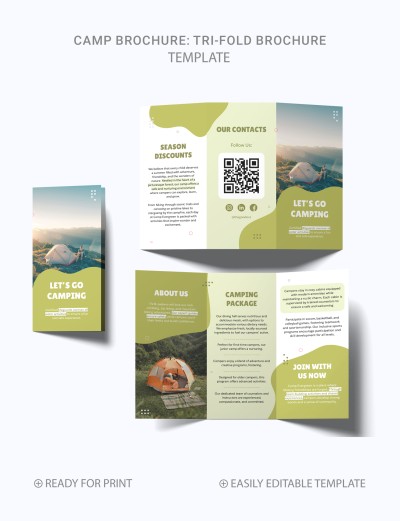
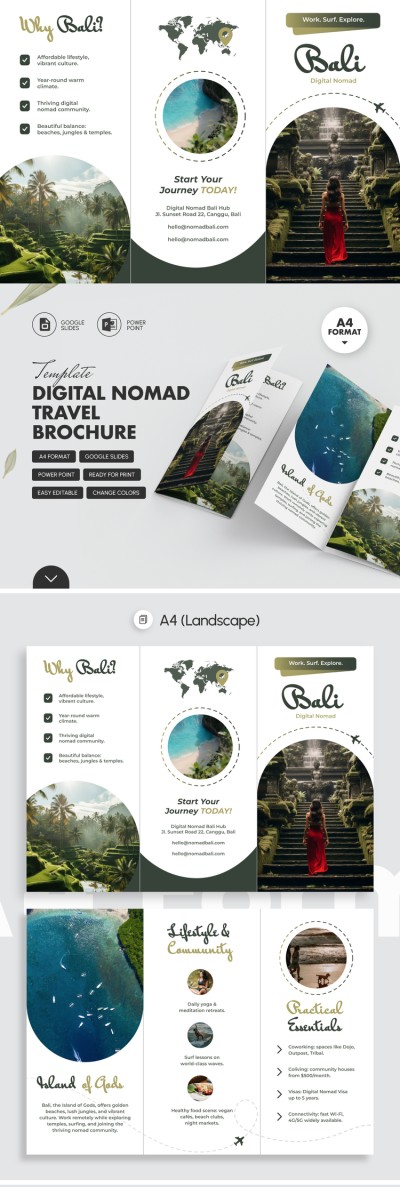
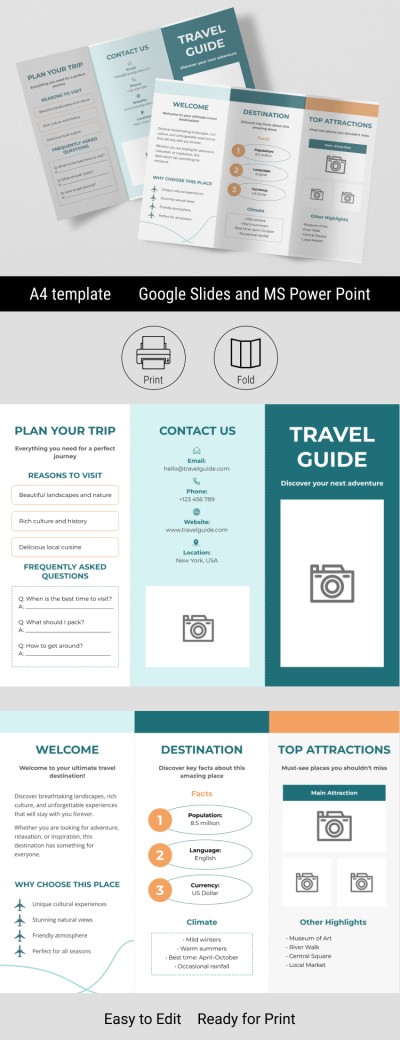
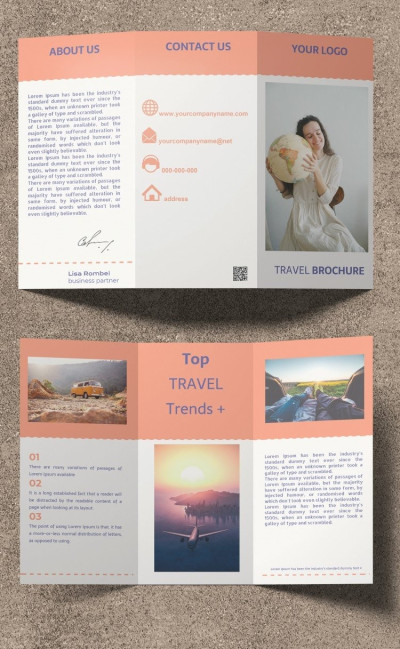
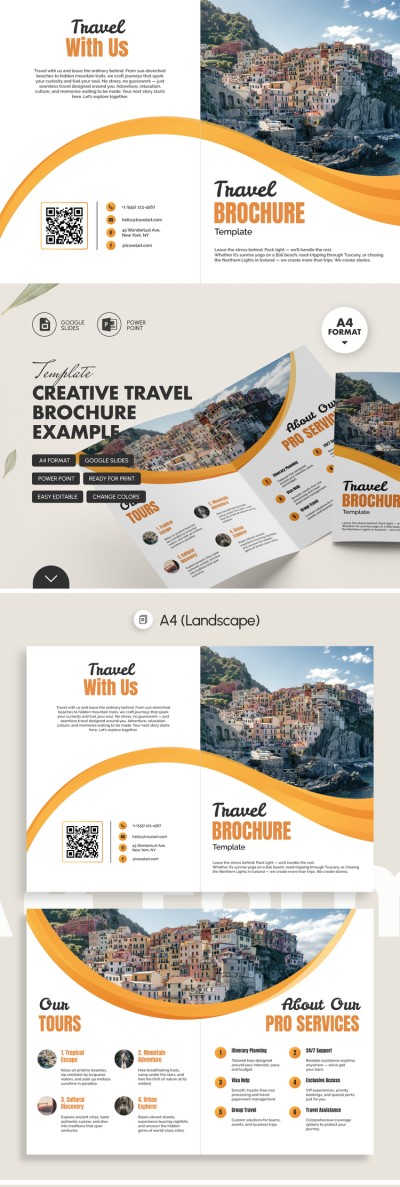
Using our Sleek Travel Brochure Template, you can create both a standard bifold pamphlet and an eight-panel book-style brochure. This template for a brochure includes four slides that can be easily filled out using Google Slides or PowerPoint. Get inspired by our structured layout and customize it in minutes instead of starting from scratch.
Get This Professional Travel Brochure for Free
Make a copy or download this template to any device to start customizing it immediately. Each slide features a consistent look with a white background, bright green accents, icons, black-and-white photographs, and placeholders for your text and images.
Present top destinations and the benefits of your agency using a ready-made travel brochure:
- Attract potential clients with a uniquely designed front panel featuring a distinctively shaped image and placeholders for your company name, brochure title, logo, and more.
- Fill in the pre-made sections for About Us, Featured Tours, Pricing & Special Offers, Transportation Options, Custom Travel Packages, and Contact Info.
- Add up-to-date photos of your destinations and a QR code linking to your social media or website.
The structure and design of our bifold brochure align with modern travel marketing practices and can easily replace the work of a marketer and designer. Even without special skills, you can create a unique brochure, save it as a PDF, and send it for printing.
Download Free Template
WHAT’S INCLUDED
Brochures & Pamphlet Tips
FAQ
How to Use and Edit This Template

Get Your Document

Customize Everything

Add Your Content