Simple Travel Tri-Fold Brochure Template
Use this free template with Google Docs and Microsoft Word
Template Specification
Key Features of This Template
About this template
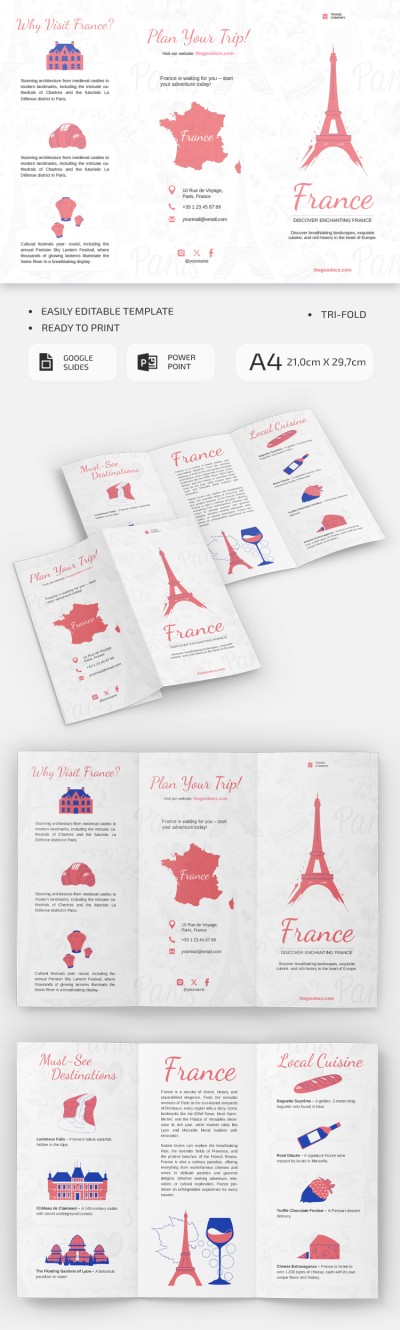
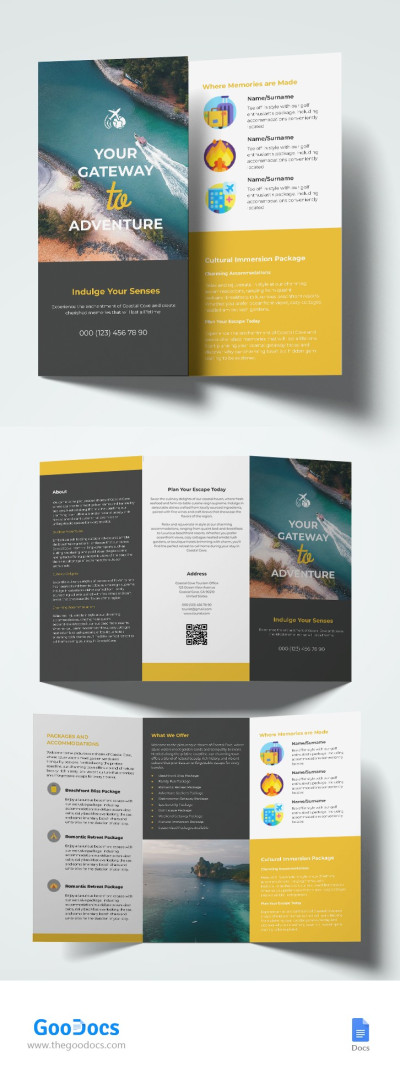
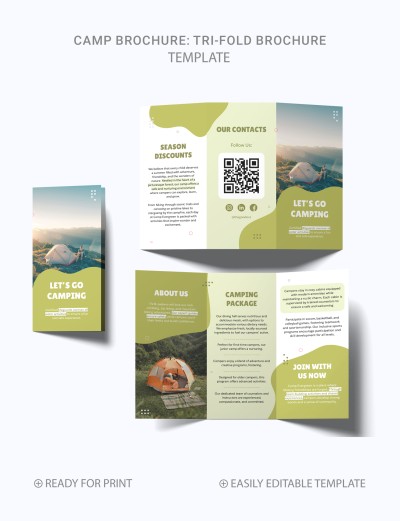
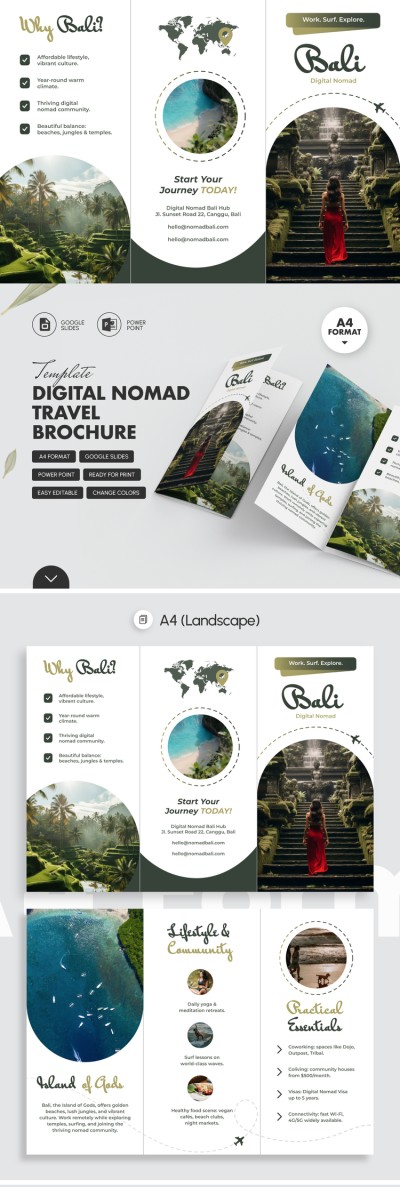
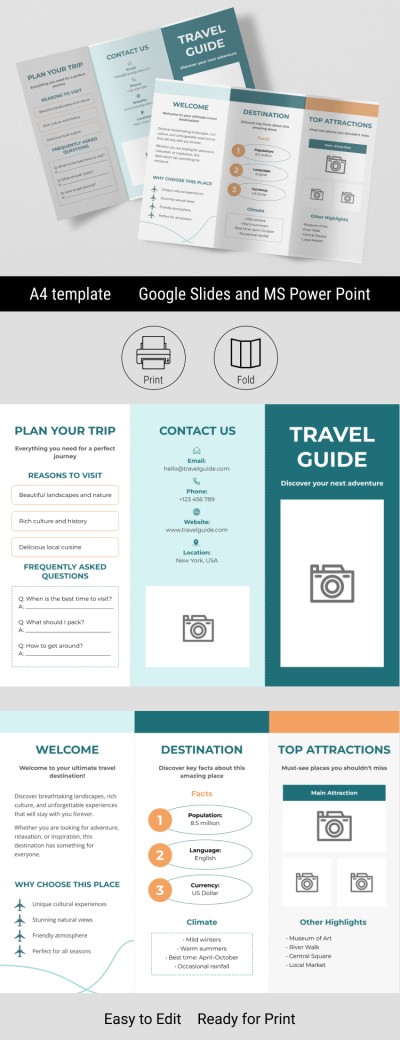
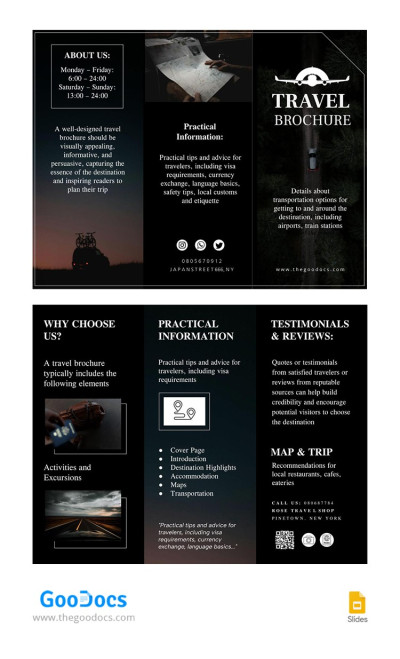
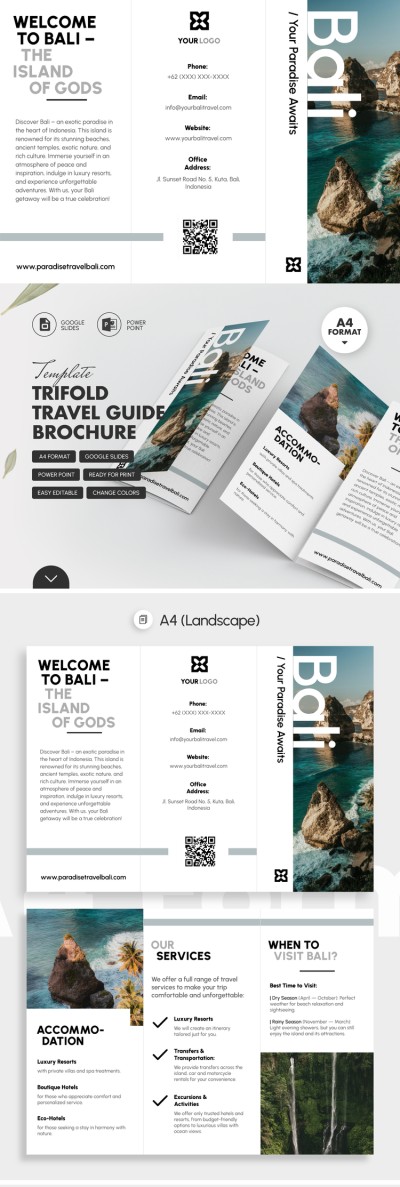
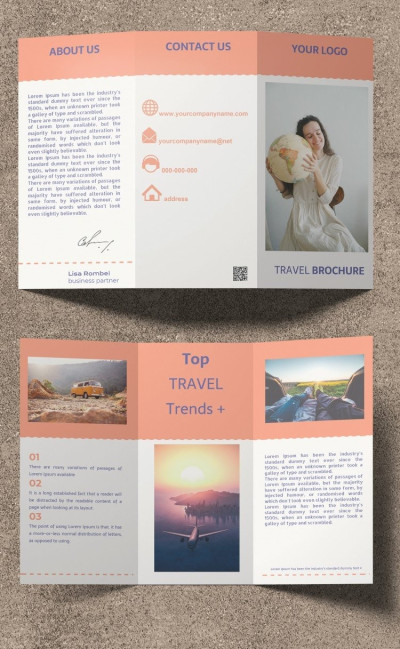
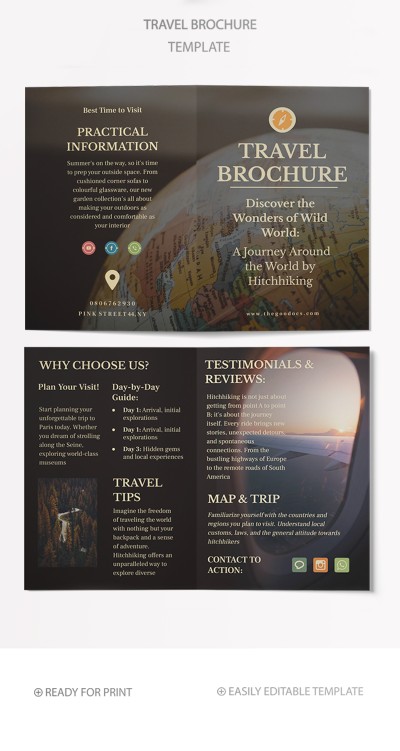
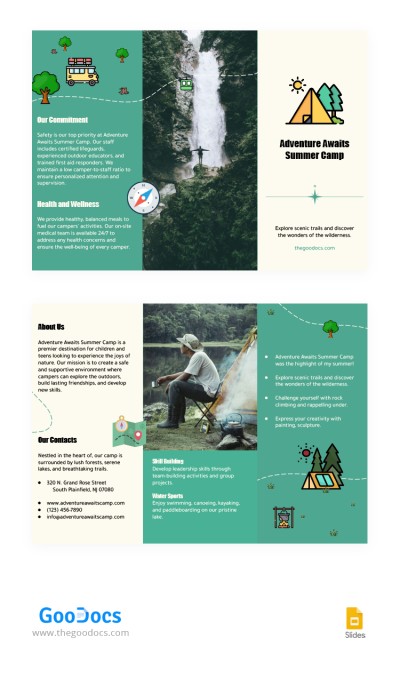
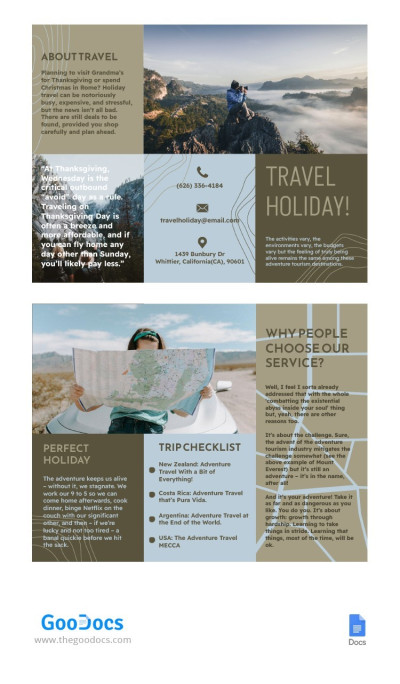
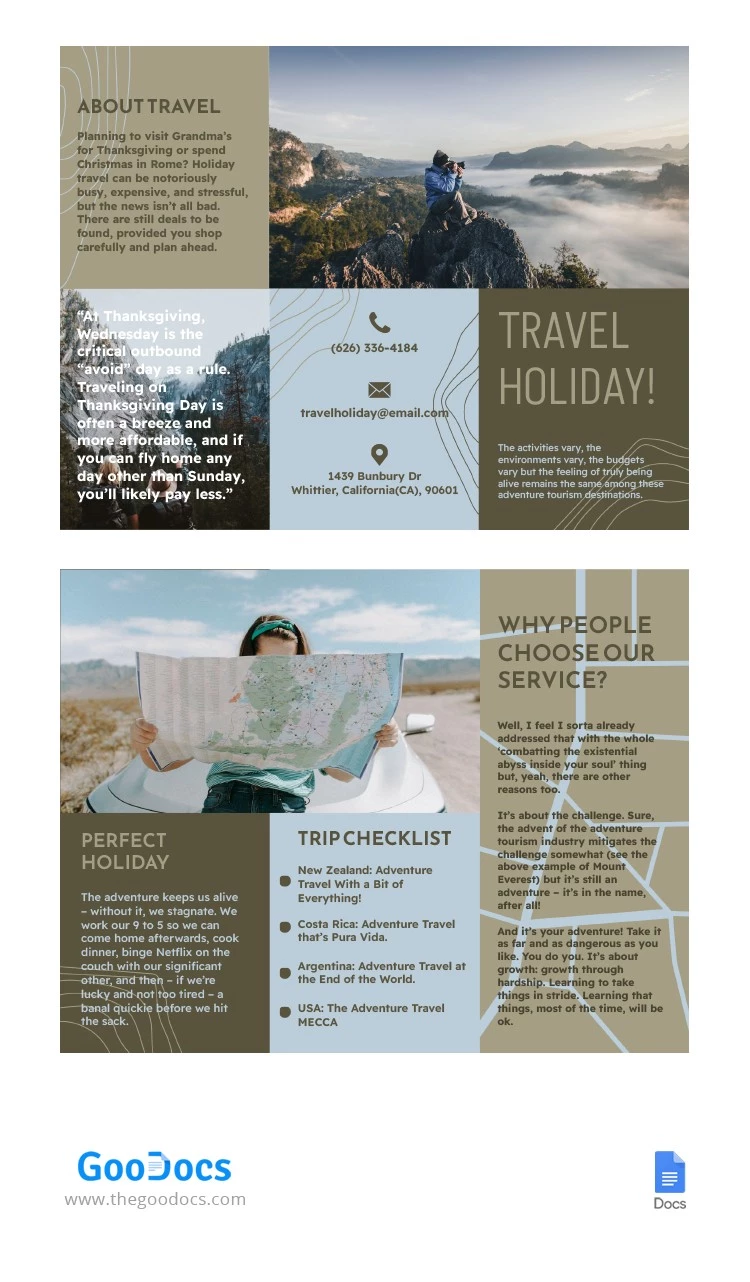
Create a unique pamphlet with our Simple Travel Tri-Fold Brochure Template. Highlight top destinations, itineraries, tour guide services, or any other travel offers. Our aesthetic brochure template inspires travel with sample photos, client testimonials, and a matching color palette.
Use Our 6-Panel Travel Brochure for Free
This tri-fold layout helps you properly structure your information across six panels. You can add travel tips, a trip checklist, partnership details, holiday itineraries, and more across different sections. The template also includes photo placeholders to visually complement your text.
More features of our travel brochure:
- Change fonts, colors, text, and photos easily in Google Slides.
- Save the template as a PDF for high-quality printing.
- Fold your tri-fold pamphlet along pre-set fold lines.
The template is easy to use, and customization requires no design skills. Simply click on any block, replace the placeholder text, or use it for inspiration for your brochure.
Download Free Template
WHAT’S INCLUDED
Brochures & Pamphlet Tips
FAQ
How to Use and Edit This Template

Get Your Document

Customize Everything

Add Your Content