Travel Brochure Example Template
Use this free template with Google Slides and Microsoft PowerPoint
Template Specification
Key Features of This Template
About this template
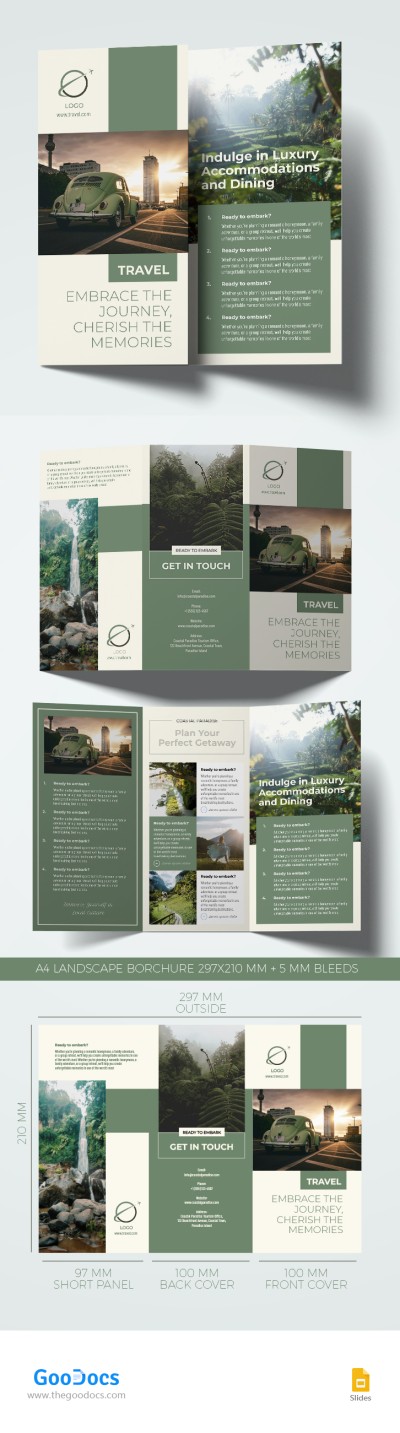
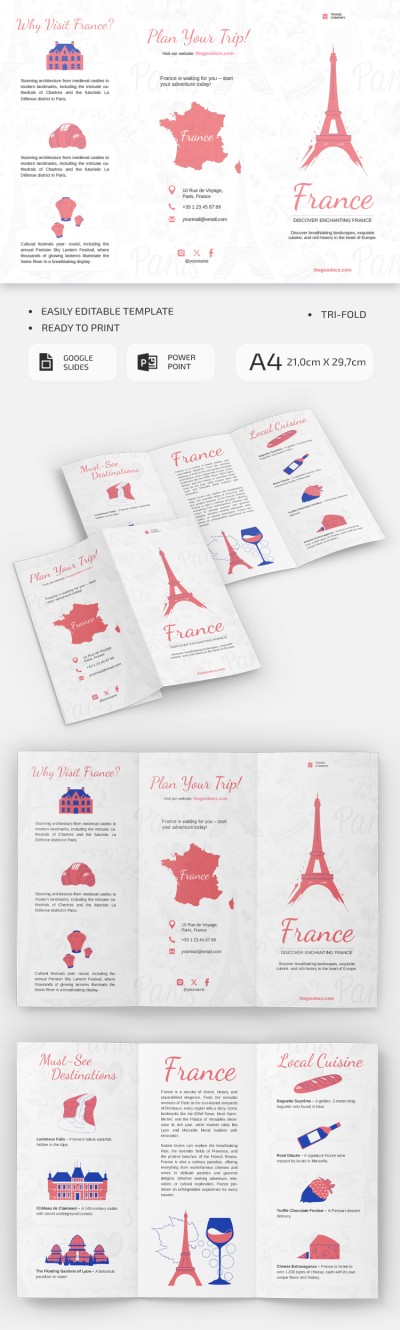
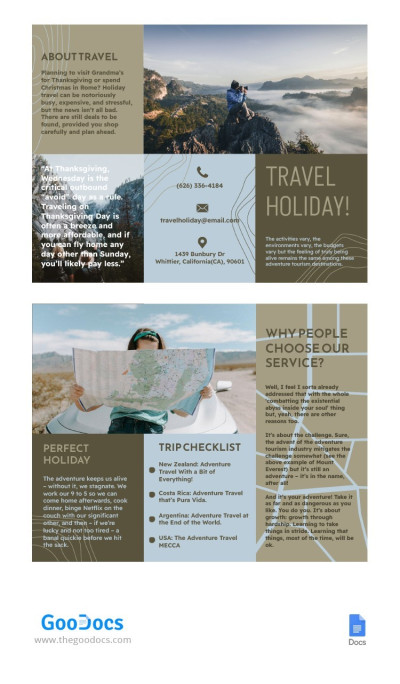
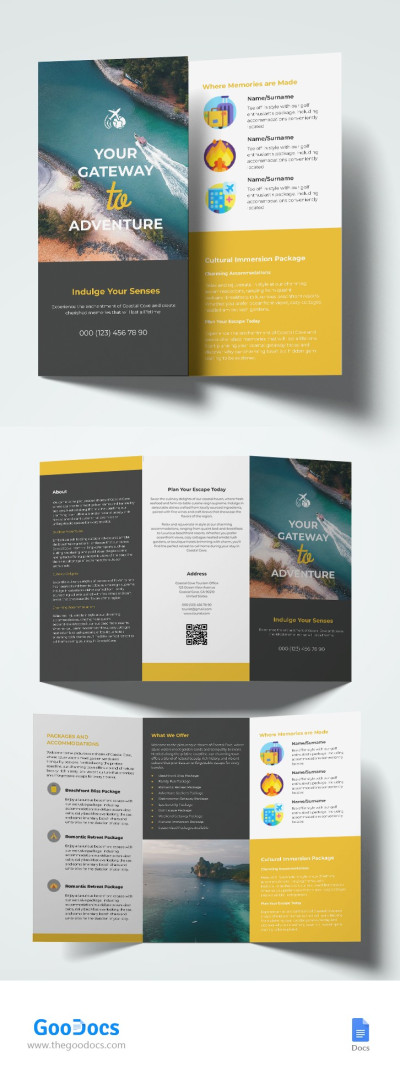
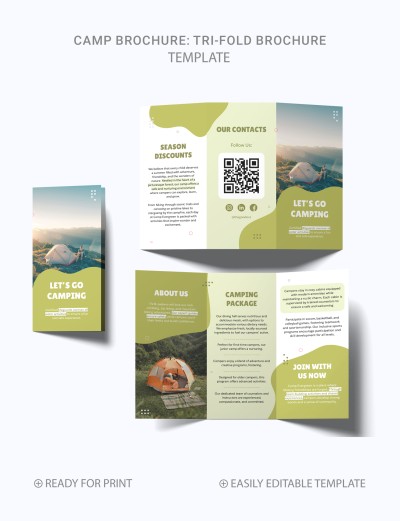
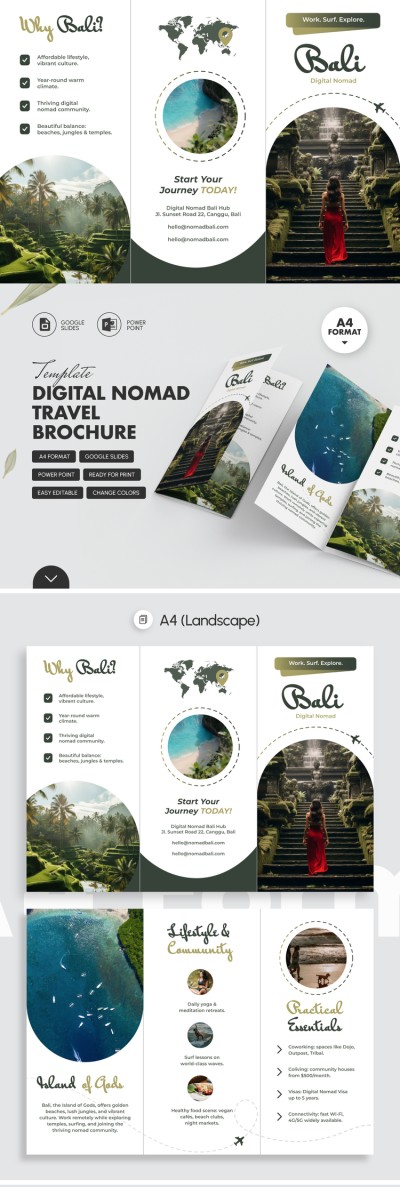
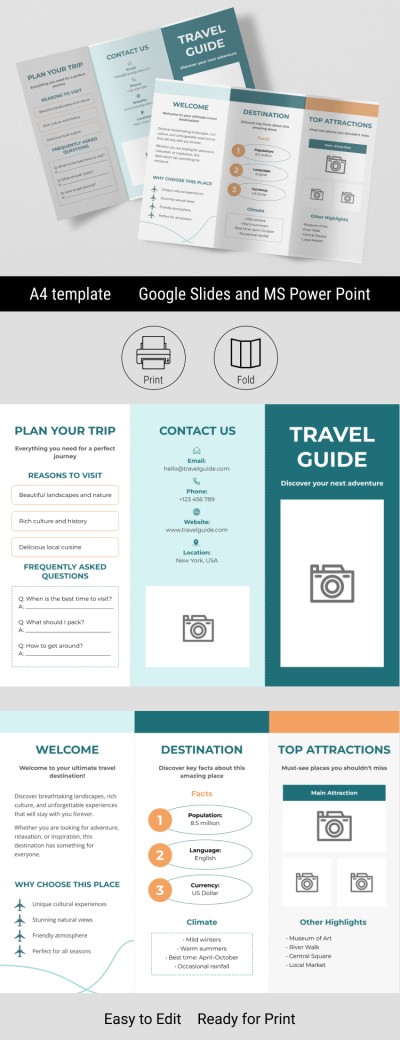
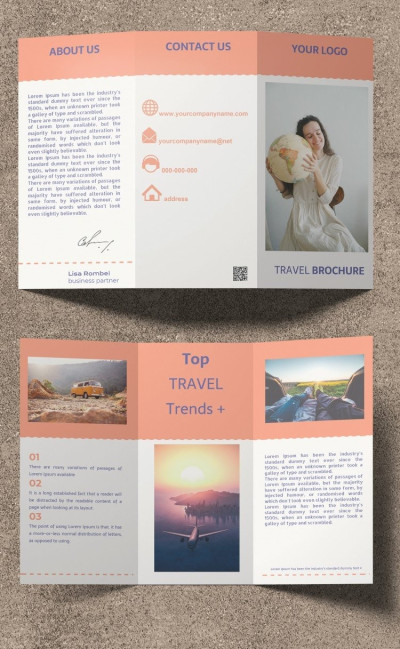
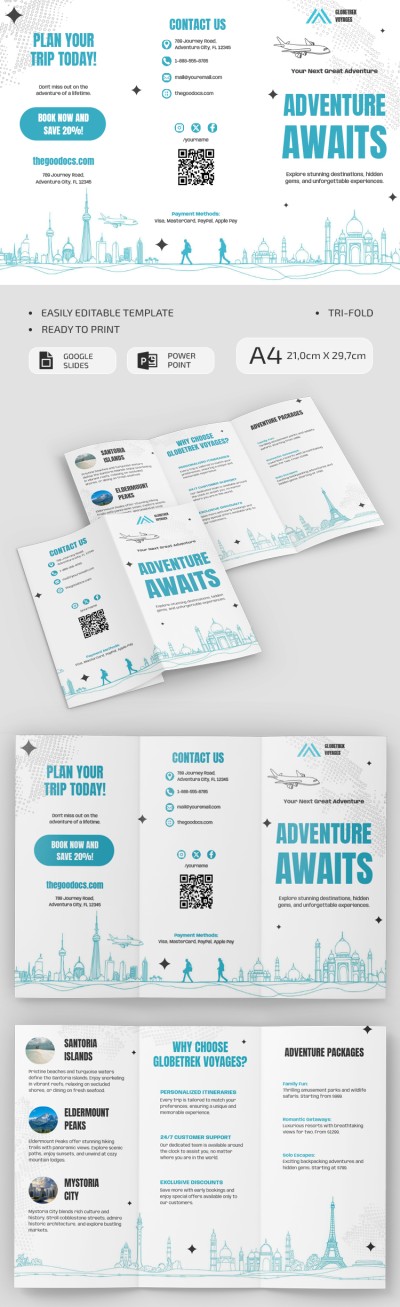
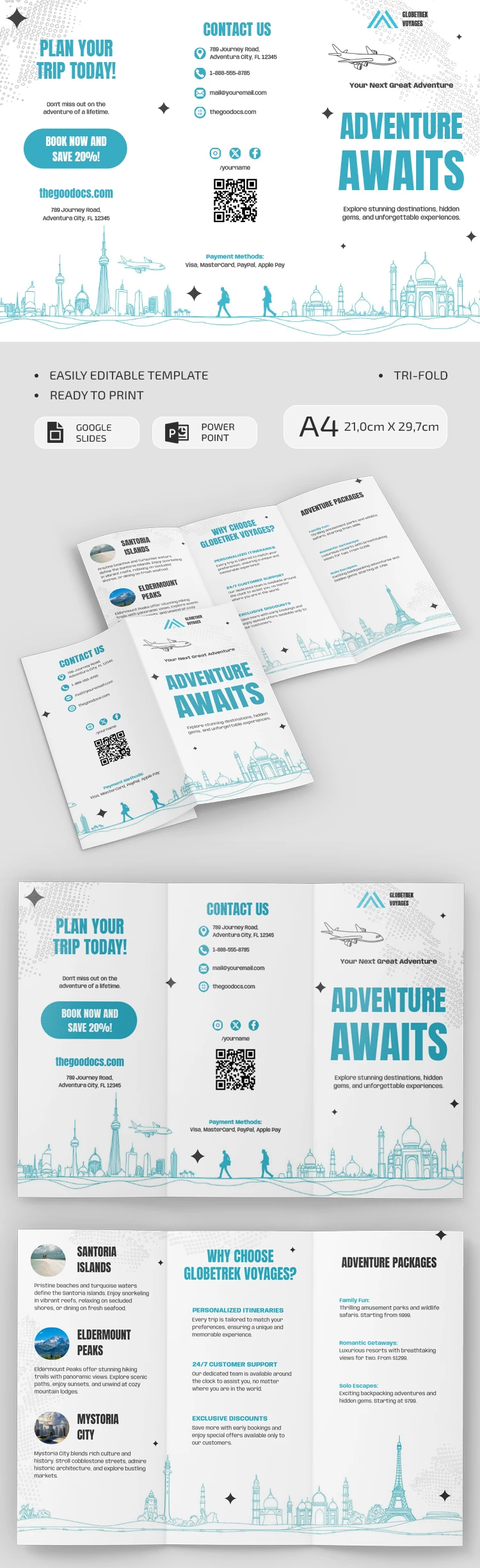
Promote your travel guide services or tours with our ready-to-use, modern Travel Brochure Example Template. The layout features a clean style with a white background, contrasting text, and useful icons. This trifold brochure template is also print-ready in A4 size.
Design a Marketing Brochure for Your Travel Agency
This brochure format is perfect for promoting your top tours, last-minute deals, or simply highlighting packages at every price point. The six-panel layout maximizes space and organizes content without overcrowding. The front panel draws attention with a large centered title, a placeholder for your logo, and the company name.
More features of our template for a brochure:
- At the bottom, across all panels on both sides of the brochure, there is a horizontal graphic illustration of different cities.
- The layout features a consistent design on each panel with icons for contact info and social media, a logo, discount offers, photos of featured destinations, and more.
- You can use the pre-built structure to highlight your top three tours, a "Why Choose Us" section, and your adventure packages.
This editable template is available in Google Slides and PowerPoint formats, so you can easily customize the layout to match your brand colors. Use the drag-and-drop interface to move any block with ease. Once you're done, save the template as a PDF for printing. Find the best editable examples of travel brochures on our website.
Download Free Template
WHAT’S INCLUDED
Brochures & Pamphlet Tips
FAQ
How to Use and Edit This Template

Get Your Document

Customize Everything

Add Your Content