Travel Brochure Example For Traveler
Use this free template with Google Slides and Microsoft PowerPoint
Template Specification
Key Features of This Template
About this template
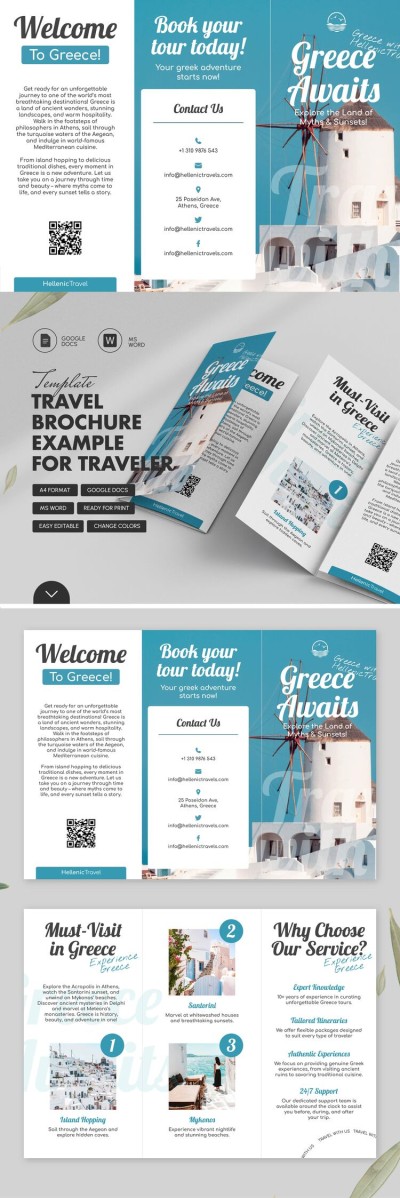
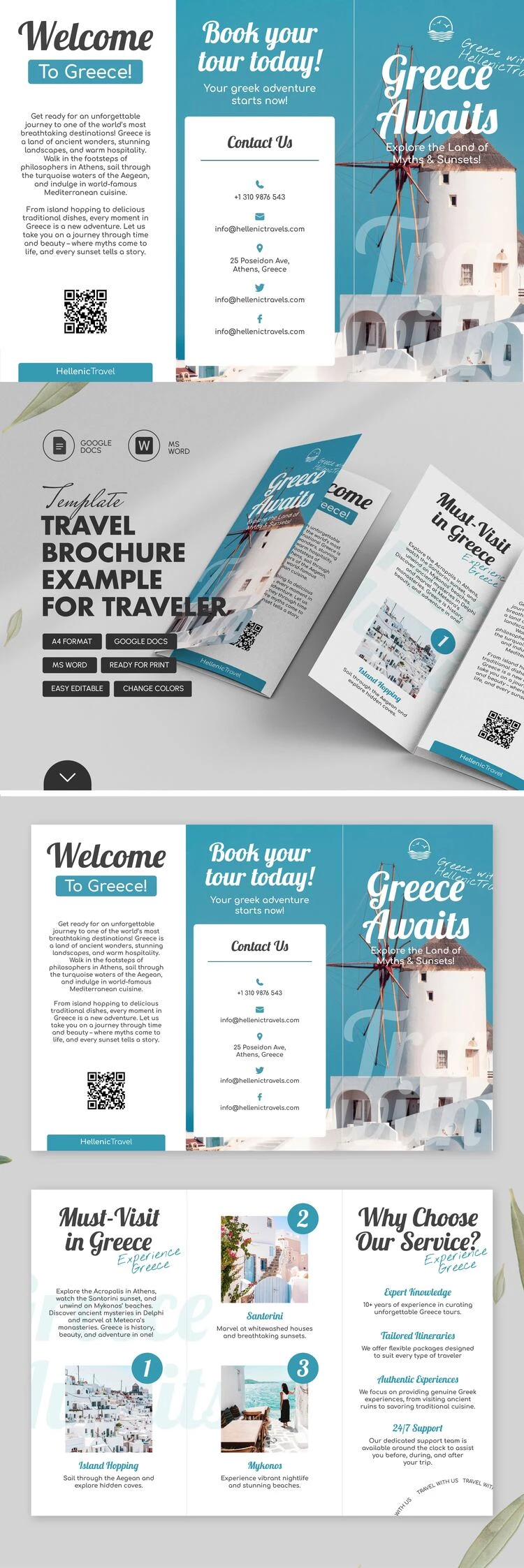
This vibrant blue Travel Brochure Template helps you create an engaging travel guide. It's perfect for both promotional and informational brochures for travel agencies. The ready-made structure and formatting of our free brochure template will save you hours of design time.
Promote Your Agency or Vacation Guides
Featuring a bright blue sky background with a windmill and white traditional buildings, the front panel is instantly eye-catching. Combined with professionally selected fonts for the title and captions, it is sure to grab the attention of prospective clients.
Inside our travel brochure example, you'll find:
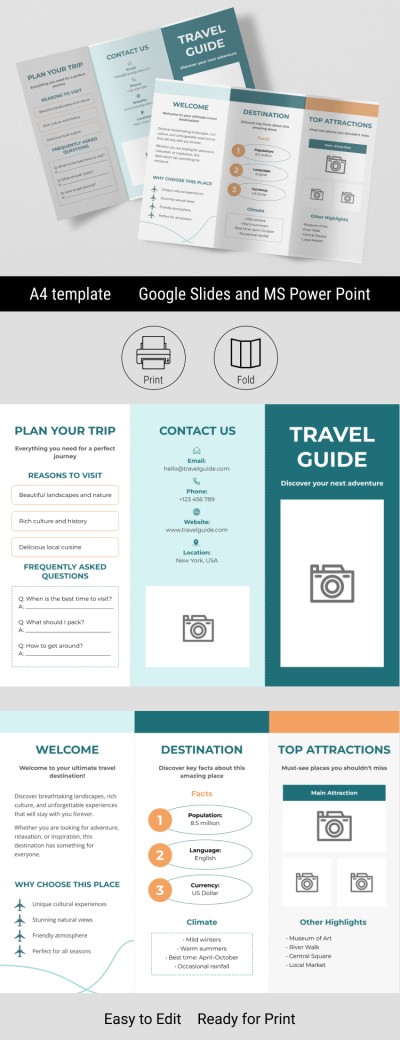
- A welcome panel where you can add a description and a QR code linking to your guide or itinerary.
- A "must-visit places" section with photo placeholders and a "why choose our service" block.
- A dedicated panel with icons displaying your contact information (phone, email, address, social media, and more).
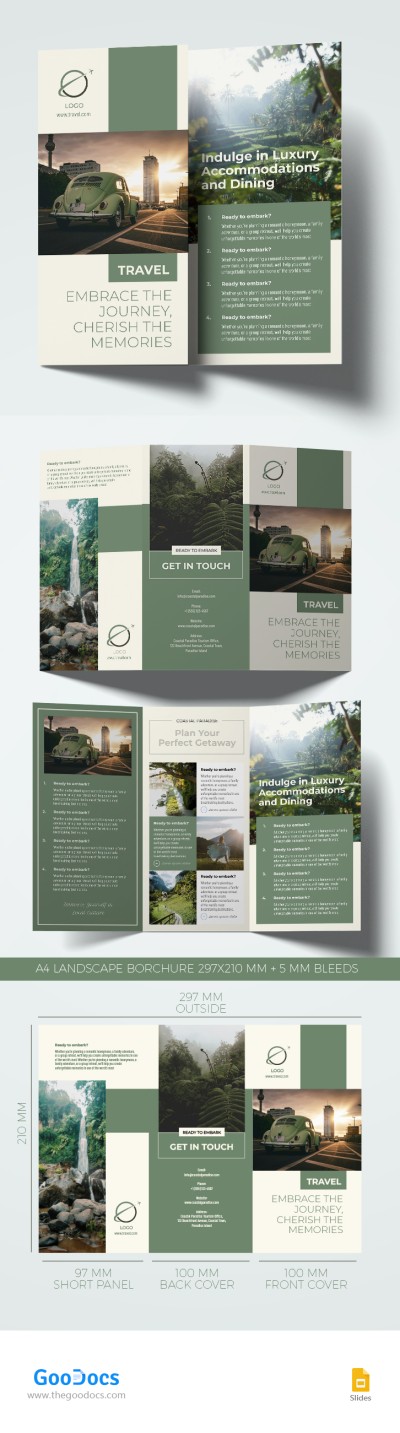
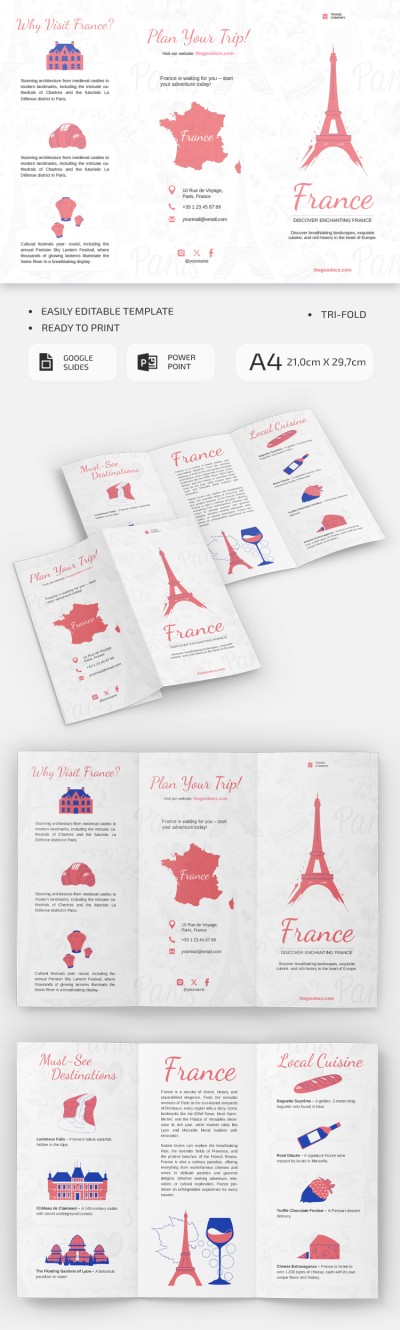
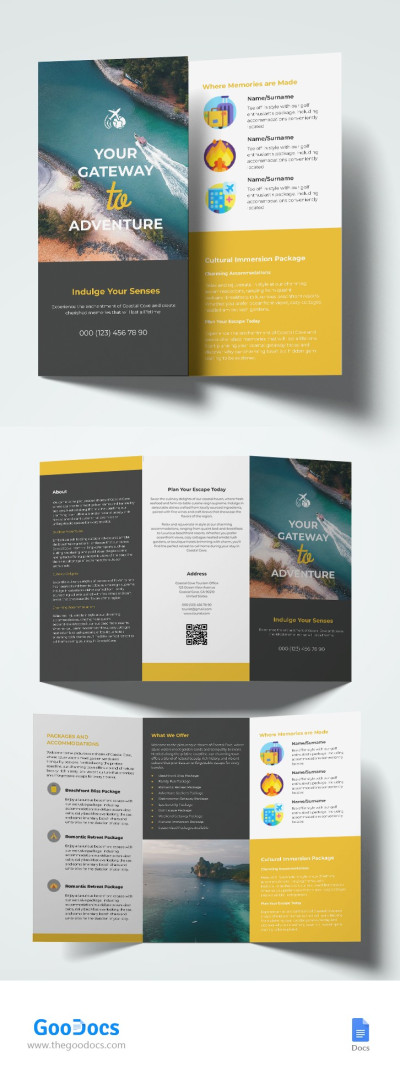
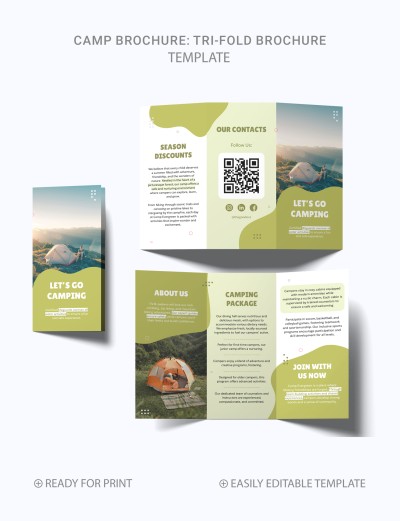
It's easy to replace the text and photos to adapt your brochure for any destination. You can customize every element in Google Slides or PowerPoint, and the layout is pre-configured for high-quality printing on A4 paper. Browse our trifold brochure template collection for even more great options.
Download Free Template
WHAT’S INCLUDED
Brochures & Pamphlet Tips
FAQ
How to Use and Edit This Template

Get Your Document

Customize Everything

Add Your Content