Cherry Blossom Travel Brochure
Use this free template with Google Slides and Microsoft PowerPoint
Template Specification
Key Features of This Template
About this template
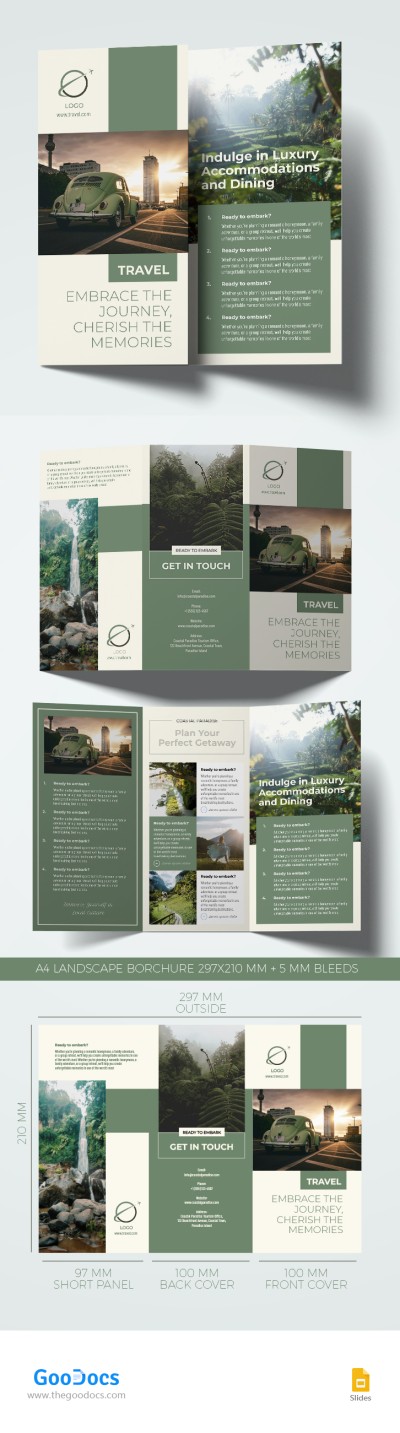
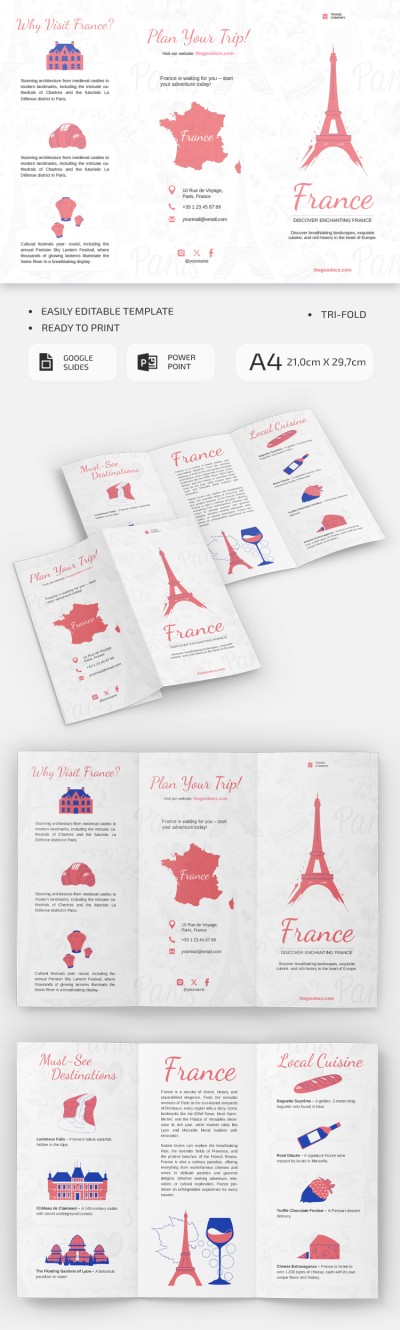
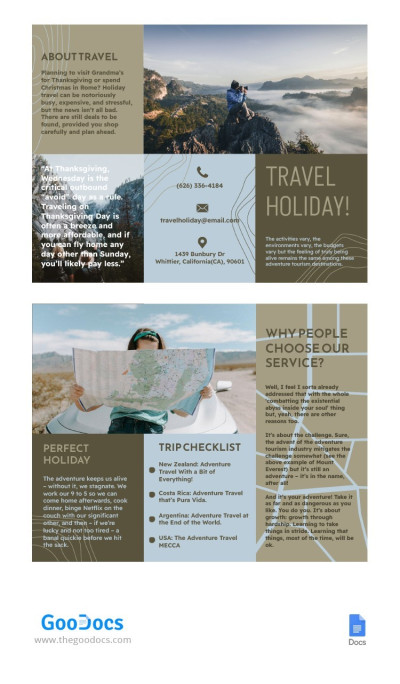
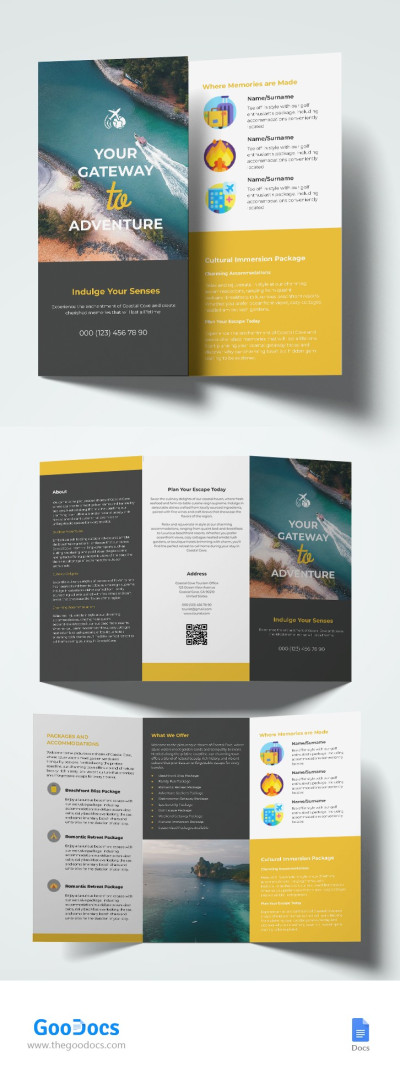
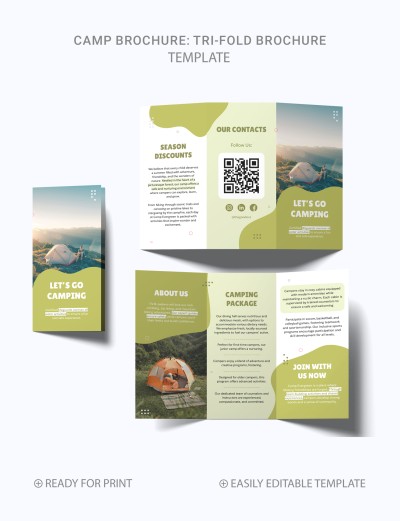
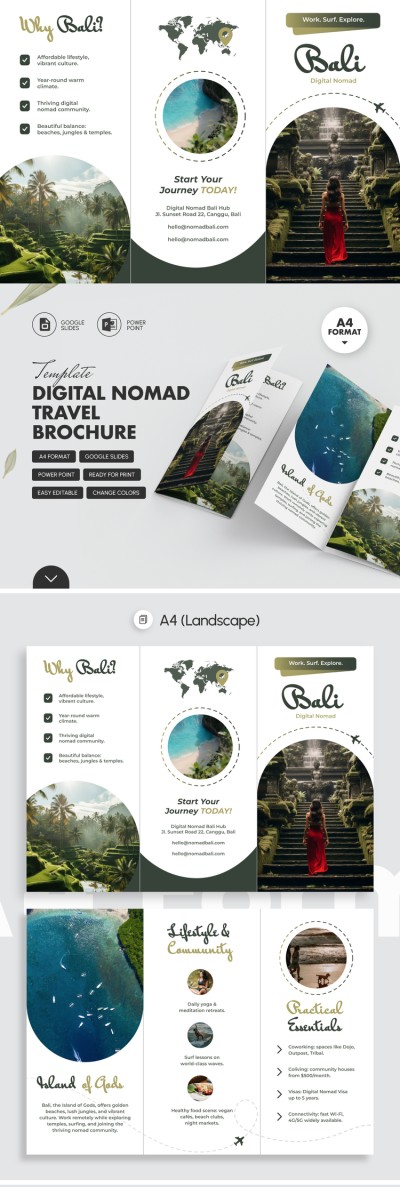
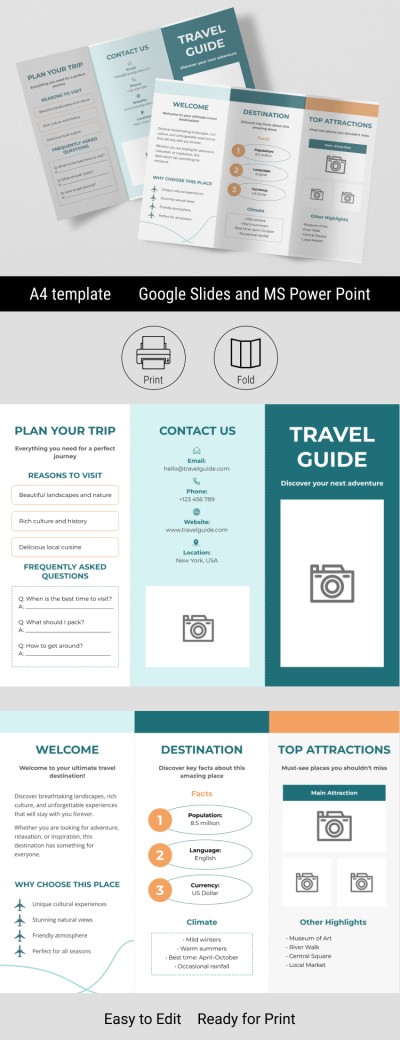
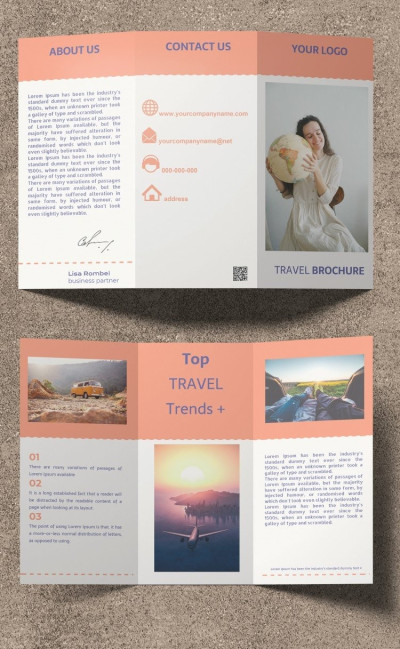
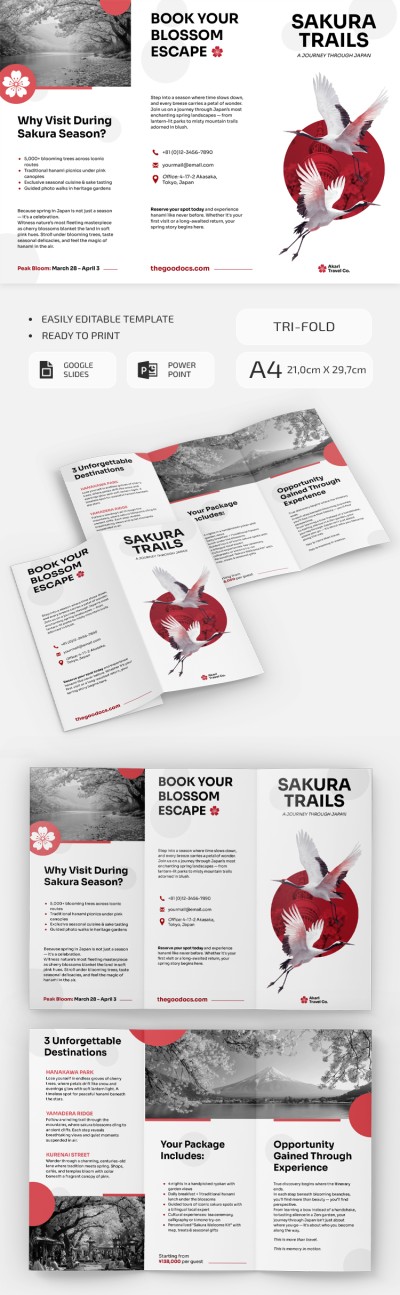
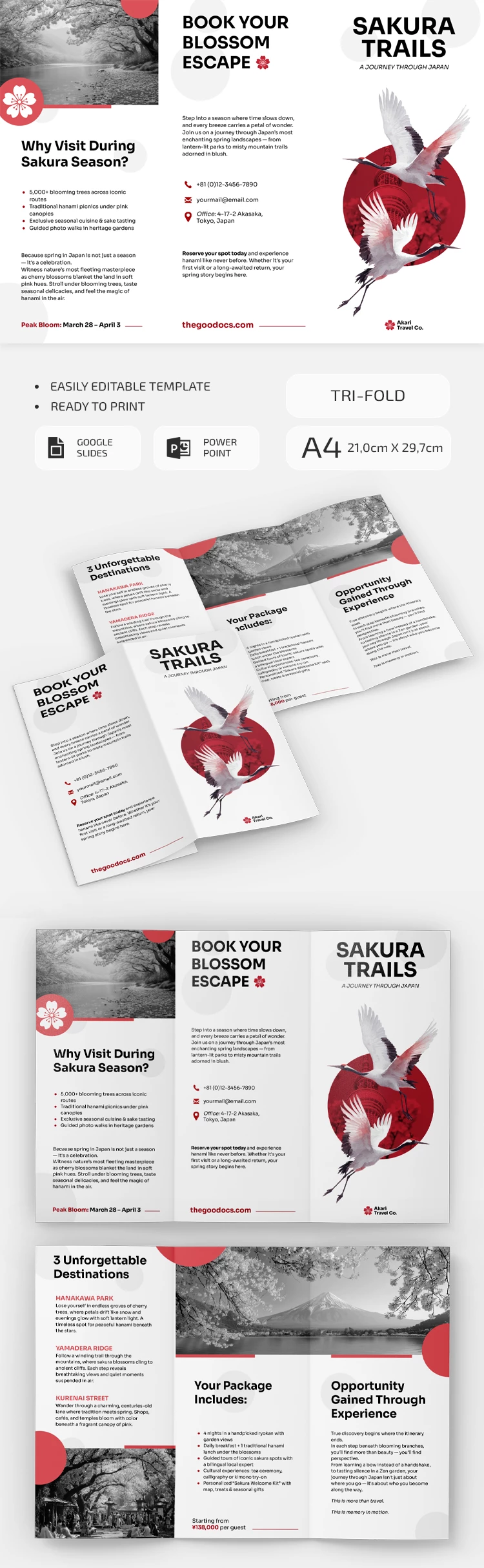
Use our Cherry Blossom Travel Brochure Template to promote your tours to Japan or any other destination. Since this template is fully editable, you can easily customize it for your needs, replace the placeholder text, and swap out the photos. With our 3-fold brochure template, you save time on formatting and designing a layout from scratch.
Easily Promote Your Spring Sakura Tours
Our ready-made layout is designed to help you promote your spring tours to Japan during cherry blossom season. The clean white background and black-and-white photos contrast beautifully with vibrant red elements, drawing attention to both the front panel and your content.
Fill out this free travel brochure:
- Add your travel company's logo, name, and tour title to the eye-catching front panel.
- Provide tour information, including destinations, package inclusions, highlights, reasons to visit the country, and contact information.
- Keep the default photos or replace them with a selection from your own gallery.
Our template is fully editable in Google Slides or PowerPoint, making customization quick and easy, even with no design skills. Download our printable brochure template, fill it out, save the final version as a PDF, and print it right away without any extra formatting.
Download Free Template
WHAT’S INCLUDED
Brochures & Pamphlet Tips
FAQ
How to Use and Edit This Template

Get Your Document

Customize Everything

Add Your Content