Bi-fold Travel Guide Brochure Examples
Use this free template with Google Slides and Microsoft PowerPoint

Template Specification
Key Features of This Template
About this template
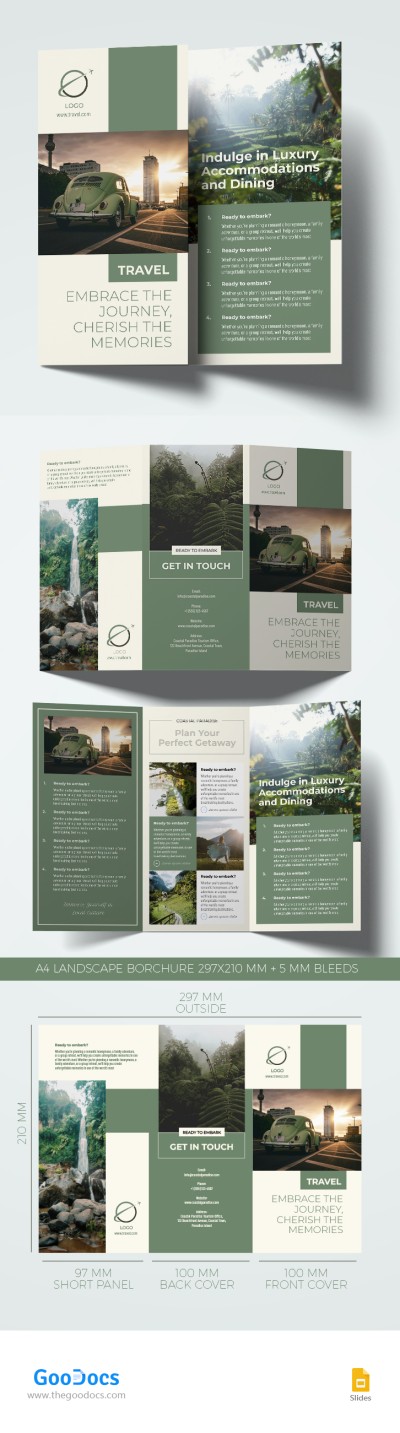
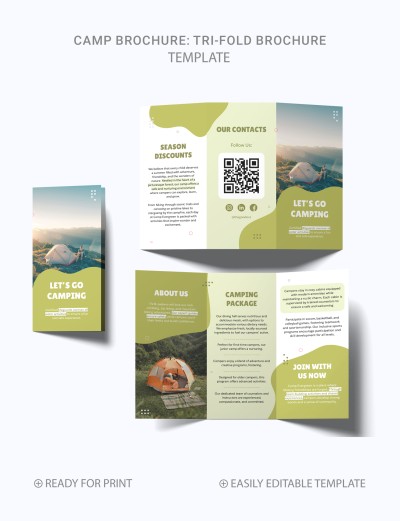
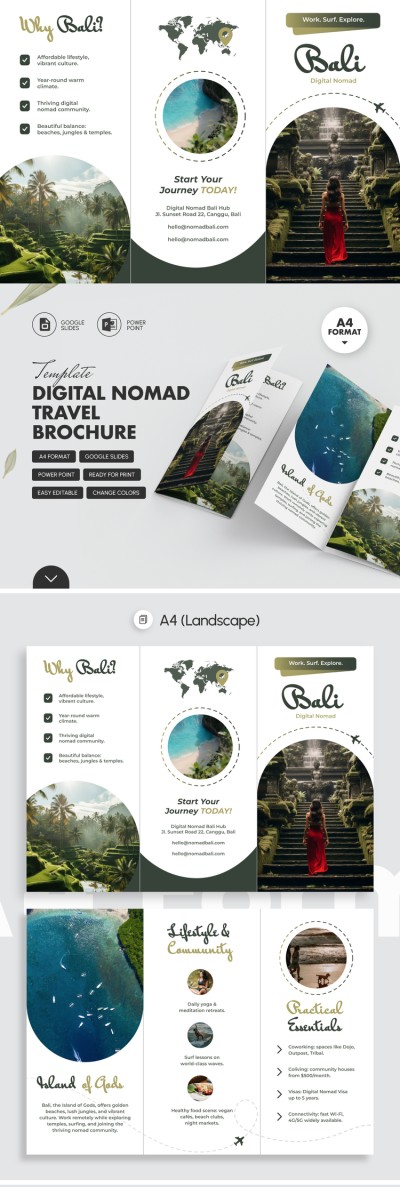
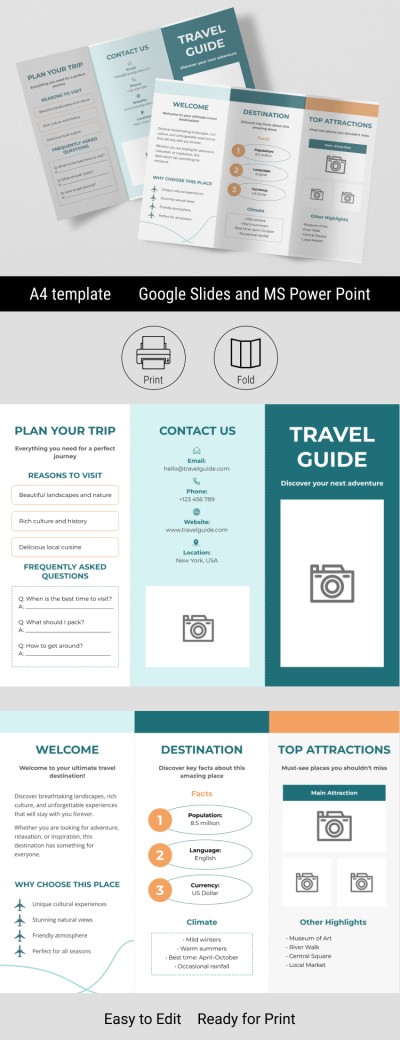
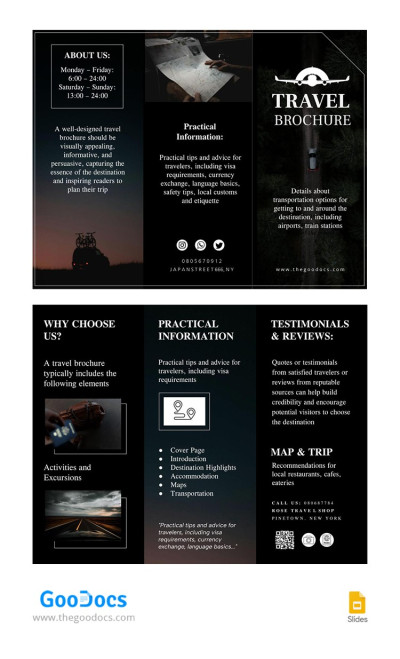
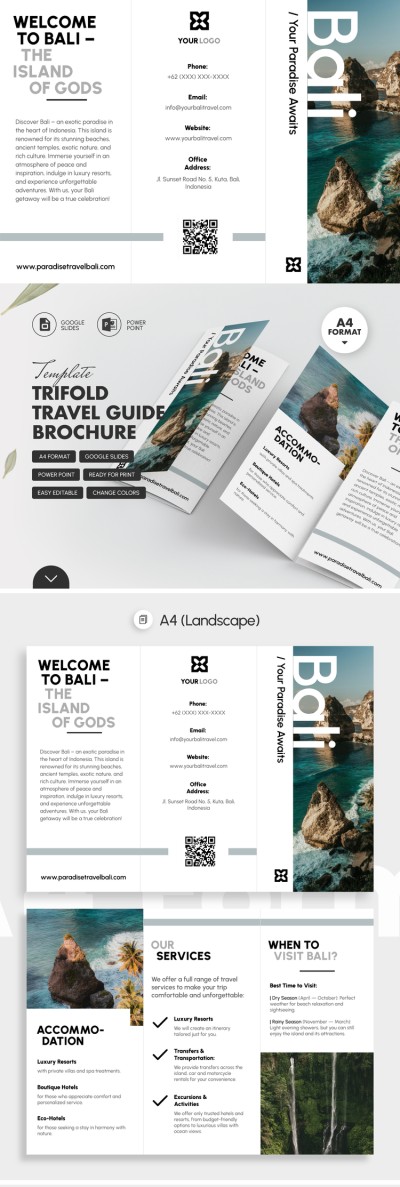
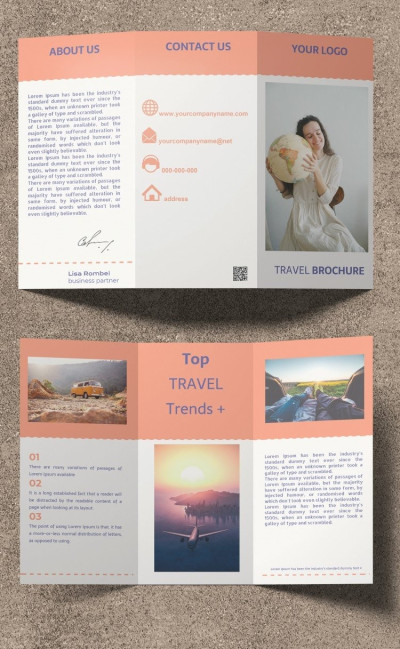
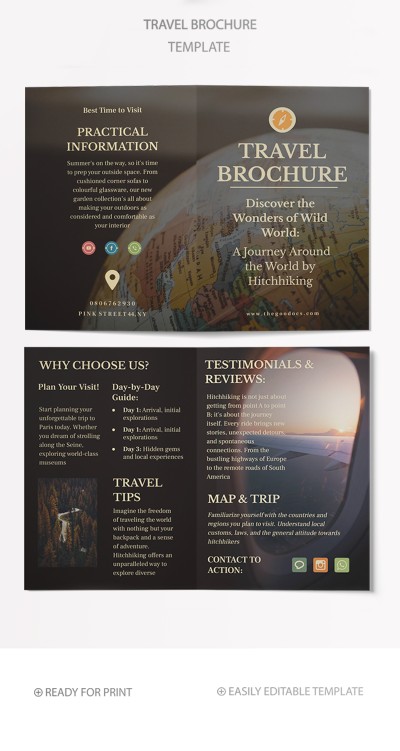
Use our Bi-fold Travel Guide Brochure Template for inspiration or customize the existing layout. This template consists of four slides, including the front and back covers and alternative layout options. You can use this bifold brochure template as is or expand it by adding more pages.
Get This Elegant Travel Guide Brochure
All pages are designed in a consistent style with pastel tones, high-quality placeholder images, and elegant yet legible fonts. The front panel instantly draws attention to the destination and your offer, while the remaining panels provide all the details.
Get the most out of our travel guide brochure:
- Combine different layout options to create a brochure of up to four pages.
- Add top destinations, practical tips, hotel information, and more.
- Customize the design and add your own photos in just a few clicks.
Anyone can easily customize our Google Slides or PowerPoint layout. You don't need to waste time on formatting; just click on the section you want to change and edit it using the built-in tools. Once you're done, save the brochure template as a PDF for high-quality printing.
Download Free Template
WHAT’S INCLUDED
Brochures & Pamphlet Tips
FAQ
How to Use and Edit This Template

Get Your Document

Customize Everything

Add Your Content