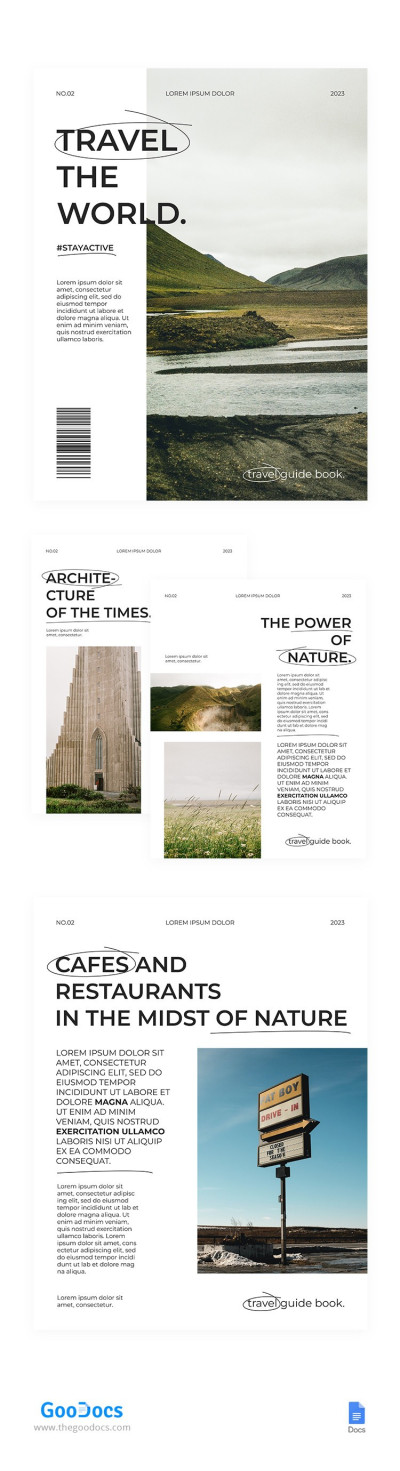
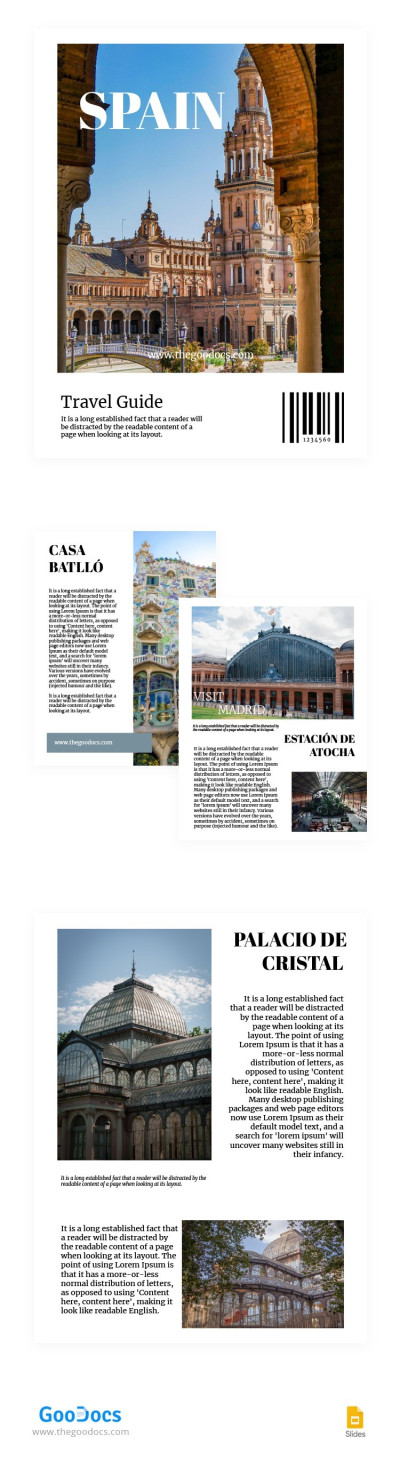
Ultimate Travel Guide Template
Use this free template with Google Docs and Microsoft Word
Template Specification
Key Features of This Template
About this template
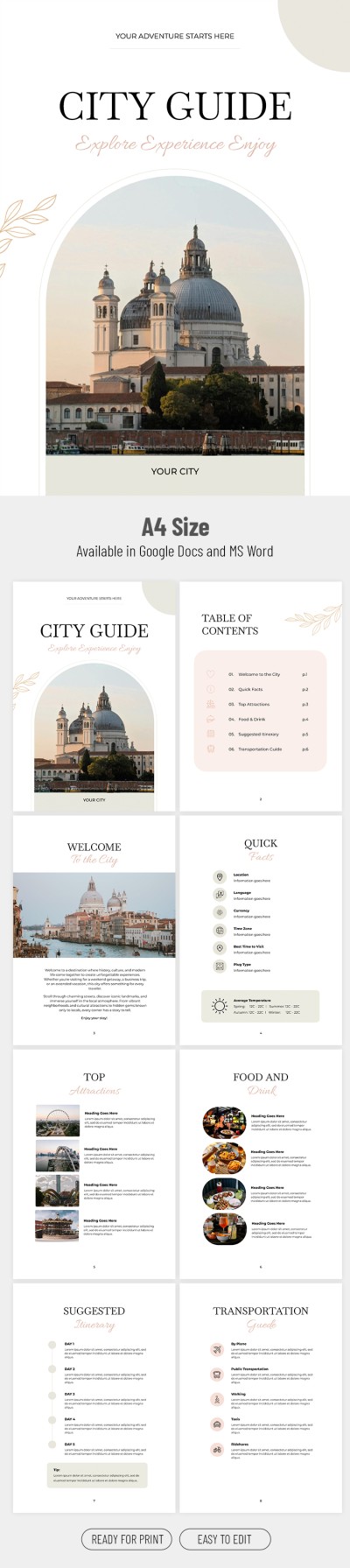
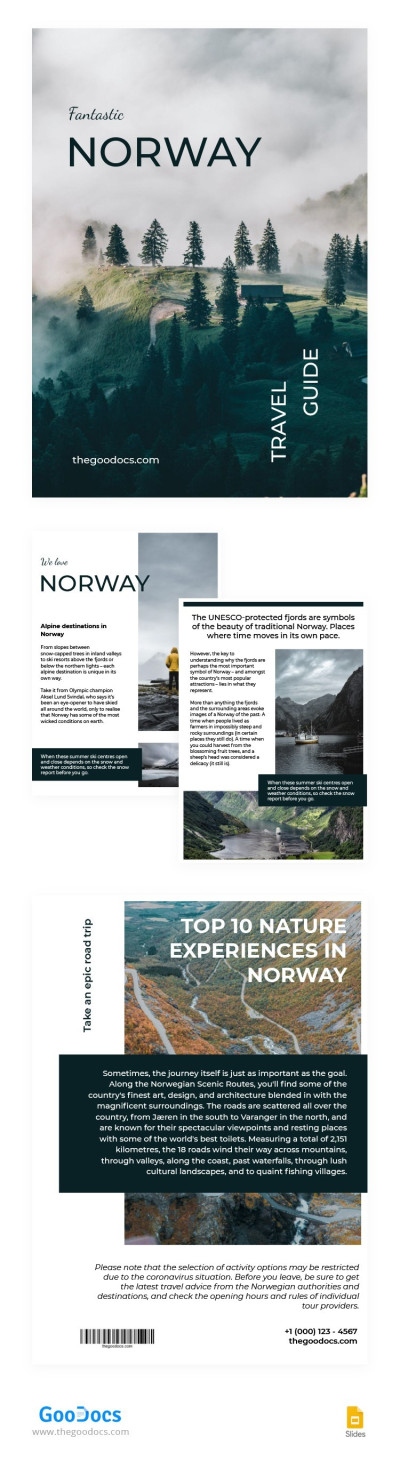
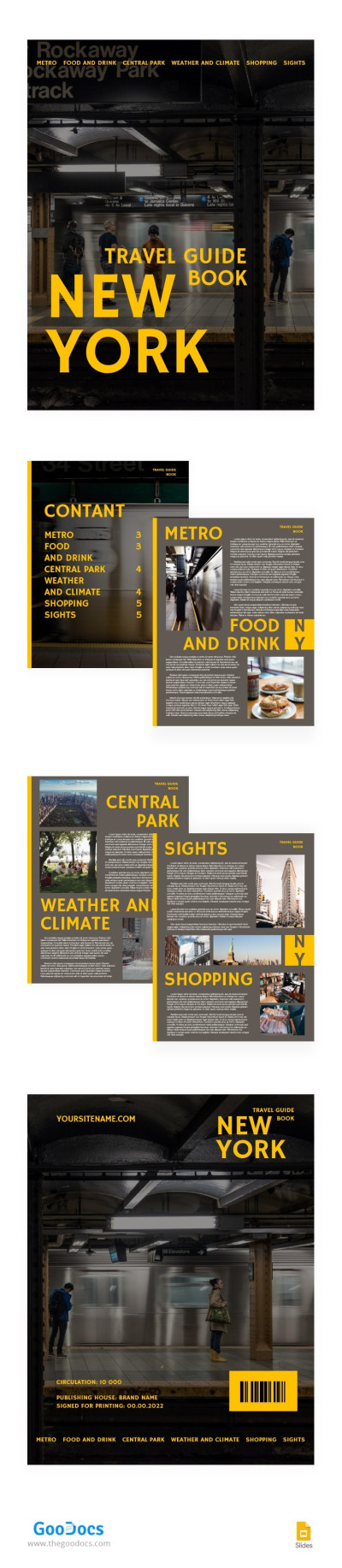
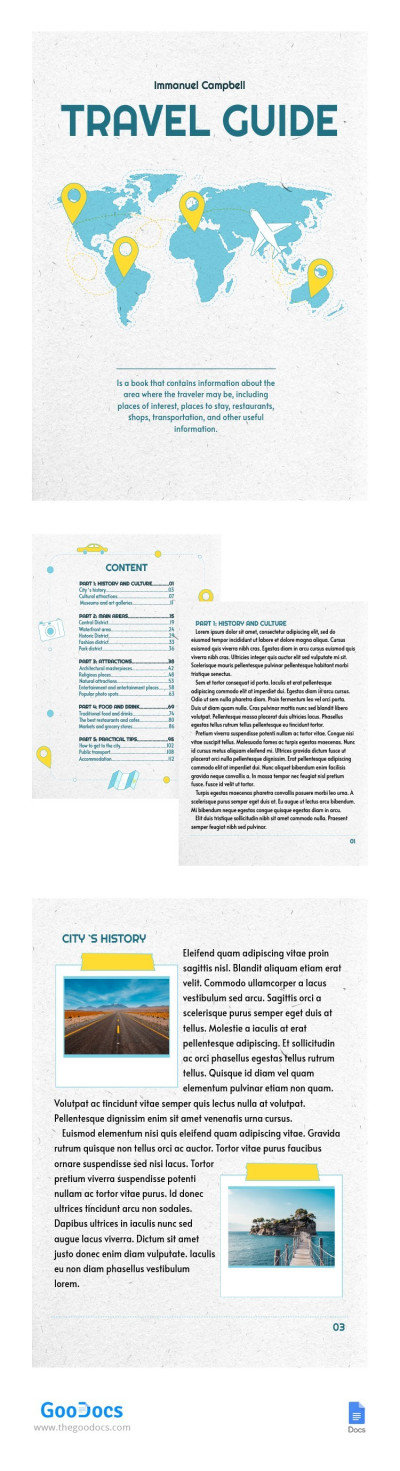
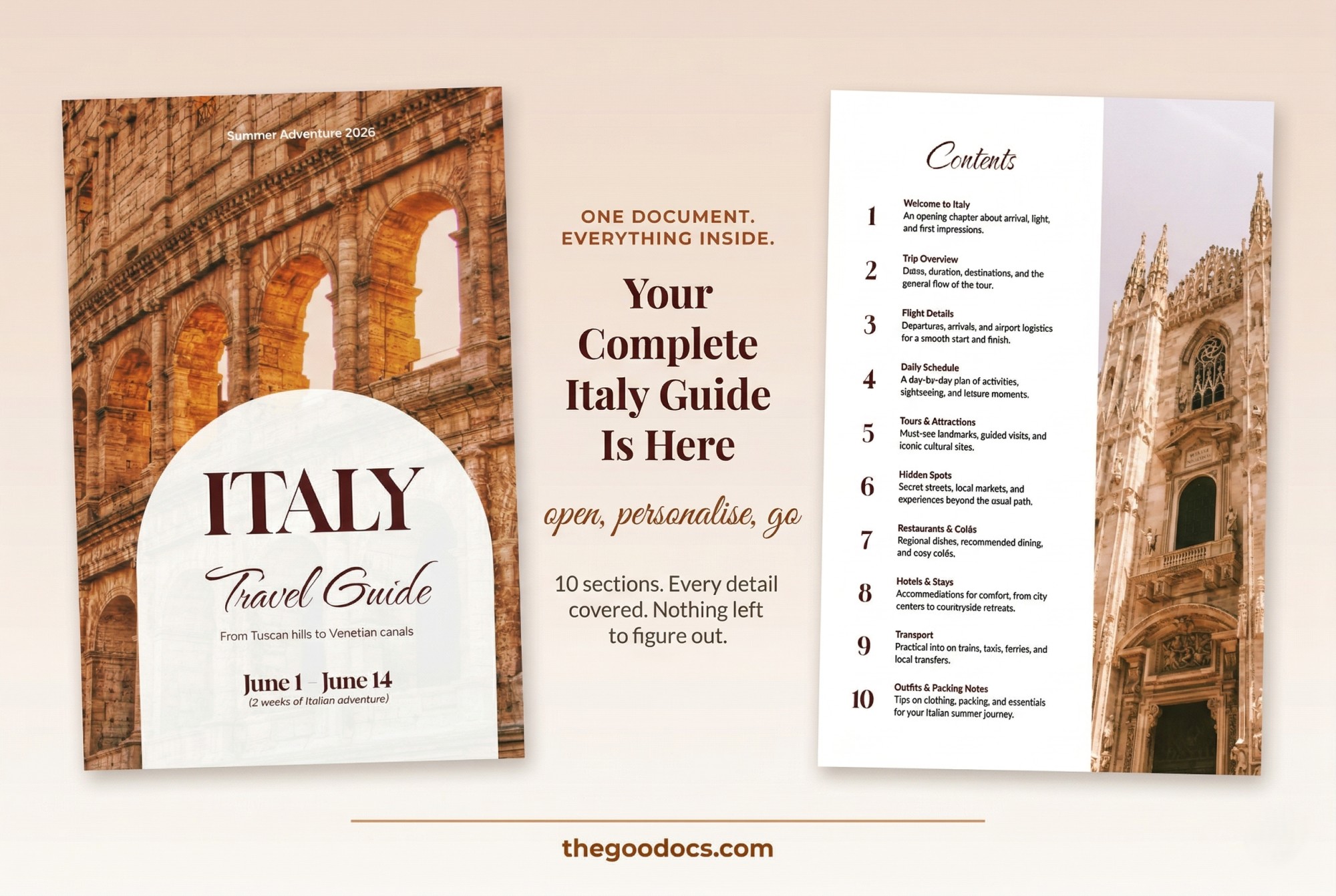
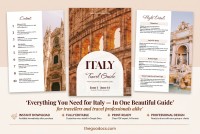
Our Ultimate Travel Guide Template is a free, go-to design for any travel agency, blogger, or traveler planning a getaway. Give your travel guide or sightseeing tour a professional look with a pleasing cover. From the front cover to the packing list, each layout is fully editable.
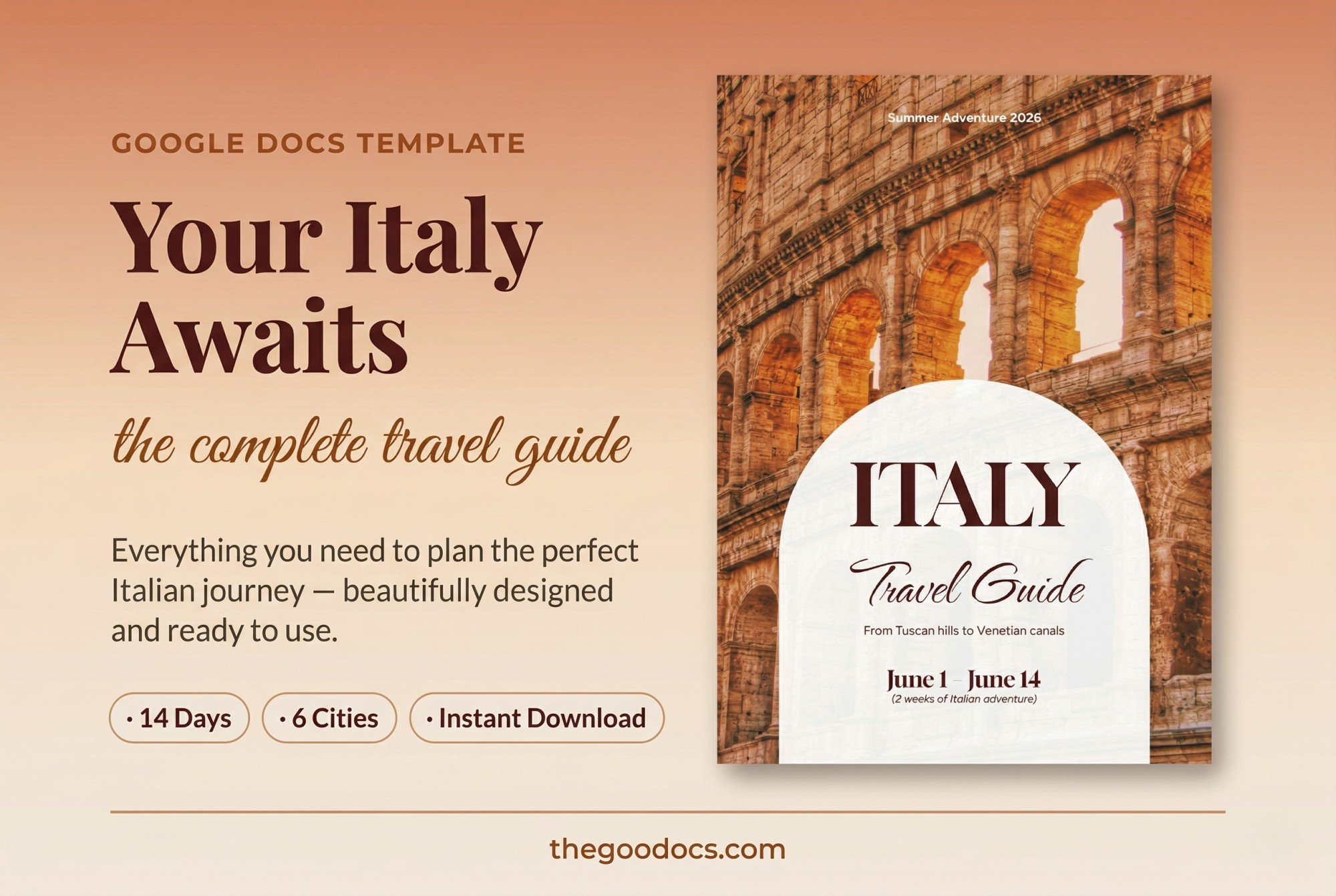
A4 Aesthetic Travel Guidebook
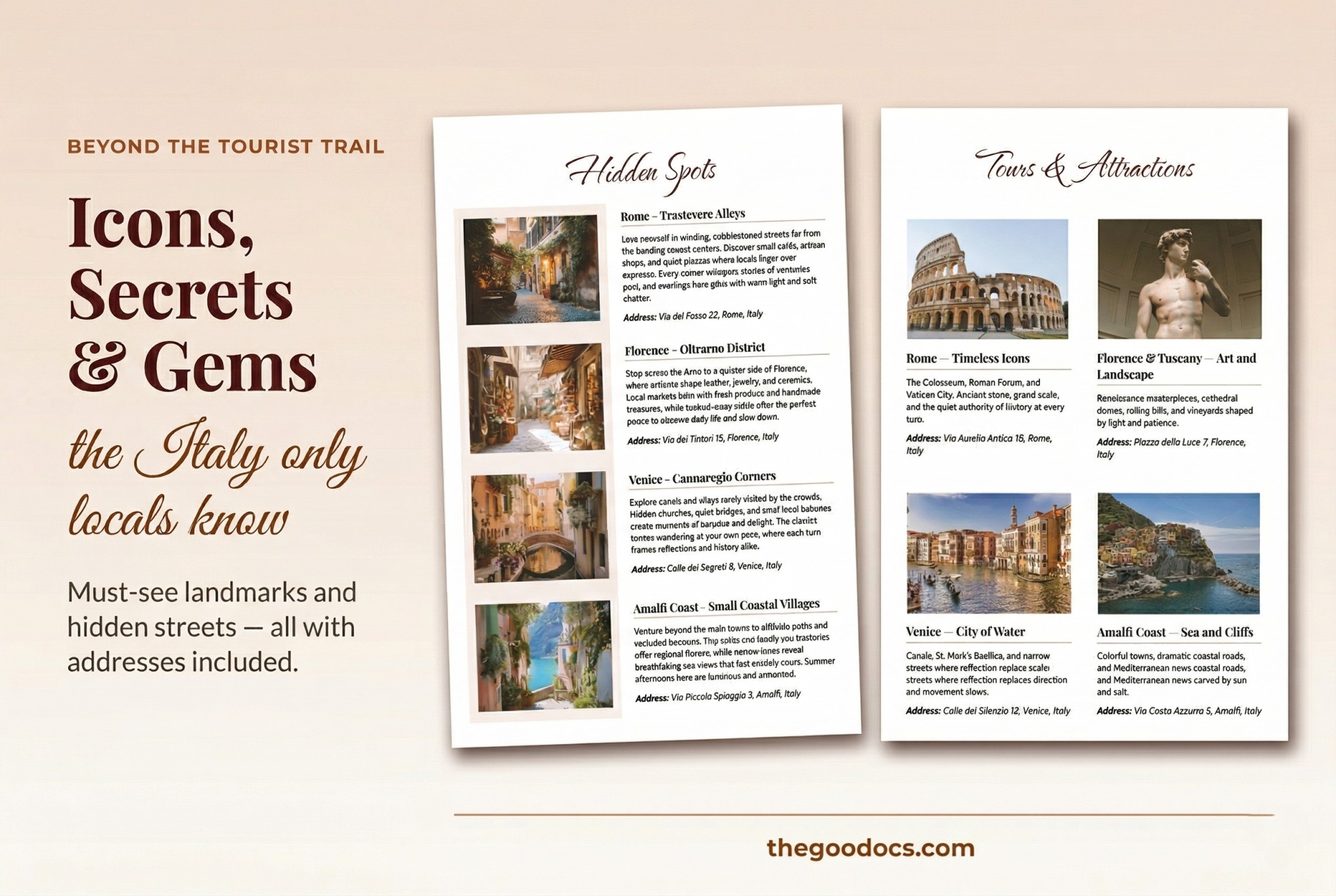
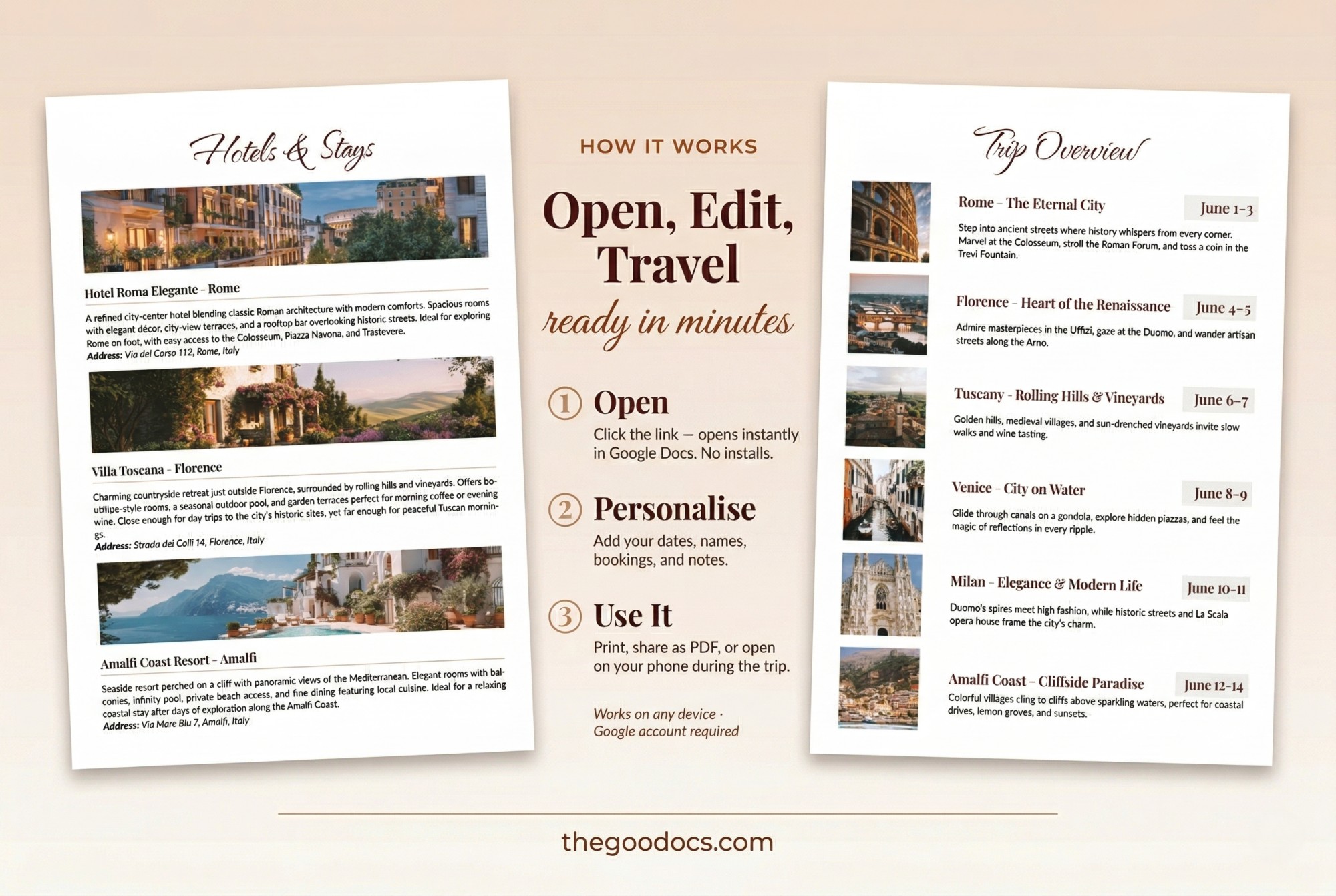
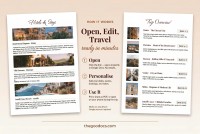
The default template design comes with replaceable aesthetic images of ancient architecture, colorful houses, sculptures, and more. You can easily replace each image with sights of the destinations you want to showcase.
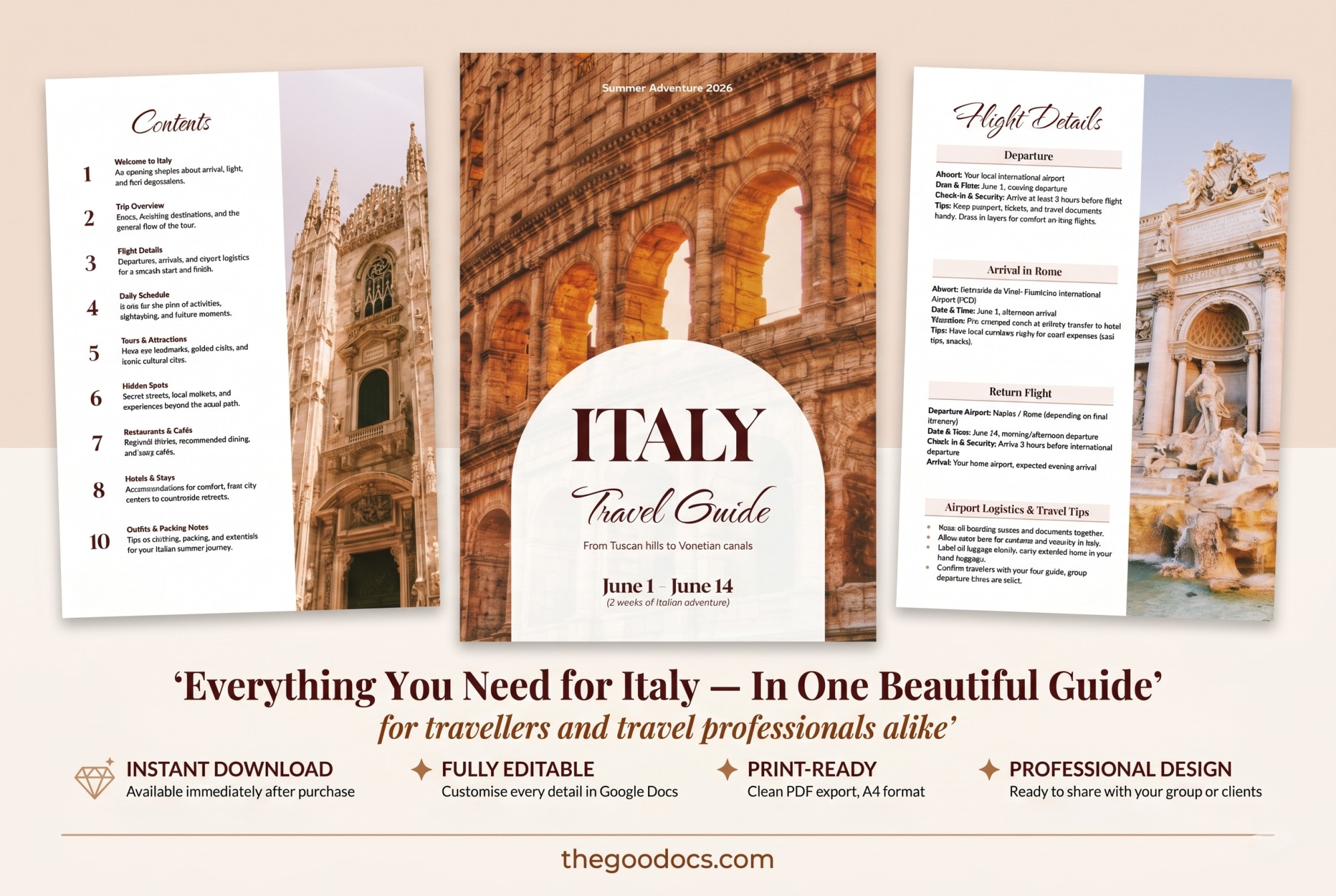
In total, the travel guide template consists of 12 different pages, including:
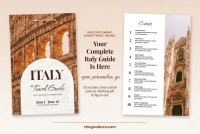
A cover page where you can add a title, travel dates, and a description.
- Table of Contents and Welcome pages where you can add basic information about the destination.
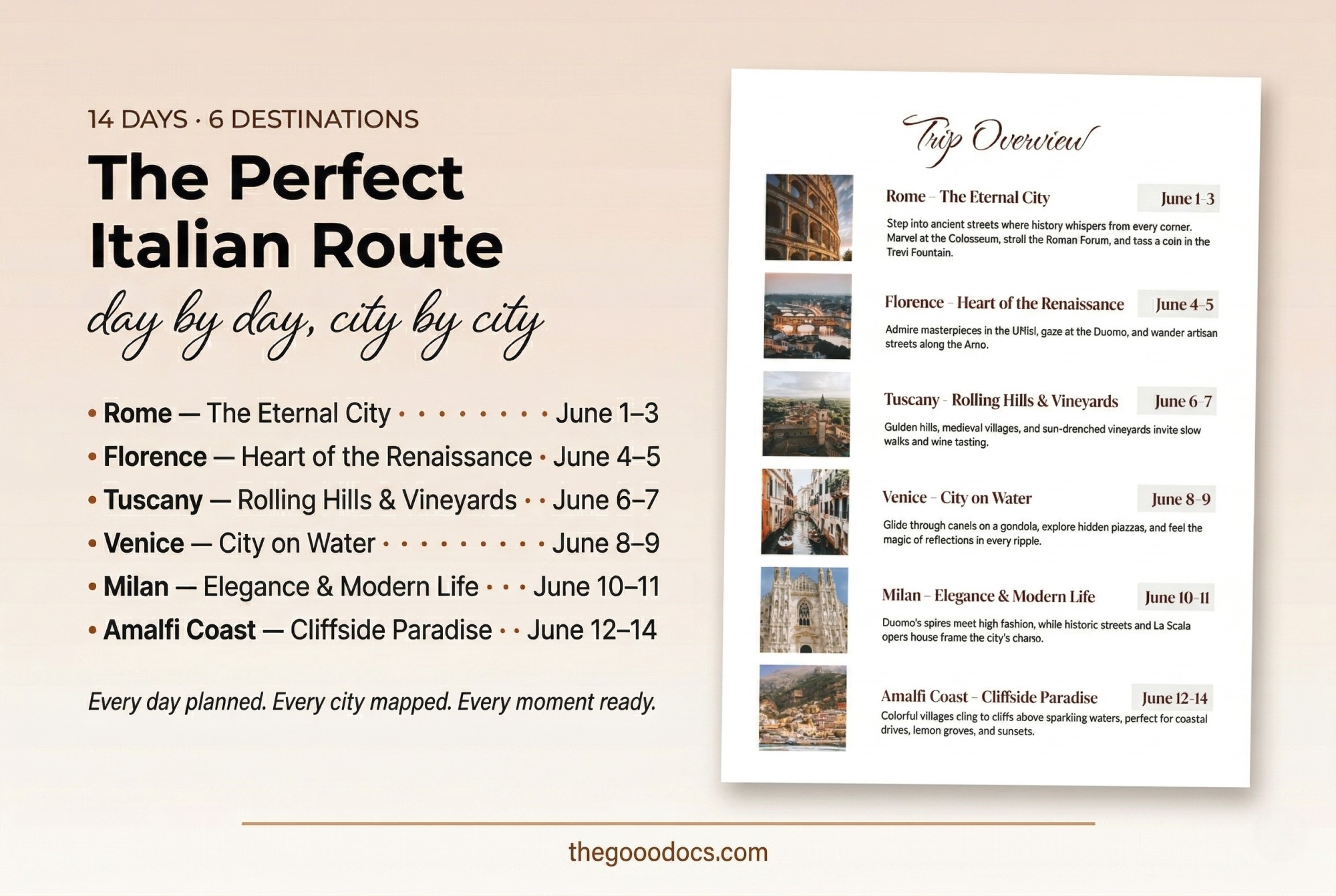
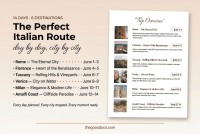
- Trip Overview and Daily Schedule pages where you can include a brief summary of various activities by date and a detailed schedule for each day.
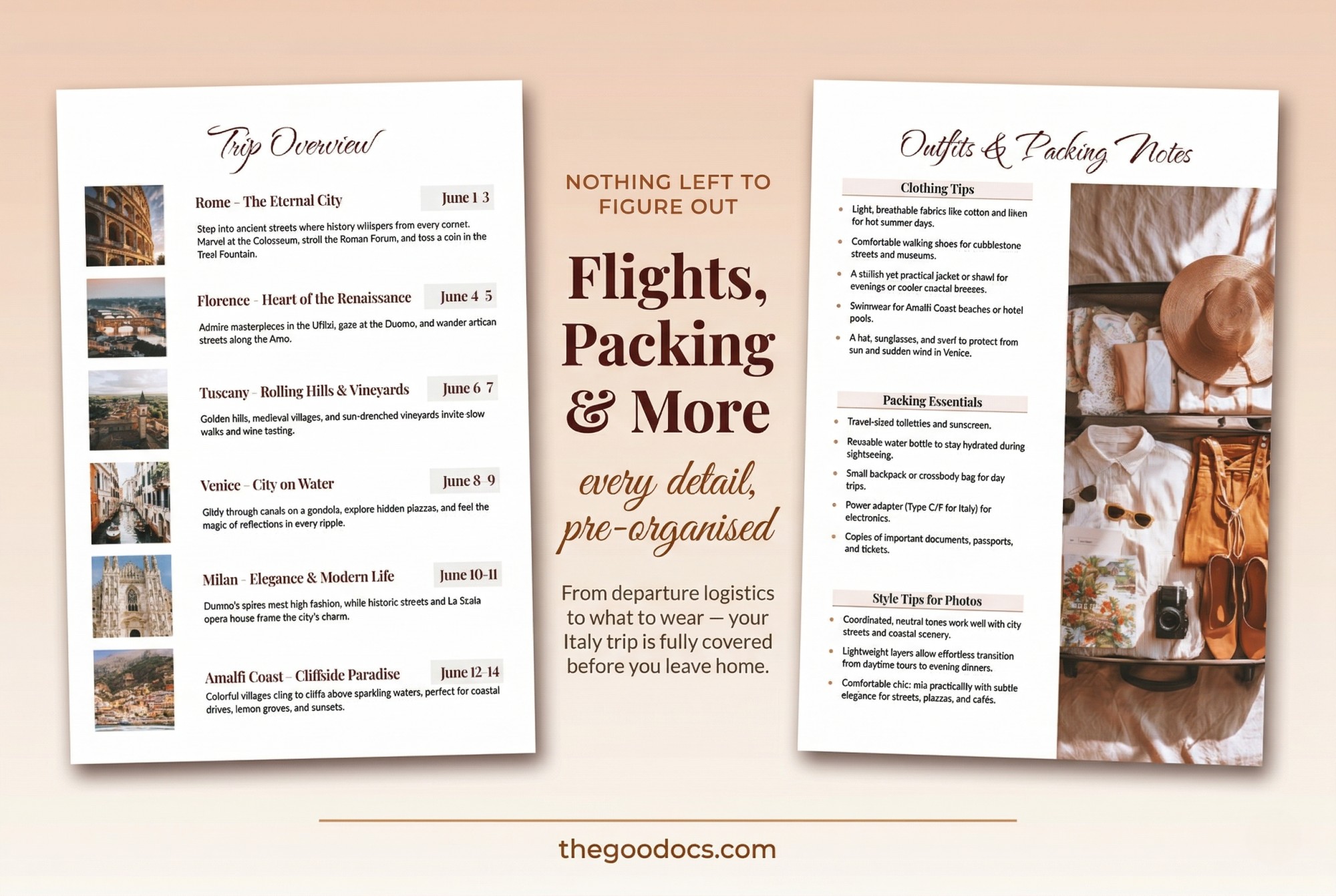
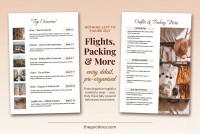
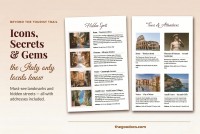
- Organizational pages for a travel overview, such as Best Restaurants & Cafes, Hidden Spots, flight details, hotels, transportation, outfits, and a packing list.
You can fill each page in Google Docs and Word with your own text and images. Our printable book template can then be saved as a PDF and printed in A4 size with no extra settings required.
Download Free Template
WHAT’S INCLUDED
Book Tips
FAQ
How to Use and Edit This Template

Get Your Document

Customize Everything

Add Your Content