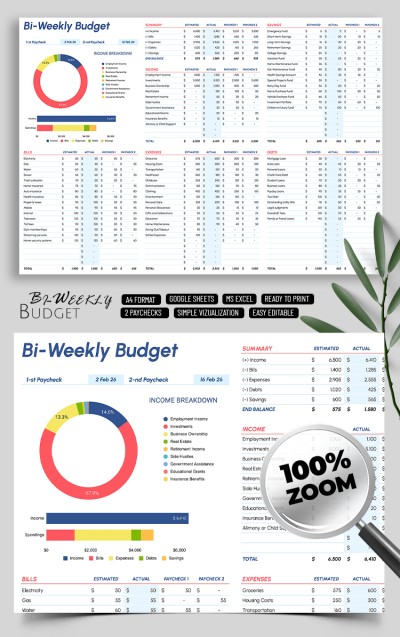
Printable Biweekly Budget Planner Template
Use this free template with Google Sheets and Microsoft Excel
Template Specification
Key Features of This Template
About this template
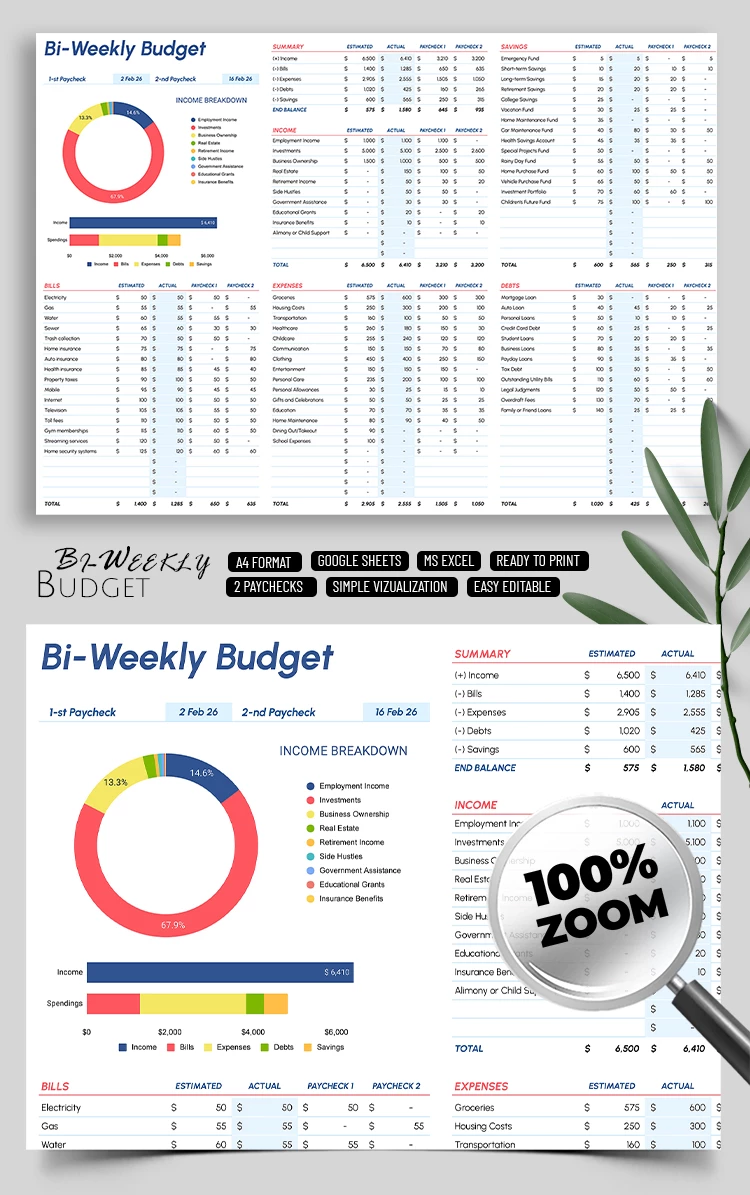
Discover our Printable Biweekly Budget Planner Template in Google Sheets and Excel! This editable spreadsheet is perfect for people getting paid biweekly. It includes formulas, diagrams, and cells to contain your income and expenses.
All-in-One Biweekly Budgeting Tool
Our biweekly budget template includes everything you need to conveniently and quickly allocate and then monitor your finances:
Built-in charts are automatically created based on the values you enter.
- Pre-made formulas help automatically calculate totals for all income and expense categories.
- The layout includes paycheck 1-2 fields in the income breakdown. So, you can use the budget planner template to receive biweekly and monthly reports.
- Included categories simplify filling out and finding information in the template.
The layout is divided into Summary, Income, Bills, Expenses, Debts, and Savings sections. For each section, you can enter an estimated sum and an actual sum.
This way, it is much easier to plan, and you'll see where you have exceeded the budget limit. You can also find a business budget template in Google Sheets and Excel on our website.
Download Free Template
WHAT’S INCLUDED
Budget Tips
FAQ
How to Use and Edit This Template

Get Your Document

Customize Everything

Add Your Content