ADVERTISEMENT
ADVERTISEMENT
Film Budget Template
Use this template with Google Sheets and Microsoft Excel
4.25 (1 reviews)
•
Last updated
Updated
October 31, 2026
•
Created by
Natalia Prokhorenko
•
Type
Simple
Template Specification
Format
Google Sheets
Created
July 26, 2024
Last Updated
October 31, 2026
Community
Added to collections by 6 Users
Usage Stats
1 downloads this month
Key Features of This Template
Style
Simple Budget Templates
About this template
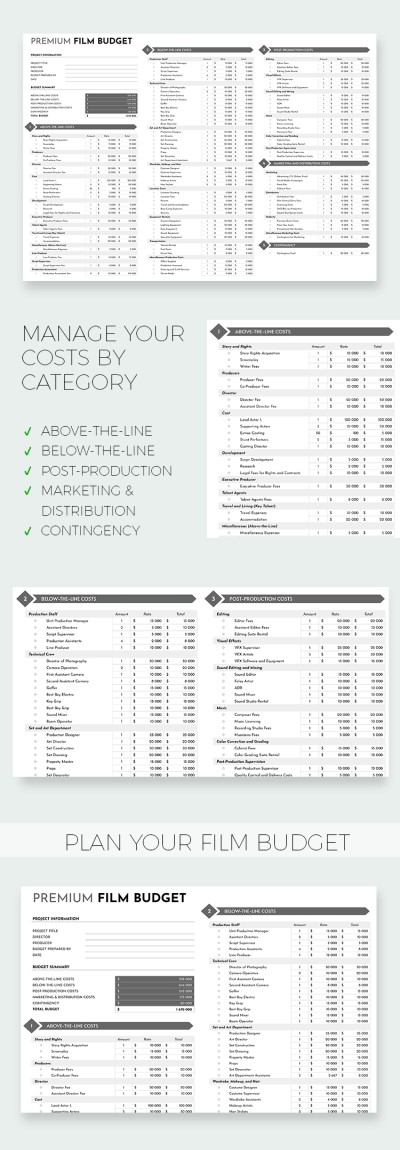
This professionally structured Film Budget Template will become the only and indispensable tool you need for budgeting. By using this budget spreadsheet, you can distribute funds between different teams and tasks.
Simple & Comprehensive Budget Template
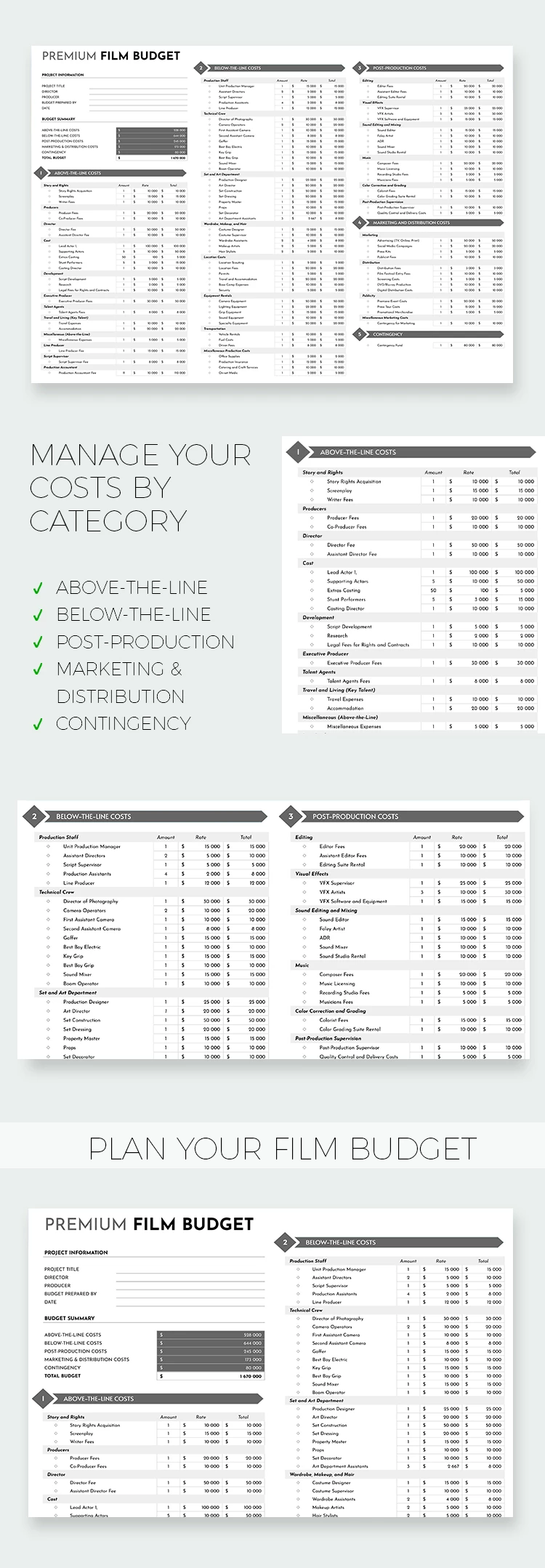
This budget template in Google Sheets and Excel is a convenient and timely option. We have prepared many sections, categories, and subcategories for structuring your finances:
- Above-the-line-costs. This section features story and rights, producers, director, cast, and a dozen more categories and subsections.
- Below-the-line-costs. This spreadsheet is needed to include production staff, technical crew, set and art department, and similar expenses.
- Post-production costs. Ensure that editing, visual effects, music, and color correction costs are included in total expenses.
- Contingency. This section incorporates a contingency fund field.
The budget sheet template will automatically calculate the budget summary for each category.
Premium Template
Started at
$2.50
$4.99
/month
Instant download after signup
Access to 7,000+ templates
No attribution required
Cancel anytime
💳 Safe Payments • 🔒 SSL Secured
WHAT’S INCLUDED
Fully customizable budget sections
Automatic calculations for summaries
Comprehensive cost categories included
Easy-to-use contingency fund area
Budget Tips
Regularly update budget entries for accuracy
Customize categories to fit your film needs
Review the summary to track expenses regularly
Allocate contingency funds for unexpected costs
FAQ
Is this template free?
Yes, it's free to download and use.
Can I use it in Excel?
Yes, it works in both Google Sheets and Excel.
Is it easy to customize?
Absolutely, you can tailor the categories to your needs.
Is it suitable for all film sizes?
Yes, it accommodates both small and large productions.
Do I need advanced budgeting skills?
No, it's user-friendly for beginners and experts alike.
ADVERTISEMENT
How to Use and Edit This Template

Get Your Document
Click the "Edit Template" button to create your own editable copy in Google Sheets or download for Microsoft Excel

Customize Everything
Easily change colors, fonts, and layouts to match your unique style or brand identity

Add Your Content
Fill in your data, upload images, and replace the placeholder text with your own information

Print, Export, or Share
Print, export as PDF, or share instantly