ADVERTISEMENT
ADVERTISEMENT
Detailed Personal Monthly Budget Template
Use this free template with Google Sheets and Microsoft Excel
4.25 (1 reviews)
•
Last updated
Updated
October 31, 2026
•
Created by
Natalia Prokhorenko
•
Type
Monthly
ADVERTISEMENT
Template Specification
Format
Google Sheets, Microsoft Excel
Created
August 21, 2024
Last Updated
October 31, 2026
Community
Added to collections by 26 Users
Usage Stats
27 downloads this month
Key Features of This Template
Budget Period
Monthly Budget Templates
Suitable For
Personal
About this template
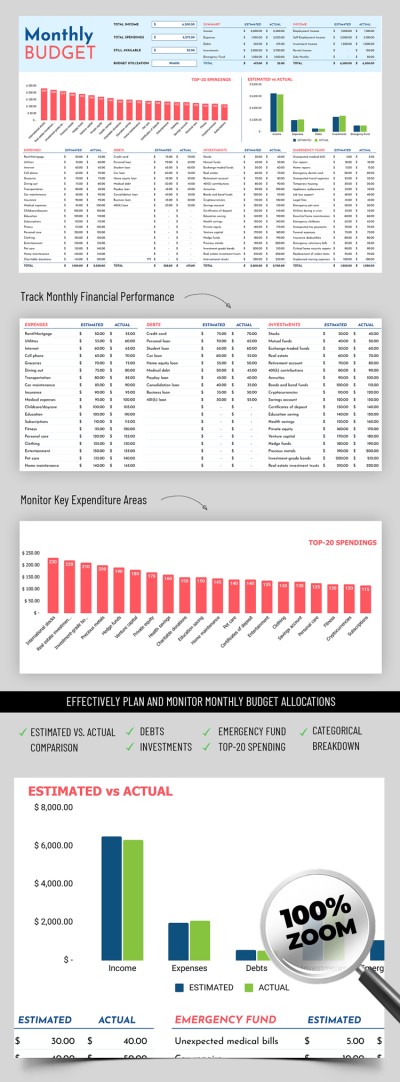
Were you looking for a Detailed Personal Monthly Budget Template? This spreadsheet has no equals! You can track and monitor your income and expenses with its responsive layout.
Detailed Layout for Your Budget
Our monthly budget template has everything you need:
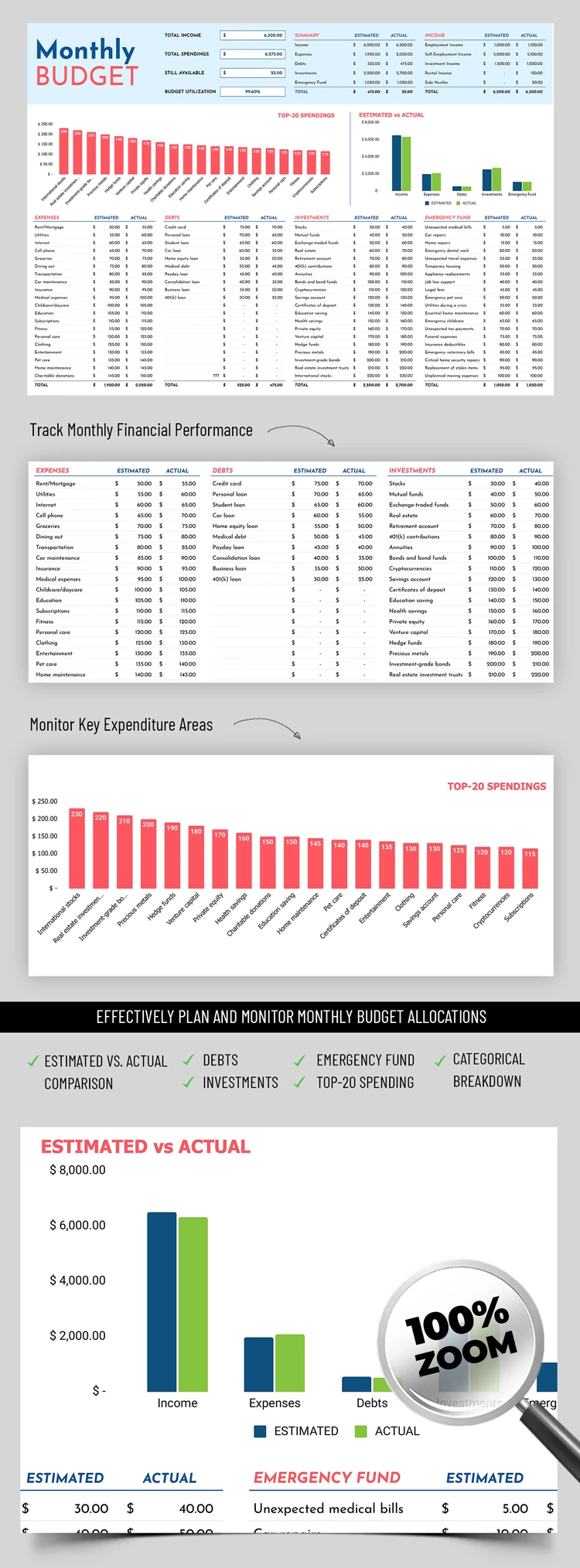
- In the header section, you get a complete overview of your expenses and profits based on the data entered into the table. There is also total income/expenses, as well as other details.
- Below, there are automatic charts that will show your TOP 20 expenses and estimated vs. actual income, expenses, debts, investments, and emergency funds.
- The last block is a table that can accommodate many items with different categories of your expenses. Here, you can write down everything you spent on, from unexpected tax payments to business loans.
Our personal finance spreadsheet has a simple design with visual separation for different blocks. The header is highlighted in a pleasant blue tint, and the rest of the parts are on a white background. If you need a basic budget template, then click on the link and choose from hundreds of offers.
ADVERTISEMENT
Free Template
Download Free Template
Choose your platform and start editing right away
PLATFORM
PAPER SIZE
A4
No account required • Attribution required
WHAT’S INCLUDED
Overview of income and expenses
Top 20 expense tracking chart
Estimated vs actual comparisons
Comprehensive debts and investments section
Budget Tips
Regularly update your income and expenses for accuracy.
Customize categories to fit your unique spending habits.
Use the chart to identify areas to cut back.
Set specific monthly goals to improve savings.
FAQ
Is this template compatible with Excel and Google Sheets?
Yes, it works with both Excel and Google Sheets.
Is the template easy to use?
Yes, it's user-friendly with automatic calculations.
Can I customize the categories?
Absolutely, customize any category to fit your needs.
Is this template free to download?
Yes, you can download it at no cost.
Does it include investment tracking?
Yes, it features a section for tracking investments.
ADVERTISEMENT
How to Use and Edit This Template

Get Your Document
Click the "Edit Template" button to create your own editable copy in Google Sheets or download for Microsoft Excel

Customize Everything
Easily change colors, fonts, and layouts to match your unique style or brand identity

Add Your Content
Fill in your data, upload images, and replace the placeholder text with your own information

Print, Export, or Share
Print, export as PDF, or share instantly