ADVERTISEMENT
ADVERTISEMENT
Dark Personal Budget Template
Use this free template with Google Sheets and Microsoft Excel
4.47 (2 reviews)
•
Last updated
Updated
October 31, 2026
•
Created by
Olivia Martinez
ADVERTISEMENT
Template Specification
Format
Google Sheets
Created
August 13, 2023
Last Updated
October 31, 2026
Community
Added to collections by 18 Users
Usage Stats
0 downloads this month
Key Features of This Template
Suitable For
Personal
About this template
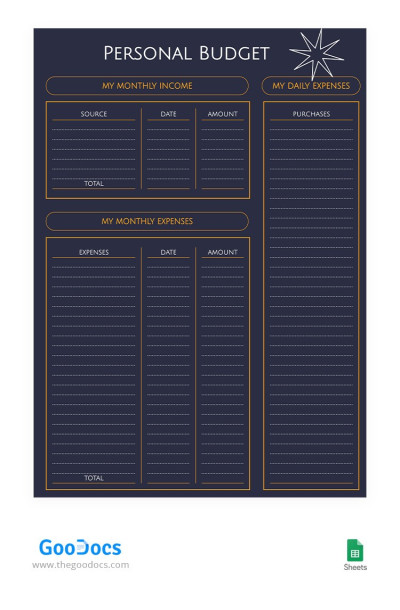
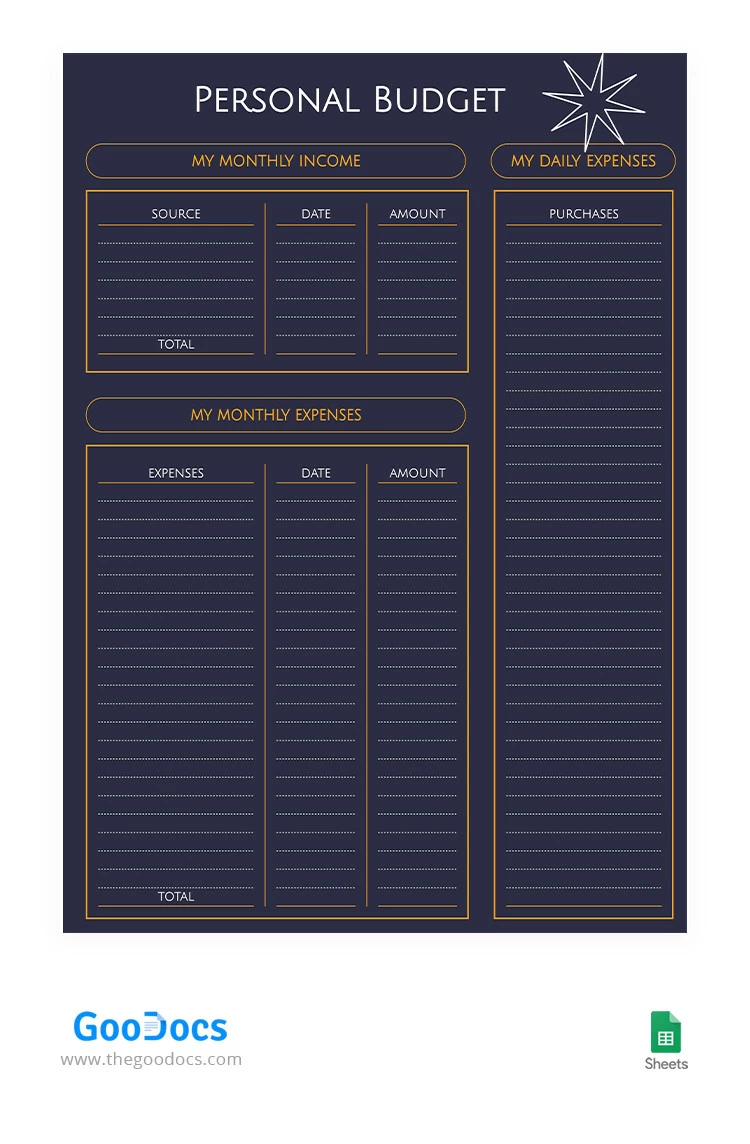
Inspired by the enigmatic allure of the night, this Dark Personal Budget Template embraces a dark color scheme that symbolizes strength, resilience, and the ability to navigate through life's challenges. The sleek design puts the focus squarely on your financial journey, guiding you towards a brighter financial future.
ADVERTISEMENT
Free Template
Download Free Template
Choose your platform and start editing right away
PLATFORM
PAPER SIZE
A4
No account required • Attribution required
WHAT’S INCLUDED
Sections for income and expenses
Daily expense tracking column
Total calculation fields
Customizable template design
Budget Tips
Update your budget biweekly for accuracy.
Categorize expenses for better financial insights.
Review expenses monthly to adjust spending habits.
Use separate columns for fixed and variable expenses.
FAQ
Is the template compatible with Excel?
Yes, it works with both Google Sheets and Excel.
Is the template beginner-friendly?
Yes, it's designed for ease of use.
Can I customize the categories?
Yes, categories can be tailored to your needs.
Is the template free to use?
Yes, this template is completely free.
Does it have automatic calculation features?
Yes, fields are set up for automatic calculations.
ADVERTISEMENT
How to Use and Edit This Template

Get Your Document
Click the "Edit Template" button to create your own editable copy in Google Sheets or download for Microsoft Excel

Customize Everything
Easily change colors, fonts, and layouts to match your unique style or brand identity

Add Your Content
Fill in your data, upload images, and replace the placeholder text with your own information

Print, Export, or Share
Print, export as PDF, or share instantly