Floral Delicate Tri-Fold Brochure Template
Use this free template with Google Docs and Microsoft Word
Template Specification
Key Features of This Template
About this template
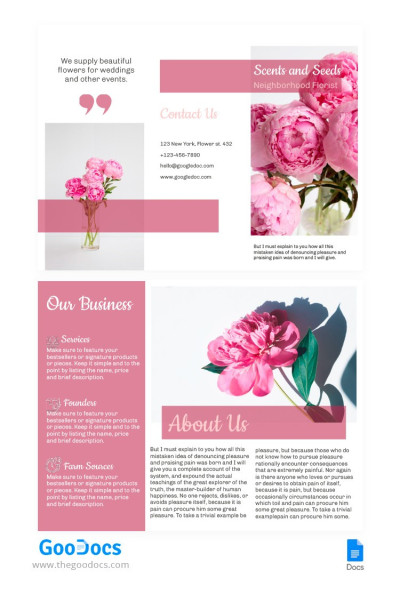
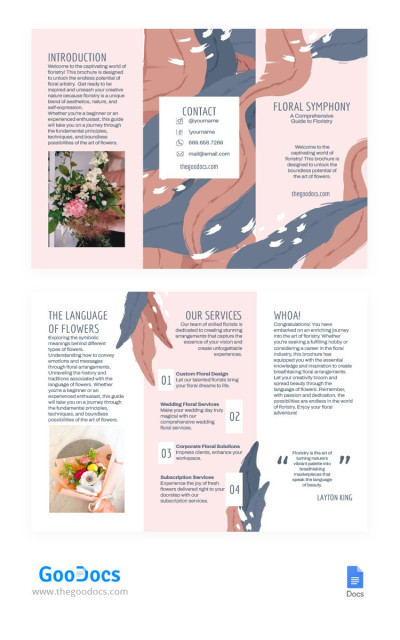
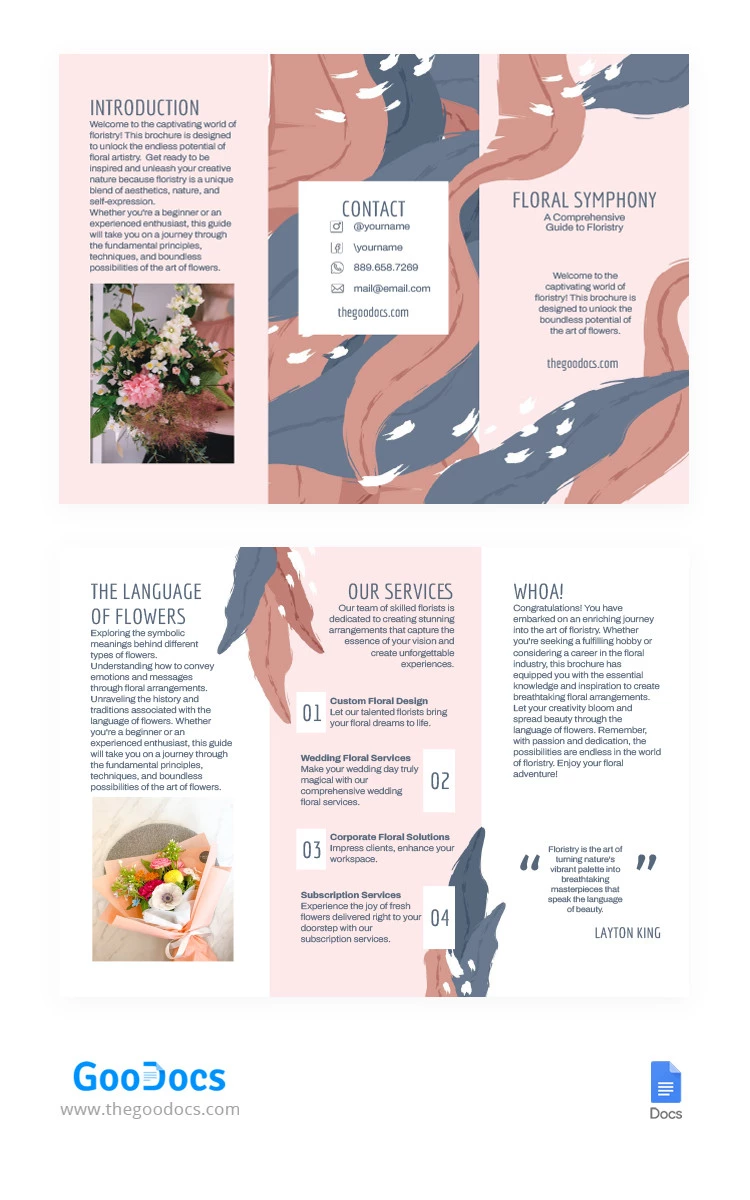
Step into a world of enchanting beauty with our Floral Delicate Tri-Fold Brochure template, where elegance and sophistication merge to create a stunning masterpiece! Immerse yourself in the charm of delicate floral designs that grace every fold of this brochure. Perfect for a wide range of occasions, from weddings and events to boutique businesses and artistic endeavors, this template effortlessly captivates the hearts of all who lay eyes upon it.
Unpretentious Play of Pastel Shades
Pastel pink and blue are the key hues of the design, complementing white (the background color). They paint the feathers, smoothly intertwining and decorating each spread. What's interesting is that the text is also blue-colored, leaving classic black behind.
Convenient Structure for Content
We suggest you use the basic sections About Us, Contacts, Our Services, and also complement the business pamphlet template with a unique WHOA! page for surprises, special news, and offers. The template is 50/50 informative and visually focused: graphics and illustrations are balanced with text inserts.
Changes? Up to you!
Customize the product as much as you like! Start with the text: this step is essential. Go deeper: change the photos to your own, switch the background color, select a different font, and develop a unique design!
Download Free Template
WHAT’S INCLUDED
Brochures & Pamphlet Tips
FAQ
How to Use and Edit This Template

Get Your Document

Customize Everything

Add Your Content