Yellow Business Brochure Template
Use this free template with Google Slides and Microsoft PowerPoint
Template Specification
Key Features of This Template
About this template
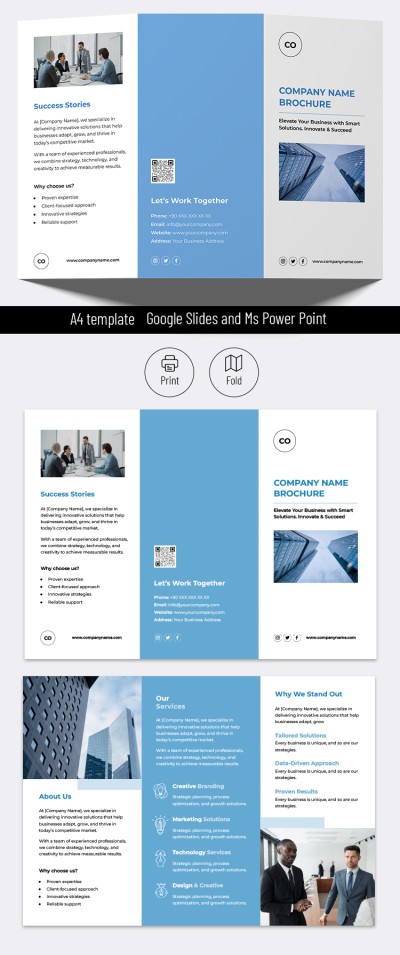
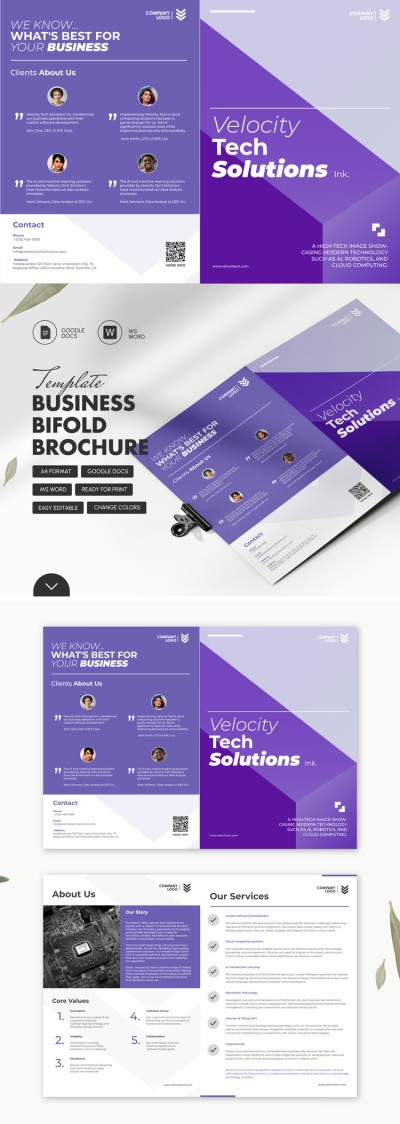
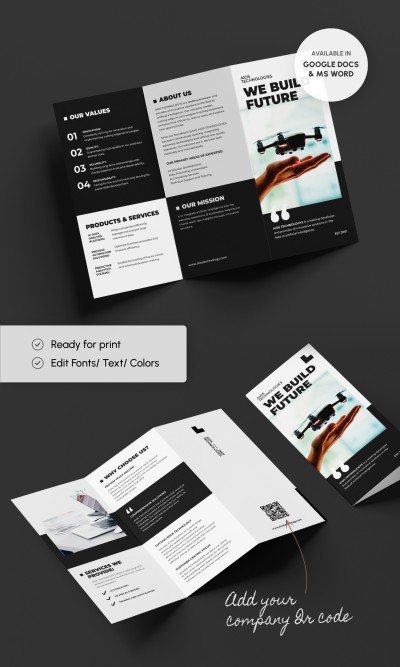
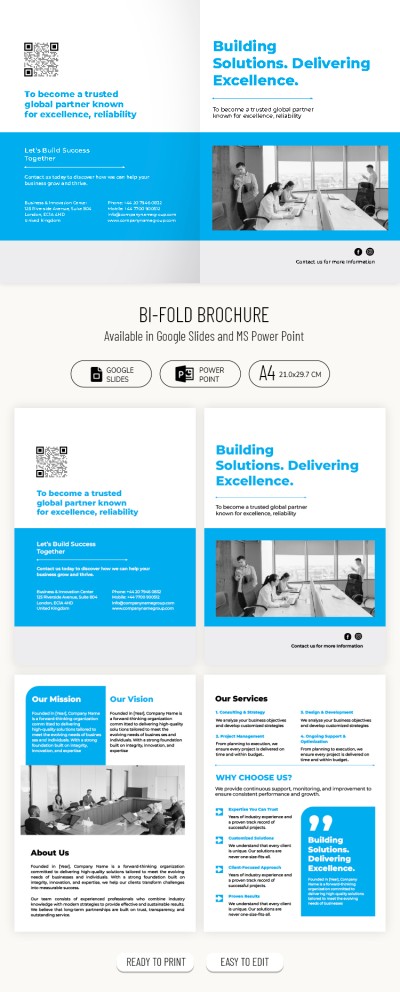
Do you want to make handouts advertising your company? We advise you to take a look at this business brochure template, which will help you do it quickly and at no extra cost. You will be able to customize our design as required by the reputation of your business. Moreover, it will be incredibly easy to do this using the proposed format.
Bright Contrasts Refresh the Design
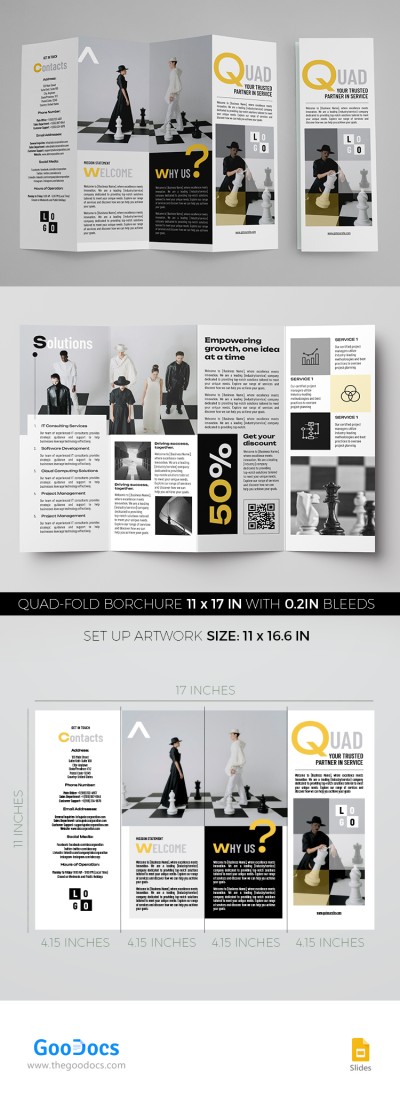
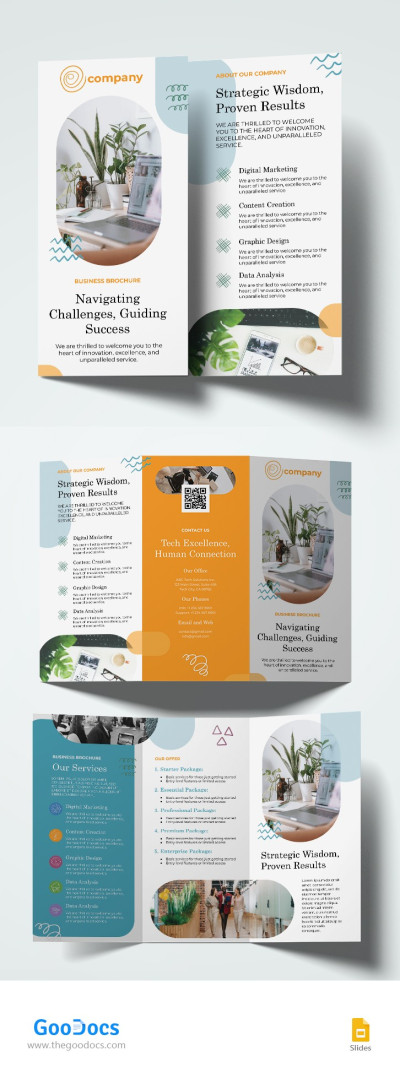
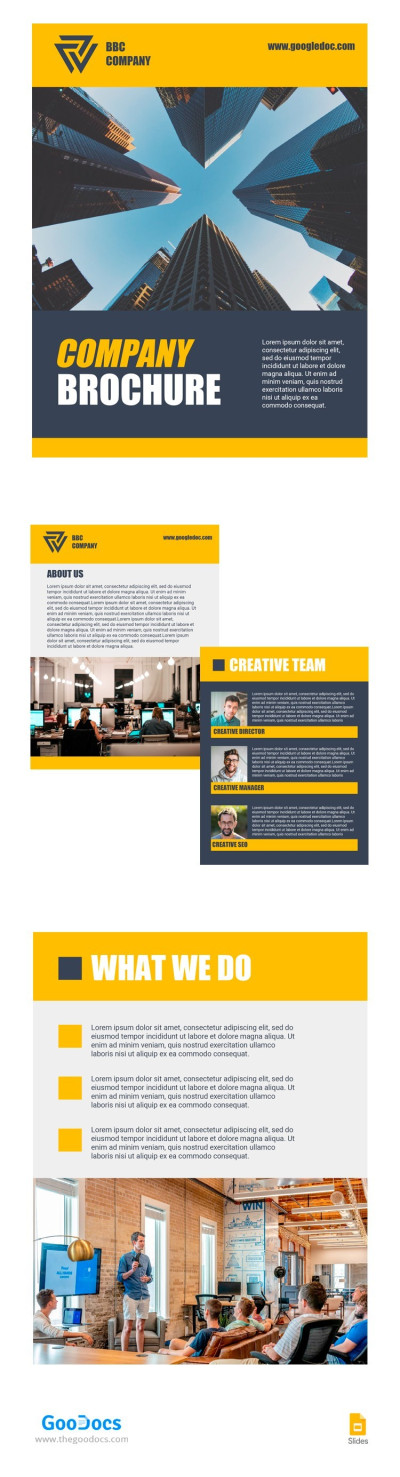
Business brochure templates are not always about boring designs and classic black and white sheets. Sometimes, they feature bright yellow colors, dynamic photos, and striking contrasts, as seen here. Strictness is also a part of this template. It is reflected in the absence of additional graphic elements and decorations. Just text, photos, and a play of colors.
Dynamic Compositions Take Breath Away
The set includes 4 pages for different content: the usual cover, About Us, Team, and What We Do. The cover is built around a centered image and a massive headline. The other pages, while informative, are not overloaded with text. Organize the details about your company and project in a convenient and structured way so that the reader does not get lost in a pile of details. Finally, edit, customize, and experiment to your heart's content!
Download Free Template
WHAT’S INCLUDED
Brochures & Pamphlet Tips
FAQ
How to Use and Edit This Template

Get Your Document

Customize Everything

Add Your Content